

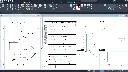
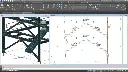
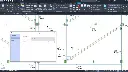
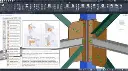
Autodesk Advance Steel Training Course
- 16-Hours (8 x 2-Hour Sessions) Training
- Delivered remotely over MS Teams
- Sessions are recorded and download links are provided after each session for your future use and reference.
- Pricing is based on 1-3 people. Additional people are at an additional cost of $1,100 per person.
- Volume Discounts apply for 5+ people.
- Training is usually broken up into 2 or 4-hour sessions in the morning and flexible (i.e. consecutive or Monday, Wednesday, Friday, etc.)
- Training sessions can start within 14 days of booking
- Courses are private and topics can be customised to suit
- Includes Certificate of Completion
- Training manuals are an additional $145 Ex. GST per digital manual
Download PDF Brochure
Autodesk Advance Steel Training Course Introduction
The Autodesk Advance Steel Training Course provides practical instructor led training for structural steel detailers, engineers, fabricators, drafters, and construction professionals wanting to develop intelligent steel modelling and fabrication detailing skills using Autodesk Advance Steel. This Autodesk Advance Steel Training Course focuses on 3D steel modelling, fabrication drawings, connection design, BOM generation, NC file export, and structural detailing workflows used across steel fabrication and construction industries.
Delivered through live remote training sessions over Microsoft Teams, this Advance Steel Course provides structured hands on learning through practical project based exercises and instructor led demonstrations. Participants learn how to create intelligent steel structures, model connections, generate fabrication drawings, manage BOM workflows, and produce NC output files using Autodesk Advance Steel.
Whether you are searching for an Autodesk Advance Steel Course, AutoCAD Advance Steel Course, or Autodesk Advance Steel Training focused on real world fabrication and steel detailing workflows, this course provides practical learning aligned with structural steel engineering and manufacturing environments.
Autodesk Advance Steel Training Course
Develop practical steel detailing and fabrication modelling skills using Autodesk Advance Steel through structured training focused on intelligent 3D steel workflows, fabrication drawings, BOM extraction, and NC file generation.
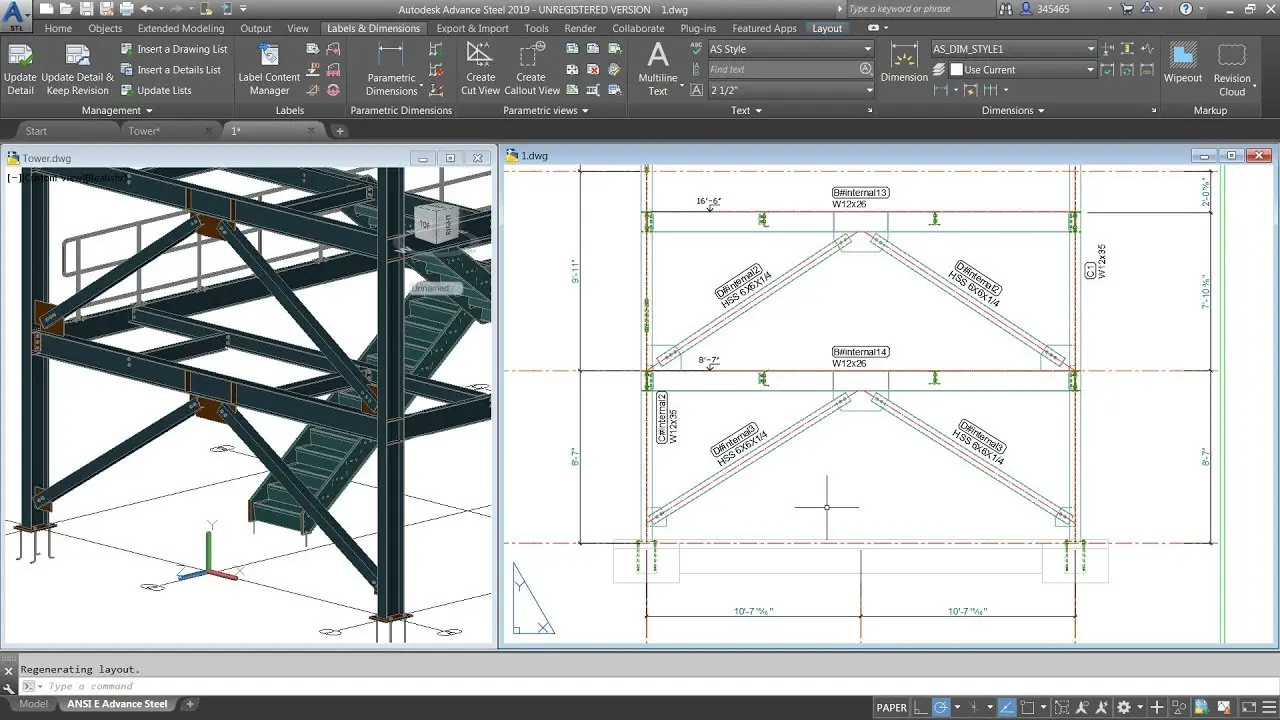
What You'll Learn in the Autodesk Advance Steel Training Course
- Navigating the Autodesk Advance Steel interface
- Working with 3D steel modelling workflows
- Using AutoCAD tools within Advance Steel
- Working with UCS and model manipulation tools
- Creating structural grids and levels
- Modelling columns, beams, and bracing
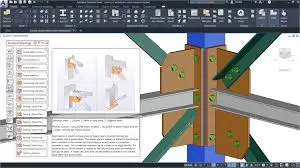
- Creating steel connections using the Connection Vault
- Creating plates, bolts, anchors, and welds
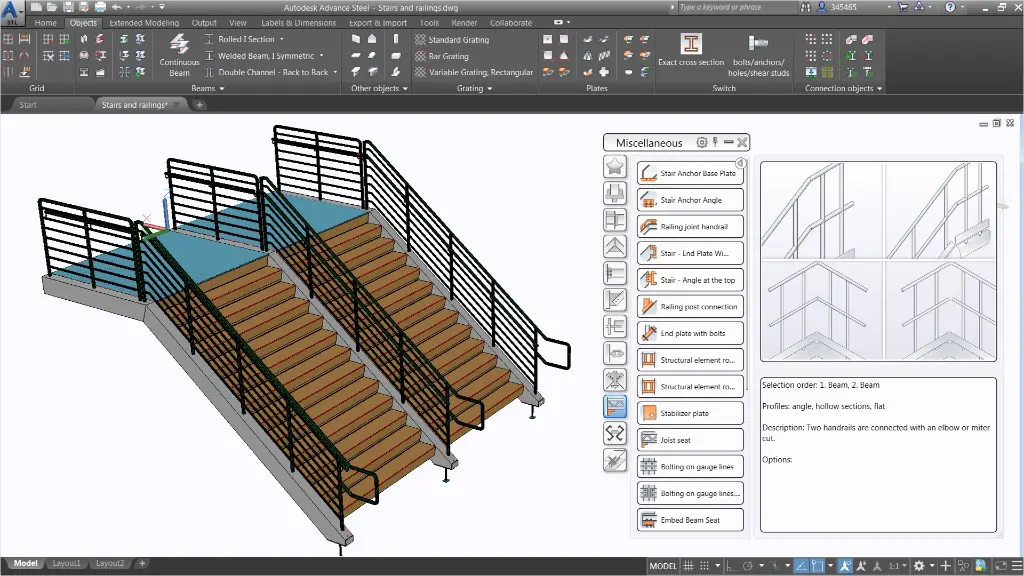
- Working with grating, cladding, ladders, stairs, and railings
- Performing clash checking and model verification
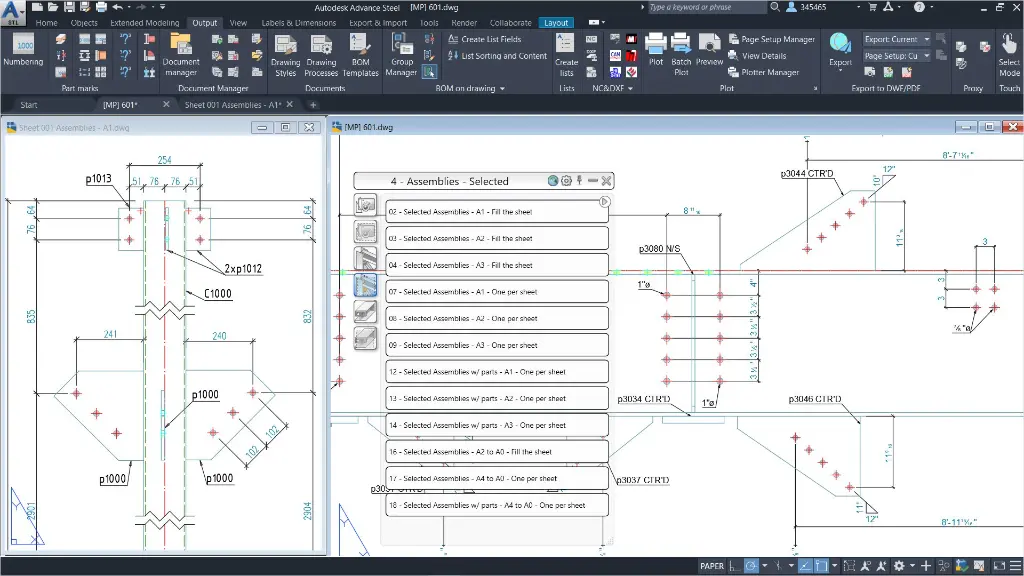
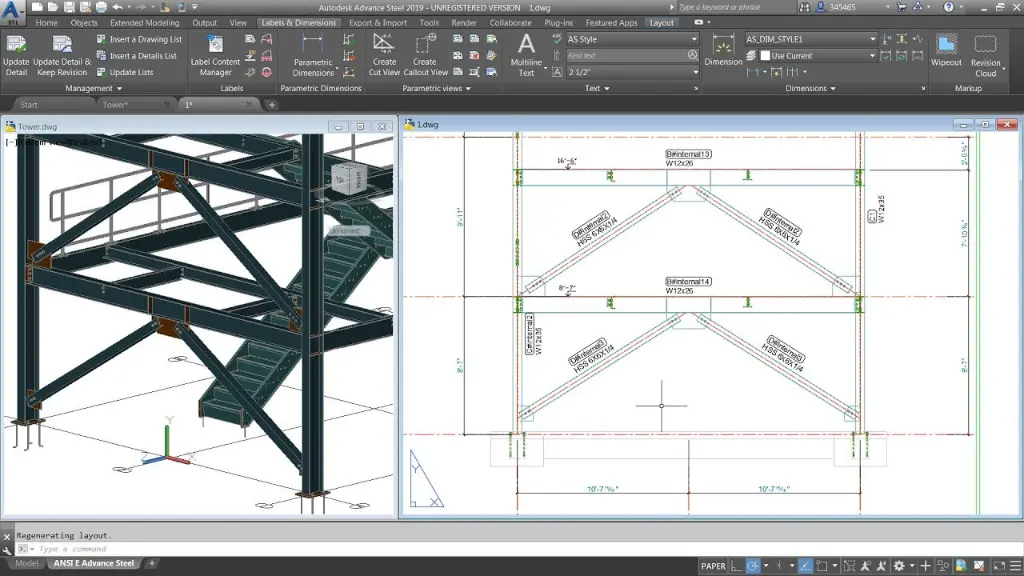
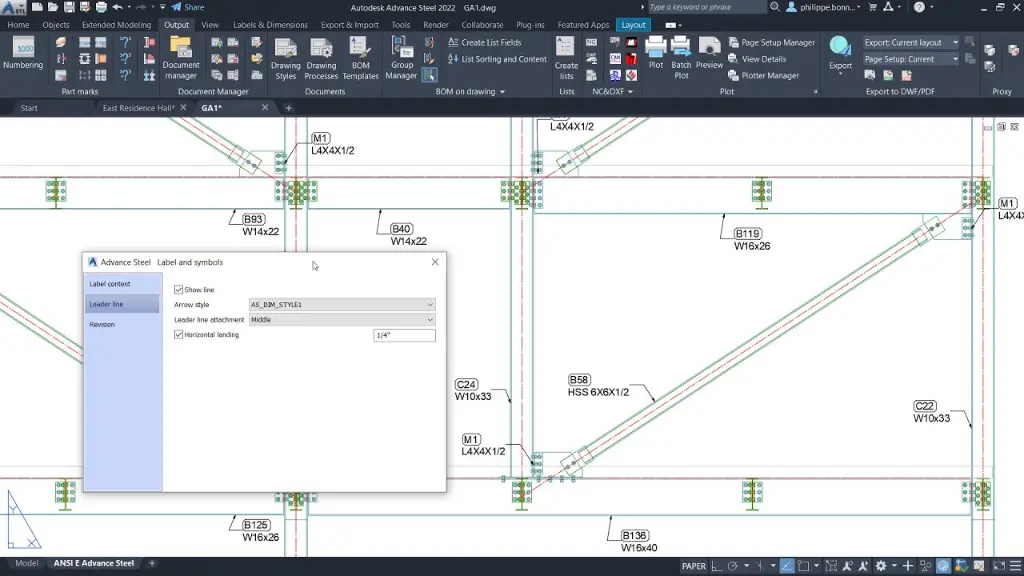
- Creating and managing fabrication drawings
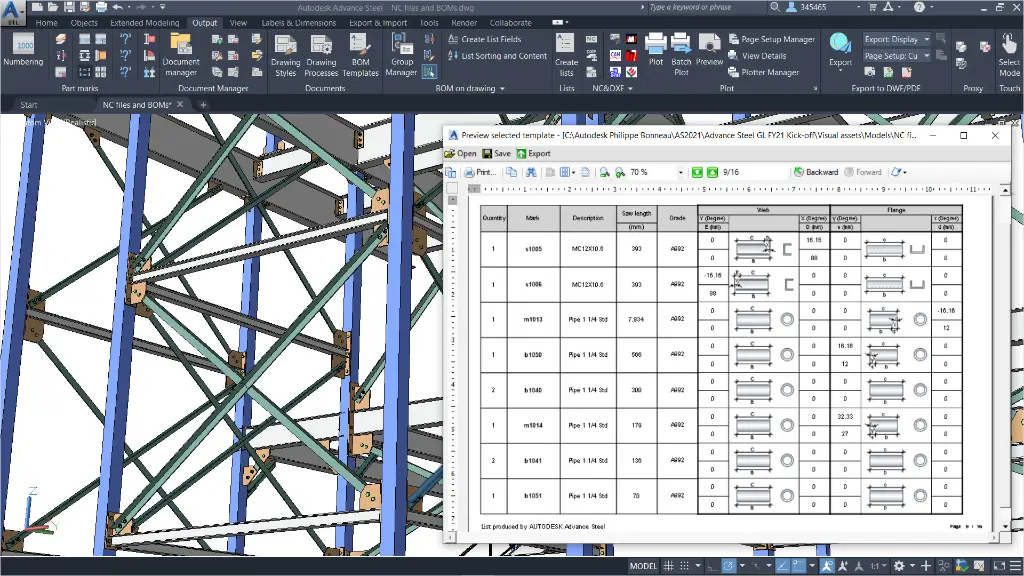
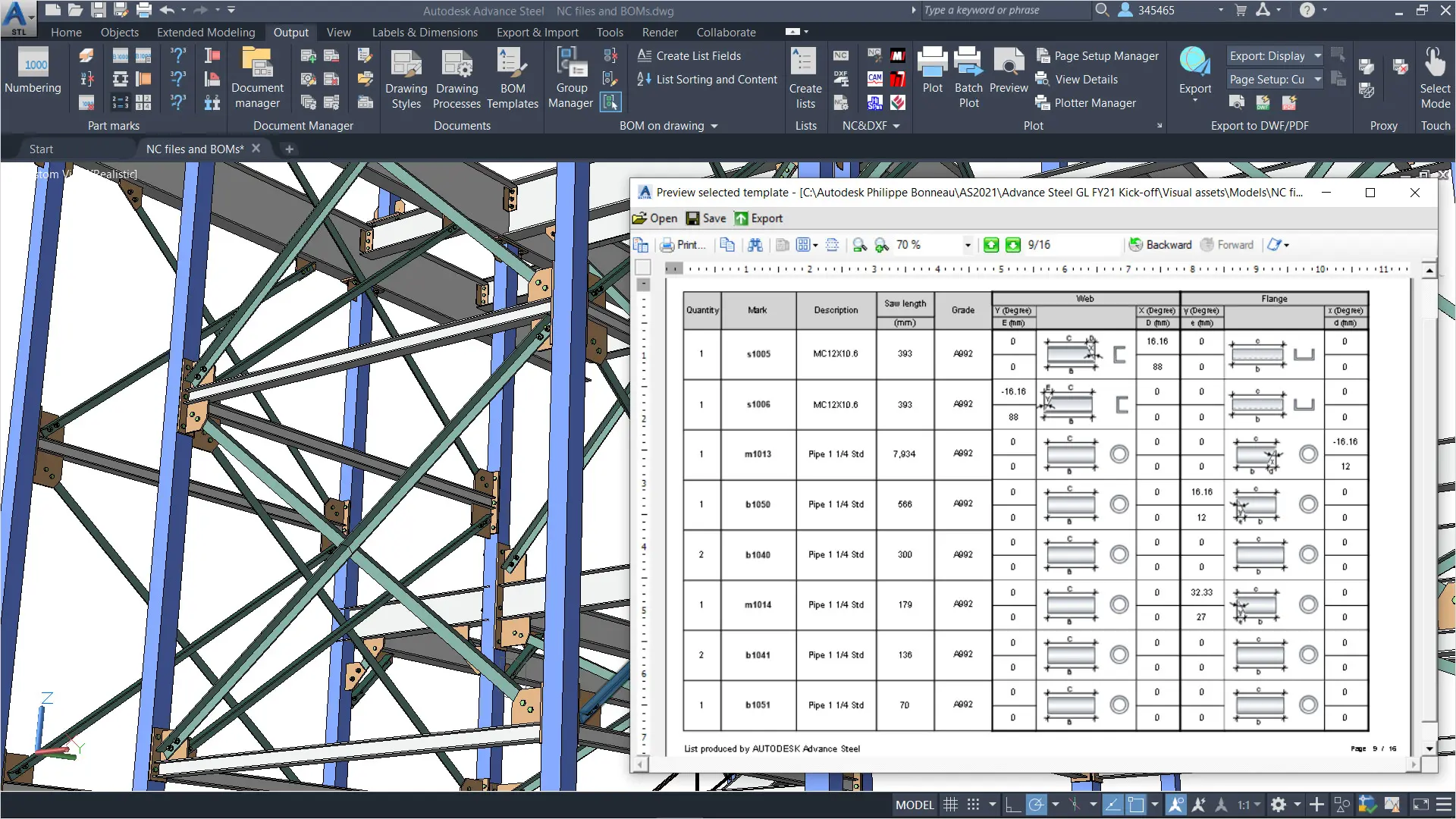
- Extracting BOM lists and reports
- Exporting NC and DXF fabrication files
- Managing drawing styles and prototype drawings
Autodesk Advance Steel Training Course Overview
- Course Length: 16 Hours
- 8 x 2 Hour Live Remote Training Sessions
- Delivered Online via Microsoft Teams
- Sessions Recorded for Future Reference
- Training for 1–3 Participants
- Flexible Scheduling Options Available
- Private Training with Customisable Topics
- Includes Certificate of Completion
Autodesk Advance Steel Training Course Contents
Chapter 1: Introduction to the Autodesk Advance Steel Software
- Introduction to Autodesk Advance Steel
- Overview of the Interface
- Viewing the Model
- Helpful AutoCAD Tools
- Working with the User Coordinate System (UCS)
- Using the Autodesk Advance Steel Modify Commands
Chapter 2: Building Models
- Starting Autodesk Advance Steel Projects
- Adding Structural Grids
- Creating Levels
- Modelling Columns and Beams
- Adding Bracing
- Integrating with Autodesk Revit
Chapter 3: Creating Connections
- Working with the Connection Vault
- Editing Beam Intersections
- Creating Plates
- Adding Features to Plates and Beams
- Adding Bolts and Welds
- Creating Custom Connections
Chapter 4: Additional Model Objects
- Adding Grating and Cladding
- Modelling Ladders, Stairs, and Railings
- Creating Concrete Objects
- Creating Special Parts
Chapter 5: Model Verifications
- Clash Check
- Technical Check
- Model Check
- Joint Design
Chapter 6: Creating Fabrication Drawings
- Numbering Objects
- Tools for Creating Drawings
- Using Drawing Styles
- Running Drawing Processes
- Modifying Detail Drawings
- Revising Models and Drawings
Chapter 7: Bills of Materials and Numerical Control Files
- Extracting BOM Lists
- Exporting Data to NC and DXF Files
Chapter 8: Advance Steel Prototypes
- Editing Prototype Drawings
- Working with the Page Setup Manager
- Title Block Drawing Frames
Chapter 9: Drawing Style Manager
- Drawing Style Manager User Interface
Who Should Attend the Autodesk Advance Steel Training Course
This Autodesk Advance Steel Course is suitable for:
- Structural steel detailers
- Structural engineers
- Steel fabricators
- Construction professionals
- Drafting and CAD professionals
- Manufacturing and workshop teams
- AutoCAD users transitioning into steel detailing workflows
This AutoCAD Advance Steel Training course is ideal for professionals wanting practical steel modelling, fabrication documentation, and NC workflow skills through structured remote training sessions.
Autodesk Advance Steel Training Course Prerequisites
Participants attending this Autodesk Advance Steel Training Course should have experience using AutoCAD or AutoCAD based products and a sound understanding of structural steel design, engineering, or fabrication workflows. Access to Autodesk Advance Steel software and a stable internet connection is required for participation in online training sessions. Prior exposure to civil drafting or steel detailing workflows will help participants get the most from the course.
Enrol Now in the Autodesk Advance Steel Remote Training
Start your journey in digital structural steel design and fabrication in this Autodesk Advance Steel Online Course. Contact Design Consulting today to book or learn more about our online and face to face training options.
Why Choose Design Consulting | Autodesk Gold Partner | Autodesk Service Provider
Design Consulting is a trusted Autodesk Gold Partner and Autodesk Service Provider. Design Consulting empowers architects, engineers, manufacturers, and builders with smart software, automation, and digital tools that provide Autodesk end-to-end solutions that are connected with systems and machines. As an Autodesk Gold Partner, we deliver tailored solutions that simplify workflows, reduce costs, and drive better project outcomes.
About DC Training Courses Services Configurators 2D/3D-CRM and ERP Batch Imagery
Ready to Design with Precision and Speed?
Transform the way you create, visualise, simulate, and deliver designs, reports and drawings. Contact us today to explore training, services and subscription options or request a demo.
Fill out the contact form below or contact us on 1800 514 490, info@designconsulting.com.au or by live chat