
Autodesk AutoCAD Mechanical Training Course
- 16-Hours (8 x 2-Hour Sessions) Training
- Delivered remotely over MS Teams
- Sessions are recorded and download links are provided after each session for your future use and reference.
- Pricing is based on 1-3 people. Additional people are at an additional cost of $1,100 per person.
- Volume Discounts apply for 5+ people.
- Training is usually broken up into 2 or 4-hour sessions in the morning and flexible (i.e. consecutive or Monday, Wednesday, Friday, etc.)
- Training sessions can start within 14 days of booking
- Courses are private and topics can be customised to suit
- Includes Certificate of Completion
- Training manuals are an additional $145 Ex. GST per digital manual
Download PDF Brochure
Autodesk AutoCAD Mechanical Fundamentals Training Course Introduction
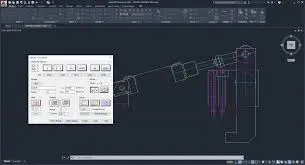
The AutoCAD Mechanical Training course provides practical instructor led training for mechanical engineers, designers, drafters, and manufacturing professionals wanting to improve productivity using Autodesk AutoCAD Mechanical. This AutoCAD Mechanical Course focuses on intelligent mechanical drafting workflows, manufacturing documentation, standards based detailing, and automated design tools used across engineering and fabrication industries.
Delivered through live AutoCAD Mechanical Remote sessions, this training teaches participants how to create accurate mechanical drawings, apply engineering standards, generate bills of materials, and streamline repetitive drafting tasks. Whether you are searching for AutoCAD Mechanical Online training, an AutoCAD Mechanical Course Online, or an AutoCAD Mechanical Online Course With Certificate, this course helps develop practical CAD skills for manufacturing and engineering workflows.
This AutoCAD Online Course for Mechanical Engineering is designed to help professionals create efficient production drawings, improve design accuracy, and reduce drafting time using specialised AutoCAD Mechanical toolsets and automation features.
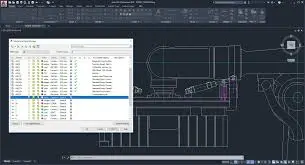
Autodesk AutoCAD Mechanical Training
Develop professional mechanical drafting and manufacturing documentation skills with AutoCAD Mechanical Training focused on intelligent workflows, standards based detailing, BOM management, and production ready drawing outputs.
What You'll Learn in the AutoCAD Mechanical Training
- Navigating the AutoCAD Mechanical interface
- Working with mechanical drafting tools
- Creating geometry and production drawings
- Applying mechanical engineering standards
- Using intelligent mechanical symbols and annotations
- Creating and managing layers
- Working with mechanical structure tools
- Generating bills of materials and parts lists
- Creating detail and section views
- Using standard parts libraries and content
- Managing title blocks and drawing templates
- Automating repetitive drafting workflows
- Producing manufacturing ready documentation
- Improving drafting productivity using AutoCAD Mechanical
Autodesk AutoCAD Mechanical Fundamentals Course Topics
Chapter 1: Introduction to AutoCAD Mechanical
- Understanding AutoCAD Mechanical workflows
- User interface and workspace setup
- Mechanical drafting environments
- Navigation and drawing management
Chapter 2: Mechanical Drawing Fundamentals
- Drawing and editing geometry
- Precision drafting tools
- Object snaps and tracking
- Modifying drawing elements
Chapter 3: Mechanical Structure Tools
- Mechanical structure workflows
- Associative design functionality
- Component management
- Structure browser tools
Chapter 4: Standards Based Drafting
- Mechanical drafting standards
- Annotation and dimension styles
- Mechanical symbols and notes
- Layer standards management
Chapter 5: Content Libraries and Standard Parts
- Standard component libraries
- Bearings, fasteners, and shafts
- Springs and mechanical content
- Reusing standard components
Chapter 6: Bills of Materials and Parts Lists
- Creating BOM workflows
- Parts references and balloons
- Updating parts lists
- Reporting and documentation
Chapter 7: Detail and Section Views
- Creating detail views
- Section view workflows
- Associative view management
- Mechanical documentation standards
Chapter 8: Title Blocks and Templates
- Drawing templates
- Title block management
- Custom drawing standards
- Project organisation workflows
Chapter 9: Productivity and Automation
- AutoCAD Mechanical automation tools
- Reusable drafting workflows
- Mechanical drafting productivity techniques
- Managing engineering changes
Chapter 10: Manufacturing Documentation Workflows
- Production drawing preparation
- Documentation standards
- Plotting and publishing
- Manufacturing project delivery workflows
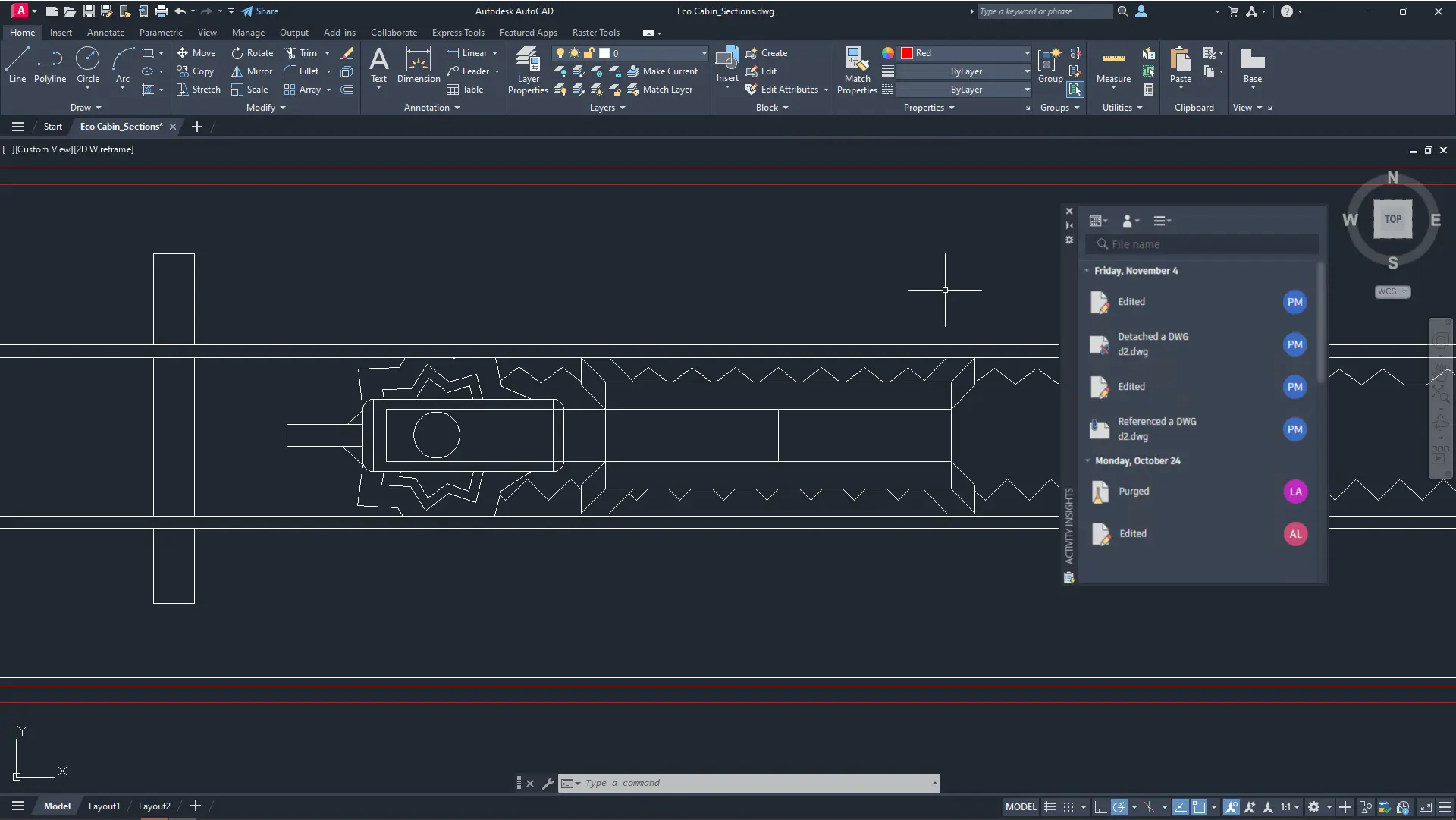
Who Should Attend the AutoCAD Mechanical Training
This AutoCAD Mechanical Course is suitable for:
- Mechanical engineers
- Manufacturing designers
- CAD drafters
- Product development professionals
- Workshop and fabrication teams
- AutoCAD users transitioning into mechanical drafting workflows
This AutoCAD Mechanical Online training course is ideal for professionals wanting practical manufacturing and drafting skills through live AutoCAD Mechanical Remote training sessions.
Autodesk AutoCAD Mechanical Training Prerequisites
Participants attending this AutoCAD Mechanical Course Online should have basic computer skills and general understanding of drafting or engineering workflows. Previous AutoCAD experience is beneficial but not essential. This AutoCAD Mechanical Online Course With Certificate is suitable for beginners and professionals wanting structured mechanical CAD training.
Why Choose Design Consulting | Autodesk Gold Partner | Autodesk Service Provider
Design Consulting is a trusted Autodesk Gold Partner and Autodesk Service Provider. Design Consulting empowers architects, engineers, manufacturers, and builders with smart software, automation, and digital tools that provide Autodesk end-to-end solutions that are connected with systems and machines. As an Autodesk Gold Partner, we deliver tailored solutions that simplify workflows, reduce costs, and drive better project outcomes.
Enrol Now
Start your journey in digital CAD design in this AutoCAD Fundamentals Online Course. Contact Design Consulting today to book or learn more about our online and face to face training options.
Ready to Design with Precision and Speed?
Transform the way you create, visualise, simulate, and deliver designs, reports and drawings. Contact us today to explore training, services and subscription options or request a demo.
Fill out the contact form below or contact us on 1800 514 490, info@designconsulting.com.au or by live chat