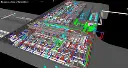
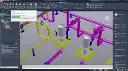
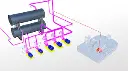
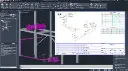
Autodesk AutoCAD Plant 3D Training Course
- 32-Hours (8 x 4-Hour Sessions) Training
- Delivered remotely over MS Teams - Contact Us for On-Site/Face to Face Training
- Sessions are recorded and download links are provided after each session for your future use and reference.
- Pricing is based on 1-3 people. Additional people are at an additional cost of $550 per person.
- Volume Discounts apply for 5+. Please contact us.
- Training is usually broken up into 2 or 4-hour sessions in the morning and flexible (i.e. consecutive or Monday, Wednesday, Friday, etc.)
- Training sessions can start within 14 days of booking
- Courses are private and topics can be customised to suit
- Includes Certificate of Completion
Download PDF Brochure
AutoCAD Plant 3D Training Course Introduction
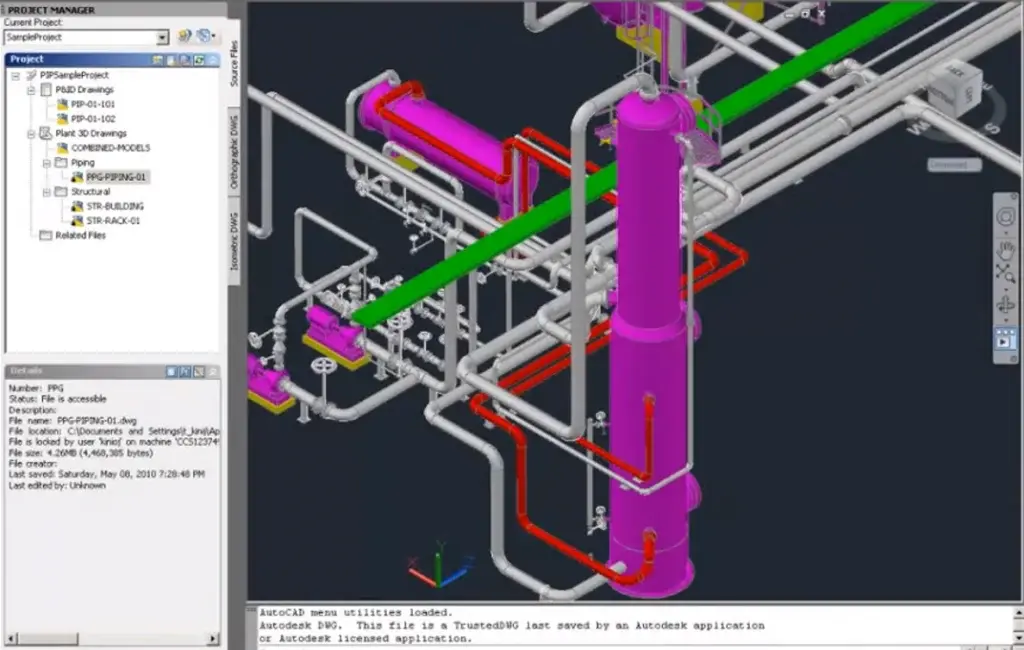
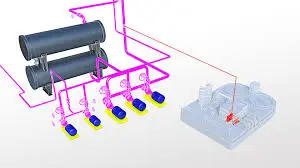
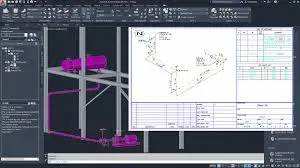
The AutoCAD Plant 3D Training course provides practical instructor led training for plant designers, piping designers, process engineers, and drafting professionals wanting to develop intelligent plant design and piping documentation workflows using Autodesk AutoCAD Plant 3D. This Autodesk AutoCAD Plant 3D Training course focuses on project setup, P&ID creation, piping workflows, equipment modelling, orthographic documentation, and isometric generation used across industrial and process plant projects.
Delivered through live Plant 3D Remote Training sessions, this AutoCAD Plant 3D Course teaches participants how to develop coordinated plant projects from initial P&ID creation through to intelligent 3D piping models and production documentation. Whether you are searching for Plant 3D Online Training, P&ID Online Training, a Plant 3D Online Course, or an Autodesk AutoCAD P&ID Course focused on real world workflows, this training provides structured hands on learning aligned with industry project delivery standards.
This AutoCAD P&ID Training course also includes project administration, reporting workflows, data management, and Autodesk Navisworks coordination to help improve collaboration, project accuracy, and industrial documentation workflows.
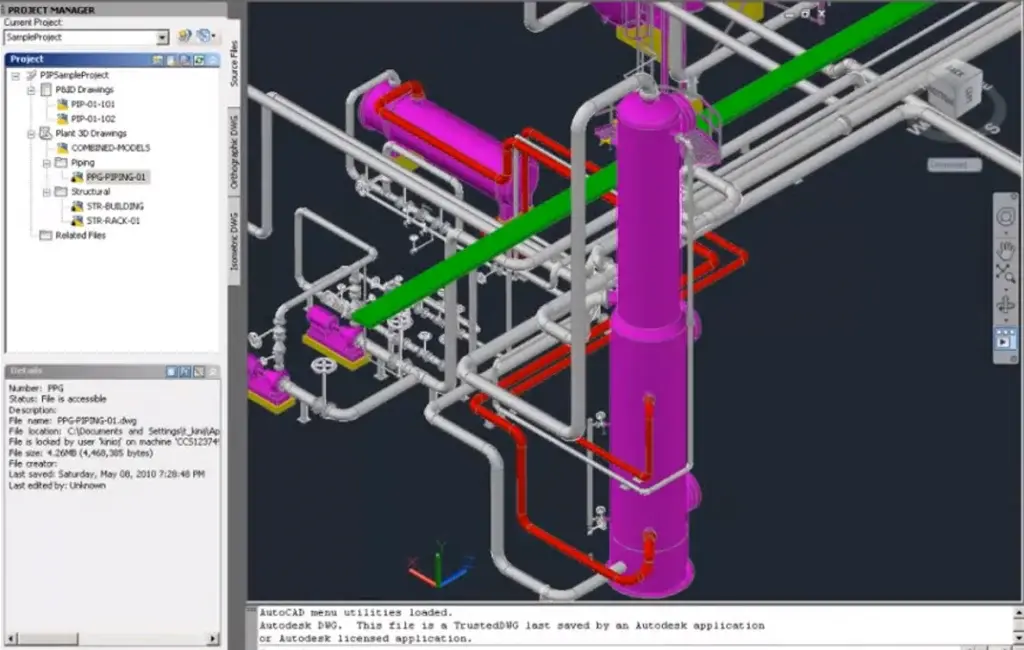
Autodesk AutoCAD Plant 3D Training Course
Develop professional piping design and industrial documentation skills with AutoCAD Plant 3D Training focused on intelligent P&ID workflows, piping systems, equipment modelling, and coordinated project delivery.
What You'll Learn in the Autodesk Plant 3D Training Course
Based on Autodesk AutoCAD Plant 3D and Autodesk AutoCAD P&ID Software, you will learn the following:
- Navigating the Autodesk AutoCAD Plant 3D interface
- Creating and managing Plant 3D projects
- Developing intelligent P&ID drawings
- Working with AutoCAD P&ID Training workflows
- Creating piping systems and routing workflows
- Modelling equipment and structural steel
- Working with piping specifications and catalogues
- Generating orthographic and isometric drawings
- Managing project data and reporting workflows
- Working with Plant 3D Data Manager
- Coordinating projects using Autodesk Navisworks
- Creating and managing report configurations
- Customising templates and project settings
- Improving piping design and documentation productivity
Autodesk Plant 3D Training Course Outline
Chapter 1: Introduction to AutoCAD Plant 3D
- Working in a Project
- Opening a Drawing
- Exploring the User Interface
- Managing Layers and Colours
Chapter 2: AutoCAD P&ID Training Workflows
- Creating and Adding Existing Drawings
- Equipment and Nozzles
- Piping
- Instruments and Instrument Lines
- Tagging Concepts
- Annotation Concepts
- Editing Techniques
- Data Manager and Reports
- Custom One off Symbols
- Offpage Connections
- Generating Reports
Chapter 3: AutoCAD Plant 3D Training Workflows
- Creating Project Folders and Drawings
- Steel Modelling and Editing
- Equipment Modelling and Editing
- Piping Basics
- Piping Editing and Advanced Topics
- Working with P&ID Data in Plant 3D
- Creating and Annotating Orthographic Views
- Creating Isometric Drawings
Chapter 4: Autodesk Navisworks Training Workflows
- File Handling
- Basic Navigation and Walkthrough
- Clash Detection
- Highlights of Scheduling and Rendering
Chapter 5: Setting Up and Administering a AutoCAD Plant 3D Project
- Overview of Project Setup
- Overview of Project Structure and Files
- Setting Up Larger Projects
- Defining New Objects and Properties
- Customising Data Manager
- Creating and Editing Drawing Templates and Data Attributes
- Specs and Catalogues
- Isometric Setup
- Troubleshooting
- Creating and Managing Report Configurations
- Setting Up SQL Express for AutoCAD Plant 3D
Who Should Attend the Autodesk Plant 3D Training Course
This AutoCAD Plant 3D Course is suitable for:
- Plant designers
- Process engineers
- Piping designers
- Mechanical engineers
- BIM coordinators
- Industrial drafting professionals
- AutoCAD users transitioning into plant design workflows
This Plant 3D Online Training course is ideal for professionals wanting practical piping and industrial modelling skills through live Plant 3D Remote Training and P&ID Remote Training sessions.
Autodesk Plant 3D Training Course Prerequisites
Participants attending this Plant 3D Online Course should have a basic understanding of 2D drafting concepts and Windows file management. Previous AutoCAD experience including selection tools, object snaps, layers, and editing workflows is recommended. Access to Autodesk AutoCAD Plant 3D software and a stable internet connection is required for remote sessions. Prior knowledge of P&ID conventions is beneficial but not essential for attending this P&ID Online Course.
Why Choose Design Consulting | Autodesk Gold Partner | Autodesk Service Provider
Design Consulting is a trusted Autodesk Gold Partner and Autodesk Service Provider. Design Consulting empowers architects, engineers, manufacturers, and builders with smart software, automation, and digital tools that provide Autodesk end-to-end solutions that are connected with systems and machines. As an Autodesk Gold Partner, we deliver tailored solutions that simplify workflows, reduce costs, and drive better project outcomes.
Enrol Now Autodesk AutoCAD Plant 3D Training Course
Start your journey in Plant Design, Piping Design and P&ID Schematics. Contact Design Consulting today to book or learn more about our online and face to face training options.
Ready to Design with Precision and Speed?
Transform the way you create, visualise, simulate, and deliver designs, reports and drawings. Contact us today to explore training, services and subscription options or request a demo.
Fill out the contact form below or contact us on 1800 514 490, info@designconsulting.com.au or by live chat