Autodesk CAM CNC Post
- Autodesk CAM CNC Post
- CNC Post for 1x CNC Machine programmed for Autodesk Inventor or Fusion CAM Products
- 8-Hours Service includes remote CNC Post creation and testing
- Some CNC Posts may take less or more time and cost more or less
- Design Consulting requires the make and model of your machine to quote a final fixed cost
- Generally, CNC Posts take 4 to 16-Hours depending on the make/model of your machine, Machine documentation/manuals, existing reference CNC Posts and what toolpaths are required
- Does not include CAM Software training
Autodesk CAM CNC Post Introduction
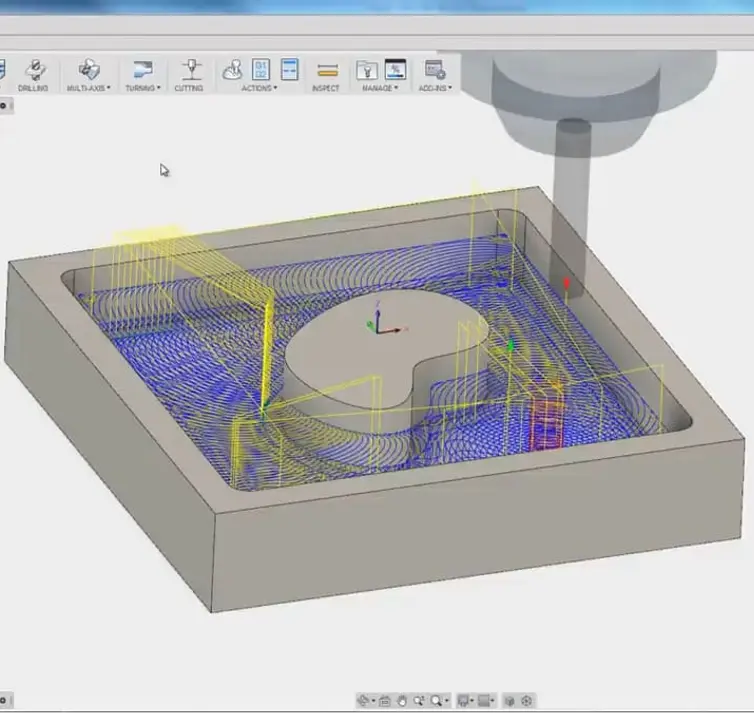
Develop reliable and production ready Autodesk CNC Post workflows for Fusion, Inventor CAM, Inventor Nesting, FeatureCAM, CAMplete, Powershape, PowerInspect and Powermill machining environments.
The Autodesk CAM CNC Post service provides professional CNC post processor creation, customisation, and testing for Autodesk CAM software including Autodesk Fusion, Autodesk Inventor CAM, Inventor Nesting, FeatureCAM, CAMplete, Powershape, PowerInspect and Powermill. An Autodesk CAM CNC Post converts CAM toolpaths into machine readable NC code specific to your CNC machine controller, tooling setup, and manufacturing workflows.
Design Consulting develops customised Autodesk CNC Post solutions tailored to your machine make, model, controller type, and machining requirements. Whether you require a Fusion CNC Post for a milling machine, an Inventor CNC Post for advanced machining workflows, or for a more advanced Autodesk CAM Software application like a Inventor Nesting, FeatureCAM, CAMplete, Powershape, PowerInspect and Powermill CNC Post for high end manufacturing applications, our specialists provide tested and production ready CNC post processor solutions.
Our Autodesk CAM CNC Post services are suitable for manufacturers, machinists, CNC programmers, engineering companies, and fabrication businesses requiring accurate and reliable machine output from Autodesk CAM software environments.
What is an Autodesk CAM CNC Post
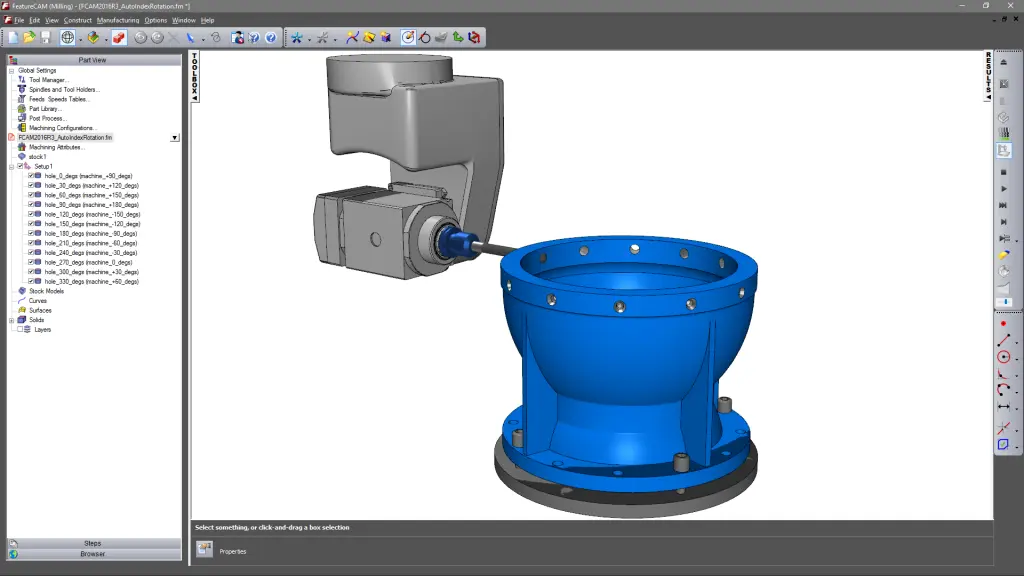
An Autodesk CAM CNC Post is a custom post processor that converts CAM toolpaths created within Autodesk CAM software into machine specific NC code readable by CNC machines. CNC machines require precise machine instructions based on their controller type, axes configuration, tooling setup, and machining workflows.
Without the correct Autodesk CNC Post, toolpaths generated in Fusion CAM, Inventor CAM, Inventor Nesting, FeatureCAM, CAMplete, Powershape, PowerInspect and Powermill may not output correctly for your machine. A properly configured Fusion CNC Post or Inventor CNC Post ensures toolpaths are translated into safe, accurate, and production ready machine code aligned with your machining standards and CNC controller requirements.
Autodesk CAM CNC Posts can be customised for milling, turning, multi axis machining, routers, plasma systems, waterjet machines, and advanced manufacturing equipment. Every CNC machine environment is different, which is why custom Autodesk CNC Post development is critical for reliable manufacturing workflows.
How does an Autodesk CAM CNC Post Work
An Autodesk CAM CNC Post works by translating machining toolpaths created in Autodesk CAM software into machine readable NC code for a specific CNC controller. Each CNC machine interprets machining instructions differently depending on the controller type, machine configuration, and supported functions.
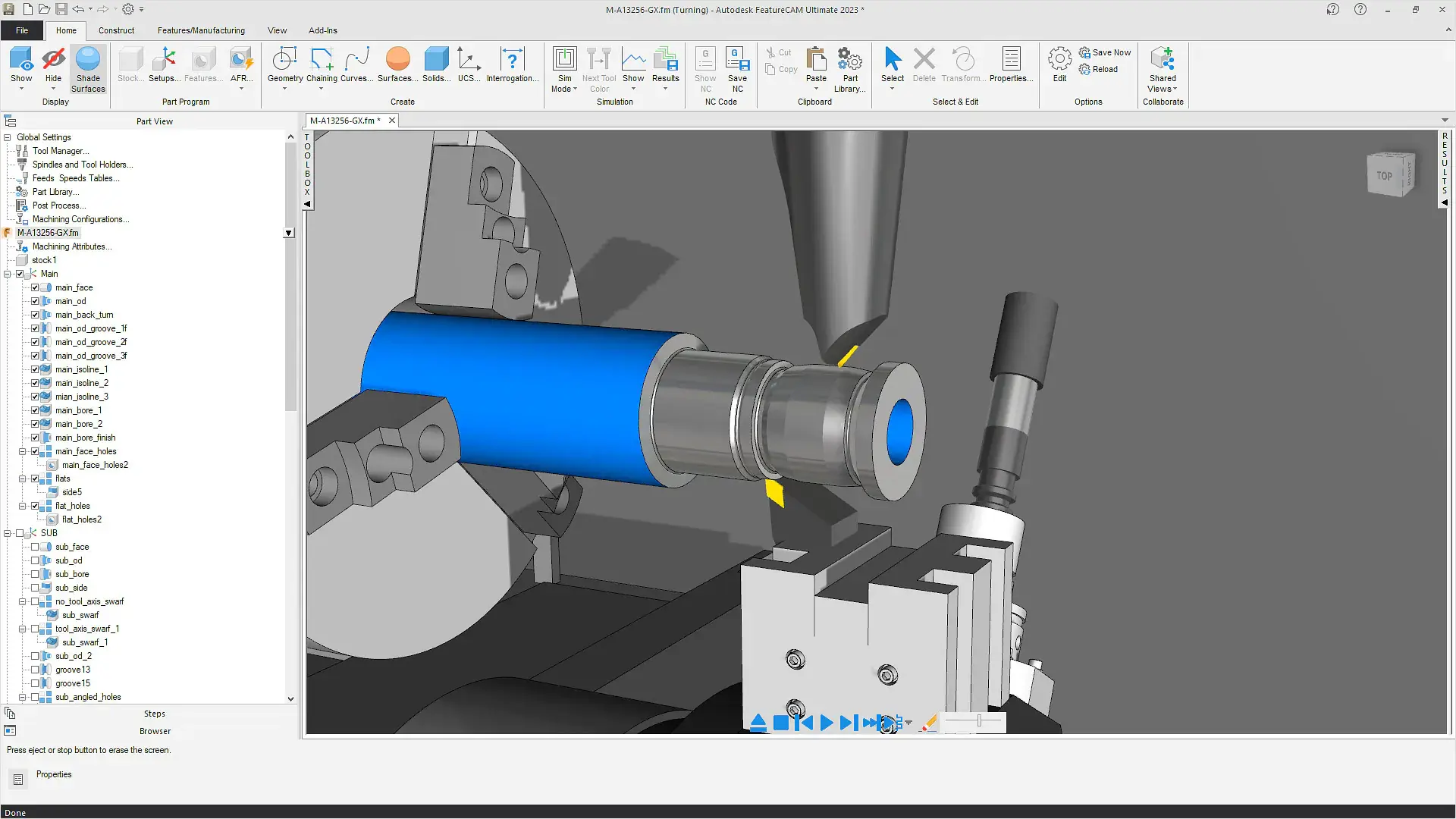
When a toolpath is generated in Fusion CAM, Inventor CAM, Inventor Nesting, FeatureCAM, CAMplete, Powershape, PowerInspect and Powermill, the Autodesk CAM CNC Post processes the machining information and converts it into controller specific commands. These commands include spindle movements, feed rates, tool changes, coolant commands, work offsets, drilling cycles, and machine positioning instructions.
A customised Fusion CNC Post or Inventor CNC Post ensures your machine outputs accurate and reliable code aligned with your manufacturing workflows. Autodesk CNC Post development also improves machining efficiency, reduces programming errors, and helps standardise production outputs across manufacturing operations.
Benefits of a CNC Post in your Design for Manufacturing Environment
An Autodesk CAM CNC Post plays a critical role in creating an efficient and reliable Design for Manufacturing environment by connecting CAD and CAM workflows directly to CNC production equipment. A properly configured Autodesk CNC Post ensures machining toolpaths generated in Fusion CAM, Inventor CAM, FeatureCAM, Powermill, or CAMplete are translated into accurate machine readable NC code aligned with your machine controller and manufacturing standards.
Without a customised Fusion CNC Post or Inventor CNC Post, manufacturers often experience inconsistent machine outputs, manual code editing, programming inefficiencies, and increased machining risks. A professionally developed Autodesk CAM CNC Post helps standardise machining workflows while improving automation, reliability, and production accuracy across manufacturing operations.
Key benefits of an Autodesk CAM CNC Post include:
- Improved CNC programming accuracy
- Reduced manual NC code editing
- Faster manufacturing setup workflows
- Improved machine safety and reliability
- Standardised machining outputs
- Better multi axis machining support
- Improved CAM automation workflows
- Reduced machining errors and scrap
- Faster programming and setup times
- Improved integration between CAD, CAM, and CNC systems
- Better support for complex machining operations
- Improved consistency across manufacturing teams
- Enhanced production scalability
- Better workflow standardisation across machines and operators
Within a Design for Manufacturing environment, Autodesk CAM CNC Post workflows also improve collaboration between engineering, CNC programming, and production teams by creating a connected digital manufacturing process from design through to machining.
When combined with Autodesk CAM software and Autodesk Inventor Nesting workflows, CNC post processors help manufacturers streamline production, reduce material waste, improve machining efficiency, and support scalable smart manufacturing operations.
What Autodesk Software do we create Autodesk CAM CNC Posts for
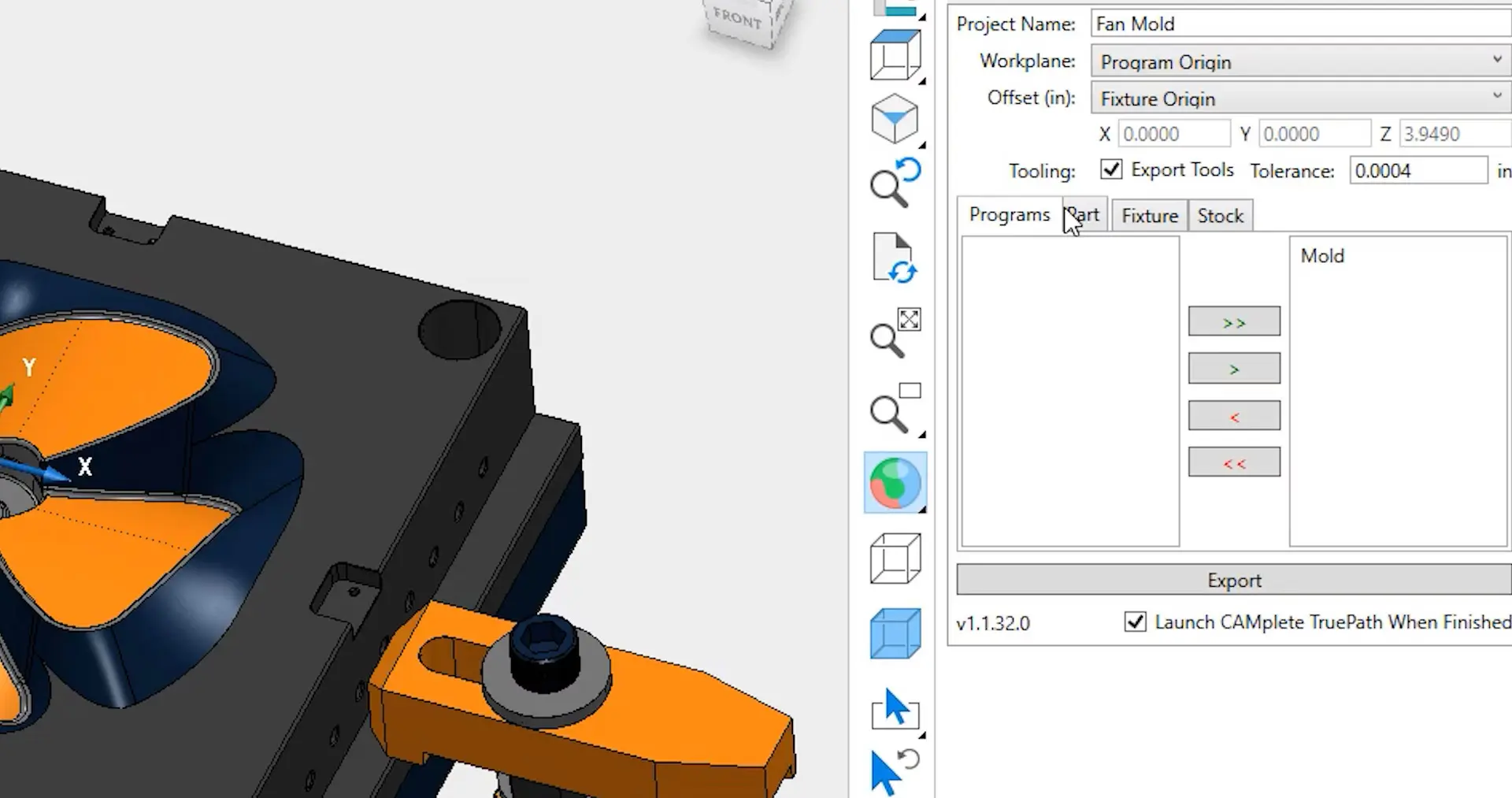
Design Consulting develops Autodesk CAM CNC Post solutions for a wide range of Autodesk CAM products and manufacturing workflows.
Supported Autodesk CAM software includes:
- Autodesk Inventor CAM
- Autodesk Inventor Nesting
- Autodesk Fusion
- Autodesk Fusion Manufacturing
- Autodesk Fusion with FeatureCAM
- Autodesk Fusion with Powermill
-
Autodesk Fusion with CAMplete
- Autodesk Fusion with PowerInspect
- Autodesk HSM based CAM environments
Our Autodesk CNC Post services support a wide range of CNC machines, machine controllers, and manufacturing workflows across milling, turning, routing, fabrication, and multi axis machining applications.
Autodesk Inventor Nesting CNC Post and Template Workflows
Design Consulting also provides Autodesk Inventor Nesting template development and CNC post configuration services for sheet metal manufacturing and nesting workflows. Autodesk Inventor Nesting helps manufacturers optimise material usage, reduce waste, and automate cutting workflows for CNC plasma, laser, waterjet, and routing machines.
Our Autodesk Inventor Nesting services include customised nesting templates, material libraries, machine configurations, and Autodesk CAM CNC Post workflows tailored to your manufacturing environment. We can configure nesting parameters, sheet setups, cutting rules, lead in and lead out settings, toolpath outputs, and machine specific NC code requirements to ensure efficient production workflows.
Autodesk Inventor Nesting CNC Post services can support:
- CNC plasma cutting machines
- CNC laser cutting systems
- Waterjet cutting machines
- CNC routers
- Sheet metal manufacturing workflows
- Automated nesting strategies
- Material optimisation workflows
- Multi sheet nesting environments
- Custom NC code outputs
- Machine specific post processor configuration
Our specialists also provide Fusion CNC Post and Inventor CNC Post integration workflows for businesses wanting connected CAD, CAM, and nesting automation across Autodesk manufacturing environments.
By implementing customised Autodesk Inventor Nesting templates and Autodesk CAM CNC Post workflows, manufacturers can improve cutting efficiency, reduce material waste, standardise production outputs, and streamline CNC programming processes across fabrication operations.
Autodesk CAM vs Autodesk Nesting
Autodesk CAM and Autodesk Nesting are both manufacturing technologies used to prepare CNC machining and fabrication workflows, however they serve different purposes within the manufacturing process.
Autodesk CAM software such as Fusion CAM, Inventor CAM, FeatureCAM, Powermill, and CAMplete focuses on generating machining toolpaths used to manufacture parts on CNC machines. Autodesk CAM workflows are designed for milling, turning, drilling, multi axis machining, and advanced manufacturing operations. These toolpaths control machine movement, spindle speeds, feed rates, tooling operations, and machining strategies used to produce components from solid material stock.
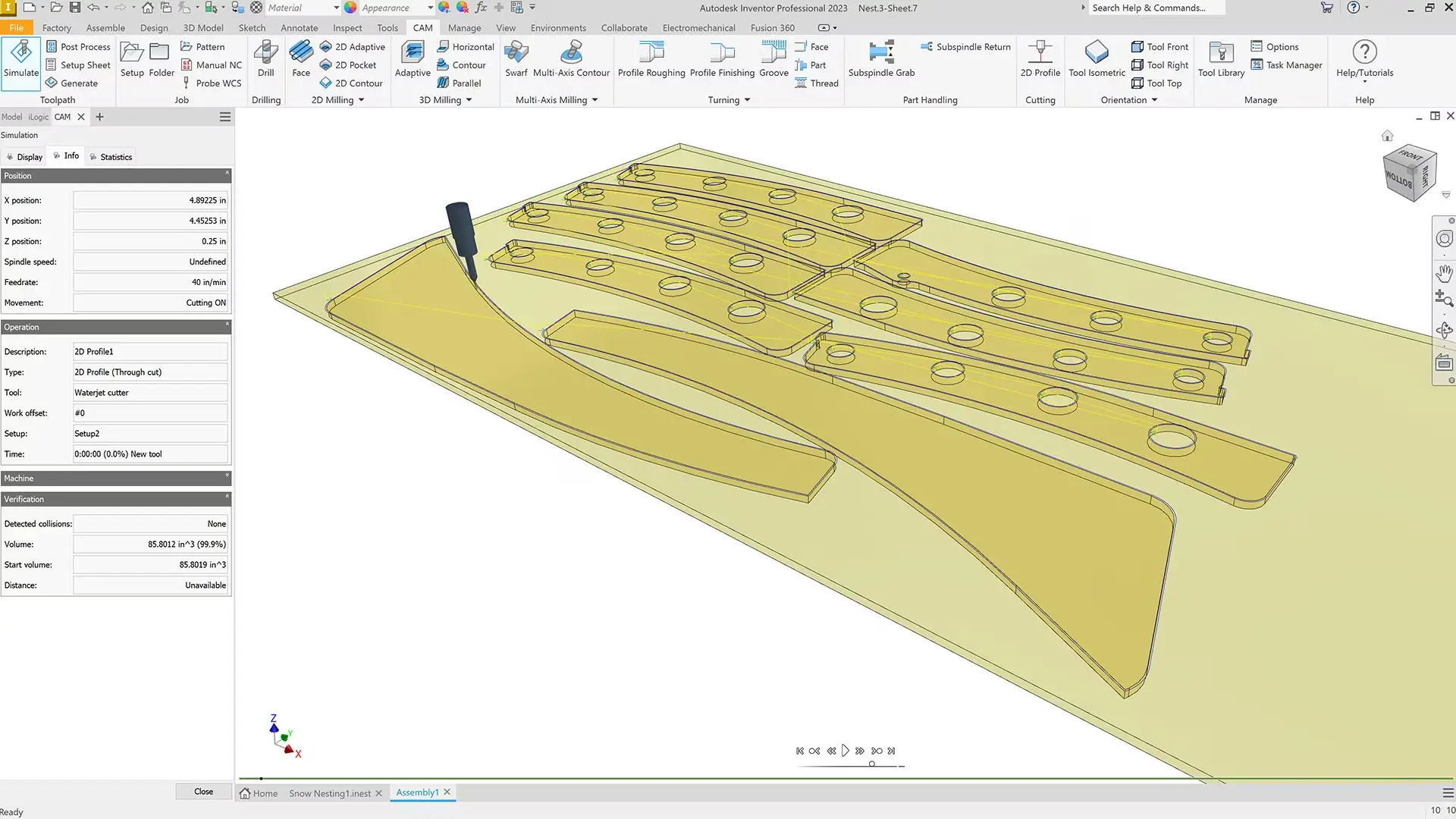
Autodesk Nesting focuses specifically on material optimisation and sheet based manufacturing workflows. Autodesk Inventor Nesting helps manufacturers arrange flat patterns and components efficiently onto material sheets to minimise waste and improve production efficiency. Nesting workflows are commonly used for sheet metal fabrication, plasma cutting, laser cutting, waterjet cutting, and routing operations.
While Autodesk CAM focuses on machining operations and CNC programming, Autodesk Nesting focuses on layout optimisation and efficient material usage before manufacturing begins. In many manufacturing environments, Autodesk Nesting and Autodesk CAM workflows work together as part of a connected digital manufacturing process.
For example, a sheet metal fabrication business may use Autodesk Inventor Nesting to optimise flat pattern layouts onto steel sheets, then use an Autodesk CAM CNC Post to generate machine ready NC code for a CNC laser or plasma cutter. Similarly, manufacturers using Fusion CAM or Inventor CAM may combine machining workflows with nesting automation to streamline fabrication, reduce material waste, and improve CNC production efficiency.
By integrating Autodesk CAM and Autodesk Nesting workflows, manufacturers can create connected CAD to CAM environments that improve automation, standardisation, and production output across fabrication and machining operations.
What's Included in an Autodesk CAM CNC Post
Every Autodesk CAM CNC Post service is customised to suit your CNC machine, controller configuration, and machining requirements.
Our Autodesk CAM CNC Post services can include:
- CNC post processor development
- Post customisation
- Post creation
- Toolpath testing and validation
- NC code verification
- Post processor optimisation
- Machine specific configuration
- Multi axis machining support
- Custom M code configuration
- Tool change workflows
- Safe retract and home positioning
- Machine simulation support
- Troubleshooting and debugging
The standard Autodesk CAM CNC Post service generally includes 8 hours of remote post processor development and testing, although some machines may require additional time depending on complexity and machine documentation availability.
Post Sales Support for Autodesk CAM CNC Posts
Design Consulting provides post sales Autodesk CAM CNC Post support to help customers maintain reliable machining workflows and resolve CNC programming issues after implementation.
When Autodesk CAM software is purchased, renewed or transferred through to Design Consulting as the Autodesk Partner, post sales support for Autodesk CAM CNC Post workflows is provided free as part of our customer technical support services. This includes assistance with initial CNC post deployment, troubleshooting, and workflow guidance.
For customers who have not purchased Autodesk CAM software through Design Consulting, Advanced Support Hours can be purchased separately for additional Autodesk CNC Post support, troubleshooting, machine configuration assistance, and workflow optimisation.
Additional support services can include:
- Autodesk CNC Post troubleshooting
- Fusion CNC Post modifications
- Inventor CNC Post updates
- Machine controller changes
- Additional toolpath support
- NC code debugging
- Multi axis workflow support
- CAM software workflow assistance
Autodesk CAM Training
Design Consulting also provides Autodesk CAM software training for Fusion, Inventor CAM, FeatureCAM, Powermill, CAMplete, and Autodesk manufacturing workflows.
Our Autodesk CAM training services include 4 hour instructor led remote sessions teaching the fundamentals of Autodesk CAM software and CNC programming workflows. Additional 4 hour sessions can also be purchased for advanced manufacturing workflows and customised machining requirements.
Training can include:
- Autodesk CAM workflows
- Toolpath generation
- CAM setup strategies
- CNC machining fundamentals
- Autodesk CNC Post usage
- Multi axis machining workflows
- Simulation and verification
- Manufacturing documentation
- CNC programming best practices
Training is delivered remotely through live instructor led sessions tailored to your manufacturing workflows and machine requirements.
What are the Prerequisites for an Autodesk CAM CNC Post
To develop an accurate and reliable Autodesk CAM CNC Post, Design Consulting requires several key pieces of information relating to your machine and manufacturing environment.
Typical prerequisites for Autodesk CNC Post development include:
- CNC machine make and model
- CNC controller type
- Machine documentation and manuals
- Existing CNC post processors if available
- Sample machining files
- Required toolpath workflows
- Autodesk CAM software access
- Remote access for testing and validation
- Information about machine axes and tooling configurations
The complexity of Autodesk CAM CNC Post development can vary significantly depending on machine configuration, controller requirements, available documentation, and manufacturing workflows. Most Fusion CNC Post and Inventor CNC Post projects generally require between 4 and 16 hours depending on project complexity and testing requirements.
Why Choose Design Consulting | Autodesk Gold Partner | Autodesk Service Provider
Design Consulting is a trusted Autodesk Gold Partner and Autodesk Service Provider. Design Consulting empowers architects, engineers, manufacturers, and builders with smart software, automation, and digital tools that provide Autodesk end-to-end solutions that are connected with systems and machines. As an Autodesk Gold Partner, we deliver tailored solutions that simplify workflows, reduce costs, and drive better project outcomes.
About DC Training Courses Services Configurators 2D/3D-CRM and ERP Batch Imagery
Related Products and Services
Ready to Design with Precision and Speed?
Transform the way you create, visualise, simulate, and deliver designs, reports and drawings. Contact us today to explore training, services and subscription options or request a demo.
Fill out the contact form below or contact us on 1800 514 490, info@designconsulting.com.au or by live chat