

Autodesk Fusion Essentials Training Course
- 8-Hours (4 x 2-Hour Sessions) Training
- Delivered remotely over MS Teams
- Sessions are recorded and download links are provided after each session for your future use and reference.
- Pricing is based on 1-3 people. Additional people are at an additional cost of $550 per person.
- Volume Discounts apply for 5+ people.
- Training is usually broken up into 2 or 4-hour sessions in the morning and flexible (i.e. consecutive or Monday, Wednesday, Friday, etc.)
- Training sessions can start within 14 days of booking
- Courses are private and topics can be customised to suit
- Includes Certificate of Completion
- Training manuals are an additional $145 Ex. GST per digital manual
Download PDF Brochure
Fusion Essentials Training Introduction
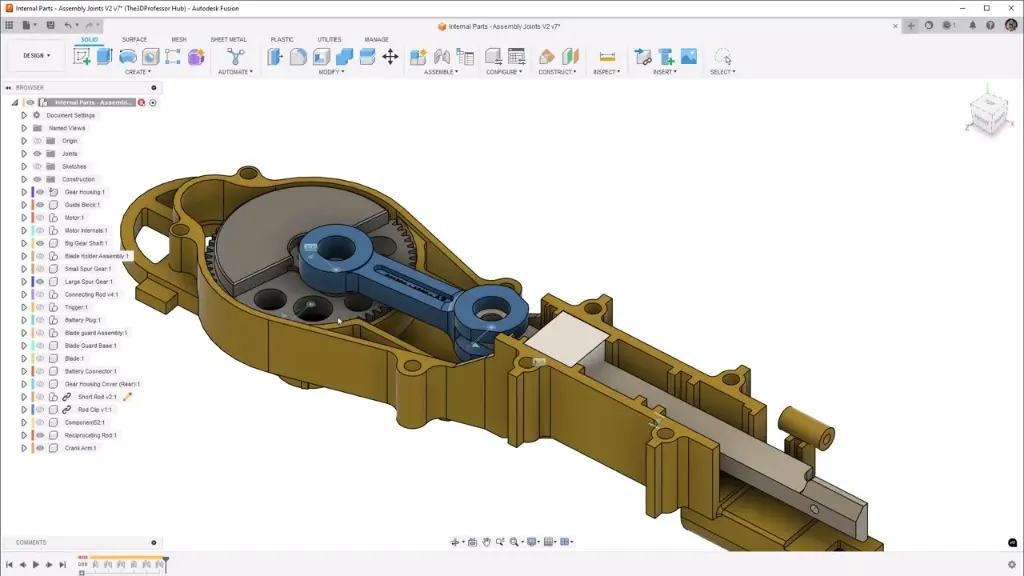
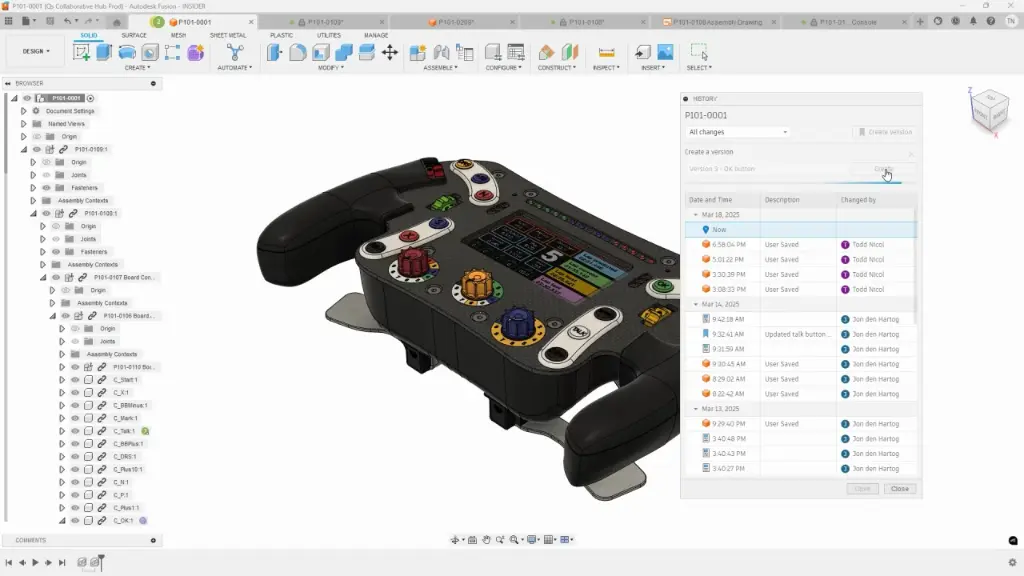
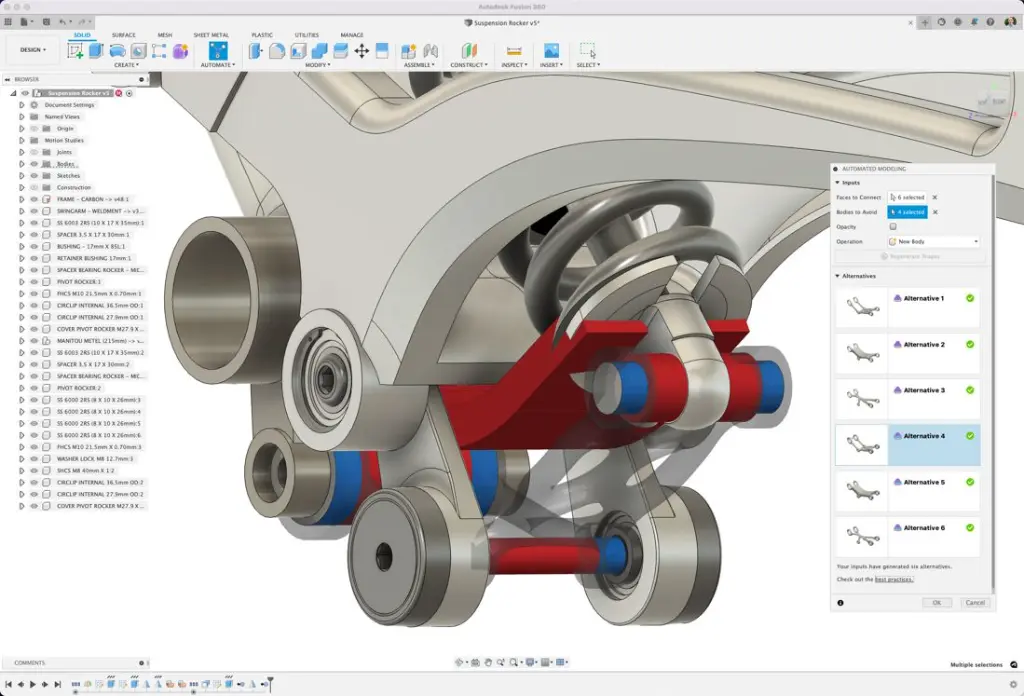
The Fusion Essentials Training course provides practical introductory training for users wanting to develop core Autodesk Fusion 360 modelling and product development skills. This Fusion 360 Essentials Training course focuses on sketching, solid modelling, assemblies, documentation, T-Spline workflows, and design control processes used across engineering, manufacturing, product design, and fabrication industries.
Delivered through live remote sessions over Microsoft Teams, this Fusion Essentials Online course provides hands on learning through structured practical exercises and instructor led demonstrations. Participants learn how to create parametric models, manage components, build assemblies, and produce engineering documentation using Autodesk Fusion 360.
Whether you are searching for a Fusion Beginner Course, Fusion Basics Course, or Fusion Essentials Training focused on practical CAD workflows, this course provides structured learning aligned with real world design and manufacturing environments. Sessions are flexible, recorded for future reference, and can be customised to suit individual or business workflow requirements.
Fusion Essentials Training
Develop practical product design and parametric modelling skills using Autodesk Fusion 360 through structured Fusion 360 Essentials Training focused on engineering, assemblies, and design documentation workflows.
What You'll Learn in the Fusion Essentials Training
- Understanding the Autodesk Fusion 360 interface
- Creating, constraining, and dimensioning 2D sketches
- Creating and editing solid 3D features
- Working with construction geometry and reference features
- Creating equations and working with parameters
- Manipulating feature history and design workflows
- Duplicating geometry using patterns and mirrors
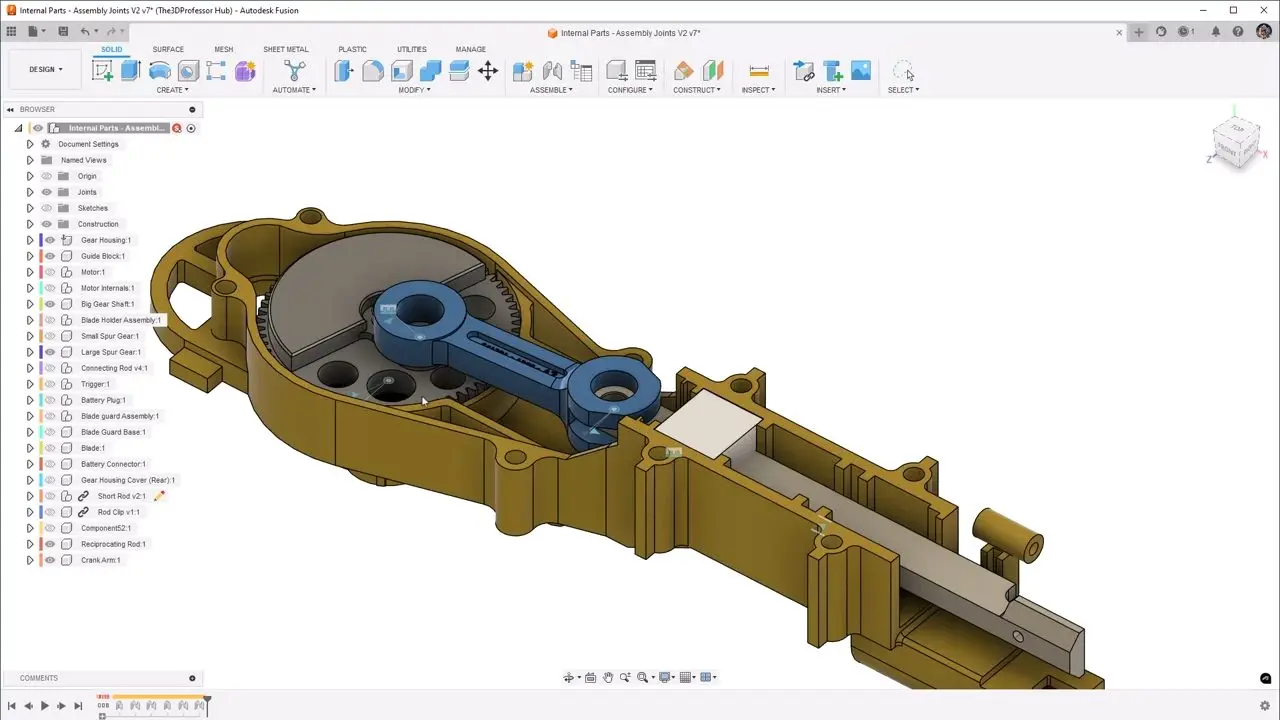
- Placing and constraining components in assemblies
- Creating motion within multi component designs
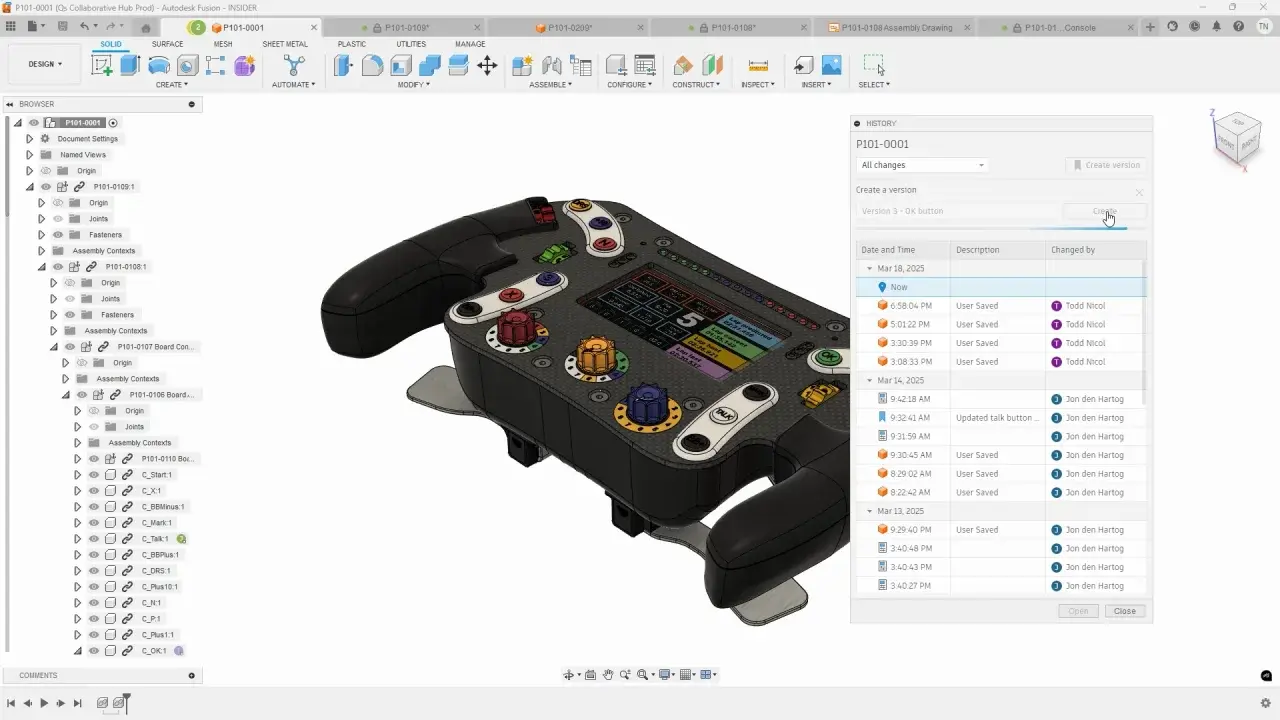
- Working with assembly workflows and design structure
- Creating and editing T-Spline geometry
- Producing engineering drawings and annotations
- Understanding static analysis constraints and loads
- Improving modelling productivity and design efficiency
Chapter 1: Interface, Navigation and Core Workflow
- Getting Started in Fusion 360
- Interface, Browser, Toolbar and Navigation Controls
- Design Units, Origin and File Setup
- Core Modelling Workflow and Best Practice
Chapter 2: Sketching and Creating Solid Features
- Sketch Workflow, Sketch Entities and Projection Tools
- Dimensions, Constraints and Sketch Control
- Creating Solids with Extrude and Revolve
- Editing Sketches and Features Efficiently
Chapter 3: Essential Part Modelling and Design Control
- Fillets, Chamfers and Holes
- Construction Geometry and Reference Features
- Parameters and Simple Design Changes
- Patterns, Mirrors and Basic Model Editing Tools
Chapter 4: Assemblies, Documentation and Wrap-Up
- Components, Joints and Simple Assembly Setup
- Motion Checks and Working with Multi Component Designs
- Creating Basic Drawings and Key Annotations
- Review, Guided Practice and Next Steps
Fusion Essentials Training Prerequisites
As an introductory course, no prior knowledge of 3D modelling or CAD software is required. However, participants should be comfortable using the Windows operating system and basic drafting or engineering knowledge is recommended. Access to Autodesk Fusion 360 software and a stable internet connection is required for participating in this Fusion Essentials Online course.
Why Choose Design Consulting | Autodesk Gold Partner | Autodesk Service Provider
Design Consulting is a trusted Autodesk Gold Partner and Autodesk Service Provider. Design Consulting empowers architects, engineers, manufacturers, and builders with smart software, automation, and digital tools that provide Autodesk end-to-end solutions that are connected with systems and machines. As an Autodesk Gold Partner, we deliver tailored solutions that simplify workflows, reduce costs, and drive better project outcomes.
About DC Training Courses Services Configurators 2D/3D-CRM and ERP Batch Imagery
Enrol Now in the Autodesk Fusion Essentials Remote Training
Start your journey in Cloud-based 3D Mechanical CAD design in this Inventor Essentials Online Course. Contact Design Consulting today to book or learn more about our online and face to face training options.
Ready to Design with Precision and Speed?
Transform the way you create, visualise, simulate, and deliver designs, reports and drawings. Contact us today to explore training, services and subscription options or request a demo.
Fill out the contact form below or contact us on 1800 514 490, info@designconsulting.com.au or by live chat