

Autodesk Fusion Sheet Metal Training Course
- 8-Hours (4 x 2-Hour Sessions) Training
- Delivered remotely over MS Teams - Contact Us for On-Site/Face to Face Training
- Sessions are recorded and download links are provided after each session for your future use and reference.
- Pricing is based on 1-3 people. Additional people are at an additional cost of $550 per person.
- Volume Discounts apply for 5+. Please contact us.
- Training is usually broken up into 2 or 4-hour sessions in the morning and flexible (i.e. consecutive or Monday, Wednesday, Friday, etc.)
- Training sessions can start within 14 days of booking
- Courses are private and topics can be customised to suit
- Includes Certificate of Completion
- Training manuals are an additional $145 Ex. GST per digital manual
Download PDF Brochure
Fusion Sheet Metal Training Course Introduction
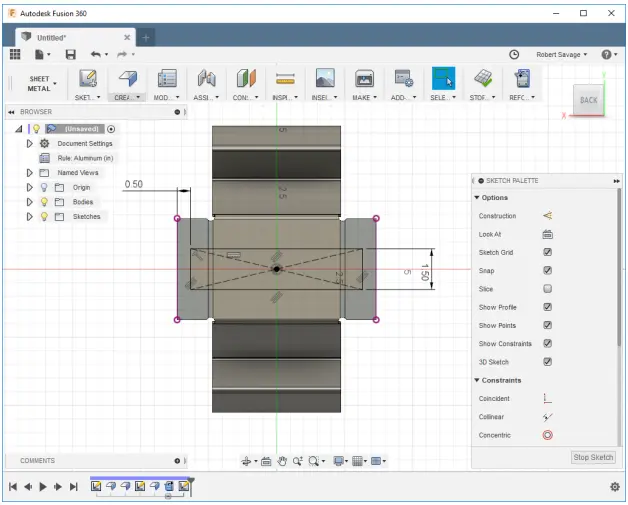
The Fusion Sheet Metal Training Course provides practical instructor led training for mechanical engineers, product designers, sheet metal fabricators, manufacturing professionals, and Autodesk Fusion users wanting to develop sheet metal design and fabrication workflows. This Fusion 360 Sheet Metal Course focuses on creating manufacturable sheet metal components, applying sheet metal rules, generating flat patterns, and producing fabrication ready outputs using Autodesk Fusion.
Delivered through live remote sessions over Microsoft Teams, this Fusion 360 Sheet Metal Training course provides structured hands on learning through practical project based exercises and instructor led demonstrations. Participants learn how to create sheet metal parts, manage bends and flanges, generate flat patterns, export DXF files, and produce manufacturing documentation suitable for laser cutting, punching, CNC operations, and fabrication workflows.
Whether you are searching for a Fusion Sheet Metal Course, Fusion 360 Sheet Metal Training, or practical sheet metal design workflows aligned with modern manufacturing environments, this course provides practical learning focused on improving design accuracy, manufacturing readiness, and production efficiency.
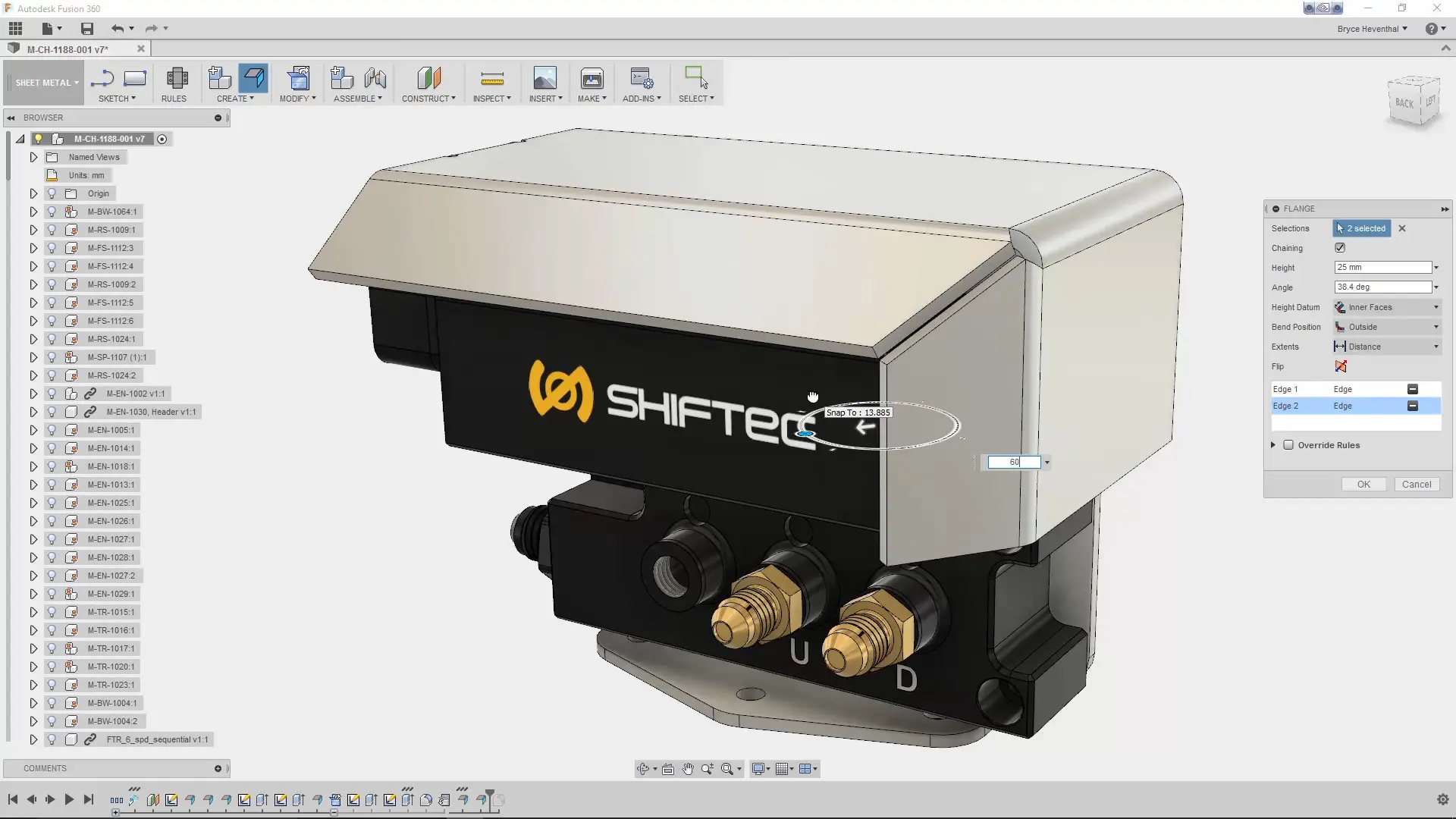
Fusion Sheet Metal Training Course
Develop practical sheet metal design and fabrication skills using Autodesk Fusion through structured training focused on flanges, bends, flat patterns, manufacturing documentation, and production workflows.
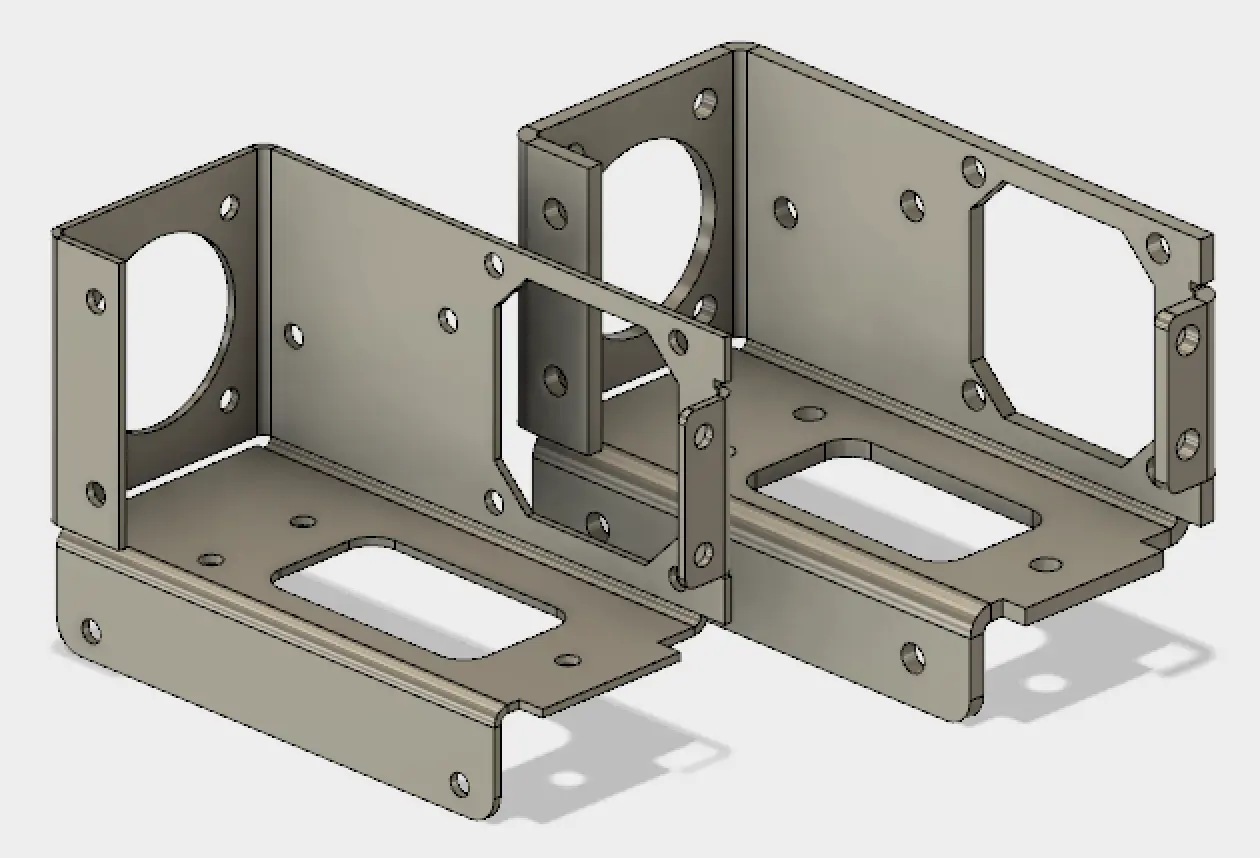
What You'll Learn in the Fusion Sheet Metal Training Course
- Understanding Fusion Sheet Metal workflows
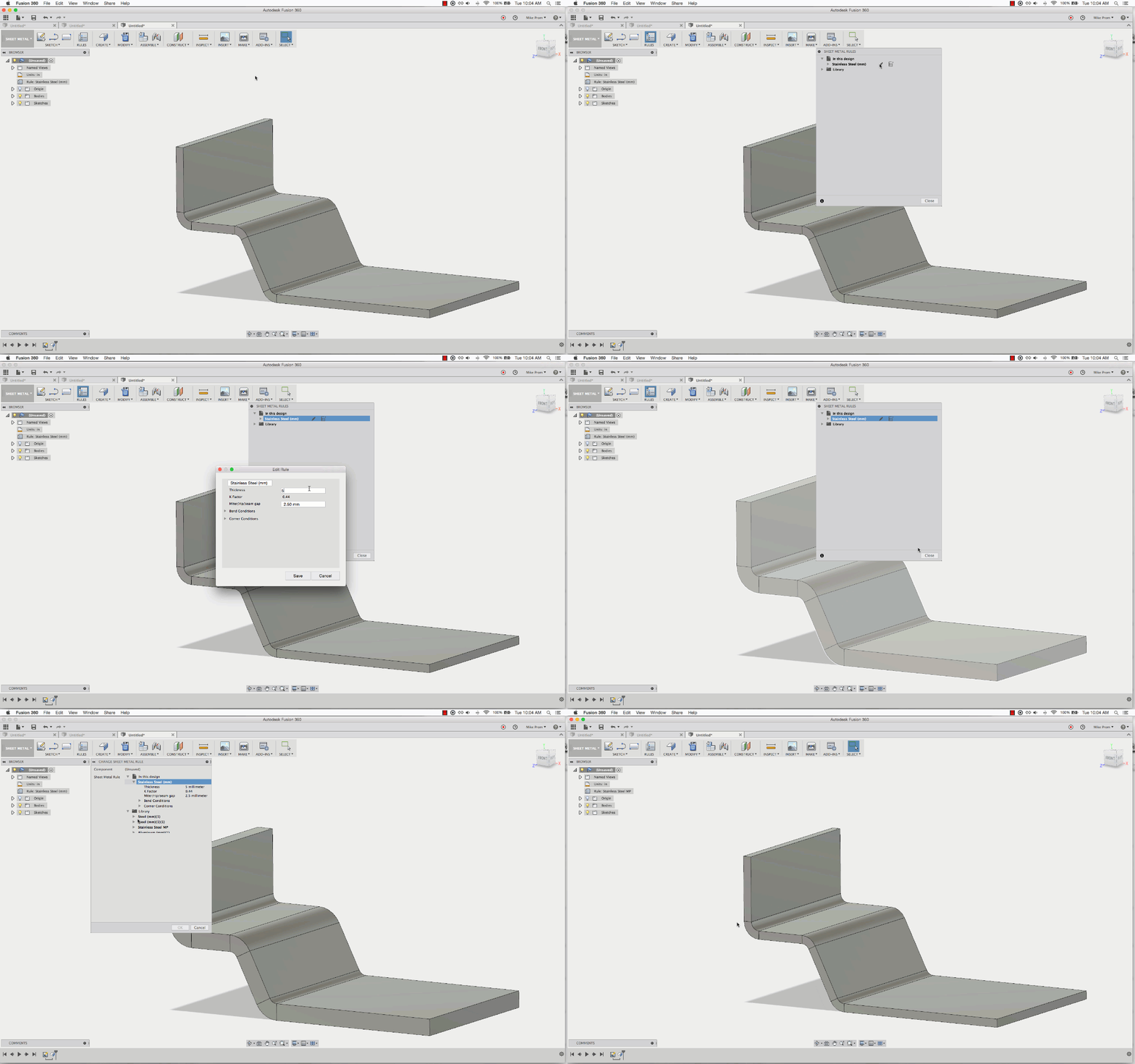
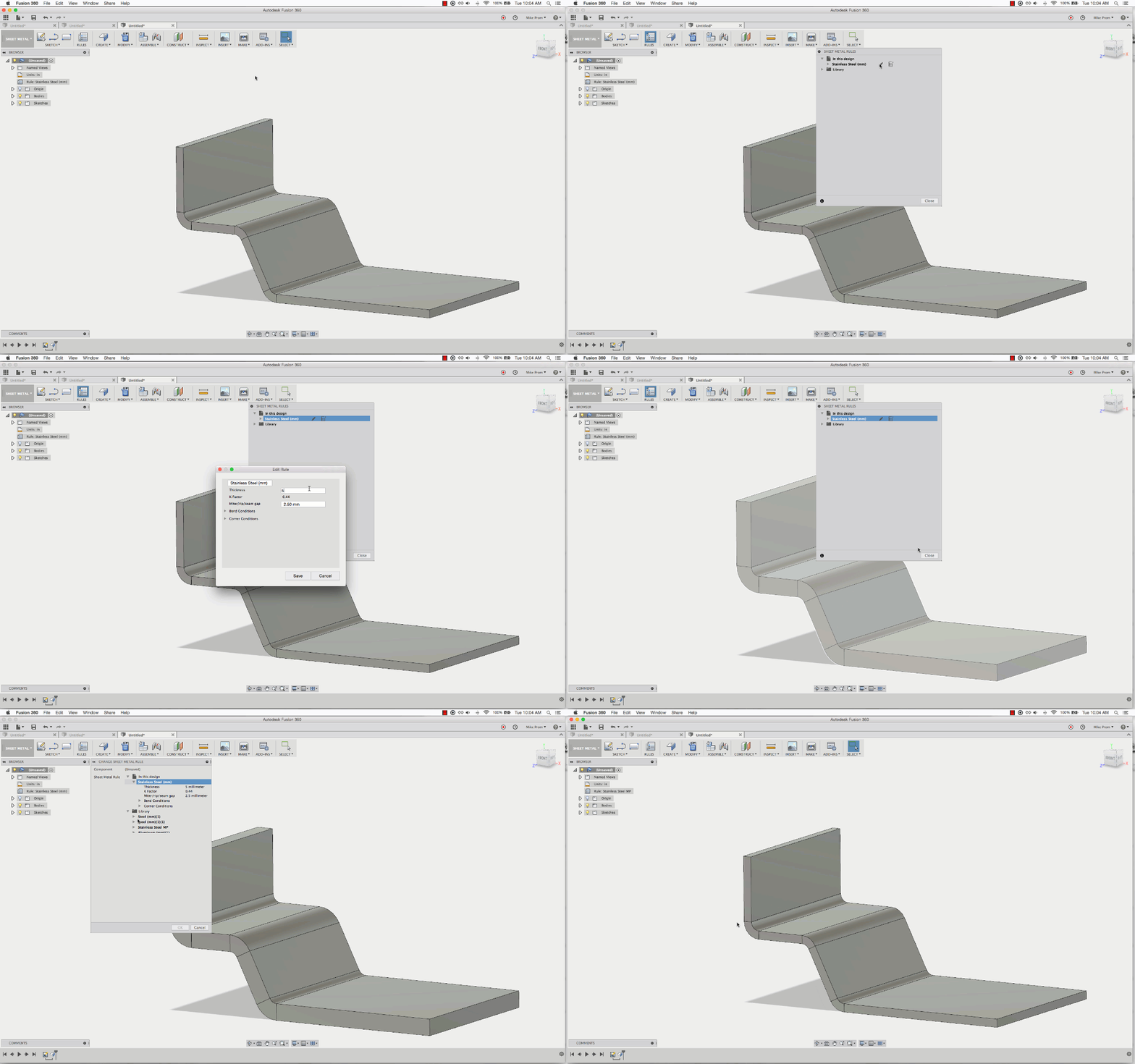
- Creating and managing sheet metal rules
- Working with thickness, bend radius, and K-factor settings
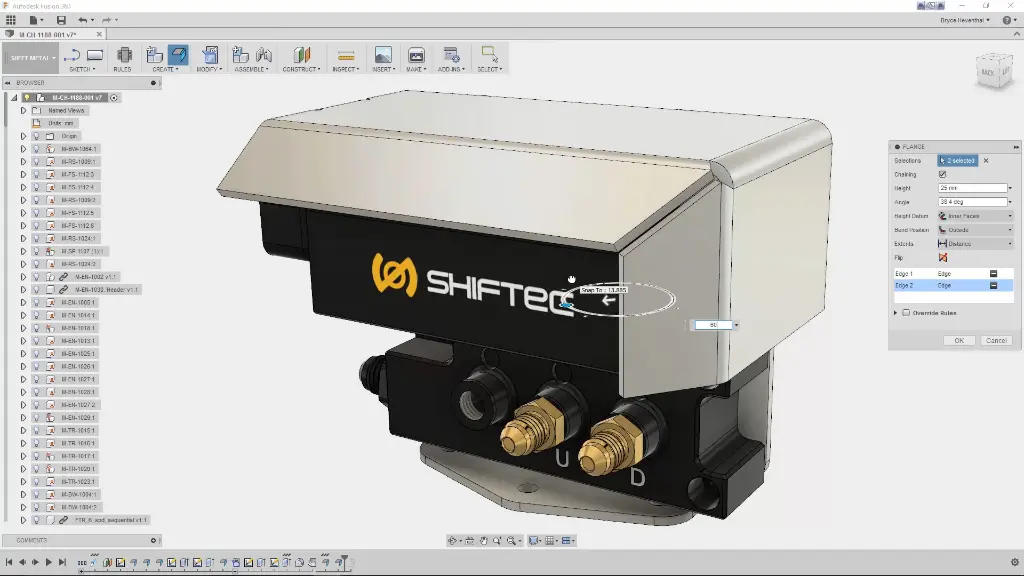
- Creating base flanges and edge flanges
- Creating contour flanges, hems, and lofted flanges
- Managing bends, rips, and corner conditions
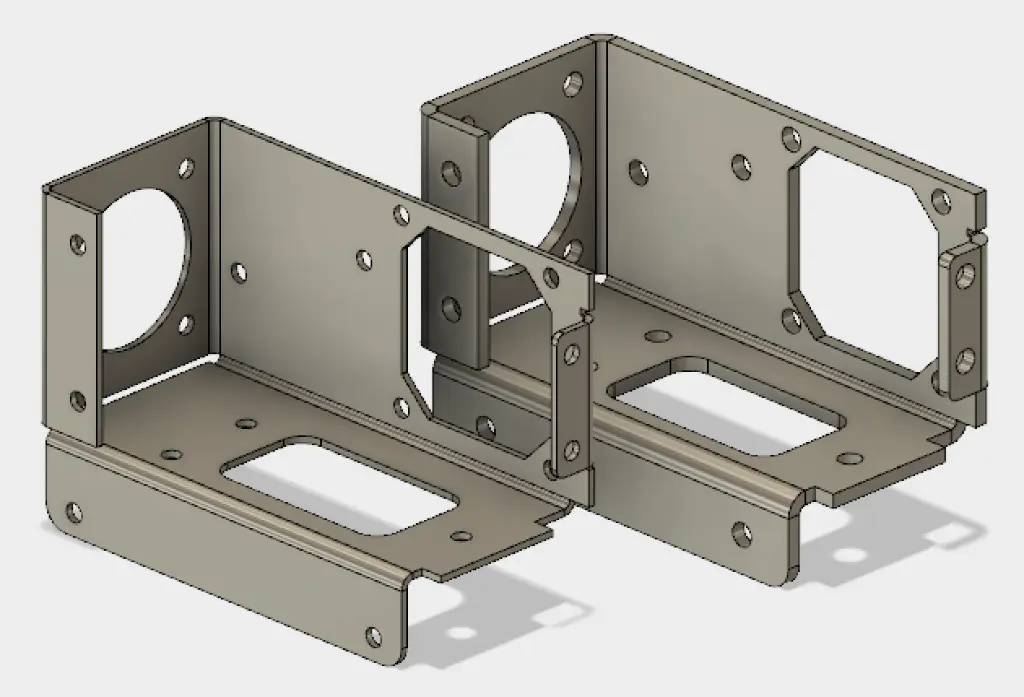
- Creating sheet metal cuts and features
- Using unfold and refold workflows
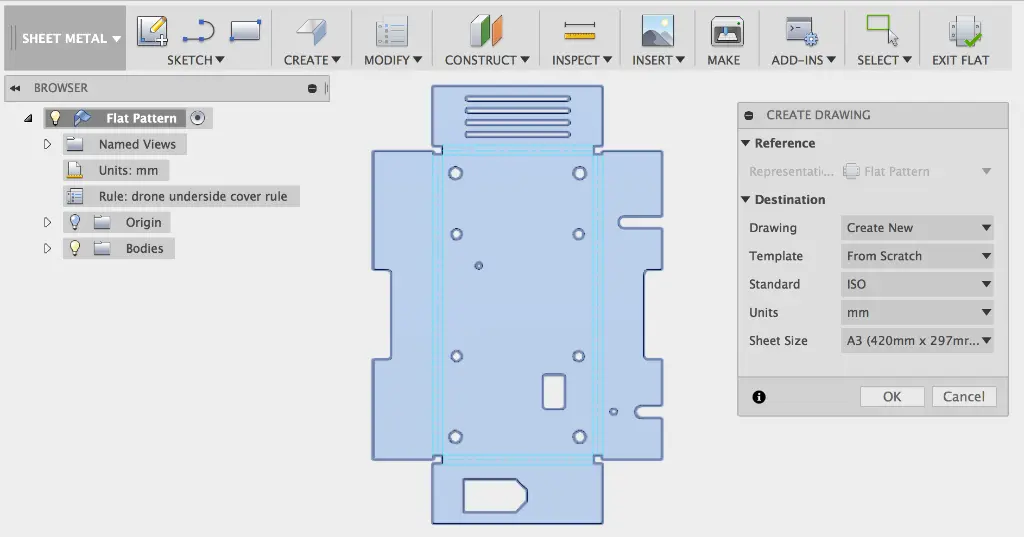
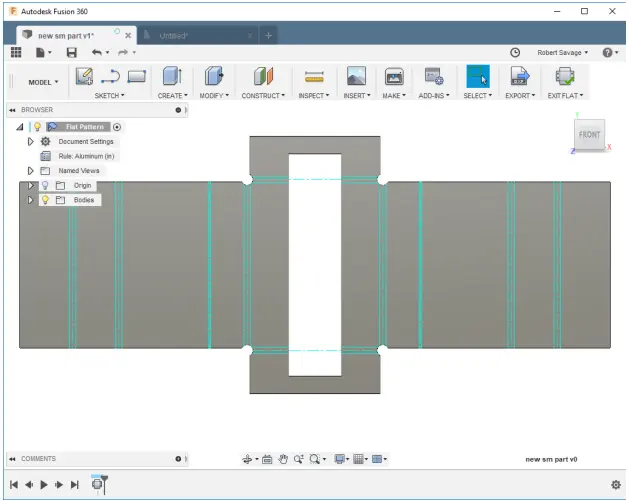
- Generating flat patterns for manufacturing
- Exporting DXF files for fabrication
- Preparing models for CNC, laser, and punch workflows
- Creating sheet metal drawings and production documentation
- Applying sheet metal design best practices
- Improving manufacturing efficiency and material utilisation
Fusion Sheet Metal Training Course Contents
Chapter 1: Introduction to Fusion Sheet Metal
- Sheet Metal Concepts and Terminology
- Fusion Sheet Metal Workspace
- Browser Structure and Timeline
- Fusion Sheet Metal Workflow
Chapter 2: Sheet Metal Rules
- Creating and Editing Sheet Metal Rules
- Thickness, Bend Radius, and K-Factor
- Relief Shapes and Corner Conditions
- Managing Rule Libraries and Standards
Chapter 3: Creating Base and Edge Features
- Creating Base Flanges from Sketch Profiles
- Creating Edge Flanges
- Flange Height and Position Options
- Applying and Changing Rules While Modelling
Chapter 4: Flanges and Advanced Sheet Metal Shapes
- Contour Flanges
- Hems
- Lofted Flanges
- Practical Use Cases for Complex Forms
Chapter 5: Bends, Rips, and Corner Conditions
- Creating Bends
- Creating Rips
- Bend Position and Stationary Face Selection
- Corner Relief and Gap Management
Chapter 6: Sheet Metal Cuts and Features
- Cut Features in Sheet Metal Bodies
- Holes and Sketch Based Features
- Working with Features Before and After Bends
- Editing Existing Sheet Metal Features
Chapter 7: Unfold and Refold Workflows
- Using Unfold for Intermediate Editing
- Adding Features Across Bend Regions
- Refolding the Model
- Understanding Unfold versus Flat Pattern
Chapter 8: Flat Patterns
- Creating Flat Patterns
- Updating Linked Flat Patterns
- Editing in Flat Pattern Mode
- Preparing Flat Patterns for Manufacturing
Chapter 9: Exporting for Fabrication
- Exporting Flat Patterns to DXF
- Preparing Files for Laser, Punch, or CNC Workflows
- Checking Bend Information and Geometry
- Common Manufacturing Considerations
Chapter 10: Sheet Metal Drawings and Documentation
- Creating Drawings from Folded and Flat Pattern Views
- Bend Notes and Annotations
- Dimensioning for Manufacture
- Communicating Production Intent Clearly
Who Should Attend the Fusion Sheet Metal Training Course
This Fusion Sheet Metal Course is suitable for:
- Mechanical engineers
- Product designers
- Sheet metal fabricators
- Manufacturing professionals
- CNC programmers
- Workshop and production teams
- Autodesk Fusion users involved in fabrication workflows
This Fusion 360 Sheet Metal Training course is ideal for professionals wanting practical sheet metal modelling, flat pattern generation, and fabrication documentation skills through structured remote training sessions.
Fusion Sheet Metal Training Course Prerequisites
Participants attending this Fusion 360 Sheet Metal Course should have a basic understanding of Autodesk Fusion or equivalent experience in 3D modelling and sketching. Familiarity with the Fusion interface, components, sketches, and standard modelling tools is recommended. Knowledge of sheet metal manufacturing processes is beneficial but not essential. Access to Autodesk Fusion software and a stable internet connection is required for participation in remote training sessions.
Enrol Now Autodesk Inventor Sheet Metal Training Course
Start your journey in digital sheet metal design. Contact Design Consulting today to register or learn more about our Inventor training options.
Ready to Design with Precision and Speed?
Transform the way you create, visualise, simulate, and deliver designs, reports and drawings. Contact us today to explore training, services and subscription options or request a demo.
Fill out the contact form below or contact us on 1800 514 490, info@designconsulting.com.au or by live chat