

Autodesk Inventor Training Course
- 16-Hours (8 x 2-Hour Sessions) Training
- Delivered remotely over MS Teams - Contact Us for On-Site/Face to Face Training
- Sessions are recorded and download links are provided after each session for your future use and reference.
- Pricing is based on 1-3 people. Additional people are at an additional cost of $1,100 per person.
- Volume Discounts apply for 5+. Please contact us.
- Training is usually broken up into 2 or 4-hour sessions in the morning and flexible (i.e. consecutive or Monday, Wednesday, Friday, etc.)
- Training sessions can start within 14 days of booking
- Courses are private and topics can be customised to suit
- Includes Certificate of Completion
- Training manuals are an additional $145 Ex. GST per digital manual
Download PDF Brochure
Learn Inventor Fundamentals
Learn the essentials of 3D mechanical design with Autodesk Inventor. This beginner-friendly course teaches you how to create parts, assemblies, and drawings using real-world workflows—ideal for new users and professionals transitioning to Inventor.
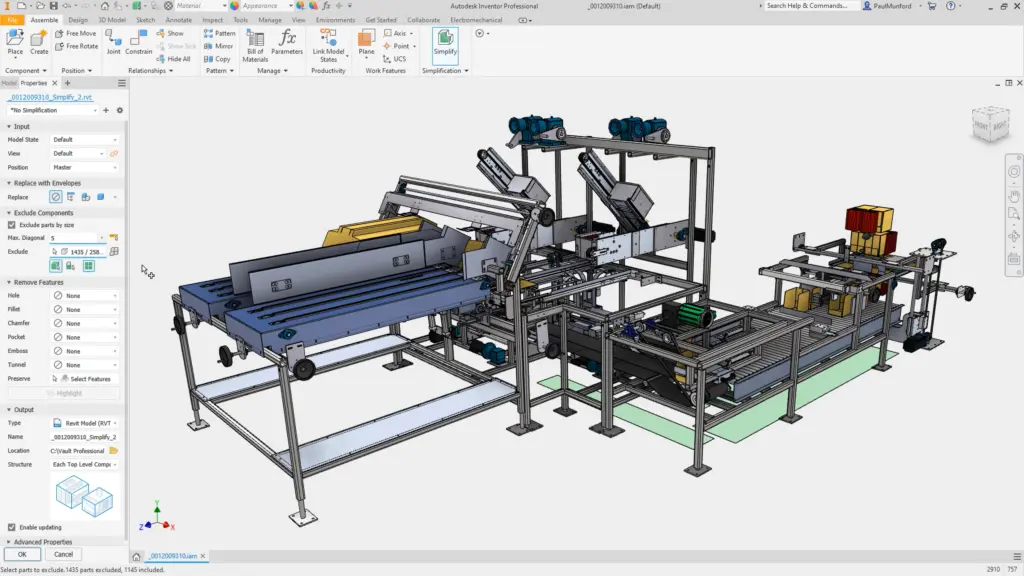
Autodesk Inventor Fundamentals Course
Learn the fundamentals of 3D mechanical design with the Autodesk Inventor Fundamentals Training Course. Designed for beginners and those new to Inventor, this instructor-led course provides a comprehensive foundation in parametric modelling using Autodesk Inventor. Through hands-on projects and guided instruction, participants will gain the skills to create and edit parts, build assemblies, and produce detailed engineering drawings.
Course Duration: 16 Hours (8 sessions x 2 hours)
Delivery Mode: Live online with one of our Autodesk Inventor Expert Trainers
What You'll Learn in the Autodesk Inventor Fundamentals Course
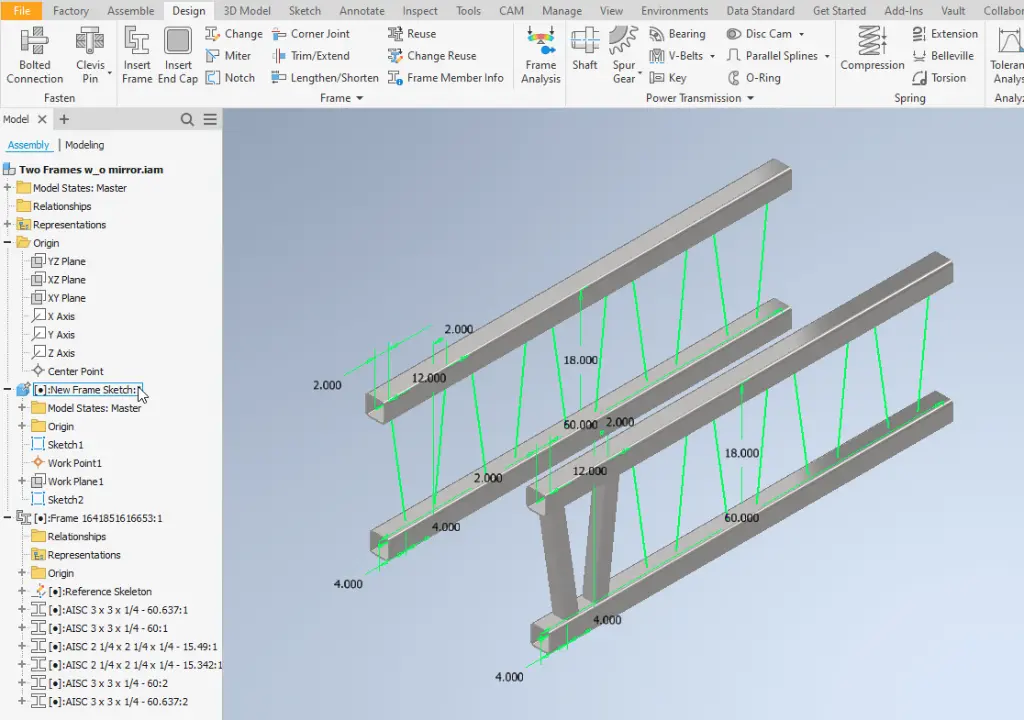
- Navigating the Autodesk Inventor interface
- Creating, constraining, and dimensioning 2D sketches
- Building base and secondary 3D features
- Editing features, using patterns, and mirroring geometry
- Working with parameters and equations
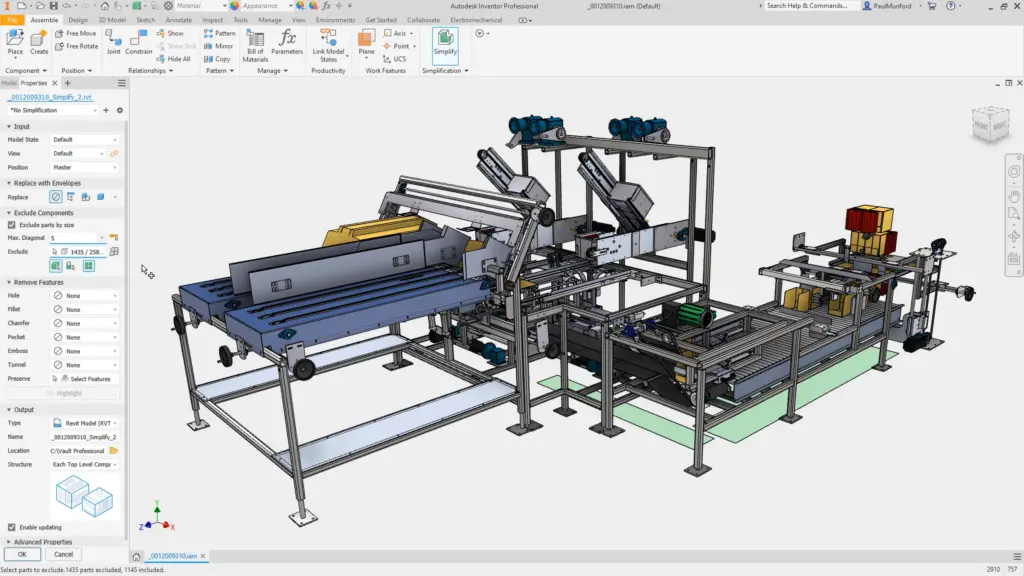
- Creating assemblies and applying constraints
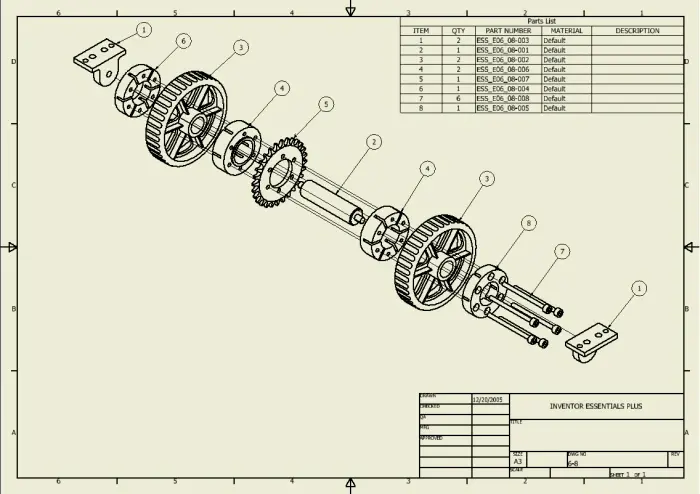
- Generating presentation files with exploded views
- Producing annotated 2D drawings
- Performing basic simulations and interference checks
- Customising the Inventor environment
Autodesk Inventor Fundamentals Course Outline
- Sketching fundamentals and editing tools
- Feature creation: chamfers, fillets, holes, and ribs
- Work features: planes, axes, and points
- Using shell, split, and draft features
- Advanced features: sweep, loft, and duplication tools
- Assembly modeling and joint constraints
- Design views, measurement tools, and model diagnostics
- Presentation storyboard creation and publishing
Topics Covered
- The Autodesk Inventor software interface
- Obtaining model information
- Creating sketch and pick and place features
- Work Features
- Creating equations and working with parameters
- Model geometry and model display manipulation
- Feature duplication techniques
- Placing and constraining parts in assemblies
- Assembly component display
- Presentation files (Exploded views and Animations)
- Assembly tools
- Creating parts and features in assemblies
- Creating and editing assembly Bill of Materials
- Working with projects
- Creating and annotating drawings and views
Training Guide Contents
Chapter 1: Introduction to Autodesk Inventor
1.1 Getting Started
1.2 Autodesk Inventor Interface
1.3 Model Manipulation
1.4 Model Information
Chapter 2: Sketching Geometry
2.1 Creating a New Part File
2.2 Creating a Sketch
2.3 Sketch Geometry
2.4 Constraints
2.5 Dimensions
2.6 Additional Sketching Tools
Chapter 3: Creating Sketched Features
3.1 Extrude & Revolve Features
3.2 Sweep Features
3.3 Loft Features
3.4 Editing Sketched Features
Chapter 4: Creating Pick and Place Features
4.1 Edge Chamfer
4.2 Constant Fillets
4.3 Variable Fillets
4.4 Face Fillets
4.5 Full Round Fillets
4.6 Holes
4.7 Threads
4.8 Editing Pick and Place Features
Chapter 5: Work Features
5.1 Work Planes
5.2 Work Axes
5.3 Work Points
Chapter 6: Additional Features
6.1 Face Draft
6.2 Splitting a Face or Part
6.3 Shells
6.4 Ribs
6.5 Reordering Features
6.6 Inserting Features
Chapter 7: Equations
7.1 Equations
7.2 Parameters
Chapter 8: Duplication Tools
8.1 Rectangular Sketch Patterns
8.2 Circular Sketch Patterns
8.3 Rectangular Feature Patterns
8.4 Circular Feature Patterns
8.5 Sketched Driven Patterns
8.6 Mirror Parts or Features
8.7 Manipulate Patterns and Mirror Features
Chapter 9: Assembly Environment
9.1 Assembling Components Using Constraints
9.2 Assemble Mini-Toolbar
9.3 Content Centre
9.4 Assembly Browser
9.5 Saving Files
Chapter 10: Joint Connections
10.1 Assembling Components Using Joints
Chapter 11: Manipulating Assembly Display
11.1 Moving and Rotating Assembly Components
11.2 Suppressing Constraints
11.3 Component Display
11.4 Selection Options in Assemblies
Chapter 12: Presentation Files
12.1 Creating Presentations
12.2 Storyboards
12.3 Snapshot Views
12.4 Publishing a Presentation File
Chapter 13: Assembly Tools
13.1 Replacing Components
13.2 Duplicating Components
13.3 Restructuring Components
13.4 Driving Constraints
13.5 Contact Solver
13.6 Interference
13.7 Error Recovery
Chapter 14: Assembly Parts and Features
14.1 Assembly Parts
14.2 Assembly Features
Chapter 15: Assembly Bill of Materials
15.1 Create Virtual Components
15.2 Create Bill of Materials
Chapter 16: Working With Projects
16.1 Project Files
16.2 Resolving Links
Chapter 17: Drawing Basics
17.1 Creating a New Drawing
17.2 Base and Projected Views
17.3 Additional Drawing Views
17.4 Manipulating Views
Chapter 18: Detailing Drawings
18.1 Dimensions
18.2 Drawing Sheets
18.3 Parts List
18.4 Balloons
18.5 Styles and Standards
18.6 Hatching
Chapter 19: Drawing Annotations
19.1 Text
19.2 Symbols
19.3 Hole and Thread Notes
19.4 Chamfer Notes
19.5 Centre Marks and Centre Lines
19.6 Hole Tables
19.7 Revision Tables and Tags
Who Should Attend the Autodesk Inventor Training Course?
- New users of Autodesk Inventor
- Draftspersons transitioning to 3D
- Engineering professionals seeking formal training
Autodesk Inventor Course Prerequisites
No prior 3D CAD experience required. Familiarity with Windows OS is expected; a basic understanding of engineering drawings is helpful.
Why Choose Design Consulting | Autodesk Gold Partner | Autodesk Service Provider
Design Consulting is a trusted Autodesk Gold Partner and Autodesk Service Provider. Design Consulting empowers architects, engineers, manufacturers, and builders with smart software, automation, and digital tools that provide Autodesk end-to-end solutions that are connected with systems and machines. As an Autodesk Gold Partner, we deliver tailored solutions that simplify workflows, reduce costs, and drive better project outcomes.
Enrol Now
Start your journey in digital mechanical design. Contact Design Consulting today to register or learn more about our Inventor training options.
Ready to Design with Precision and Speed?
Transform the way you create, visualise, simulate, and deliver designs, reports and drawings. Contact us today to explore training, services and subscription options or request a demo.
Fill out the contact form below or contact us on 1800 514 490, info@designconsulting.com.au or by live chat