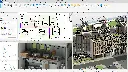
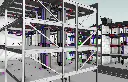
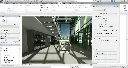
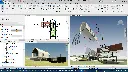
Autodesk Revit Essentials Training Course
- 8-Hours (4 x 2-Hour Sessions) Training
- Delivered remotely over MS Teams
- Sessions are recorded and download links are provided after each session for your future use and reference.
- Pricing is based on 1-3 people. Additional people are at an additional cost of $550 per person.
- Volume Discounts apply for 5+ people.
- Training is usually broken up into 2 or 4-hour sessions in the morning and flexible (i.e. consecutive or Monday, Wednesday, Friday, etc.)
- Training sessions can start within 14 days of booking
- Courses are private and topics can be customised to suit
- Includes Certificate of Completion
- Training manuals are an additional $145 Ex. GST per digital manual
Download PDF Brochure
Revit Architecture Essentials Training Introduction
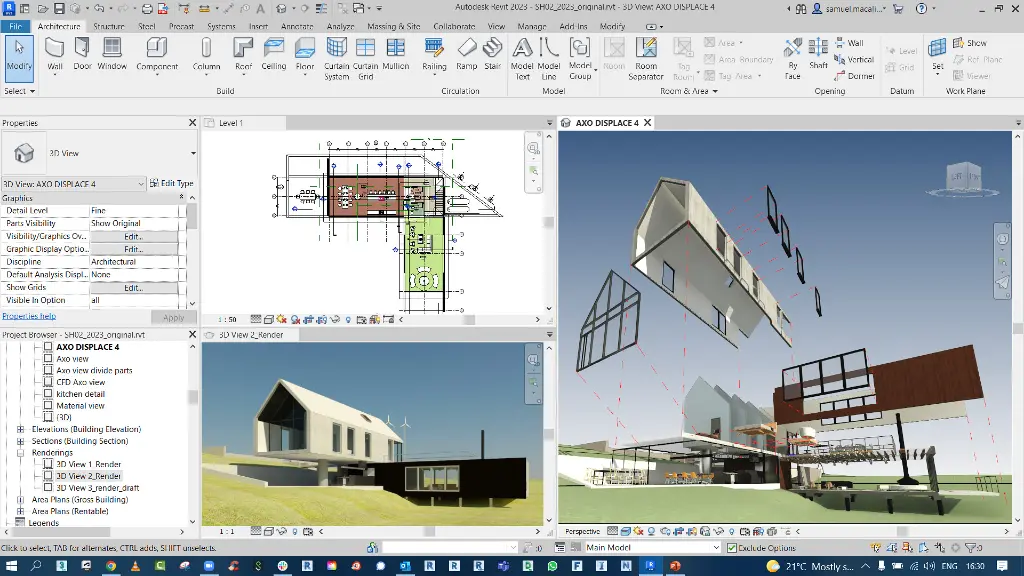
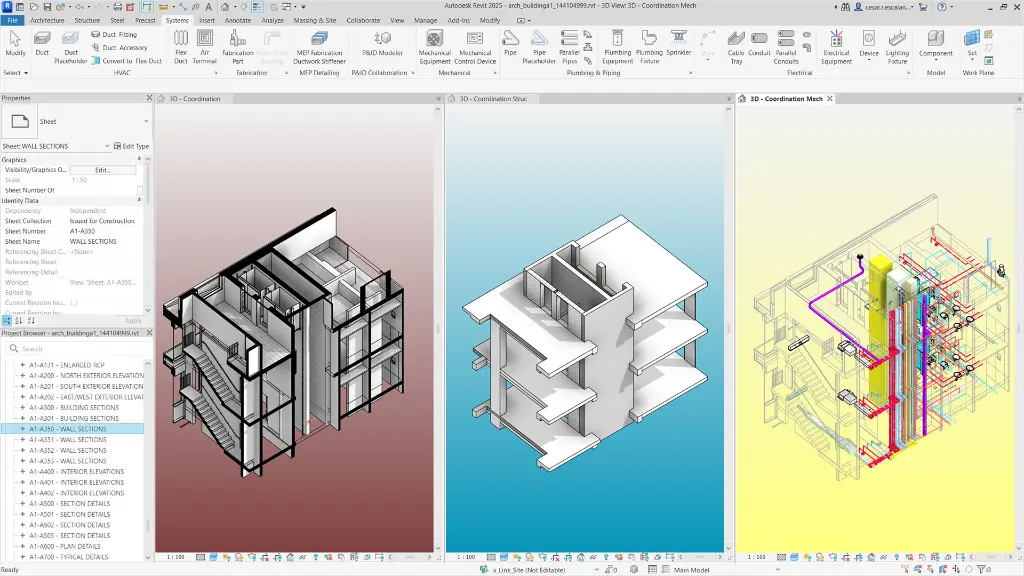
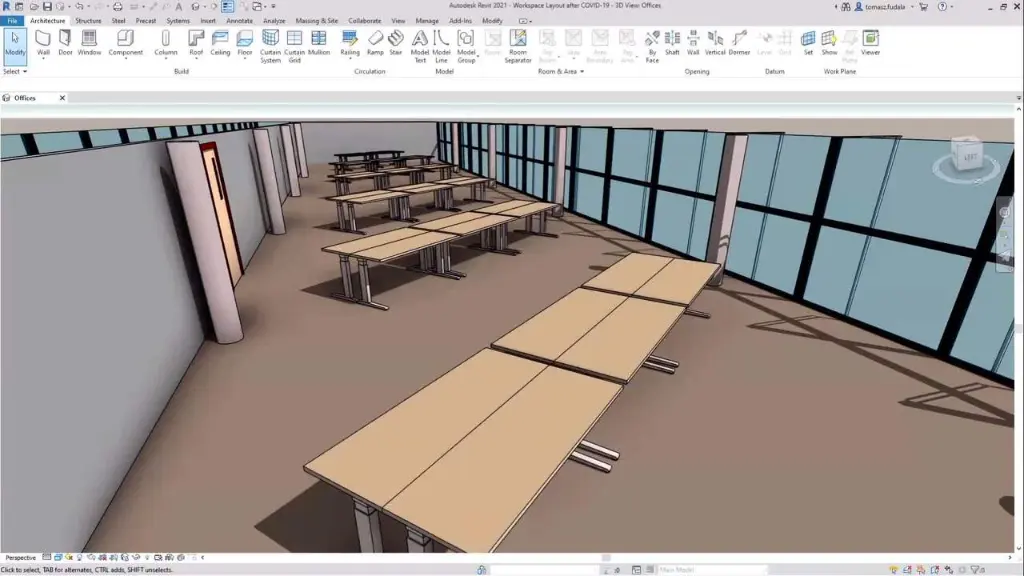
The Revit Architecture Essentials Training course provides practical instructor led BIM training for architects, designers, drafting professionals, and construction teams wanting to develop core Autodesk Revit skills for architectural design and documentation workflows. This Revit Architecture Essentials Course focuses on intelligent BIM modelling, project setup, documentation workflows, and coordinated design processes used across architecture and construction industries.
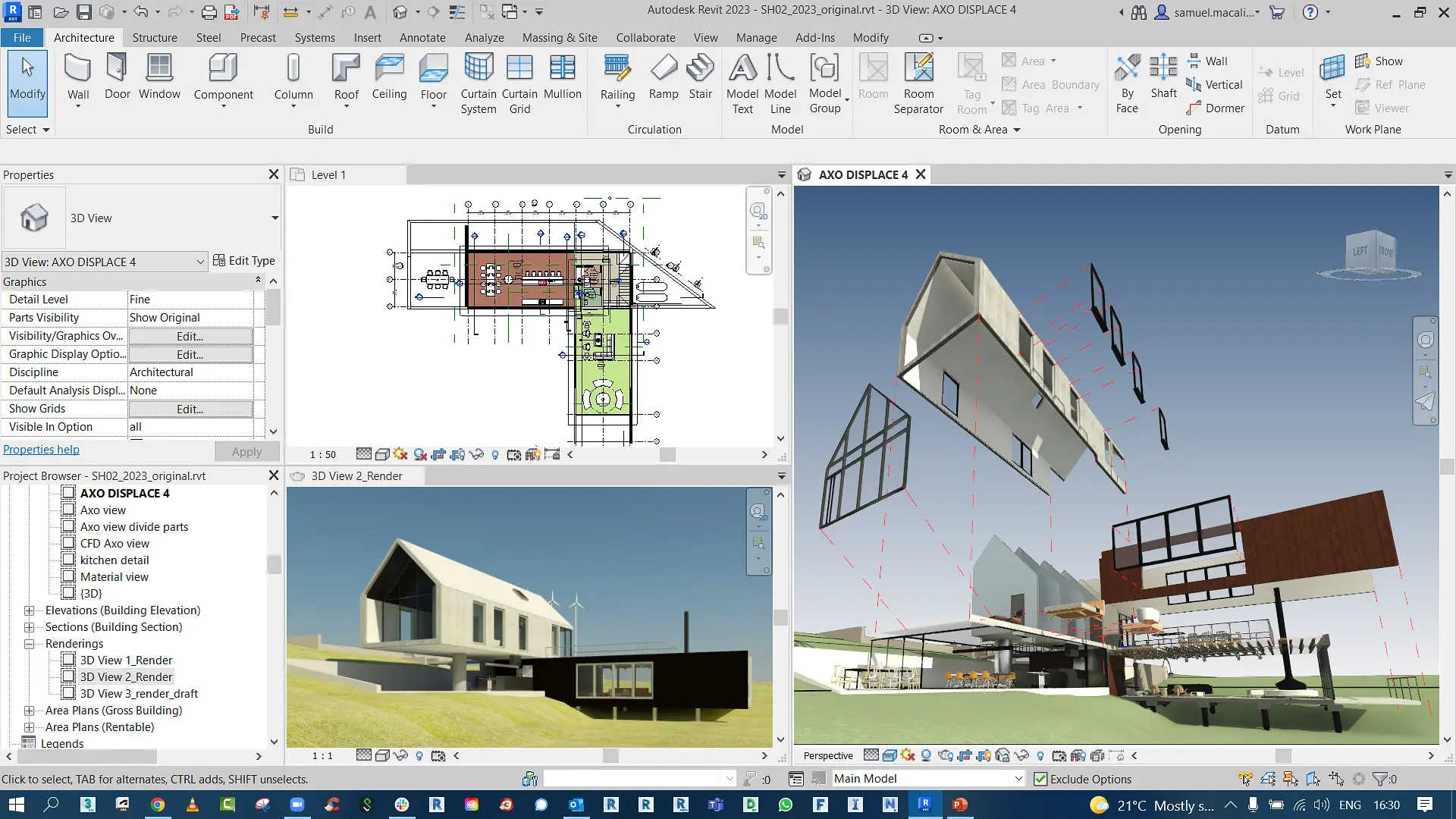
Delivered through live Remote Revit Essentials Training sessions, this course teaches participants how to create architectural models, manage project views, produce construction documentation, and develop coordinated BIM workflows using Autodesk Revit Architecture. Whether you are searching for an Online Revit Essentials Course, Revit Essentials Training, or a practical Revit Essentials Course for beginners and professionals, this training provides structured learning aligned with real world project environments.
The Revit Architecture Essentials Training course is designed to help users transition from traditional CAD drafting into intelligent BIM workflows while improving project coordination, documentation accuracy, and architectural productivity.
Revit Architecture Essentials Training
Develop practical BIM modelling and architectural documentation skills using Autodesk Revit Architecture through structured Revit Essentials Training focused on real world design and construction workflows.
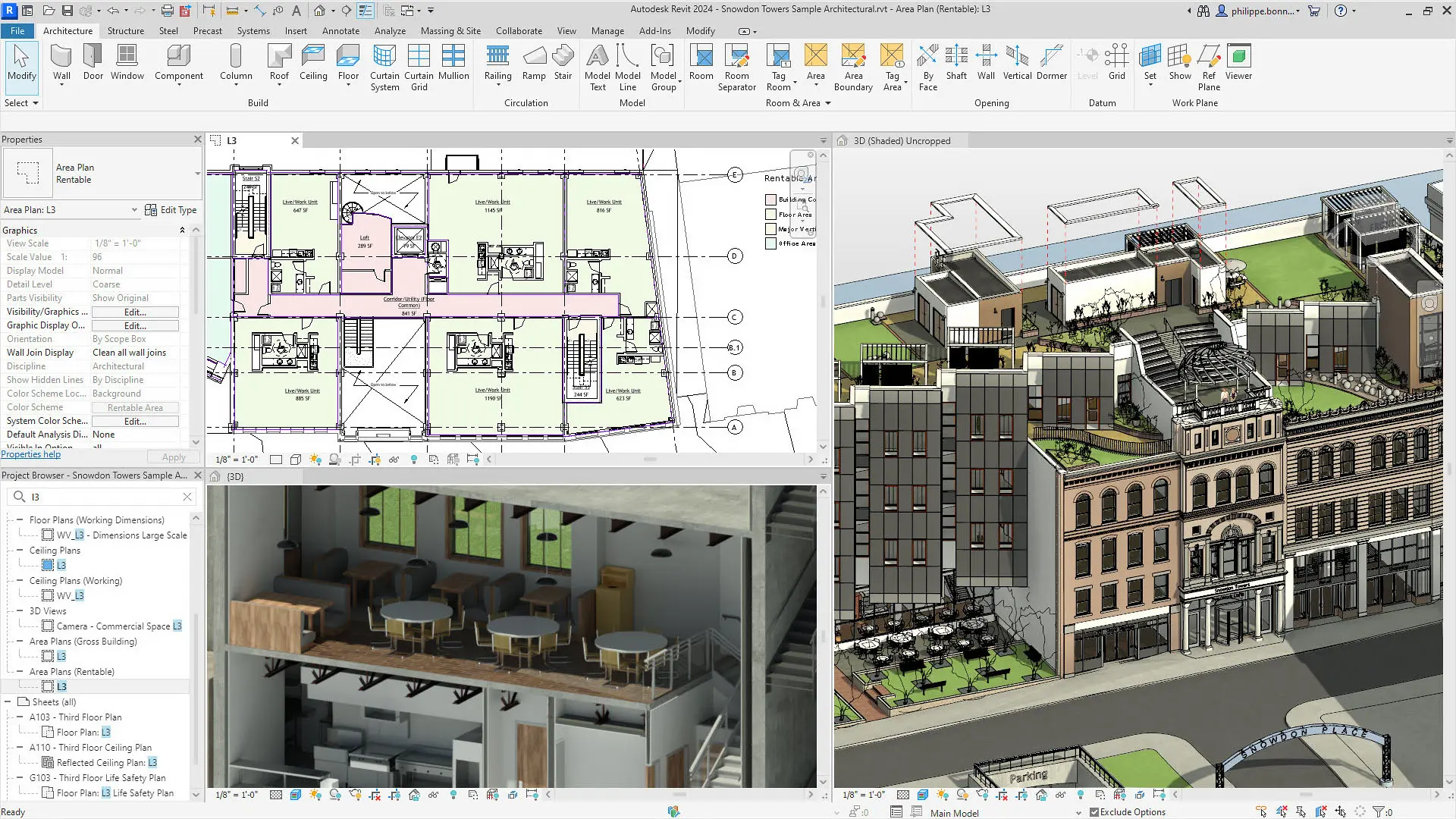
What You'll Learn in the Revit Architecture Essentials Training
- Understanding BIM and Autodesk Revit workflows
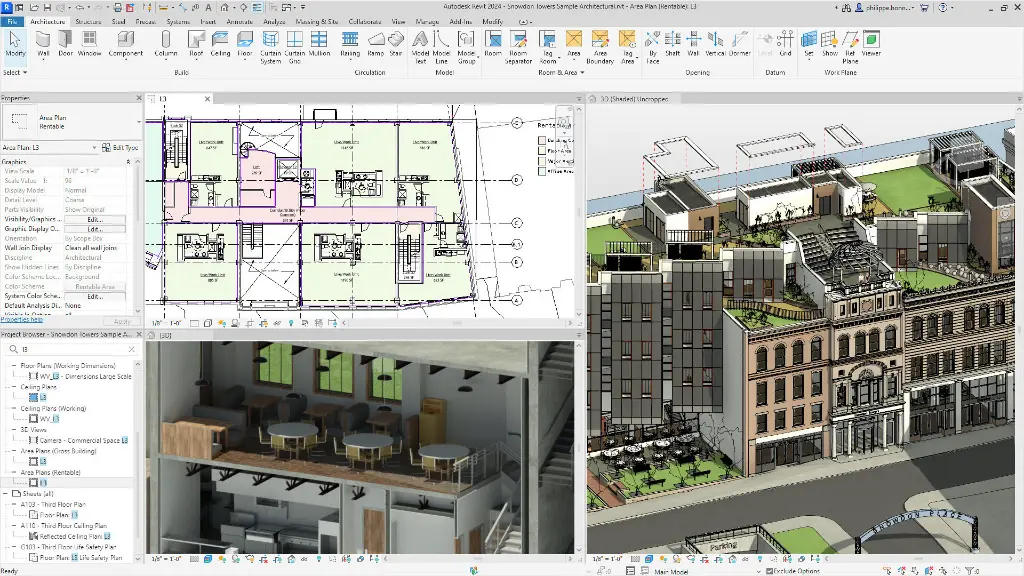
- Navigating the Autodesk Revit interface
- Creating and managing Revit projects
- Working with levels and structural grids
- Creating walls, floors, ceilings, and roofs
- Adding doors, windows, and curtain walls
- Working with views, elevations, and sections
- Adding architectural components
- Creating stairs, railings, and ramps
- Producing construction documentation
- Working with dimensions, tags, and schedules
- Creating detail views and annotations
- Managing sheets and printing workflows
- Improving BIM coordination and project efficiency
Training Guide Contents
Introduction to BIM and Autodesk Revit
Chapter 1: Introduction to BIM and Autodesk Revit
1 BIM and Autodesk Revit Overview
2 Revit Interface and Navigation
3 Starting Projects and Viewing Commands
Chapter 2: Sketching and Modify Tools
1 General Sketching Tools
2 Editing and Modify Tools
Chapter 3: Starting Architectural Projects
1 Linking CAD and Revit Files
2 Setting Up Levels and Structural Grids
3 Adding Columns
Chapter 4: Modelling Architectural Elements
1 Modelling and Modifying Walls
2 Adding Doors and Windows
3 Working with Curtain Walls
Chapter 5: Working with Views and Components
1 Modifying and Duplicating Views
2 Creating Elevations, Sections, and Callouts
3 Adding and Modifying Components
Chapter 6: Floors, Ceilings, and Roofs
1 Modelling Floors and Openings
2 Creating Ceilings and Ceiling Fixtures
3 Creating Roofs by Footprint and Extrusion
Chapter 7: Stairs, Railings, and Ramps
1 Creating and Modifying Stairs
2 Working with Railings and Ramps
Chapter 8: Construction Documentation
1 Setting Up Sheets and Views
2 Dimensions, Text, and Annotation Tools
3 Tags, Schedules, and Legends
4 Creating Detail Views and Components
Who Should Attend the Revit Architecture Essentials Training
This Revit Architecture Essentials Course is suitable for:
- Architects
- Building designers
- Interior designers
- BIM coordinators
- Construction professionals
- Students learning BIM workflows
- AutoCAD users transitioning into Revit workflows
This Online Revit Essentials Course is ideal for professionals and beginners wanting practical BIM skills through live Remote Revit Essentials Training sessions.
Revit Architecture Essentials Training Prerequisites
Participants attending this Revit Essentials Training course should have basic computer skills and understanding of architectural drafting or design workflows. Previous CAD experience is beneficial but not essential. Access to Autodesk Revit software and a stable internet connection is recommended for participating in Remote Revit Essentials Training sessions.
Why Choose Design Consulting | Autodesk Gold Partner | Autodesk Service Provider
Design Consulting is a trusted Autodesk Gold Partner and Autodesk Service Provider. Design Consulting empowers architects, engineers, manufacturers, and builders with smart software, automation, and digital tools that provide Autodesk end-to-end solutions that are connected with systems and machines. As an Autodesk Gold Partner, we deliver tailored solutions that simplify workflows, reduce costs, and drive better project outcomes.
Enrol Now in the Autodesk Revit Architecture Essentials Training Course
Start your journey in digital BIM architecture design with Revit. Contact Design Consulting today to book or learn more about our online and face to face training options.
Ready to Design with Precision and Speed?
Transform the way you create, visualise, simulate, and deliver designs, reports and drawings. Contact us today to explore training, services and subscription options or request a demo.
Fill out the contact form below or contact us on 1800 514 490, info@designconsulting.com.au or by live chat