




Autodesk Inventor Template Setup Training Course
- 16-Hours (8 x 2-Hour Sessions) Training*
- Delivered remotely over MS Teams - Contact Us for On-Site/Face to Face Training
- Sessions are recorded and download links are provided after each session for your future use and reference.
- Pricing is based on 1-3 people. Additional people are at an additional cost of $1,100 per person.
- Volume Discounts apply for 5+. Please contact us.
- Training is usually broken up into 2 or 4-hour sessions in the morning and flexible (i.e. consecutive or Monday, Wednesday, Friday, etc.)
- Training sessions can start within 14 days of booking
- Courses are private and topics can be customised to suit
- Includes Certificate of Completion
Download PDF Brochure
Autodesk Inventor Template Setup Training Course Introduction - Setup Your Organisations Template and Company Standards
The Autodesk Inventor Template Setup Training Course is designed for organisations looking to standardise their Autodesk Inventor environment, improve design consistency, and implement company engineering standards across teams and projects.
Unlike traditional Inventor training courses, this workshop combines template management training with practical standards development. Participants are provided with a professionally developed Inventor base environment which is then customised during the training to suit your company's engineering standards, drawing requirements, title blocks, BOM structures, file properties, libraries, and workflows.
By the end of the course, attendees will not only understand how Autodesk Inventor templates and standards work, but will also leave with a customised Inventor environment ready for deployment across the business.
Autodesk Inventor Template Setup Course – Drawing Templates, Styles and Standards Training
The Autodesk Inventor Template Setup Training Course is designed for organisations looking to standardise their Autodesk Inventor environment, improve design consistency, and implement company engineering standards across teams and projects.
Unlike traditional Inventor training courses, this workshop combines template management training with practical standards development. Participants are provided with a professionally developed Inventor base environment which is then customised during the training to suit your company's engineering standards, drawing requirements, title blocks, BOM structures, file properties, libraries, and workflows.
By the end of the course, attendees will not only understand how Autodesk Inventor templates and standards work, but will also leave with a customised Inventor environment ready for deployment across the business.
What You'll Learn – Inventor Templates, Content Center Libraries, BOM Standards and Design Data Management
- Understand Inventor template structures and standards management
- Configure part, assembly, and drawing templates
- Create and manage company design standards
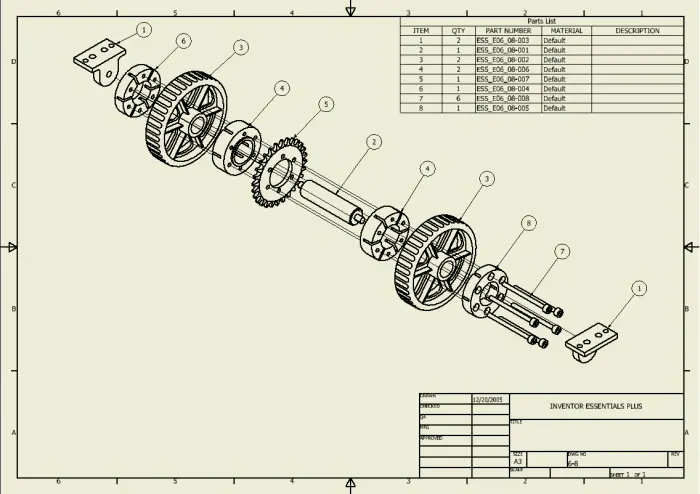
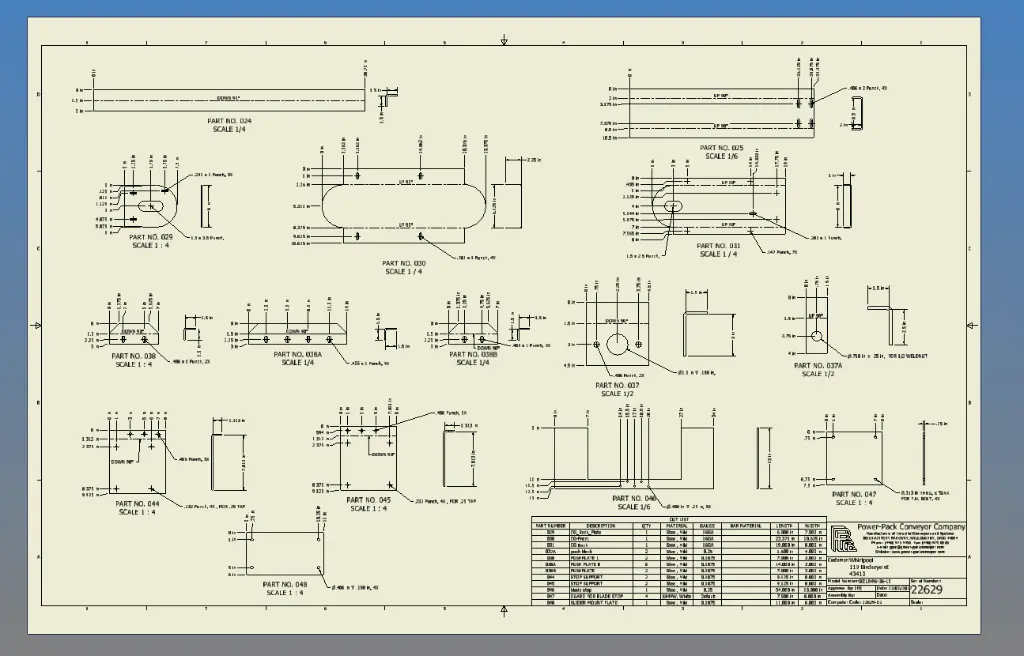
- Configure title blocks, borders, and drawing formats
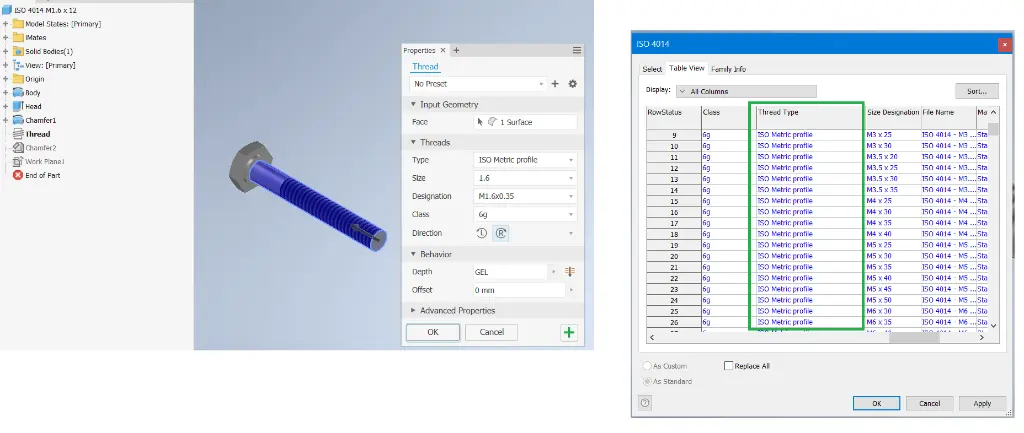
- Manage Design Data settings and style libraries
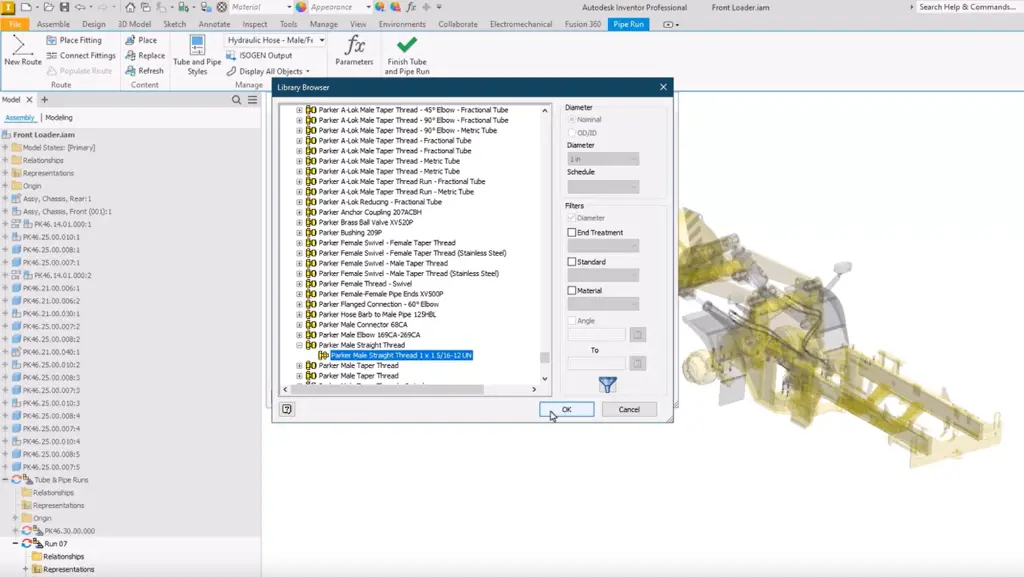
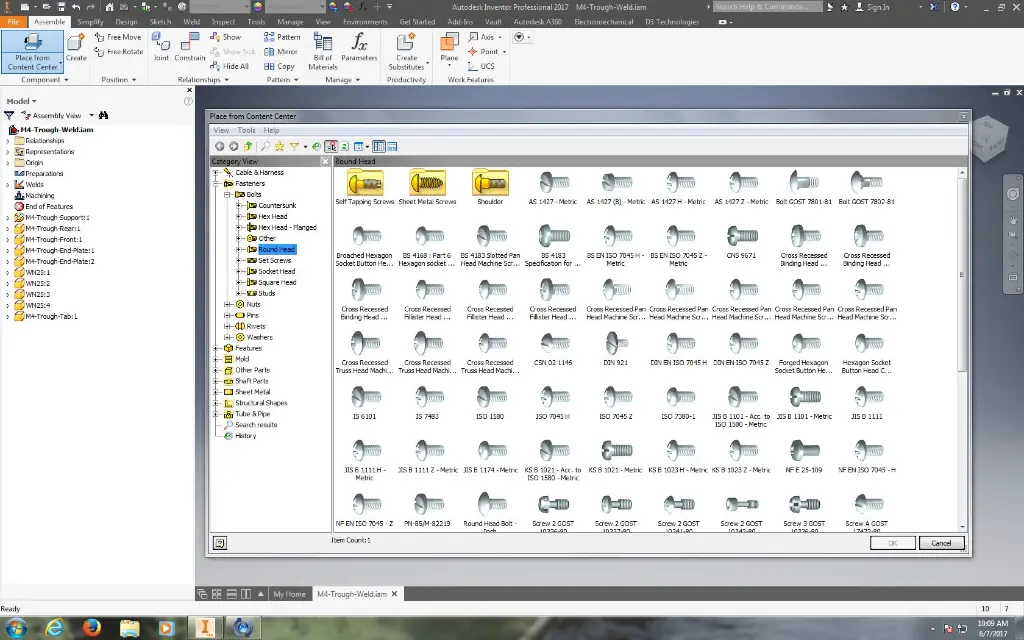
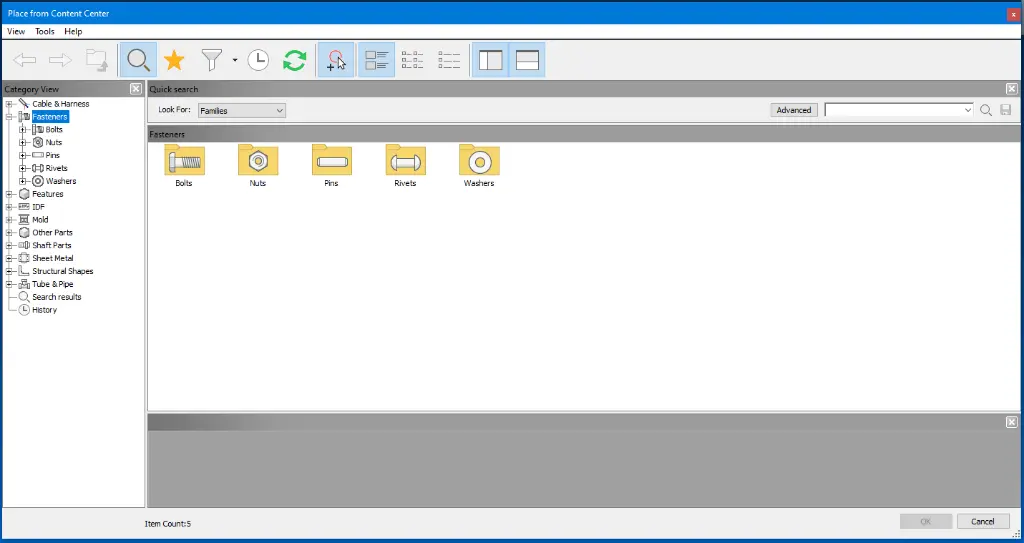
- Create and manage Content Center libraries
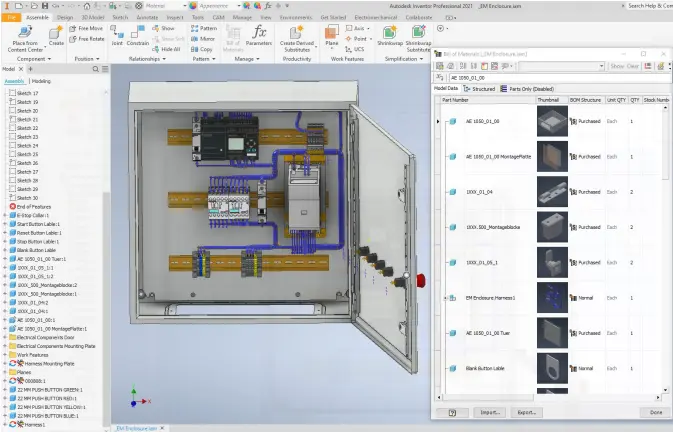
- Standardise BOM and parts list workflows
- Configure materials and appearance libraries
- Implement company property standards
- Deploy and maintain Inventor standards across teams
Inventor Template Setup Topics Covered - Drawing Standards and Content Center Management
- Inventor template management
- Part templates
- Assembly templates
- Drawing templates
- Design Data management
- Styles and standards
- Title blocks and borders
- Content Center management
- Material libraries
- Appearance libraries
- BOM configuration
- Parts lists
- iProperties
- Company standards
- File management standards
- Documentation standards
- Template deployment
- Standards governance
Get Your Organisation's Inventor Templates and Company Standards Under Control
Many organisations operate with inconsistent templates, duplicated libraries, unmanaged standards, and varying engineering practices between users and departments. Over time, this creates inefficiencies, documentation inconsistencies, and avoidable engineering rework.
The Autodesk Inventor Template Setup Training Course helps organisations establish a controlled and standardised design environment that supports consistent engineering outputs and scalable growth.
Working from a professionally developed base environment, your team will customise and configure Inventor templates, title blocks, styles, Content Center libraries, Design Data settings, BOM standards, and documentation workflows to suit your organisation's requirements.
By the end of the training, your organisation will have a customised Inventor standards environment that can be immediately deployed across future projects and engineering teams.
Customised Inventor Template Development During Training
The Autodesk Inventor Template Setup Training Course is delivered as a practical workshop where participants learn template management while simultaneously developing and refining their own company standards. Rather than working through generic examples, the training focuses on configuring a real Inventor environment that aligns with your organisation's engineering, manufacturing, and documentation requirements.
Using a professionally developed base template, attendees will customise part templates, assembly templates, drawing templates, title blocks, borders, styles, standards, Design Data settings, Content Center libraries, BOM configurations, material libraries, and iProperty standards to suit their business.
This hands-on approach enables organisations to achieve both training outcomes and commercial outcomes. Participants gain the knowledge required to manage and maintain Inventor standards while creating a customised template environment that can be immediately deployed across projects and engineering teams.
Training can be tailored to suit manufacturing, machinery design, industrial equipment, mining, process plant, fabrication, sheet metal, structural steel, product development, and custom engineering workflows. By the end of the course, your organisation will have a standardised Inventor environment that improves consistency, productivity, data quality, and engineering efficiency across future projects.
Autodesk Inventor Template Setup Training Course Outline*
Chapter 1: Inventor Standards and Template Fundamentals
- Understanding Inventor Templates
- Company Standards Planning
- Template Architecture
- Standards Governance
Chapter 2: Project File Setup and IPJ Configuration
- Understanding Inventor Project Files
- Creating and Configuring IPJ Files
- Workspace and Library Paths
- Design Data, Templates and Content Center Paths
- Multi-User and Shared Environment Considerations
Chapter 3: Part and Assembly Templates
- Part Template Configuration
- Assembly Template Configuration
- Default Settings
- Model Standards
- Property Setup
Chapter 4: Drawing Templates and Documentation Standards
- Drawing Templates
- Sheet Formats
- Borders and Title Blocks
- Documentation Standards
- Revision Tables
Chapter 5: Styles, Standards and Design Data
- Object Styles
- Dimension Styles
- Text Styles
- Standards Management
- Shared Design Data Configuration
Chapter 6: Materials, Appearances and Property Standards
- Material Libraries
- Appearance Libraries
- Company Materials
- iProperties
- Data Consistency
Chapter 7: BOM and Parts List Standards
- BOM Configuration
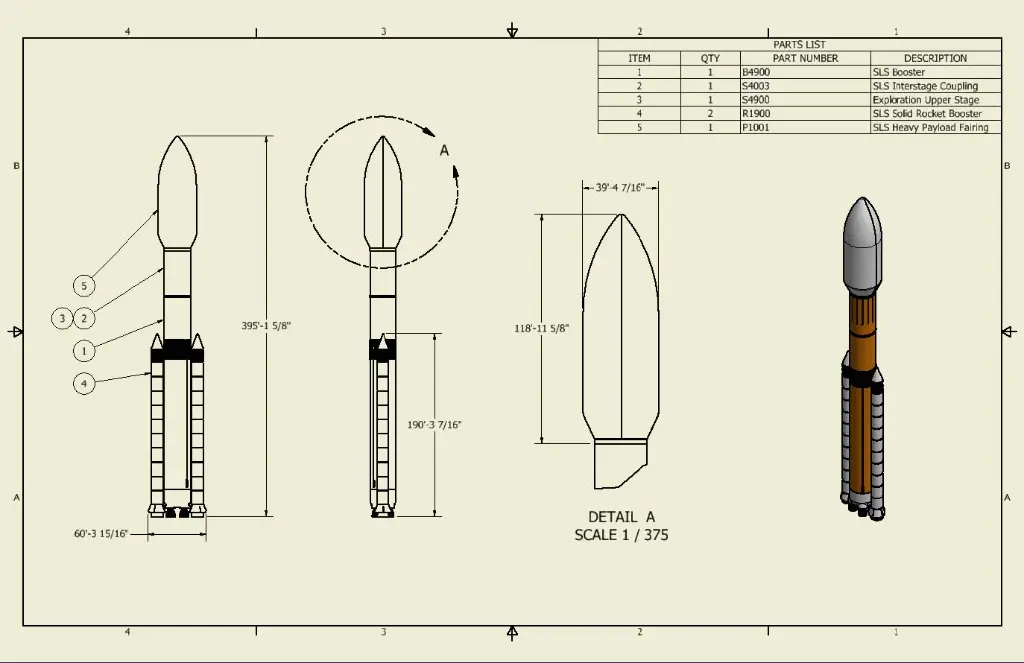
- Parts List Styles
- Balloon Standards
- Item Numbering
- Manufacturing Documentation
Chapter 8: Customising Your Company Environment
- Applying Company Standards
- Template Refinement
- Workflow Optimisation
- Template Testing
- User Adoption
Chapter 9: Deployment and Maintenance
- Standards Rollout
- Network Deployment
- User Access
- Ongoing Governance
- Future Updates
Chapter 10: Custom Inventor Template Development Workshop
- Reviewing Company Requirements
- Developing Company Templates
- Testing Standards
- Deployment Planning
- Final Template Review
Optional Chapter: Sheet Metal Template Setup
- Sheet Metal Rule Configuration
- Sheet Metal Styles
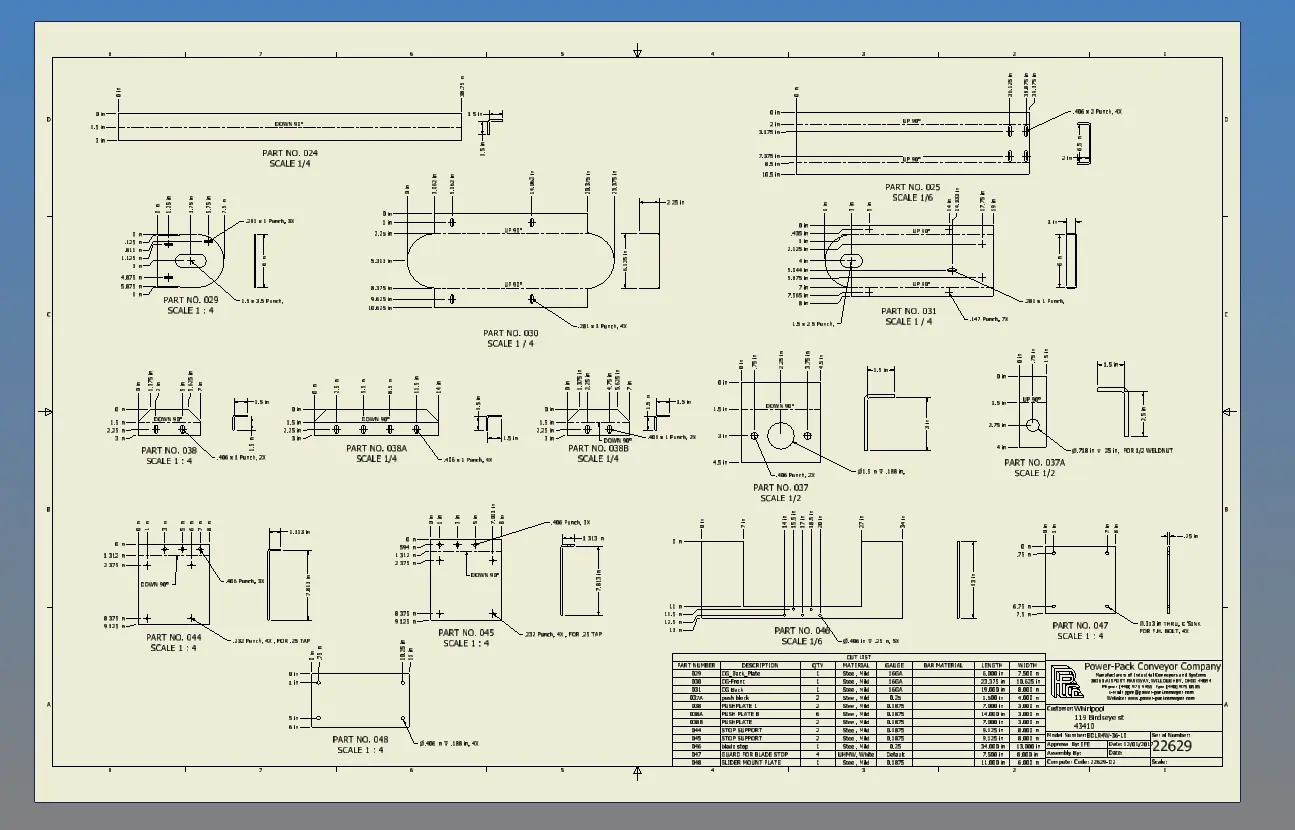
- Flat Pattern Documentation
- Bend Tables and Bend Notes
- DXF Export Standards
- Manufacturing Output Requirements
Optional Chapter: Frame Generator Template Setup
- Frame Generator Standards
- Structural Member Libraries
- Frame Member Naming
- Cut Lists and BOM Setup
- Drawing Documentation Standards
- Fabrication Workflow Configuration
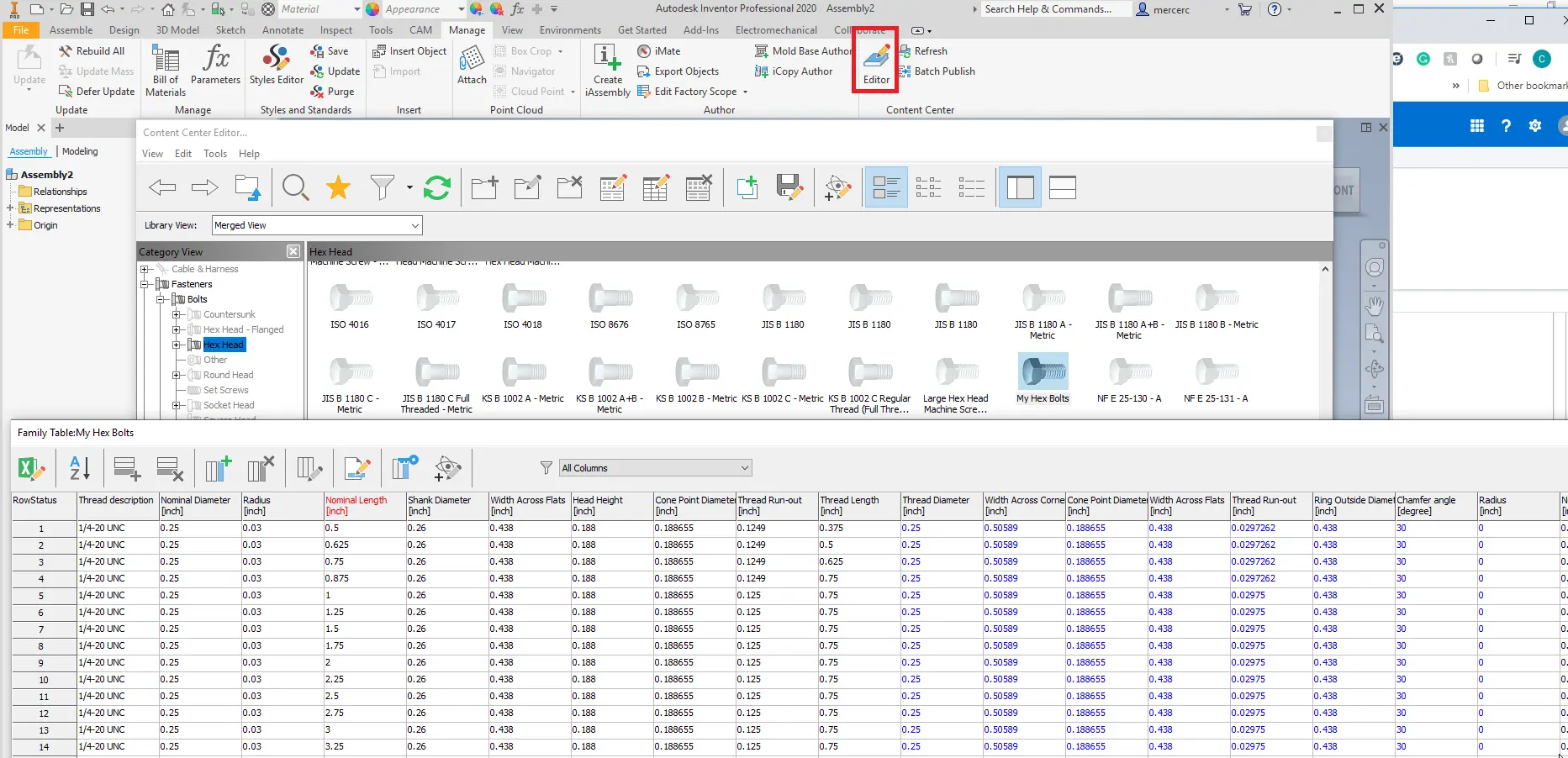
Optional Chapter: Content Center Library Setup
- Content Center Library Structure
- Read/Write Library Configuration
- Copying and Customising Families
- Family Table Management
- Material and Property Mapping
- Publishing Custom Components
*Training may go over 16-hours depending on requirements and can be determined prior to commencement
Who Should Attend the Autodesk Inventor Template Setup Training Course
- CAD Managers
- Engineering Managers
- Design Managers
- Inventor Administrators
- Autodesk Inventor Users
- Manufacturing Engineers
- Mechanical Engineers
- Product Designers
- Drafting Managers
- Technical Leads
Autodesk Inventor Template Setup Training Course Prerequisites
Participants should have a working knowledge of Autodesk Inventor and general engineering design workflows.
Previous experience creating parts, assemblies, drawings, and bills of materials is recommended.
Enrol Now in the Autodesk Inventor Template Setup Training Course
Develop the skills required to create, manage, and maintain professional Autodesk Inventor templates and engineering standards while simultaneously building a customised company environment ready for deployment.
This practical training course combines Inventor standards management with real-world template development, delivering both staff capability and a valuable business asset that improves consistency, productivity, and engineering quality across future projects.
Ready to Design with Precision and Speed?
Transform the way you create, visualise, simulate, and deliver designs, reports and drawings. Contact us today to explore training, services and subscription options or request a demo.
Fill out the contact form below or contact us on 1800 514 490, info@designconsulting.com.au or by live chat