
Autodesk Fusion with PowerShape
Enhance Your Design with Autodesk Fusion with Powershape
Available in Flex Tokens, Annual Subscription or 3-Year Subscription
Unlock the full potential of your designs with Autodesk Fusion with Powershape, the versatile modelling software tailored for complex geometry creation. Ideal for manufacturing professionals, it seamlessly integrates with other Autodesk applications to streamline your workflow. Choose from flexible options like Flex Tokens, annual subscriptions, or a 3-year plan to best suit your needs. Enhance your capabilities and transform your design process today.
Autodesk Fusion with PowerShape - Advanced Modelling Software for Manufacturing

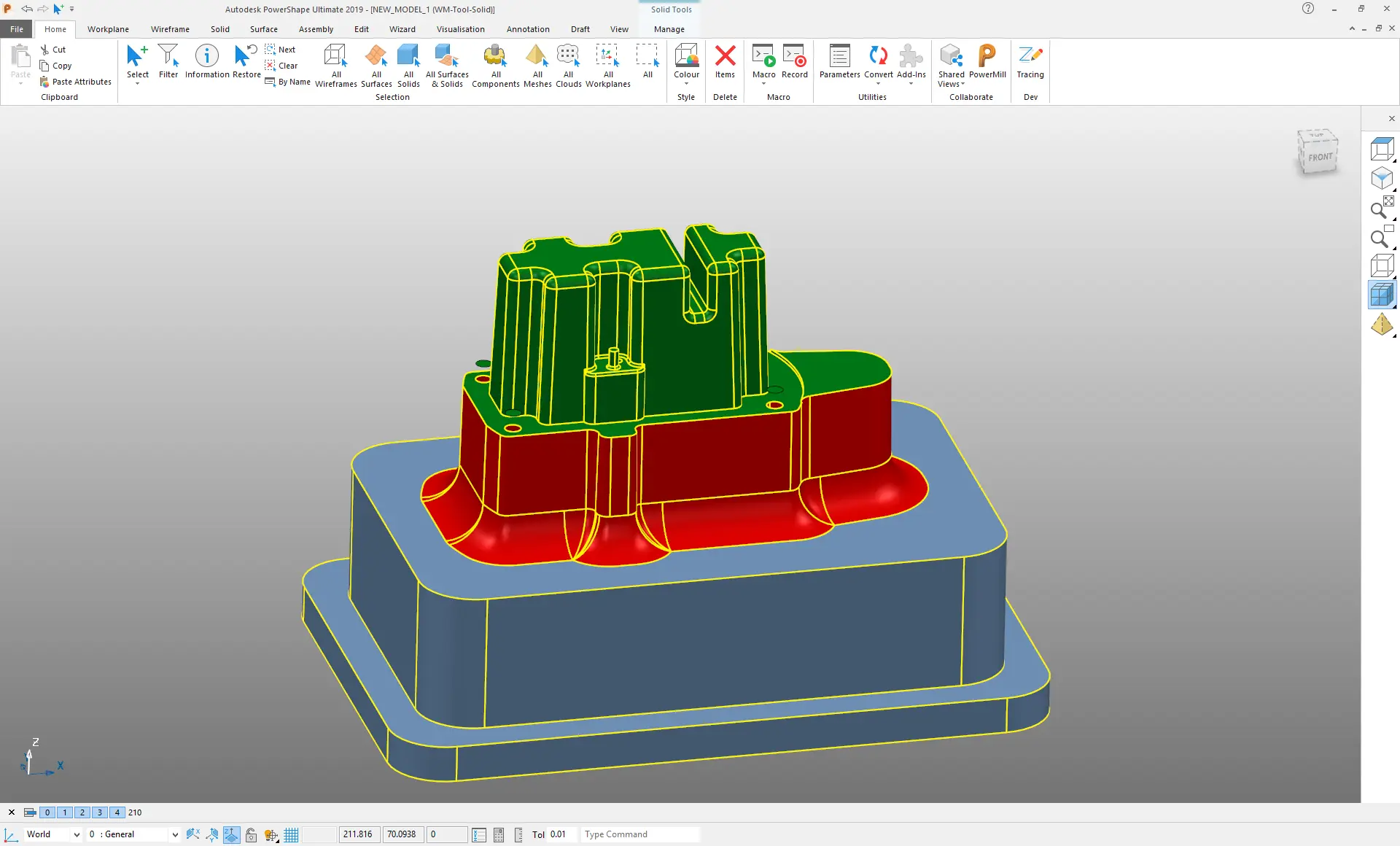
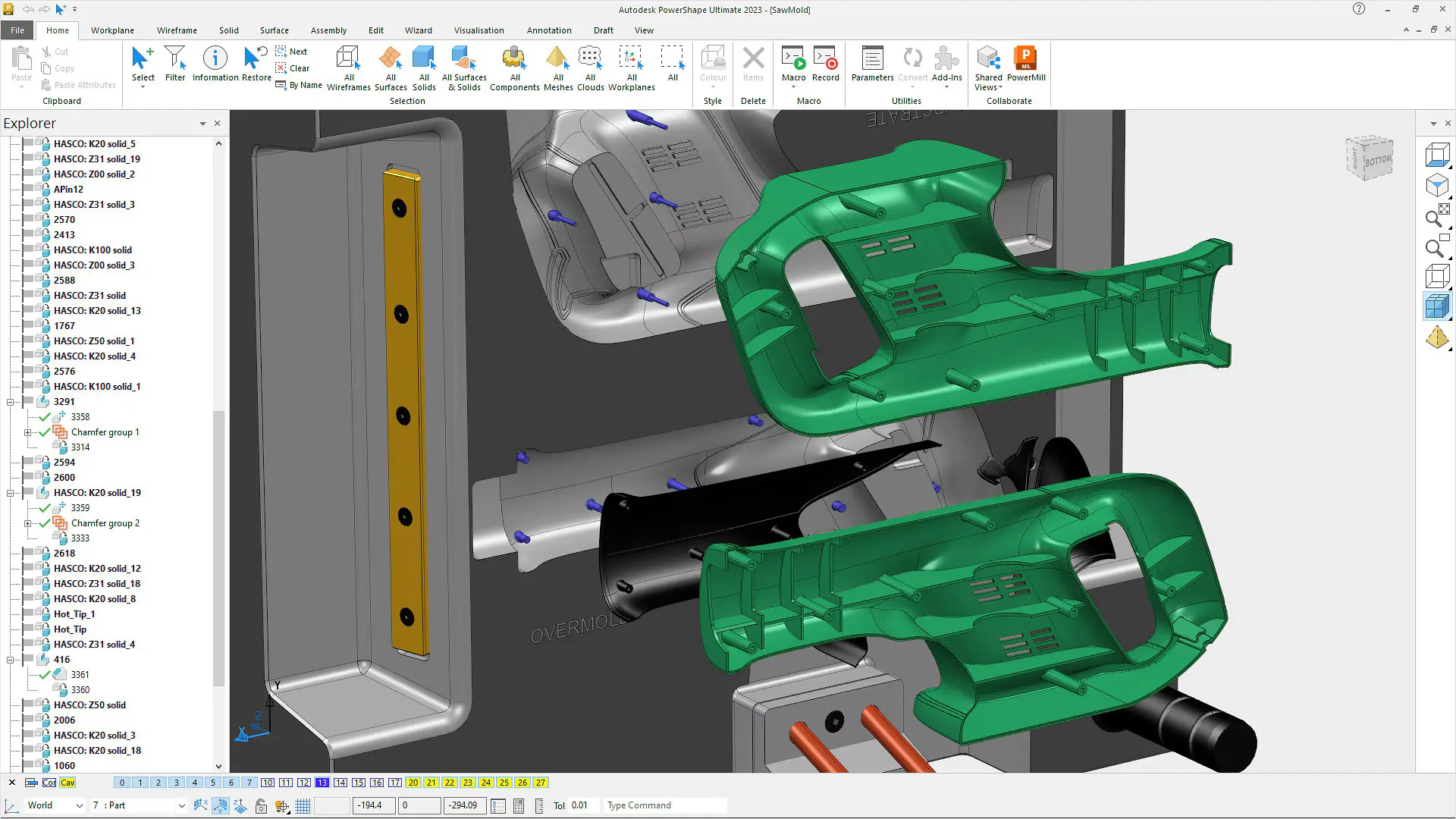
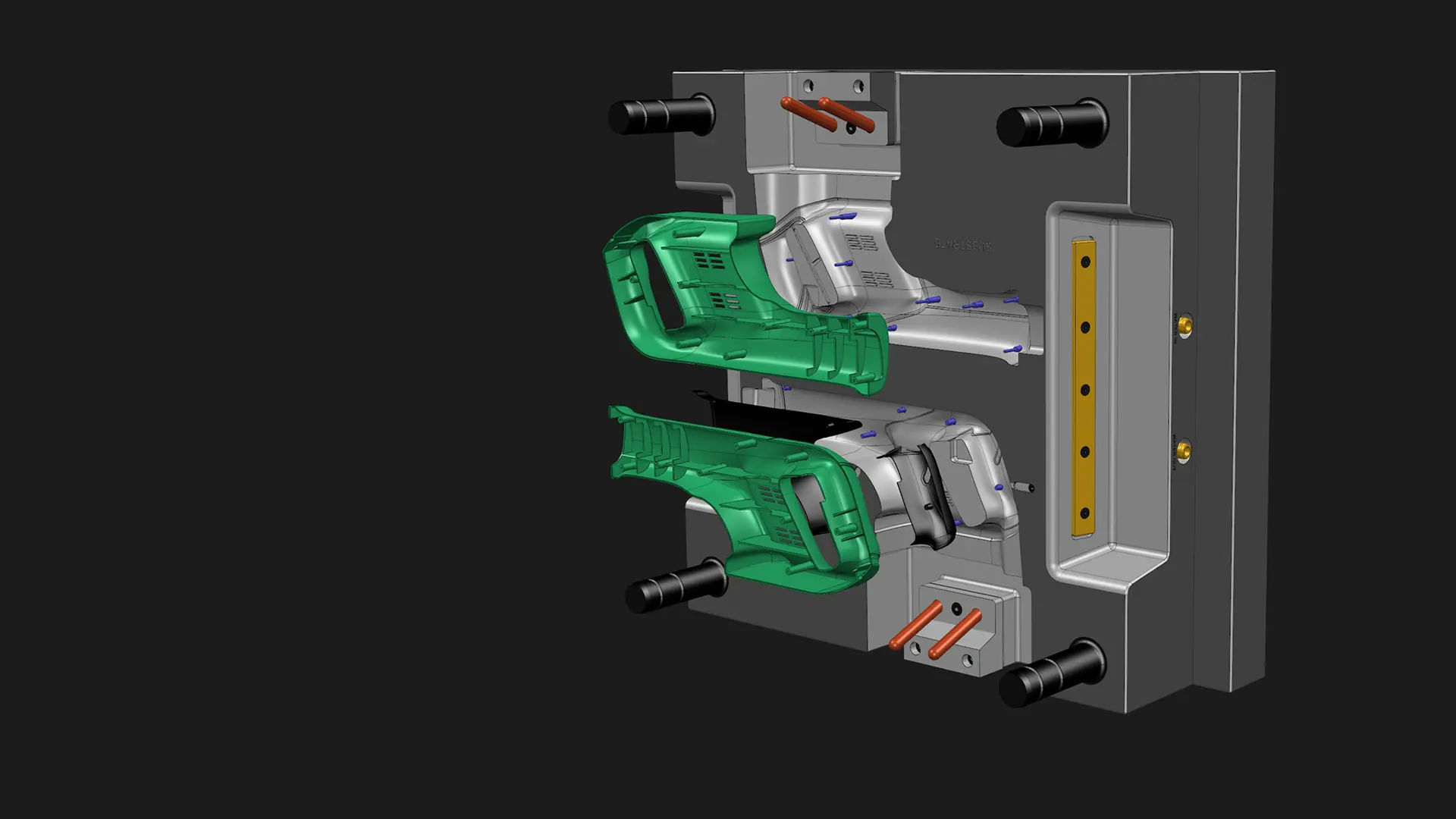
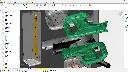
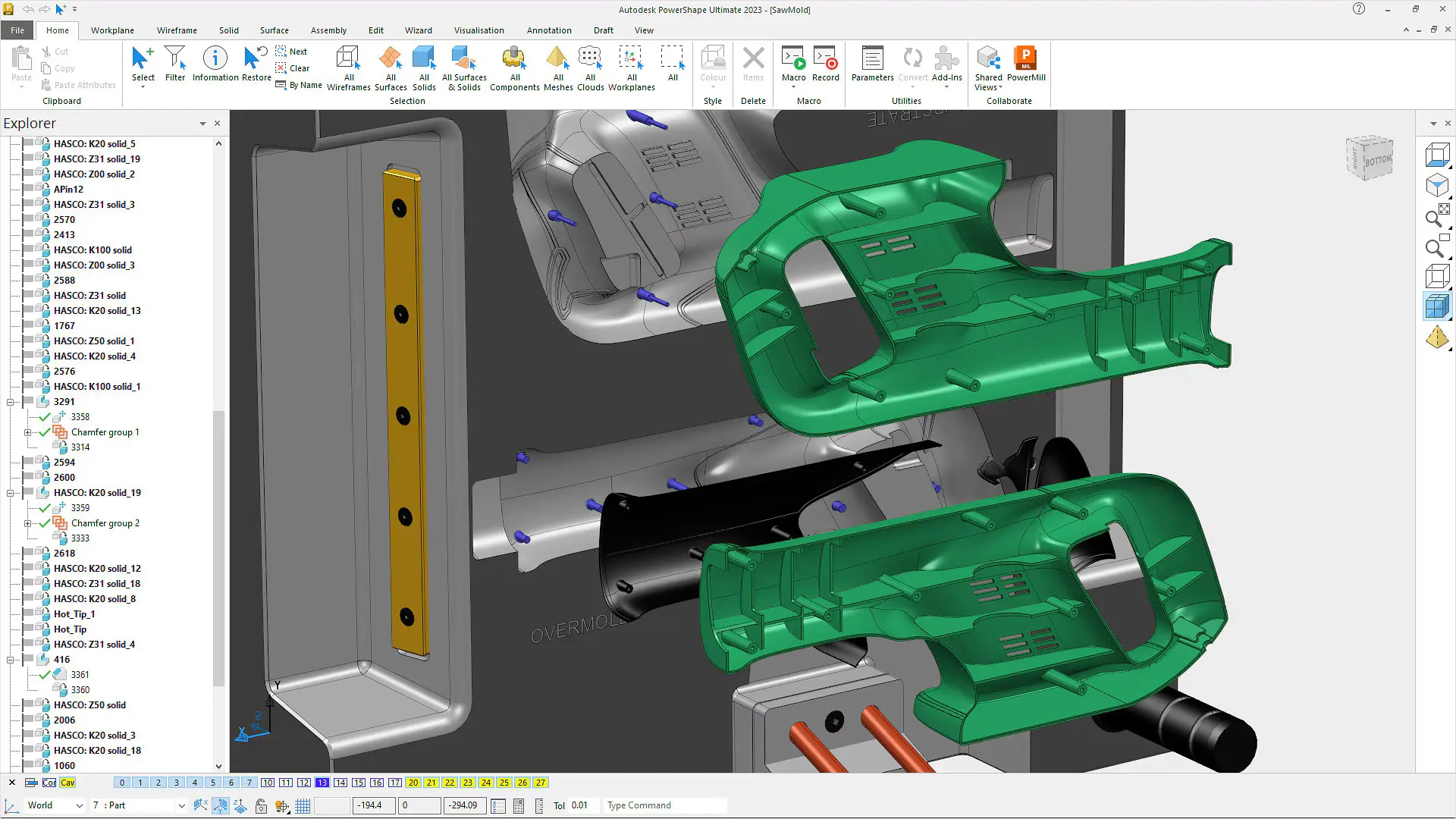
Autodesk Fusion with PowerShape is a robust CAD software solution designed for preparing intricate models for manufacture. It integrates solid, surface, and mesh modelling, providing a comprehensive toolkit for industrial design and engineering. With powerful capabilities, Autodesk Fusion 360 with PowerShape streamlines the transformation of scanned data into precise, manufacturable designs. This makes it a vital asset for engineers, designers, and manufacturers aiming to optimise workflows from concept to production.
Autodesk Fusion with PowerShape is perfect for manufacturers, mould makers, and engineers needing advanced modelling tools for sophisticated design creation. It boosts productivity by offering a unique blend of surface, solid, and mesh modelling techniques. Notably, Autodesk PowerShape includes reverse engineering capabilities, facilitating work with existing products to create precise digital representations.
Autodesk Fusion with PowerShape Software
At the core of this package is Autodesk Fusion with PowerShape, which combines multiple advanced modelling software techniques to support the creation of complex designs. It is renowned for its ability to manage detailed CAD models, proving especially helpful in industries demanding high precision and innovation. Autodesk PowerShape enhances workflow efficiency by providing users with:
Hybrid Modelling
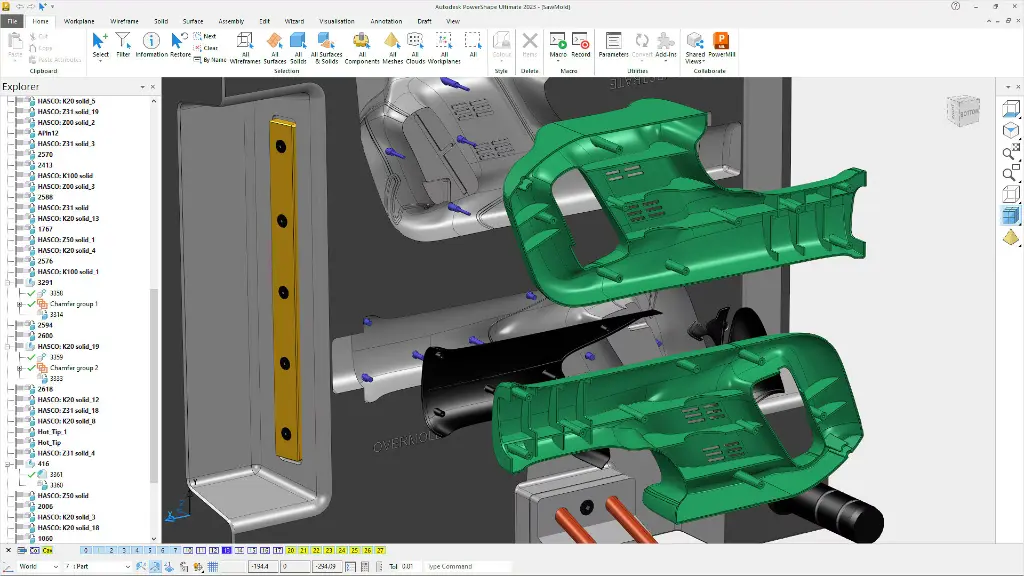
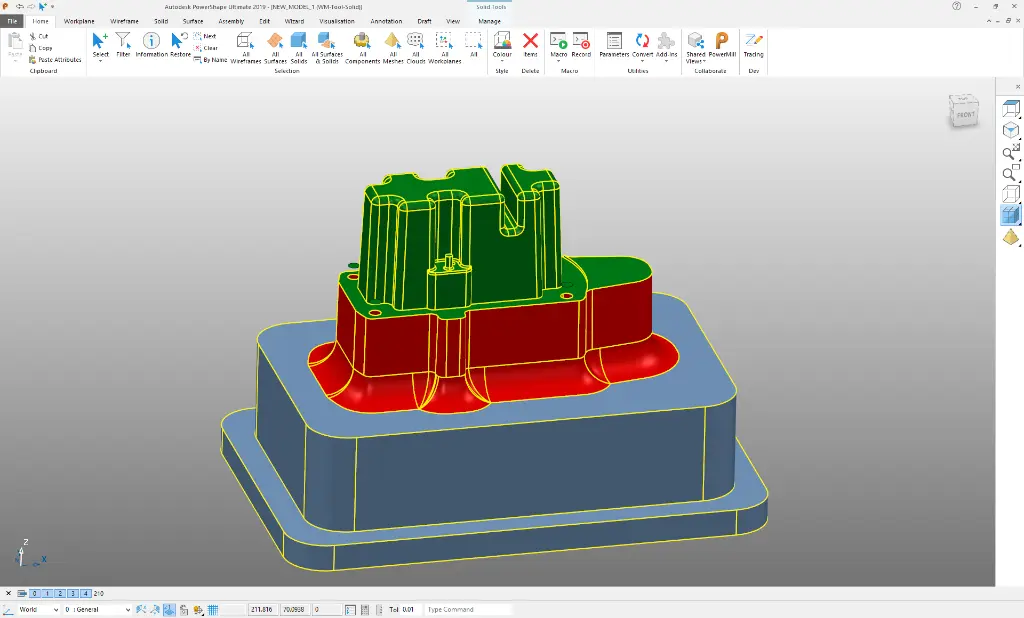
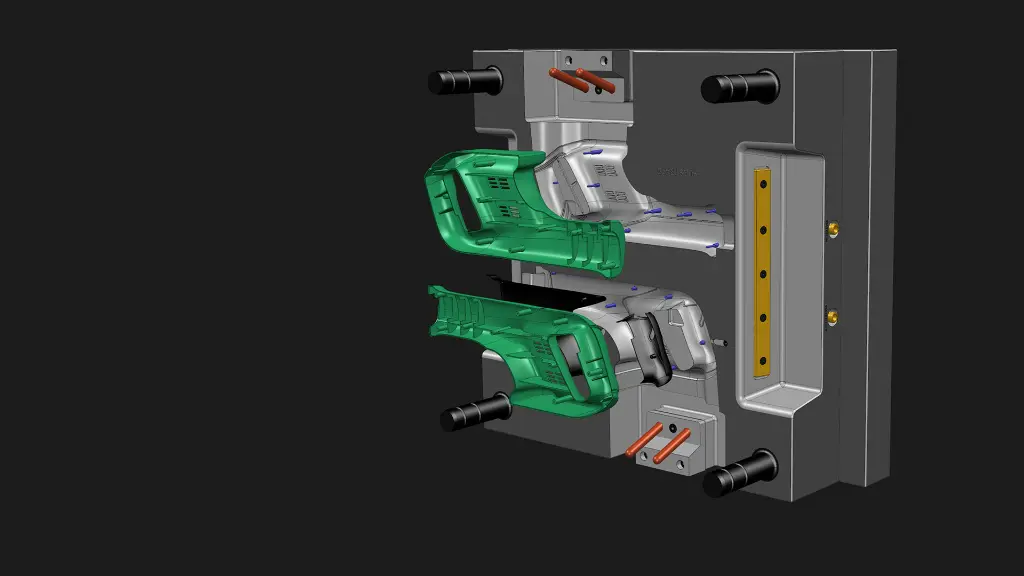
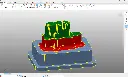
Autodesk Fusion with PowerShape excels in hybrid modelling by allowing seamless integration of surfaces, solids, and meshes within one environment. This flexibility provides enhanced control over complex geometries, resulting in more sophisticated design processes. Users can manipulate and refine models without switching between different programmes, streamlining the design workflow.
Reverse Engineering
With robust reverse engineering capabilities, Autodesk Fusion 360 with PowerShape enables the conversion of scanned data into accurate 3D models. This feature is indispensable for engineers replicating existing parts or products with high precision. The software supports various input data formats, enhancing its versatility in managing different scanned data types to expedite engineering processes.
Automated Workflows
Autodesk Fusion with PowerShape's automated workflows simplify elaborate processes by reducing manual input and minimising errors. This feature saves time and boosts efficiency by automating repetitive tasks, allowing users to focus on creativity. Automated tools ensure consistent quality, leading to reliable results and higher client satisfaction.
Advanced Surface Tools
Autodesk PowerShape includes advanced surface tools for creating and modifying intricate surface geometries. These tools enable the design of complex shapes and smooth blends, critical in automotive and aerospace sectors where aerodynamics and aesthetics are paramount. The intuitive interface helps visualise and apply detailed surface features effortlessly.
Integration with Autodesk Products
Autodesk Fusion 360 with PowerShape integrates seamlessly with other Autodesk products, forming a cohesive ecosystem for design and manufacturing. This integration ensures files and data are easily transferable between applications, facilitating collaboration and enhancing productivity. Users benefit from a unified approach to product development, leveraging various Autodesk solutions' strengths.
Related Products
What's Included in Autodesk Fusion with PowerShape?
When you subscribe, you'll access a comprehensive set of tools crafted for advanced modelling and engineering. Autodesk PowerShape includes a variety of features supporting the complete design-to-manufacture pipeline from conceptual modelling to final fabrication.
3D Modelling Tools
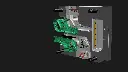
The 3D modelling tools within Autodesk Fusion 360 with PowerShape empower users to craft detailed and complex models from inception. Whether designing simple components or intricate assemblies, these tools offer the flexibility needed for precise design work. The software supports both parametric and direct modelling techniques, providing versatility to suit diverse project demands.
Mesh Manipulation
Mesh manipulation in Autodesk Fusion with PowerShape encompasses functions from repairing scanned meshes to refining them for production. Tools are available to clean and optimise mesh data, ensuring that models are suitable for downstream processes like analysis or CNC machining. This toolset enhances the use of 3D scanned data and optimises it for manufacturing applications.
Surfacing Capabilities
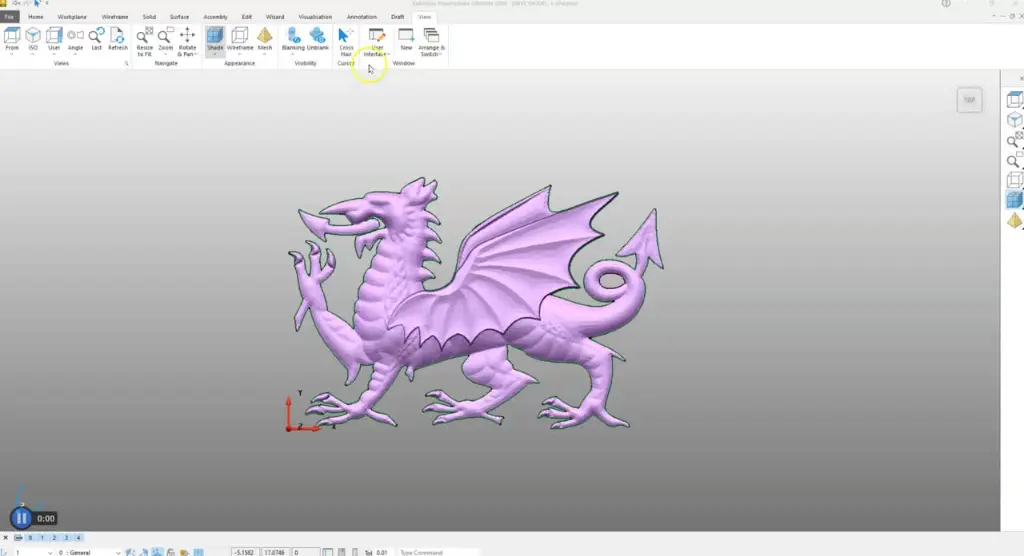
Autodesk Fusion 360 with PowerShape offers a range of surfacing capabilities for designing smooth, complex surfaces. Designers can utilise these features to balance aesthetics and functionality in products where surface precision is vital. From freeform surface creation to precise curvature controls, Autodesk PowerShape delivers essential tools for high-end design.
Solid Modelling Features
Solid modelling features in Autodesk Fusion with PowerShape aid in constructing robust 3D models for analysis and manufacturing. Users can quickly build parametric models, enabling easy updates and iterations. This feature allows merging solids with surface and mesh data, offering a comprehensive approach to model creation.
Data Import and Export
The data import and export capabilities in Autodesk Fusion with PowerShape facilitate seamless interaction with other CAD platforms. It supports various industry-standard file formats, ensuring compatibility and ease of data exchange. This toolset is crucial for collaborative projects involving different stakeholders or multiple CAD systems.
Toolpath Verification
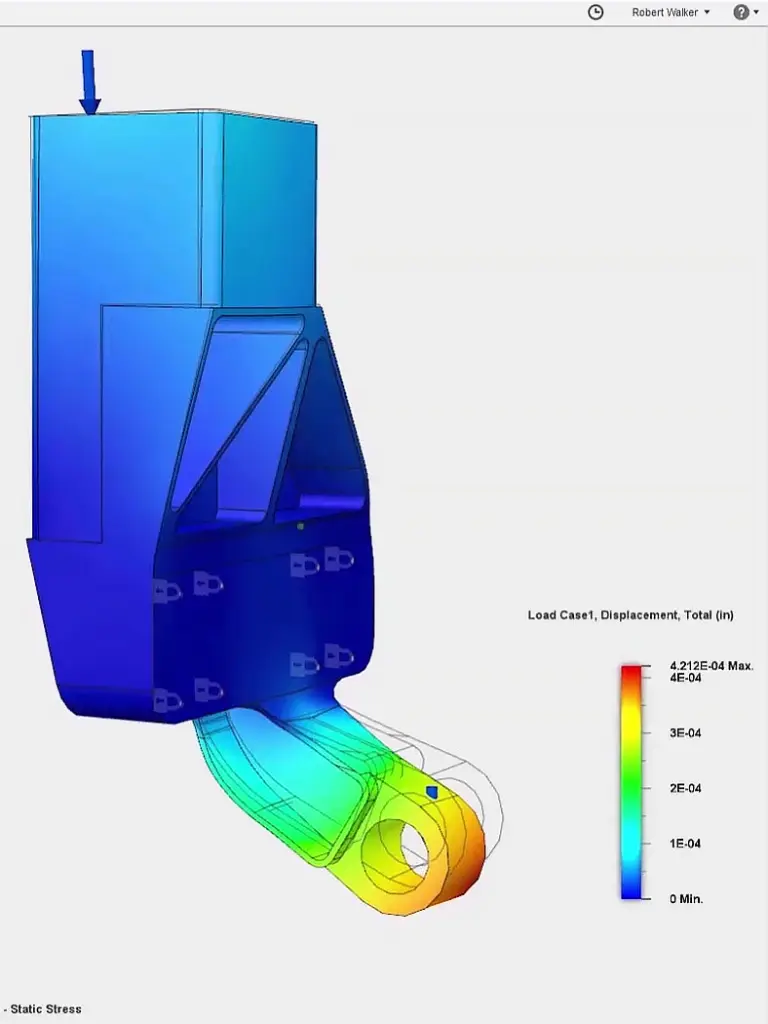
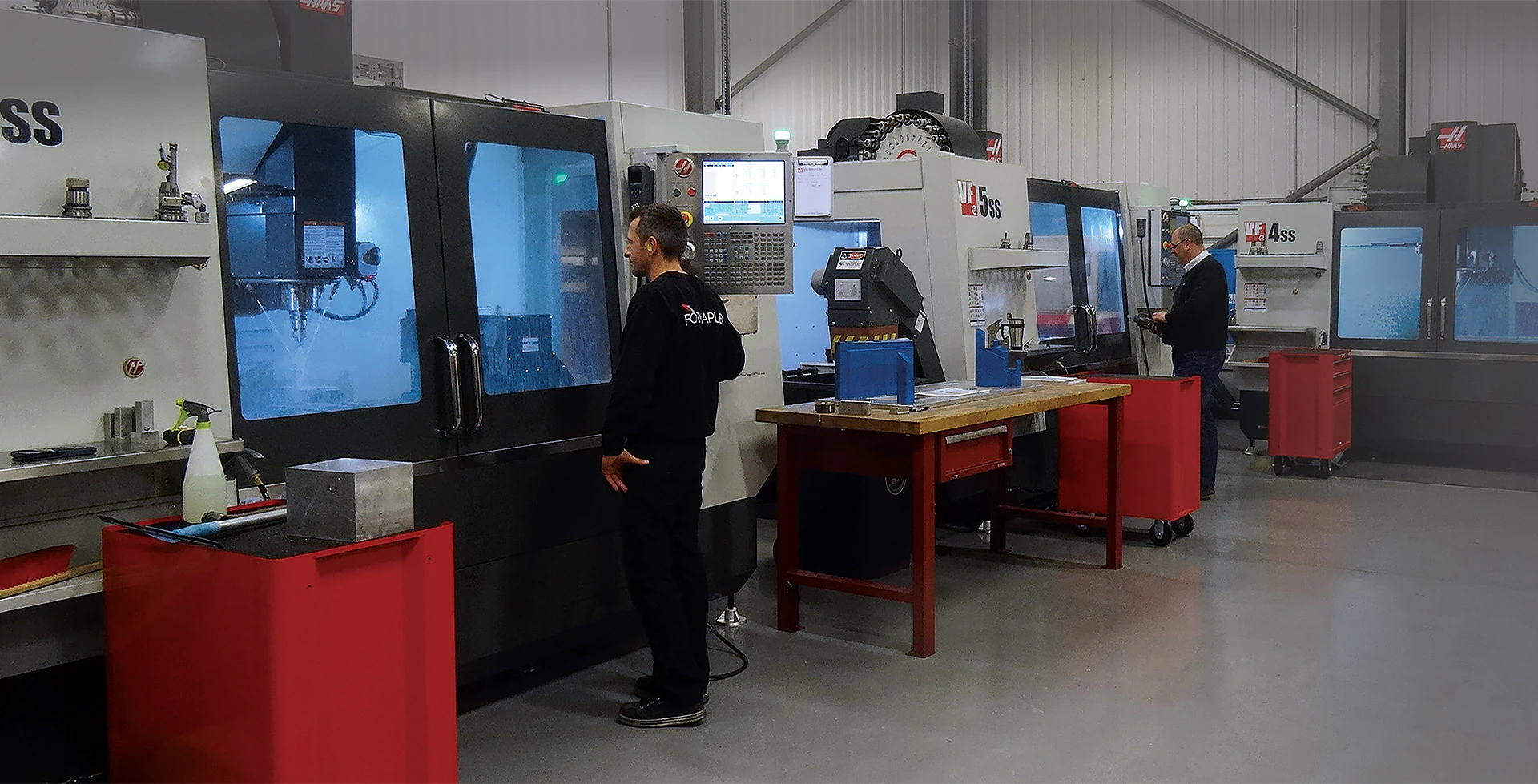
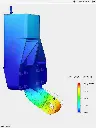
Toolpath verification guarantees that models are manufacturable without errors prior to production. This feature enables users to simulate and verify machining processes, reducing the risk of costly mistakes. It enhances the reliability and efficiency of CNC programming and manufacturing.
DC Products and Services
Bundle and Save when you get Accessory Products or Services
Training Courses
From fundamentals advanced to custom courses, covering all Autodesk products for design, visualisation, simulation, automation and collaboration.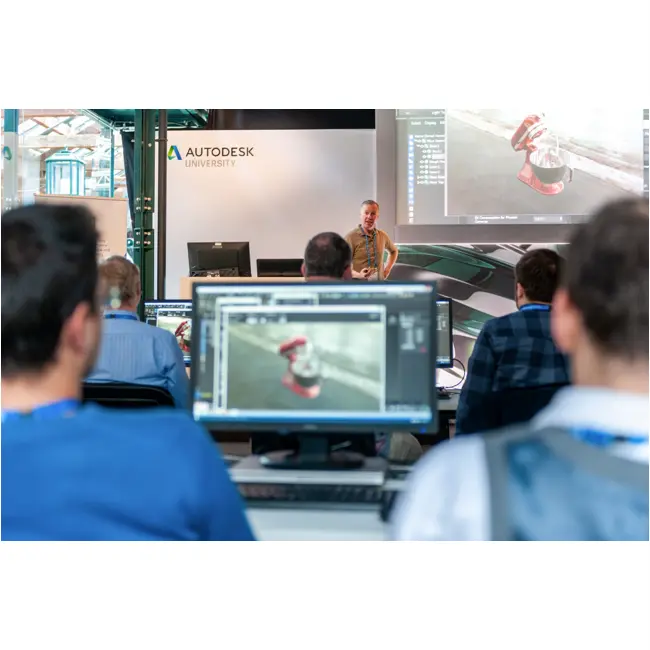
Services
DC has a range of services, including support, consulting, templates, libraries, design automation, system deployments, custom add-ins and more.
Bluebeam
PDF Collaboration software from Bluebeam enhances and captures communication across teams and projects.

Autodesk Fusion with PowerShape Key Benefits
Increased Efficiency
Autodesk Fusion with PowerShape enhances efficiency by streamlining workflows, reducing manual intervention, and automating complex processes. This results in faster design cycles and increased productivity.
Improved Precision
With advanced modelling tools, Autodesk Fusion 360 with PowerShape ensures high precision in creating complex geometries. This level of detail is crucial for industries demanding quality and accuracy.
Enhanced Collaboration
Seamless integration with other Autodesk products and compatibility with various data formats enhance collaboration across teams and platforms. This facilitates more cohesive and efficient project work.
Versatile Design Capabilities
The hybrid modelling environment allows for the creation of diverse and intricate designs. Autodesk PowerShape's flexibility accommodates both artistic and technical needs in product development.
Cost Reduction
By reducing errors through simulation and verification tools, Autodesk Fusion with PowerShape minimises the risk of costly manufacturing mistakes. This translates into significant cost savings for businesses.
User-Friendly Interface
The intuitive interface of Autodesk PowerShape makes it accessible to both new and experienced users, facilitating a smoother learning curve and quick adaptation to projects.
Autodesk Fusion with PowerShape
is Ideal For
- Manufacturers
- Mould Makers
- Engineers
- Product Designers
- Automotive Industry Professionals
- Aerospace Engineers
Licencing Options
Choose from flexible Autodesk subscription plans including:
- Annual Subscription
- 3-Year Subscription
- Flex Token Usage Based
All plans include automatic software updates, Autodesk support access, and secure cloud-based file storage.
Flexible Options
Choose from flexible Autodesk subscription plans including:
- Annual Subscription
- 3-Year Subscription
- Flex Token Usage Based
All plans include automatic software updates, Autodesk support access, and secure cloud-based file storage.
Why Choose Design Consulting | Autodesk Gold Partner | Autodesk Service Provider
Design Consulting is a trusted Autodesk Gold Partner and Autodesk Service Provider. Design Consulting empowers architects, engineers, manufacturers, and builders with smart software, automation, and digital tools that provide Autodesk end-to-end solutions that are connected with systems and machines. As an Autodesk Gold Partner, we deliver tailored solutions that simplify workflows, reduce costs, and drive better project outcomes.
About DC Training Courses Services Configurators 2D/3D-CRM and ERP Batch Imagery
Get Autodesk Fusion with PowerShape Today
Unlock the full potential of Autodesk PowerShape for your design and manufacturing needs. Contact Design Consulting to request a quote, schedule a demo, or speak with an Autodesk-certified expert. Enhance your workflow efficiency and precision by integrating Autodesk PowerShape into your toolkit today.
Why Choose Design Consulting | Autodesk Gold Partner | Autodesk Service Provider
Design Consulting is a trusted Autodesk Gold Partner and Autodesk Service Provider. Design Consulting empowers architects, engineers, manufacturers, and builders with smart software, systems, automation, and digital tools that provide Autodesk end-to-end solutions that are connected with systems and machines. As an Autodesk Gold Partner, we deliver tailored solutions that simplify workflows, reduce costs, and drive better project outcomes.
About DC Autodesk Courses Services Configurators CRM/ERP Batch Imagery
Ready to Design with Precision and Speed?
Transform the way you create, visualise, simulate, and deliver designs, reports and drawings. Contact us today to explore training, services and subscription options or request a demo.
Fill out the contact form below or contact us on 1800 514 490, info@designconsulting.com.au or by live chat