Autodesk Architecture Solutions
Connected Tools for Every Design Stage
Autodesk Architecture Solutions bring connected tools for concept design, documentation, analysis, and presentation so architecture teams can move from early ideas to coordinated drawings and shared review.
From the first sketch through detailed design, teams can keep concepts, schedules, and drawings tied together instead of starting over at each stage.
Visualisation, analysis, and shared review then help the same work stay clear for clients and collaborators as the project develops.
Design Consulting is an Autodesk Gold Partner and Service Provider, offering Autodesk Software with wide range of complimentary software, training courses and services for Autodesks Ecosystem.
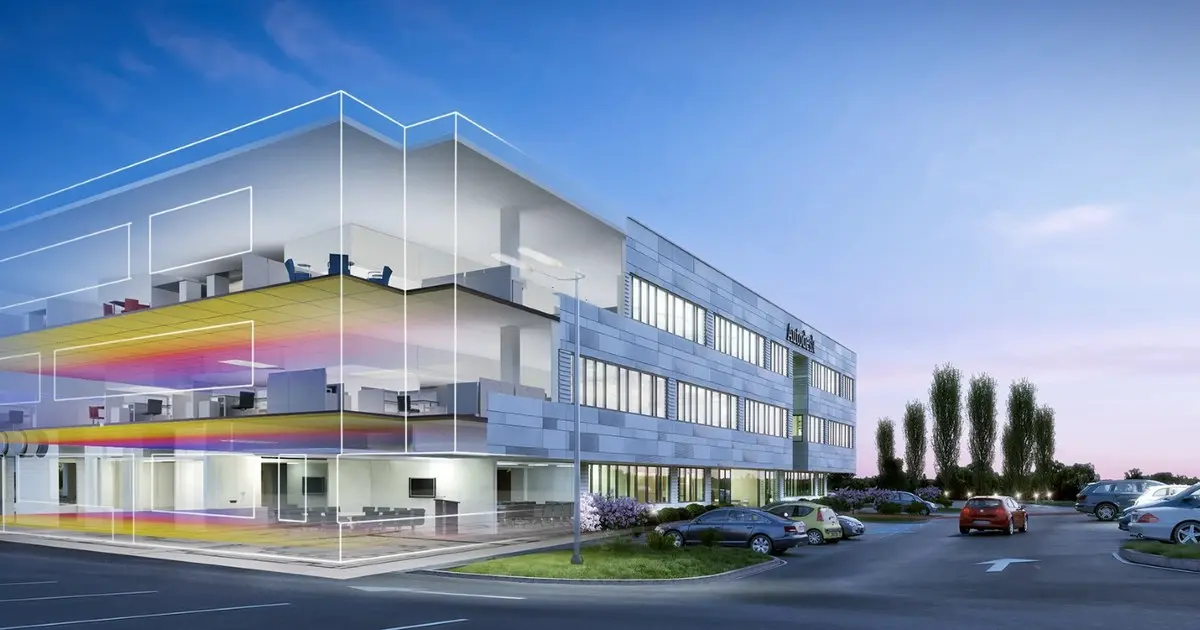
Challenges with Architectural Projects
Architectural projects face recurring challenges across design, analysis, visualisation and collaboration.
- Design: Balancing concept intent, codes, constructability and changing client requirements without losing coordination.
- Analysis: Keeping performance studies current as the model changes, and making results clear enough to guide decisions.
- Visualisation: Producing clear presentations that stay aligned with the latest design, not a separate outdated view.
- Collaboration: Sharing one coordinated set of drawings and models across disciplines, reviews and project stages.
Impacts and Flow on Effects
When concept, analysis, visualisation and coordination live in separate places, one gap sets off the next. A late client change or a code constraint that never reaches the model leaves drawings, studies and presentations out of step. Teams then decide from stale views, rework multiplies, and reviews stall because no one is looking at the same coordinated set.
- Design Drift: Intent, codes, constructability and changing requirements pull apart. Without a shared model, coordination slips and the concept is diluted by last-minute fixes.
- Stale Analysis: Performance studies lag the current design. Results arrive too late or too unclear to guide choices, so teams either ignore them or rebuild the study from scratch.
- Misleading Visuals: Presentations become a separate, outdated view. Clients and reviewers react to images that no longer match the drawings, and decisions are made on the wrong picture.
- Broken Handoffs: Disciplines, reviews and stages work from different files. Clashes surface late, documentation is rebuilt, and the project loses time at every exchange.
- Compounding Cost: Each disconnected step adds rework. What starts as a small mismatch becomes delayed approvals, inconsistent documentation and a design that is harder to build as intended.
Features and Benefits
When Architects and Building Designers use Autodesk Software, precise 2D drawings stay familiar for documentation, while model-based design ties schedules, visualisation and analysis to the same design intent, so teams can study options, check performance and present a coherent project without rebuilding the story at each handoff.
- Clearer documentation: coordinated drawings reduce rework between design and delivery.
- Better decisions: analysis and generative studies stay linked to the model.
- Stronger presentations: visualization and shared review help clients see the design, not just the files.
- Smoother collaboration: concept, detail and review tools work as one workflow rather than separate tasks.
For architecture practices, that connection turns technical work into a consistent project narrative that is accurate enough for production and clear enough for the people the building is meant to serve.
Autodesk Architecture Software
Architecture teams need connected tools for concepts, documentation, analysis and presentation. These Autodesk applications cover that path, from precise drawings to model-based design and shared review. Autodesk offers a range of software solutions for small to large architecture firms.
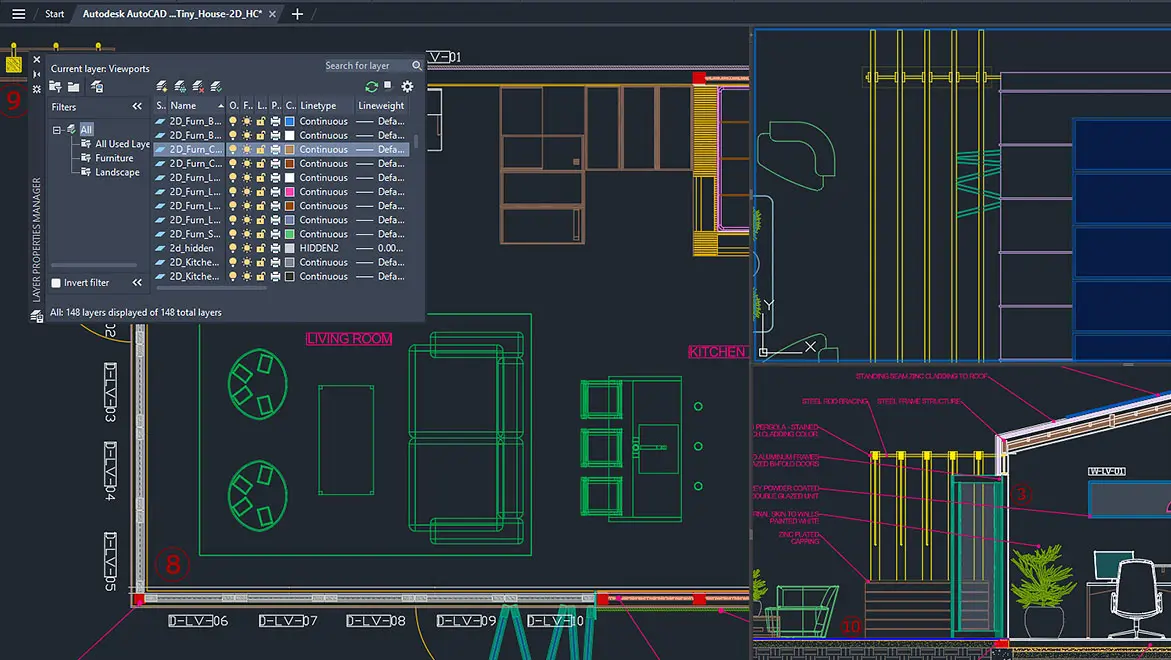
AutoCAD LT - 2D Design & Drawings
AutoCAD LT is built for precise 2D drafting and documentation. Create, edit, and annotate drawings in a familiar CAD workflow, with the tools architecture teams use to keep plans clear, consistent, and ready to share.
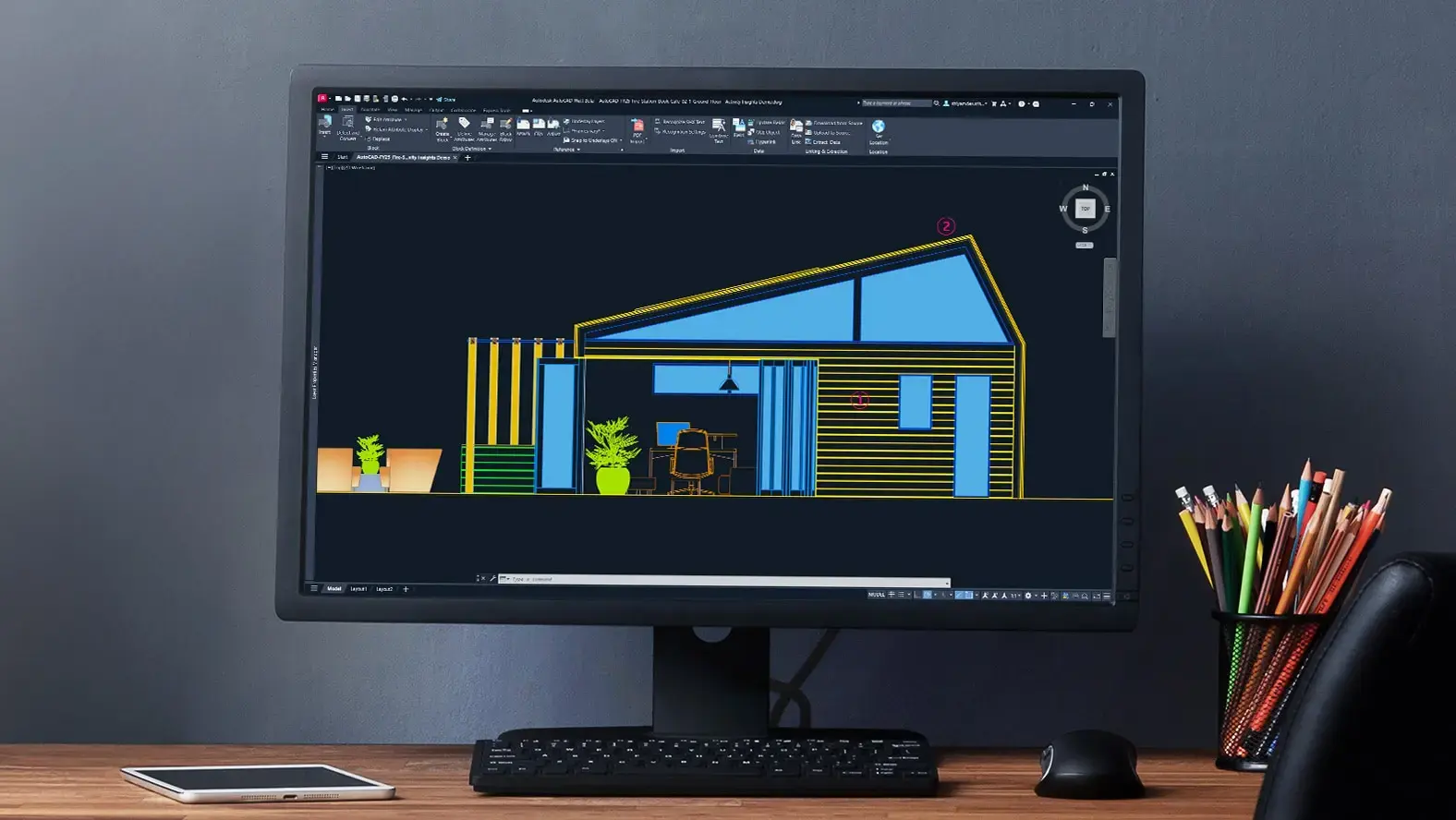
AutoCAD - 2D Design, Drawings & 3D Modelling
AutoCAD helps architecture teams create precise 2D drawings and 3D models in a familiar CAD workflow, from early concepts through clear documentation and presentation.
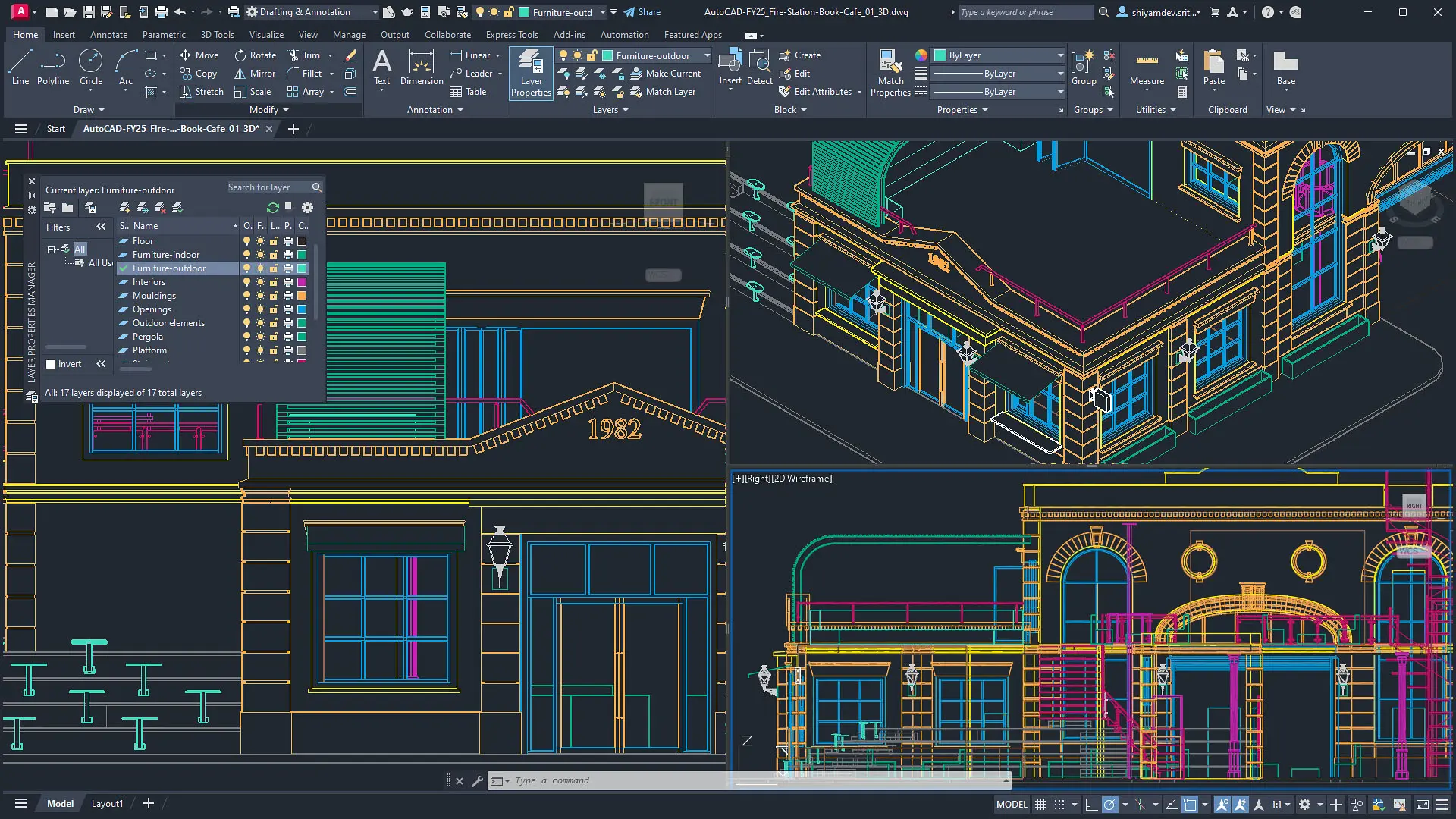
AutoCAD Architecture - Specialised Toolsets
AutoCAD Architecture, part of the AutoCAD specialised toolsets, includes purpose-built architecture tools such as walls, doors, windows, styles and schedules to a familiar CAD workflow.
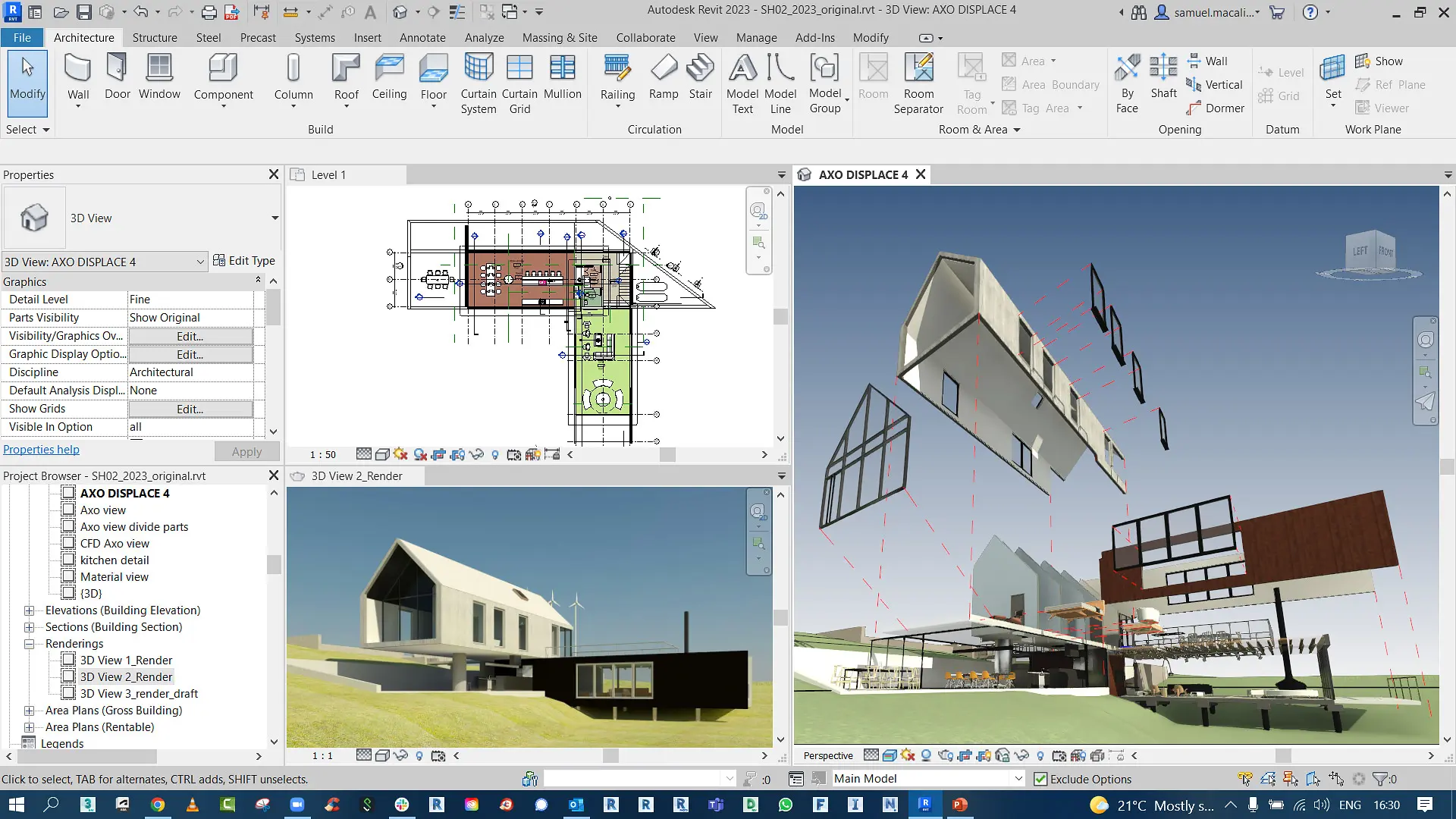
Revit LT
Revit LT supports 3D architectural design and documentation for smaller practices. Build a coordinated model, produce schedules and 2D drawings, and carry concepts through construction documents in a lighter BIM workflow.
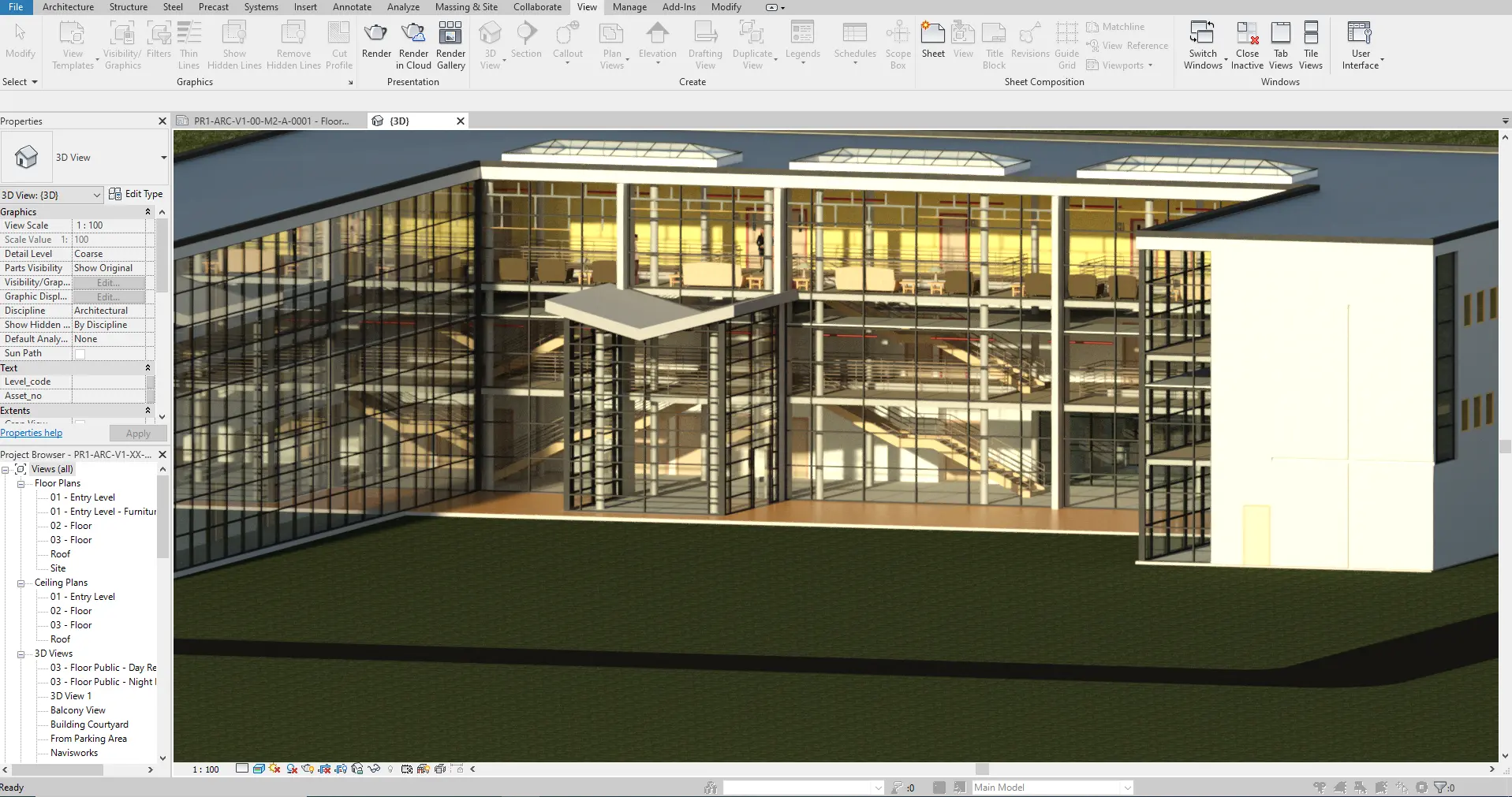
AutoCAD Revit LT Suite
A Suite with AutoCAD LT and Revit LT for precise 2D drawings and model-based design, schedules and coordinated documentation. The suite helps architecture teams connect drafting with lighter BIM tools for everyday project work.

Revit
Revit supports concept and detailed design in one coordinated model. Create schedules and 2D drawings, then run visualization, analysis, and generative design studies tied to that model so architecture teams can refine decisions from early concepts through documentation.
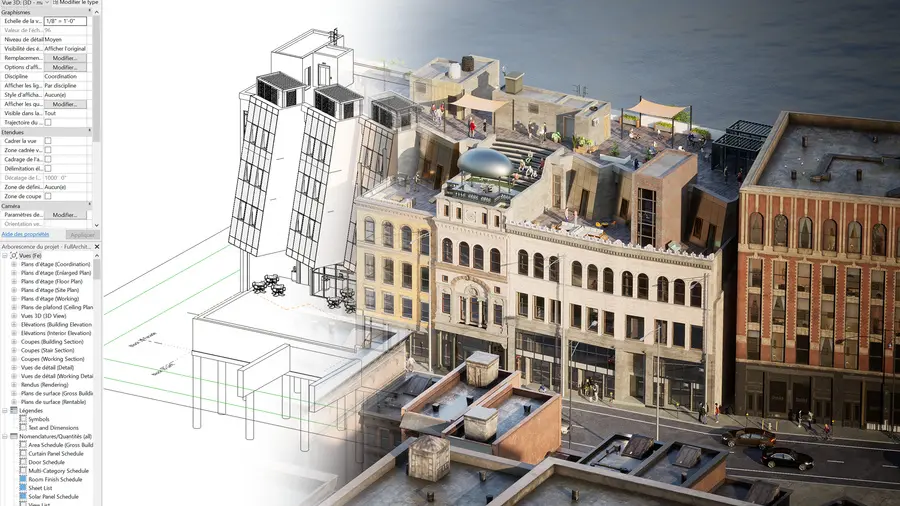
Twinmotion
Included in Revit and the AEC Collection, Twinmotion delivers real-time visualisation for architecture presentations, from early concepts to polished walkthroughs, so teams can move from model-based design to immersive review.
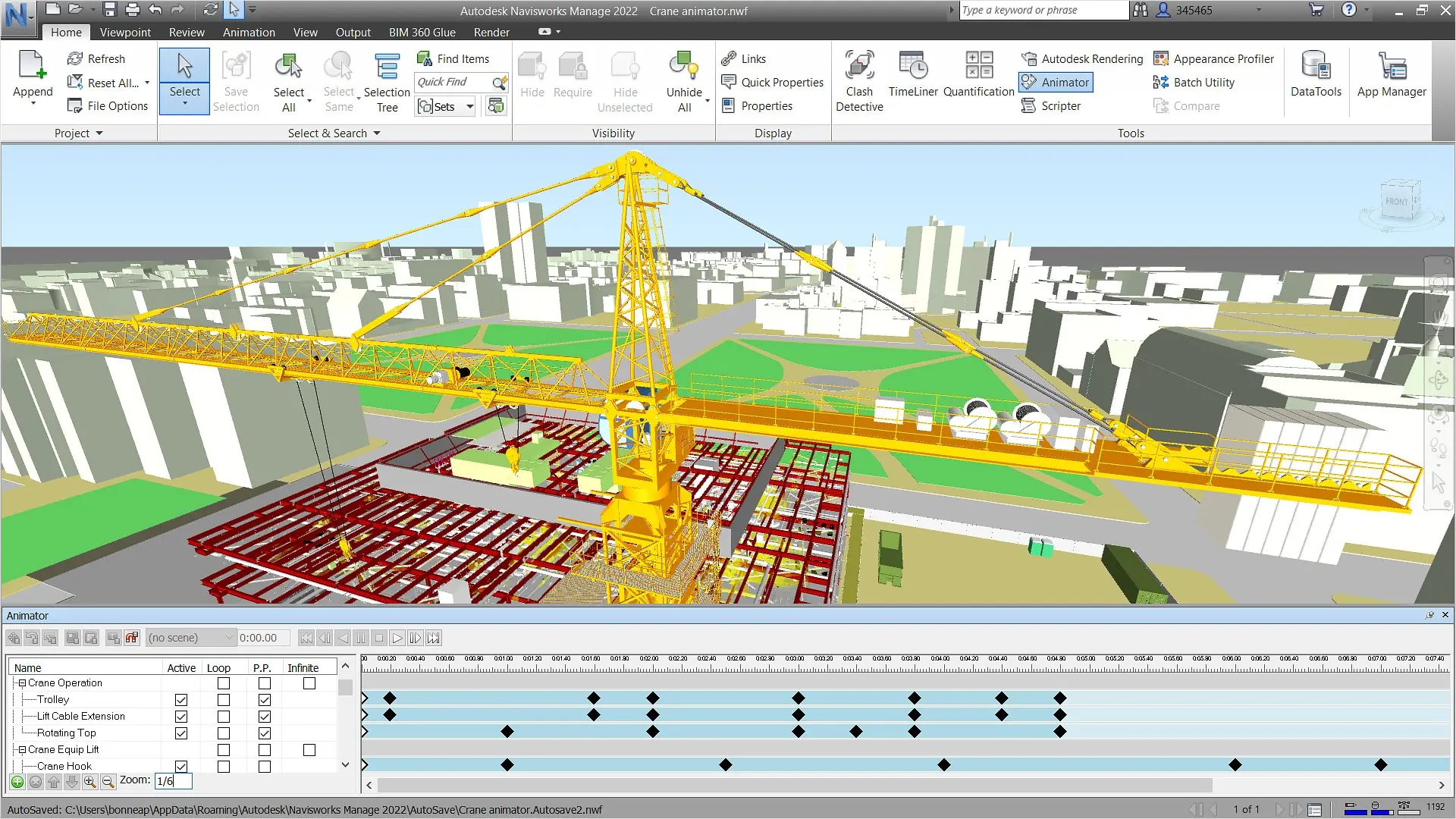
AEC Collection
The AEC Collection brings together AutoCAD, Revit, and related Autodesk titles for architecture teams. It supports concepts, documentation, analysis, visualization, and shared review, so design work can stay connected from early studies through coordinated drawings and presentation.
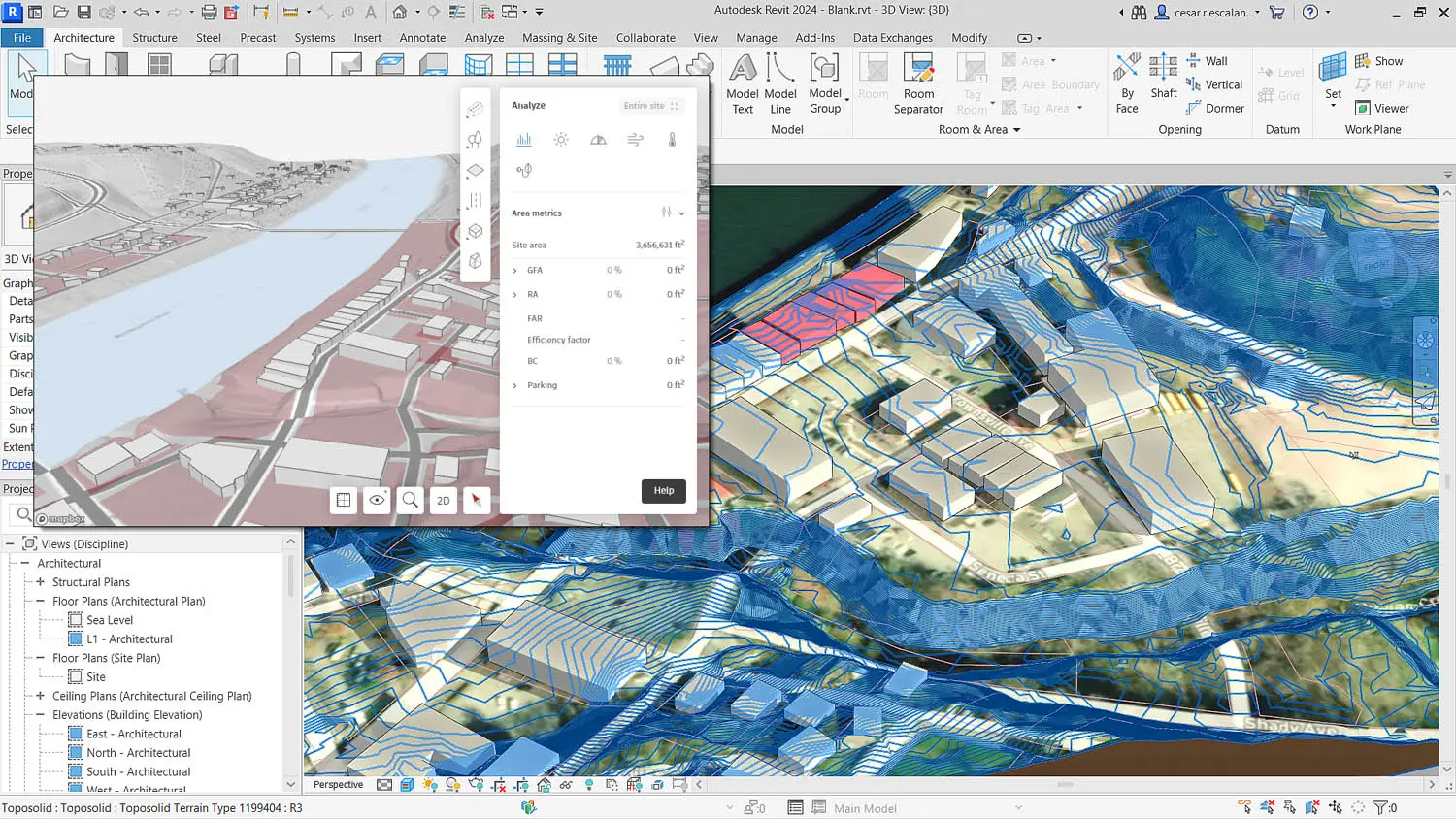
Forma
Forma supports concept design, analysis, and collaboration for architecture teams. Early studies can stay connected through shared review, so design work moves from first ideas toward coordinated decisions and presentation.
Compare Autodesk Architecture Software
| Feature | Autodesk Architecture Engineering and Construction Collection | Autodesk AutoCAD 2027 | Autodesk AutoCAD LT 2027 | Autodesk AutoCAD Revit LT Suite 2027 | Autodesk Revit 2027 | Autodesk Revit LT 2027 |
| 2D drafting | ✓ | ✓ | ✓ | ✓ | ✓ | ✓ |
| 3D modelling | ✓ | ✓ | — | ✓ | ✓ | ✓ |
| BIM workflows | ✓ | — | — | ✓ | ✓ | ✓ |
| Specialized toolsets | ✓ | ✓ | — | — | — | — |
| Generative design | ✓ | — | — | — | ✓ | — |
| Schedules | ✓ | — | — | — | ✓ | — |
| Visualization | ✓ | ✓ | — | — | ✓ | — |
| Collaboration | ✓ | ✓ | — | ✓ | ✓ | ✓ |
Technical Comparison Matrix
| AEC Collection | AutoCAD 2027 | AutoCAD LT 2027 | AutoCAD Revit LT Suite 2027 | Revit 2027 | Revit LT 2027 | |
| DWG 2D drafting | ✓ | ✓ | ✓ | ✓ | ◐ | ◐ |
| Layers, lineweights and linetypes | ✓ | ✓ | ✓ | ✓ | ◐ | ◐ |
| Blocks and block attributes | ✓ | ✓ | ✓ | ✓ | ◐ | ◐ |
| Dynamic blocks authoring | ✓ | ✓ | — | — | — | — |
| External references (Xrefs) | ✓ | ✓ | ✓ | ✓ | ◐ | ◐ |
| Model space / paper space layouts | ✓ | ✓ | ✓ | ✓ | — | — |
| Annotation and dimension styles | ✓ | ✓ | ✓ | ✓ | ✓ | ✓ |
| Hatching and 2D detailing | ✓ | ✓ | ✓ | ✓ | ✓ | ✓ |
| PDF plotting and publishing | ✓ | ✓ | ✓ | ✓ | ✓ | ✓ |
| Drawing and sheet schedules | ✓ | ◐ | ◐ | ✓ | ✓ | ✓ |
| Parametric 2D constraints | ✓ | ✓ | ◐ | ◐ | ◐ | ◐ |
| 3D solid modelling | ✓ | ✓ | — | ✓ | ✓ | ✓ |
| 3D surface and mesh modelling | ✓ | ✓ | — | ◐ | ◐ | ◐ |
| Parametric architectural elements | ✓ | ◐ | — | ✓ | ✓ | ✓ |
| Walls, doors and windows | ✓ | ✓ | — | ✓ | ✓ | ✓ |
| Floors, roofs and ceilings | ✓ | ◐ | — | ✓ | ✓ | ✓ |
| Stairs and railings | ✓ | ◐ | — | ✓ | ✓ | ✓ |
| Loadable parametric families | ✓ | — | — | ✓ | ✓ | ✓ |
| In-place component modelling | ✓ | — | — | — | ✓ | — |
| Conceptual massing and adaptive components | ✓ | — | — | — | ✓ | — |
| Global parameters | ✓ | — | — | — | ✓ | — |
| Model groups / repeated components | ✓ | ◐ | — | ✓ | ✓ | ✓ |
| Point cloud integration | ✓ | ✓ | ◐ | — | ✓ | — |
| Intelligent BIM model authoring | ✓ | — | — | ✓ | ✓ | ✓ |
| Architectural BIM modelling | ✓ | — | — | ✓ | ✓ | ✓ |
| Structural BIM modelling and detailing | ✓ | — | — | — | ✓ | — |
| Mechanical HVAC system modelling | ✓ | ◐ | — | — | ✓ | — |
| Electrical systems and circuits | ✓ | ◐ | — | — | ✓ | — |
| Plumbing and piping systems | ✓ | ◐ | — | — | ✓ | — |
| Rooms and areas | ✓ | — | — | ✓ | ✓ | ✓ |
| Levels and grids | ✓ | — | — | ✓ | ✓ | ✓ |
| Project phases | ✓ | — | — | ✓ | ✓ | ✓ |
| Design options | ✓ | — | — | — | ✓ | — |
| Shared coordinates | ✓ | ◐ | ◐ | — | ✓ | — |
| IFC interoperability | ✓ | — | — | ✓ | ✓ | ✓ |
| Model-driven schedules | ✓ | — | — | ✓ | ✓ | ✓ |
| Door and window schedules | ✓ | ◐ | — | ✓ | ✓ | ✓ |
| Room schedules | ✓ | — | — | ✓ | ✓ | ✓ |
| Material takeoffs | ✓ | ◐ | ◐ | ✓ | ✓ | ✓ |
| Schedule sorting and filtering | ✓ | ◐ | ◐ | ✓ | ✓ | ✓ |
| Key schedules | ✓ | — | — | ✓ | ✓ | ✓ |
| Electrical panel schedules | ✓ | — | — | — | ✓ | — |
| MEP system reports | ✓ | — | — | — | ✓ | — |
| BIM quantities linked to model changes | ✓ | — | — | ✓ | ✓ | ✓ |
| AutoCAD Architecture toolset | ✓ | ✓ | — | — | — | — |
| AutoCAD MEP toolset | ✓ | ✓ | — | — | — | — |
| AutoCAD Electrical toolset | ✓ | ✓ | — | — | — | — |
| AutoCAD Mechanical toolset | ✓ | ✓ | — | — | — | — |
| AutoCAD Plant 3D toolset | ✓ | ✓ | — | — | — | — |
| AutoCAD Map 3D toolset | ✓ | ✓ | — | — | — | — |
| AutoCAD Raster Design toolset | ✓ | ✓ | — | — | — | — |
| Civil 3D included | ✓ | — | — | — | — | — |
| Navisworks Manage included | ✓ | — | — | — | — | — |
| ReCap Pro included | ✓ | — | — | — | — | — |
| AutoLISP automation | ✓ | ✓ | ✓ | ✓ | — | — |
| AutoCAD .NET API | ✓ | ✓ | — | — | — | — |
| AutoCAD ObjectARX | ✓ | ✓ | — | — | — | — |
| Revit API / add-ins | ✓ | — | — | — | ✓ | — |
| Dynamo for Revit | ✓ | — | — | — | ✓ | — |
| Dynamo Player | ✓ | — | — | — | ✓ | — |
| Generative design for Revit | ✓ | — | — | — | ✓ | — |
| Custom parametric families | ✓ | — | — | ✓ | ✓ | ✓ |
| 3D shaded and realistic views | ✓ | ✓ | — | ✓ | ✓ | ✓ |
| Materials and appearances | ✓ | ✓ | — | ✓ | ✓ | ✓ |
| In-product Revit rendering | ✓ | ◐ | — | — | ✓ | — |
| Cloud rendering workflows | ✓ | ◐ | — | ✓ | ✓ | ✓ |
| Twinmotion for Revit integration | ✓ | — | — | — | ✓ | — |
| Sun and shadow studies | ✓ | ✓ | — | ◐ | ✓ | ◐ |
| Energy and performance analysis | ✓ | — | — | — | ✓ | — |
| Structural analytical modelling | ✓ | — | — | — | ✓ | — |
| Clash detection via Navisworks Manage | ✓ | — | — | — | — | — |
| DWG import and export | ✓ | ✓ | ✓ | ✓ | ✓ | ✓ |
| PDF import / export | ✓ | ✓ | ✓ | ✓ | ✓ | ✓ |
| Revit RVT project files | ✓ | — | — | ✓ | ✓ | ✓ |
| Revit linked models | ✓ | — | — | ◐ | ✓ | ◐ |
| Multiuser Revit worksharing | ✓ | — | — | — | ✓ | — |
| Revit cloud worksharing | ◐ | — | — | — | ◐ | — |
| Interference checking / Copy Monitor | ✓ | — | — | — | ✓ | — |
| Cloud model storage | ✓ | ✓ | ✓ | ✓ | ✓ | ✓ |
| Model coordination with Navisworks | ✓ | — | — | — | ◐ | — |
| BIM collaboration across disciplines | ✓ | — | — | ◐ | ✓ | ◐ |
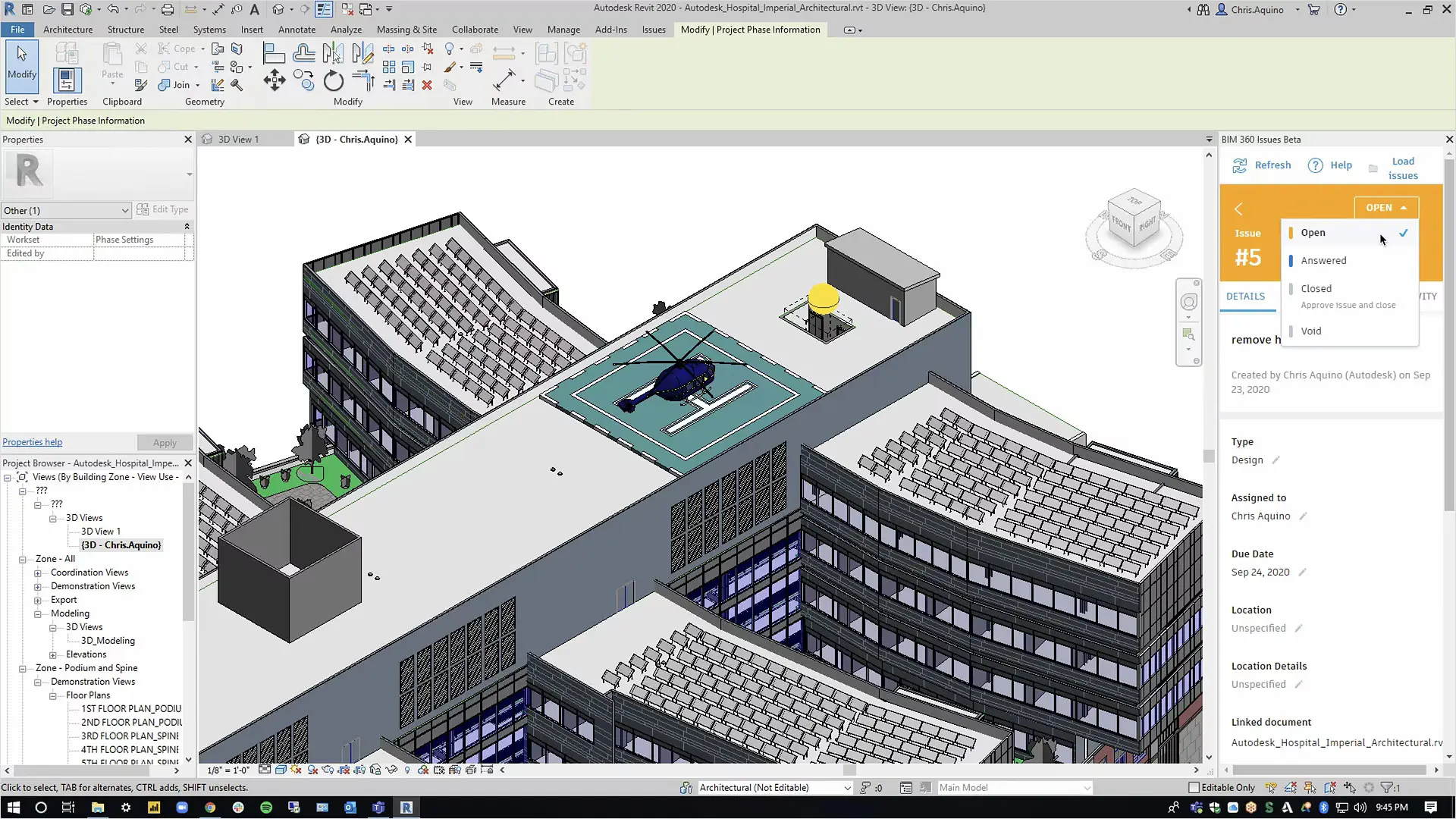
Autodesk Architecture Software Solutions
When architects and building designers use Autodesk software, precise 2D drawings stay familiar for documentation, while model-based design ties schedules, visualisation and analysis to the same design intent, so teams can study options, check performance and present a coherent project without rebuilding work at every stage.
Connected tools from concept through shared review keep drawings, studies and presentations aligned as requirements change. With Design Consulting as an Autodesk Gold Partner, architecture teams can adopt that workflow with software, training and services that support a more coordinated path from early ideas to buildable documentation.
Complimentary Software and Services for Autodesk Software
Design Consulting offers a complete ecosystem of complementary software, training, and professional services designed to extend the power of Autodesk solutions. Alongside our training courses for tools like Revit, AutoCAD, Inventor, and Vault, we deliver expert services for design automation, CAD/BIM setup, template development, and Vault deployments and migrations. We supply software tools to enhance Autodesk workflows through intelligent automation, batch variant rendering, and real-time visualisation systems. We also develop web-based configurators and custom plug-ins that streamline product design, quoting, and sales processes. From parametric modeling to programming services, Design Consulting helps engineering and design teams unlock efficiency, consistency, and scalability across their entire digital design environment.
With this ecosystem of software and services, Design Consulting provides End to End Solutions that connect data, models, applications, systems, employees, departments, customers and suppliers, enabling seamless collaboration, streamlined workflows, and accelerated decision-making across the entire product and project lifecycle. By integrating design, automation, and digital delivery, your business becomes more efficient, reduces manual effort, saves time, and ultimately increases profitability.
Why Choose Design Consulting | Autodesk Gold Partner | Autodesk Service Provider
Design Consulting is a trusted Autodesk Gold Partner and Autodesk Service Provider. Design Consulting empowers architects, engineers, manufacturers, and builders with smart software, systems, automation, and digital tools that provide Autodesk end-to-end solutions that are connected with systems and machines. As an Autodesk Gold Partner, we deliver tailored solutions that simplify workflows, reduce costs, and drive better project outcomes.
About DC Autodesk Courses Services Configurators CRM/ERP Batch Imagery
Ready to connect concept, documentation, and review?
Speak with our team to see how Autodesk architecture tools help you keep drawings, analysis, and presentations aligned from the first sketch through coordinated design.
Fill out the contact form below or contact us on 1800 490 514, info@designconsulting.com.au or by live chat
Ready to connect your design and build workflows?
Speak with our team today to see how Autodesk tools can help you manage your project data from concept to completion.
Fill out the contact form below or contact us on 1800 490 514, info@designconsulting.com.au or by live chat