Autodesk Fusion for Product Development
Cloud CAD, CAM, CAE and PCB for connected design and manufacturing
Autodesk Fusion is a cloud CAD, CAM, CAE and PCB platform for product design and manufacturing. Teams model parts and assemblies in one workspace, then continue into electronics, analysis and toolpaths from the same design data.
Cloud collaboration keeps versions, comments and permissions together for engineers and shop teams working across sites. Extensions cover generative design, rendering and data management when a project needs more than solid modelling.
Design Consulting is an Autodesk Gold Partner and Service Provider, offering Autodesk Software with wide range of complimentary software, training courses and services for Autodesks Ecosystem.
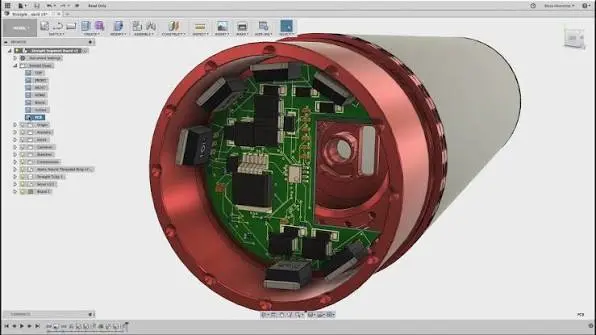
Autodesk Fusion for Design to Manufacture
One connected model for design, engineering and manufacturing teams
Autodesk Fusion combines CAD, CAM, CAE and electronics design in one cloud platform. Teams share a single model rather than passing separate files between departments.
Design changes stay linked to engineering reviews and manufacturing setups. Everyone works from the latest geometry, so drawings, analysis and toolpaths follow the same approved product data. Shared access reduces rework between teams.
- Centralised CAD Management – Securely organise and manage engineering files, drawings, assemblies, and documentation.
- Version Control – Track design changes, maintain file history, and retrieve previous versions.
- CAD Reference Management – Maintain relationships between parts, assemblies, drawings, and external references.
- Advanced Search – Quickly locate files using properties, metadata, and saved searches.
- Concurrent Engineering – Enable multiple designers to collaborate while controlling file modifications.
- Design Reuse – Copy existing designs and reuse components without manually rebuilding file relationships.
- Lifecycle and Revision Management – Control design approvals, releases, and revisions with Vault Professional.
- Job Processing and Automation – Automate publishing and background processing with Vault Professional and optional JP Pro enhancements.
- ERP and PLM Integration – Connect Vault Professional with manufacturing, business, and product lifecycle management systems.
What Autodesk Fusion Brings Together
Capabilities that take a product from concept through CNC manufacture
Autodesk Fusion connects design, machining, simulation, and management so teams can develop products in one model. Engineers shape parts, generate toolpaths, and test performance before release.
Shared cloud data keeps revisions current across design and the shop floor. Integrated modules reduce file handoffs, support CNC programming, and give teams one place to learn Fusion workflows.
- Increased Productivity – Reduce time spent searching, copying, renaming, and managing CAD files.
- Reduced Design Errors – Minimise accidental overwrites, missing references, and outdated drawings.
- Improved Collaboration – Provide engineering teams with controlled access to shared design information.
- Greater Data Integrity – Maintain accurate file relationships, revision histories, and engineering records.
- Faster Design Reuse – Find and repurpose existing designs instead of recreating components.
- Standardised Processes – Establish consistent engineering workflows, file management, and approval procedures.
- Scalable Data Management – Grow from Vault Basic to Vault Professional, Cloud, ERP, and PLM solutions.
One Model From Design to the Shop Floor
Autodesk Fusion keeps design geometry, machining programs and simulation studies on a shared model. Manufacturers can move from concept to production without exporting files between separate tools or losing revision context.
Engineers, programmers and analysts work from the same assemblies. When a design is updated, toolpaths and studies can be checked against the released geometry, so the shop machines the approved part.
That connection shortens handoffs between design, CAM and validation and reduces rework caused by outdated data.
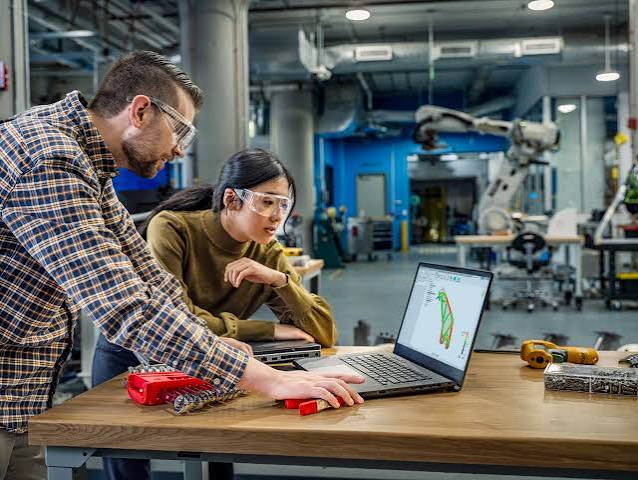
Fusion Modules for Design, Machining, Simulation and Management
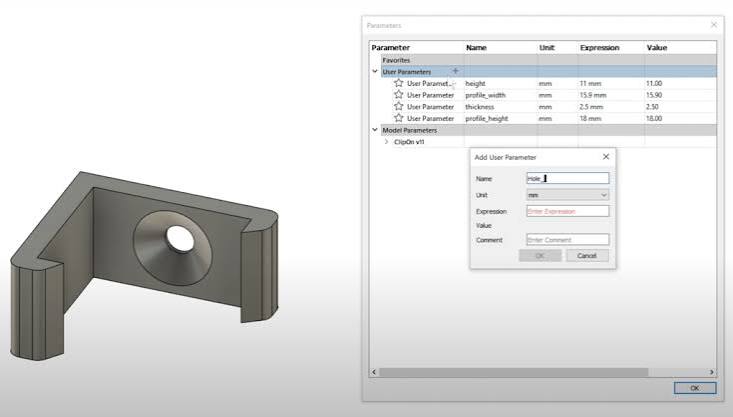
Parametric Modelling
Build parts with editable history, named parameters and clear design intent so one change updates related geometry without a full rebuild.
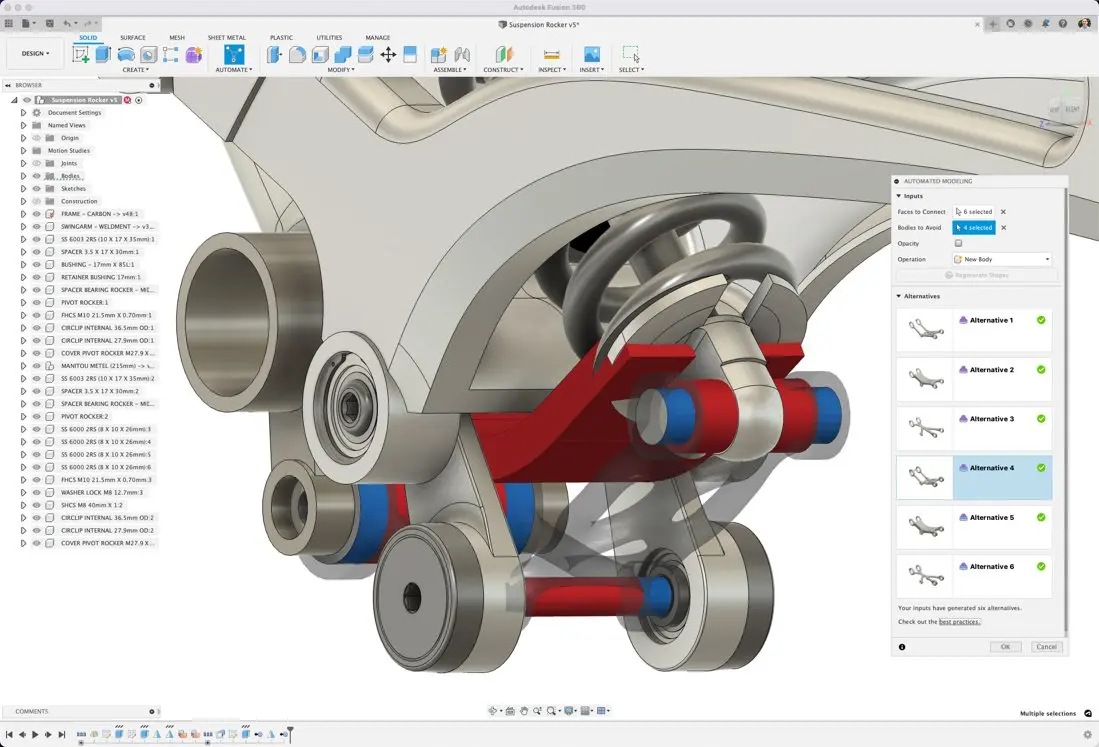
Assemblies
Place components, apply joints and review interference so teams confirm fit, motion and clearance before manufacturing begins.
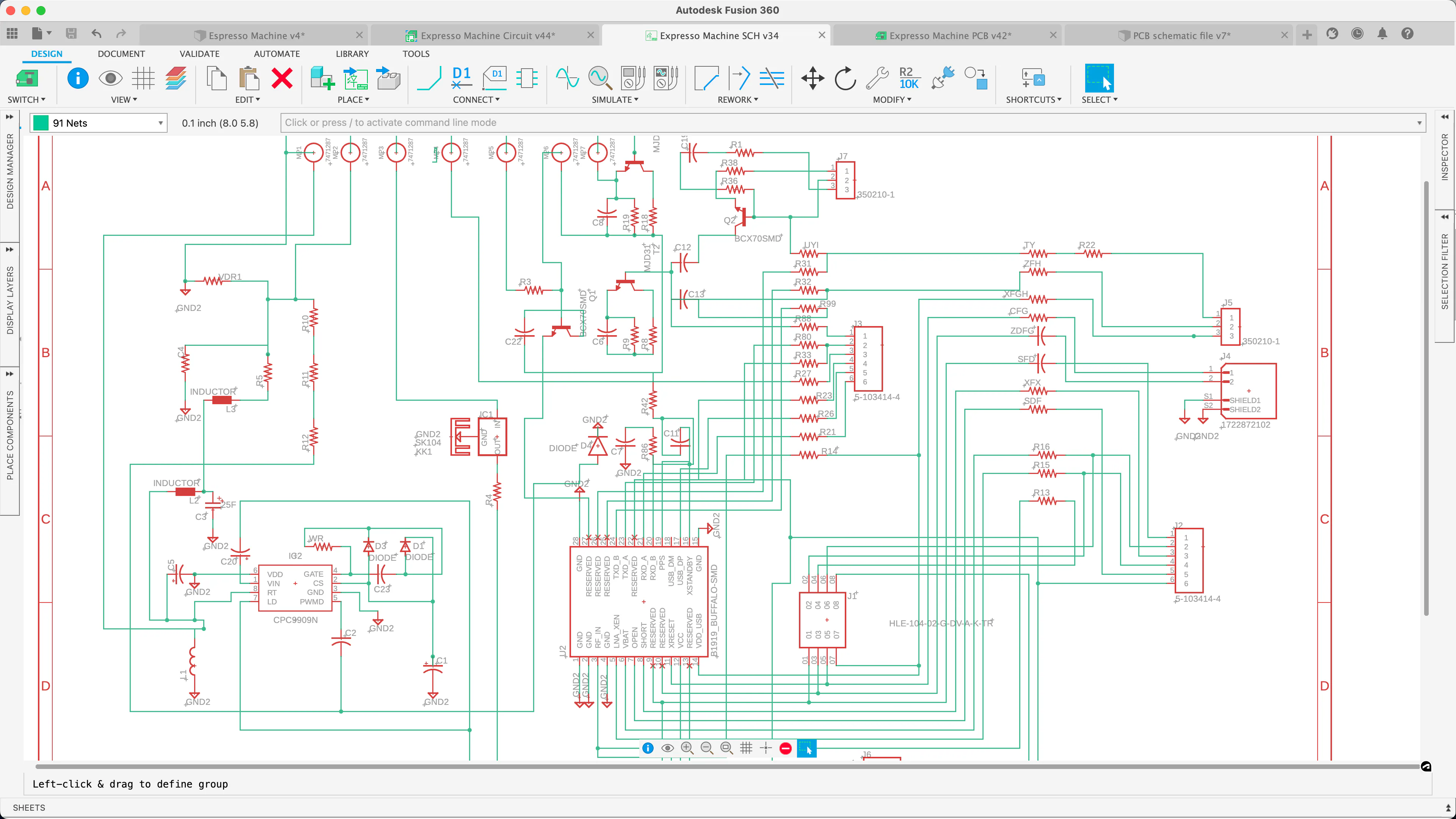
Electronics
Create schematics and PCB layouts beside the mechanical model, then check boards, connectors and enclosures fit together.
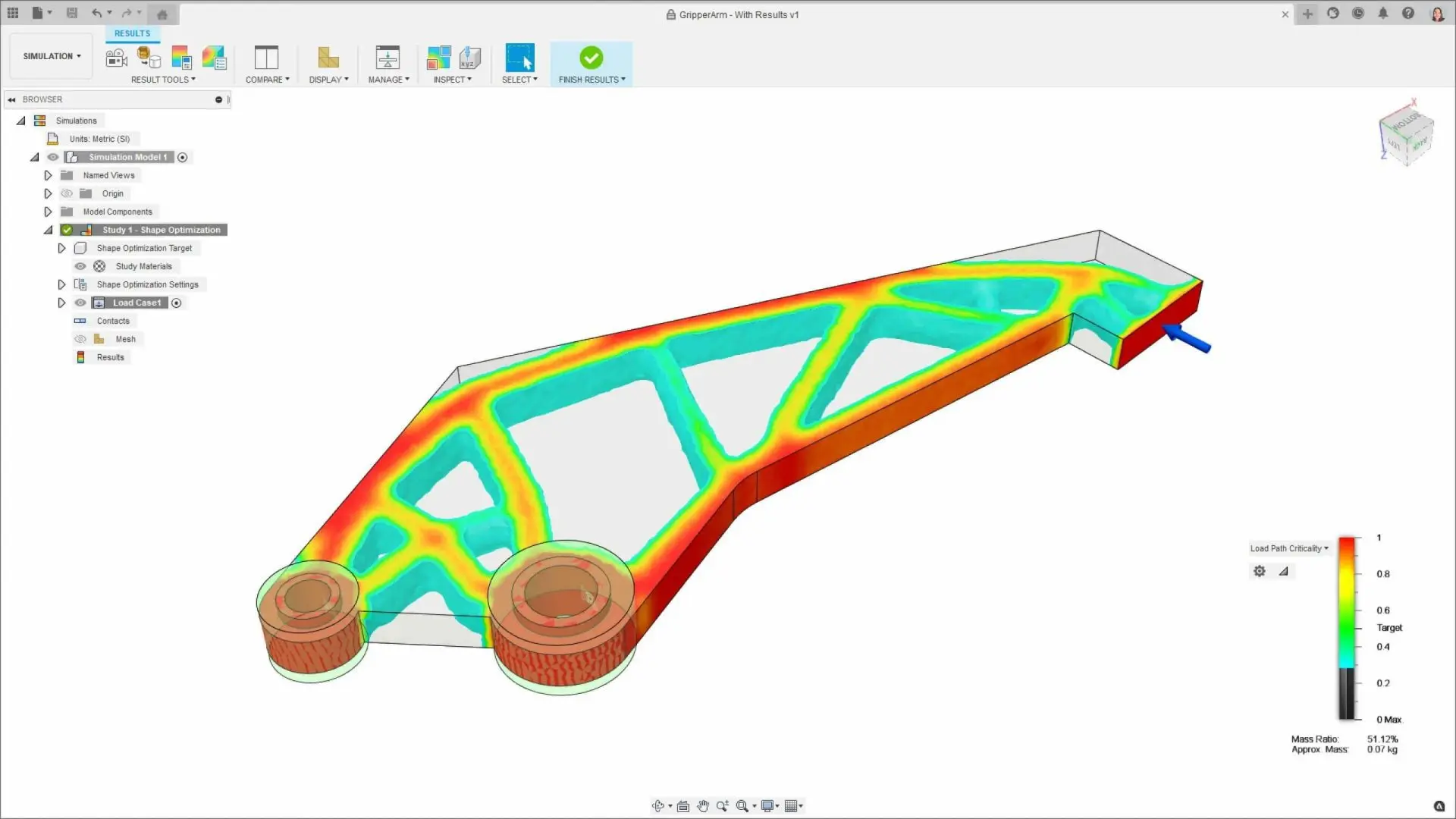
Generative Design
Set loads, materials and manufacturing constraints, compare outcomes, and keep editing a selected result as a normal model.
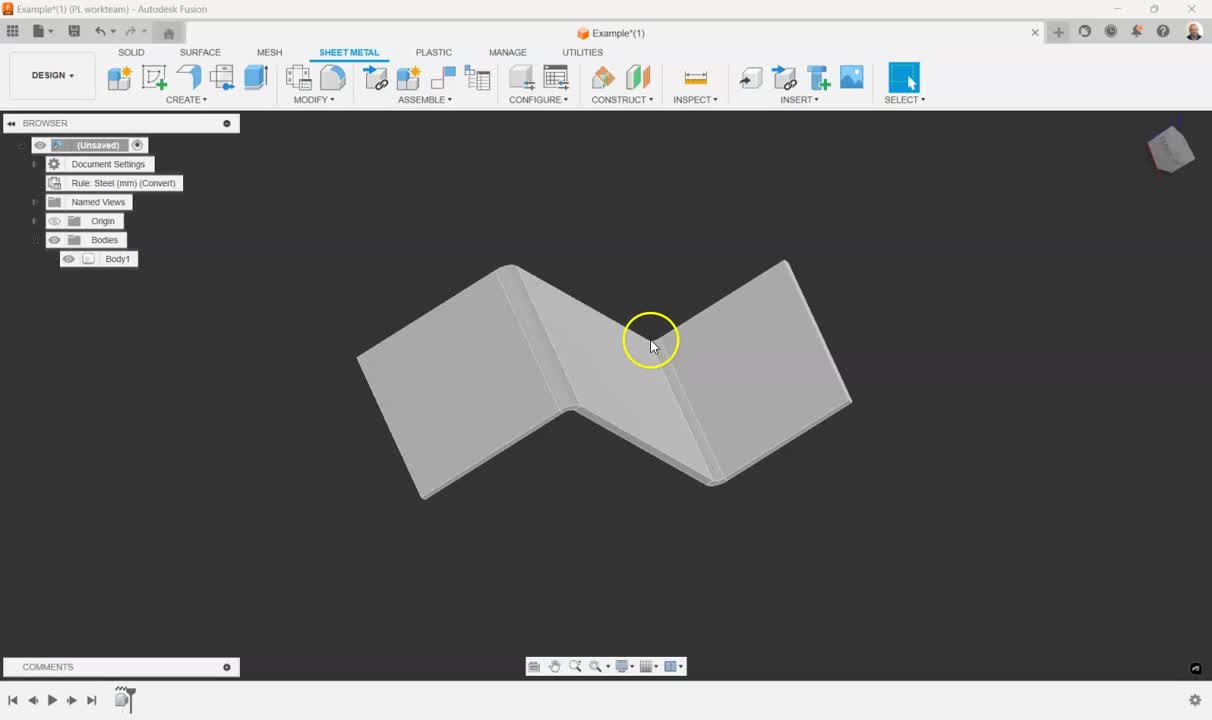
Solids and Sheet Metal
Develop precise sketches into solids, surfaces and sheet-metal parts, with flat patterns and parameters that stay easy to revise.
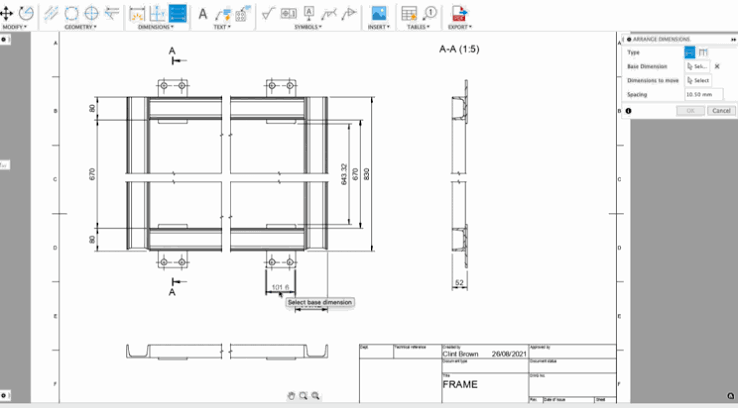
Drawings
Publish linked drawings with views, dimensions and notes that stay associated when the underlying 3D design changes.
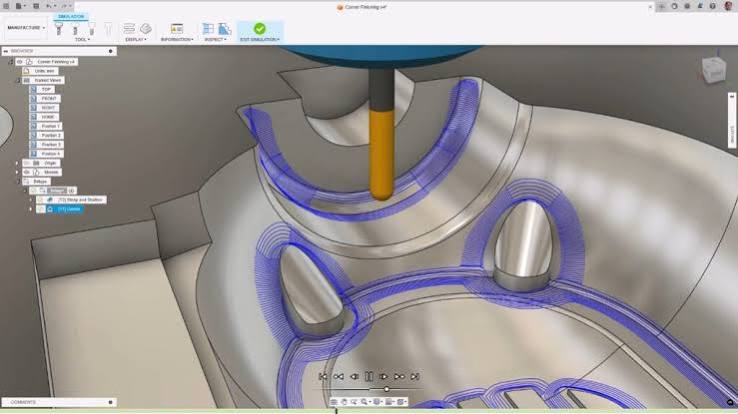
CAM
Program machining from the same Fusion design. Choose strategies, tools and cutting data so the shop works from the model instead of rebuilding geometry in a separate CAM system.
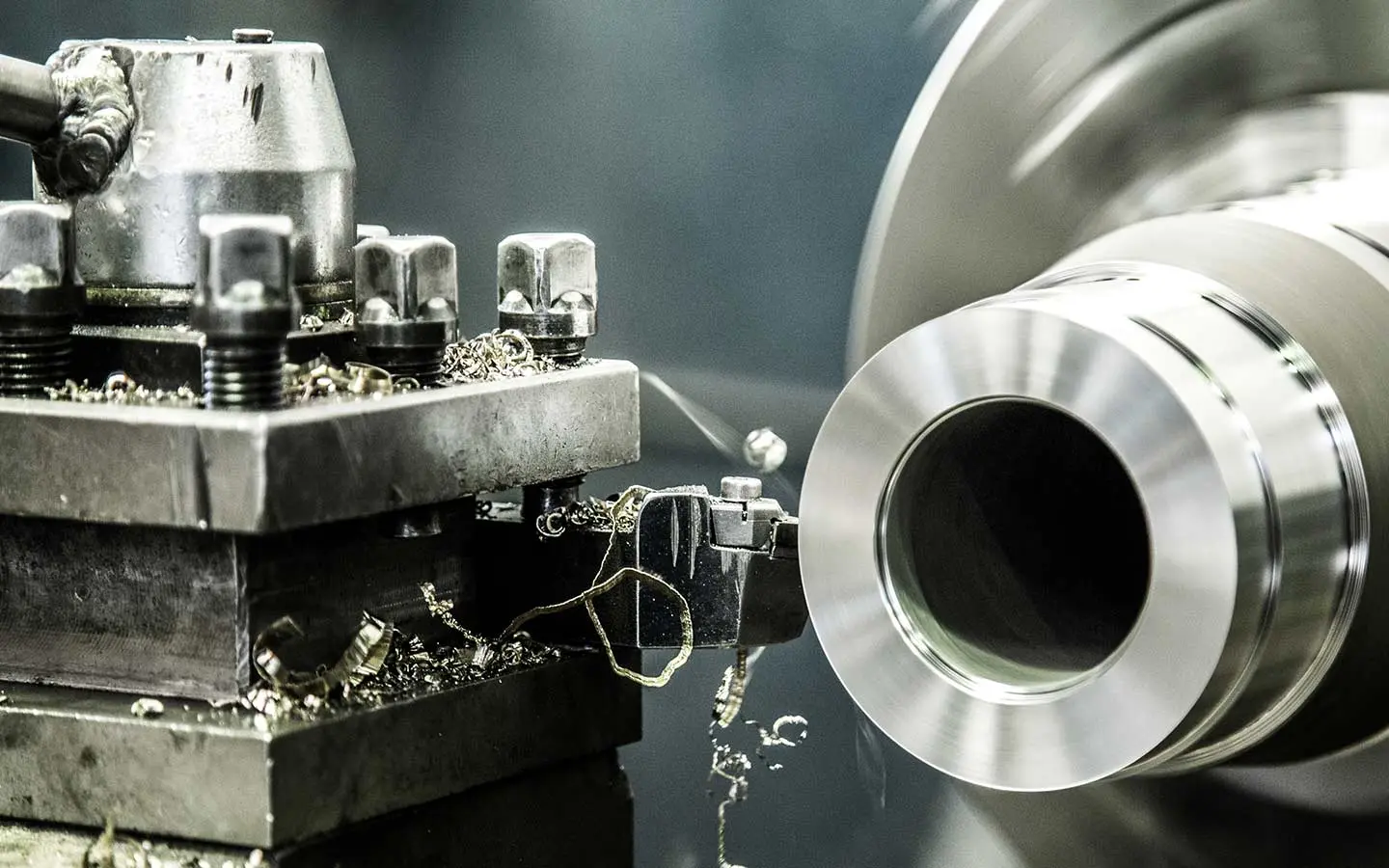
Milling
Create 2D and 3D milling for pockets, contours and complex surfaces. Adjust stepover, depth and entry to the material, tool and finish the part needs.
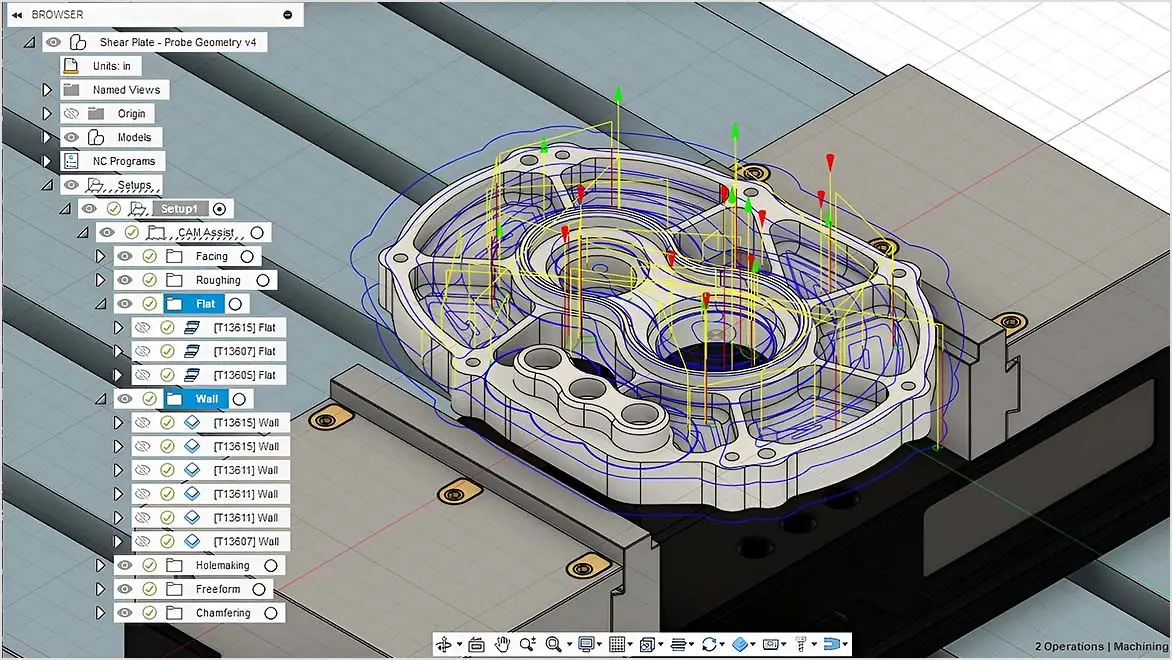
Turning
Set up facing, roughing, finishing and grooving for turned parts. Manage stock, tools and cut direction so diameters, faces and grooves follow the design.
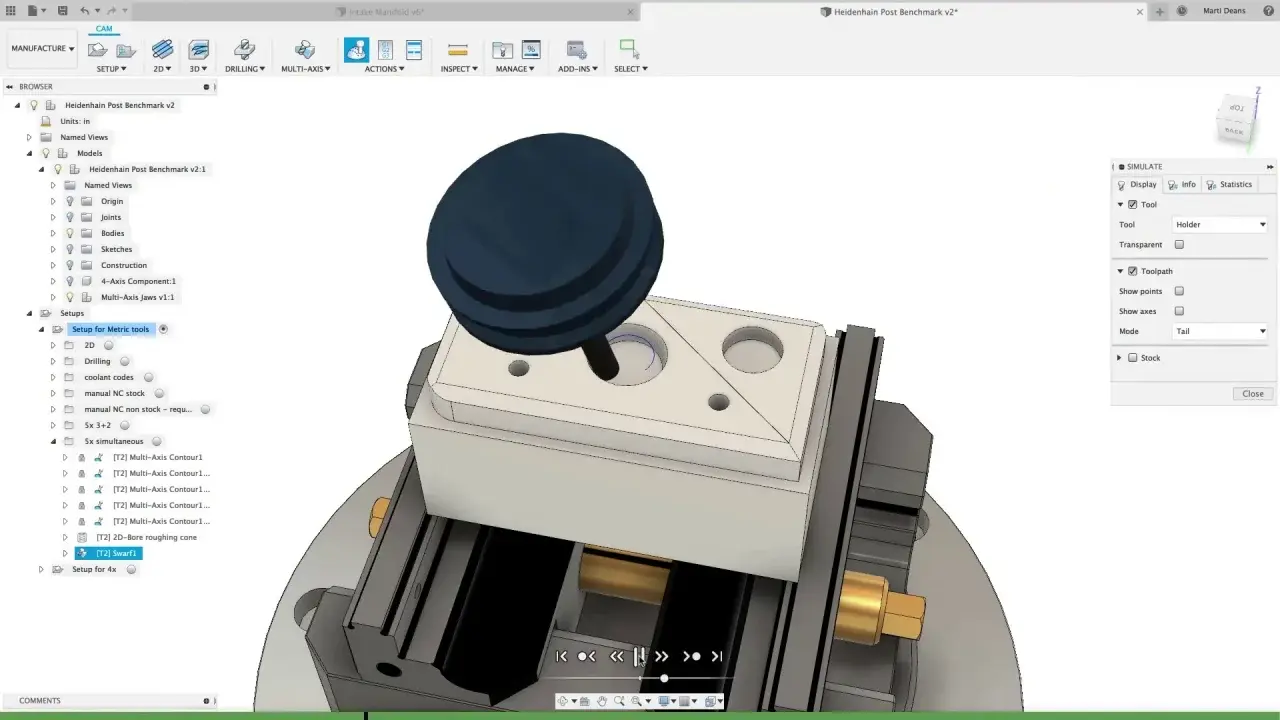
Setups
Capture stock, work coordinate systems, fixtures and machine orientation. Lock each setup before toolpaths are posted so operators know how the part is held.
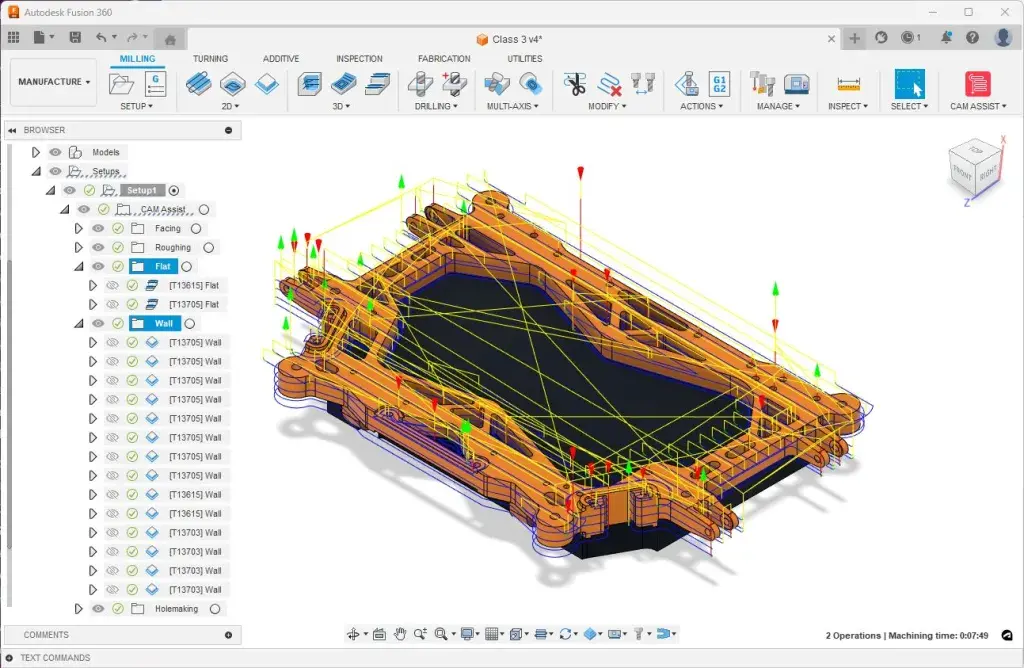
Toolpaths
Build and refine toolpaths, including approach, linking and retract moves. Cut unnecessary air time while keeping tools clear of stock and holding the required tolerance.
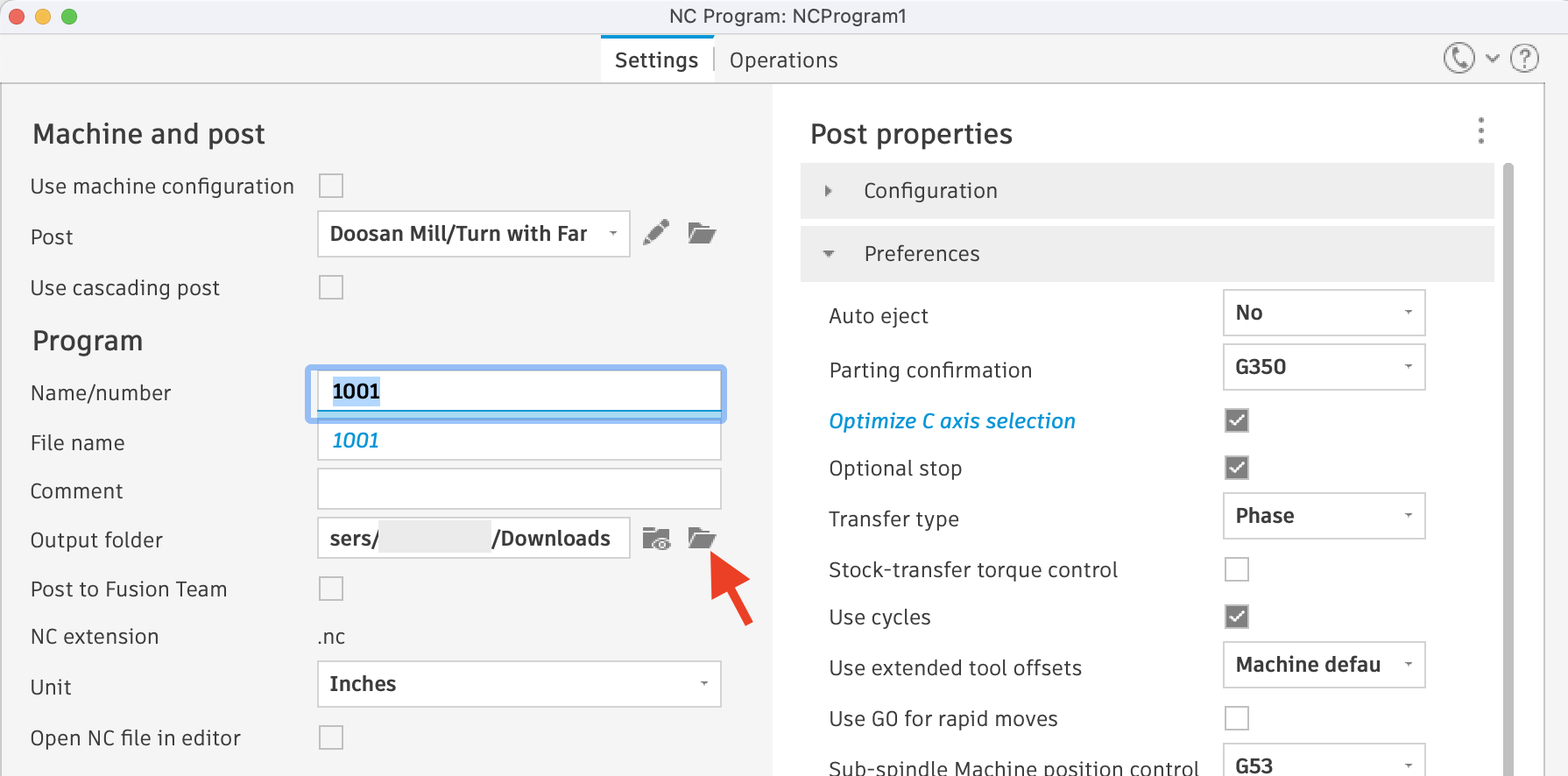
NC Output
Simulate moves against the model, then post NC code for the chosen machine. Programmers and operators share one machining plan from design through the shop floor.
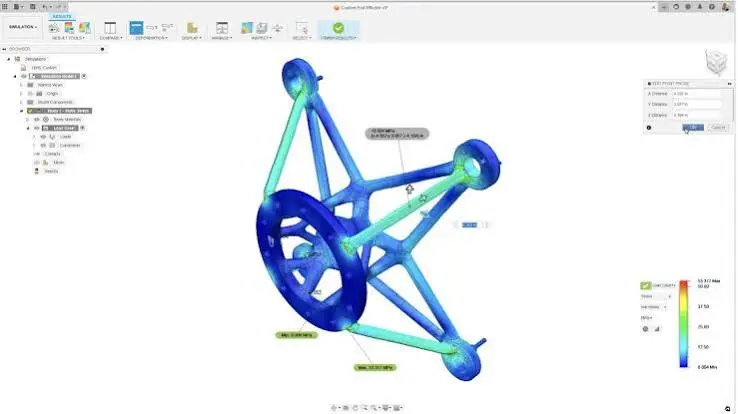
Structural Studies
See how a part carries defined loads with its constraints and materials. Use stress, displacement and safety results to strengthen weak geometry before manufacturing release.
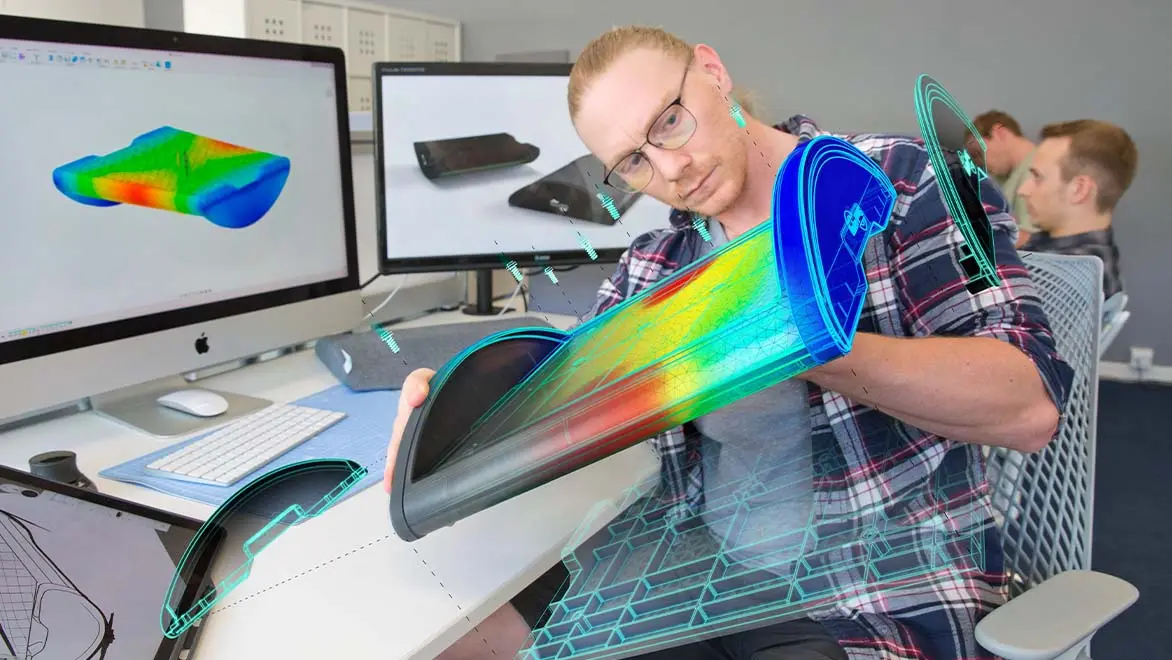
Thermal Studies
Map temperature, heat flow and thermal stress through an assembly. Refine materials, wall sections or cooling features while the design is still digital.
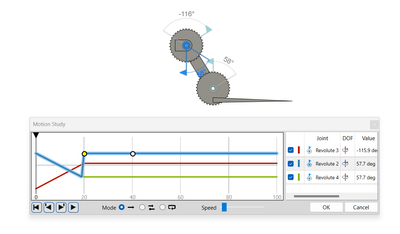
Motion Studies
Drive joints and contacts through the intended cycle. Confirm travel, clearance and timing so interference is resolved before mechanisms are built.
Autodesk Fusion Products
Click a Product to Learn More
Matrix Table
|
Feature |
Autodesk Fusion |
Autodesk Fusion Simulation Extension |
Autodesk Fusion for Design |
Autodesk Fusion for Manufacturing |
Autodesk Fusion with EAGLE Premium |
Autodesk Fusion with Moldflow Adviser |
Autodesk Fusion with Netfabb |
|
3D modeling tools |
Parametric, direct, freeform |
— |
Core plus Design Extension |
Parametric design |
Advanced 3D CAD |
— |
Parametric, direct, freeform |
|
Assembly and motion |
Joints and motion studies |
— |
Assemblies in Fusion |
— |
Mechanical assemblies |
— |
— |
|
Sheet metal and DXF |
Bend rules, flat pattern, DXF |
— |
— |
— |
— |
— |
— |
|
Drawings and BOM |
Drawings, annotations, Excel BOM |
— |
Documentation tools |
— |
— |
— |
— |
|
Generative design |
AI design exploration |
— |
Via Fusion core |
— |
— |
— |
— |
|
CAM and CNC |
2.5-axis to 5-axis toolpaths |
— |
Via Fusion core |
Integrated CAD/CAM/CAE |
— |
— |
— |
|
PCB design |
Circuits in mechanical models |
— |
Via Fusion core |
— |
EAGLE Premium PCB |
— |
— |
|
Structural simulation |
FEA stress and performance |
Linear and nonlinear structural |
Simulation Extension included |
Stress analysis |
Simulation mentioned |
— |
— |
|
Thermal simulation |
— |
Temperature and heat flow |
Simulation Extension included |
— |
— |
— |
— |
|
Explicit dynamics |
— |
Dynamic explicit simulation |
Simulation Extension included |
— |
— |
— |
— |
|
Injection molding |
— |
— |
— |
— |
— |
Fill, pack, cool, warpage |
— |
|
Molding materials |
— |
— |
— |
— |
— |
Material database |
— |
|
Additive and mesh repair |
Built-in 3D print prep |
— |
— |
— |
— |
— |
Print optimization, mesh repair, supports |
|
Rendering and presentations |
Renderings, exploded views |
— |
Visualisation in Fusion |
— |
— |
— |
— |
|
Cloud collaboration |
Share projects, version tracking |
Runs inside Fusion |
Cloud-connected platform |
Connected team workflows |
Real-time collaboration |
— |
Cloud-based collaboration |
|
Data management |
Cloud data management |
— |
Fusion Manage included |
— |
Collaborative project management |
— |
— |
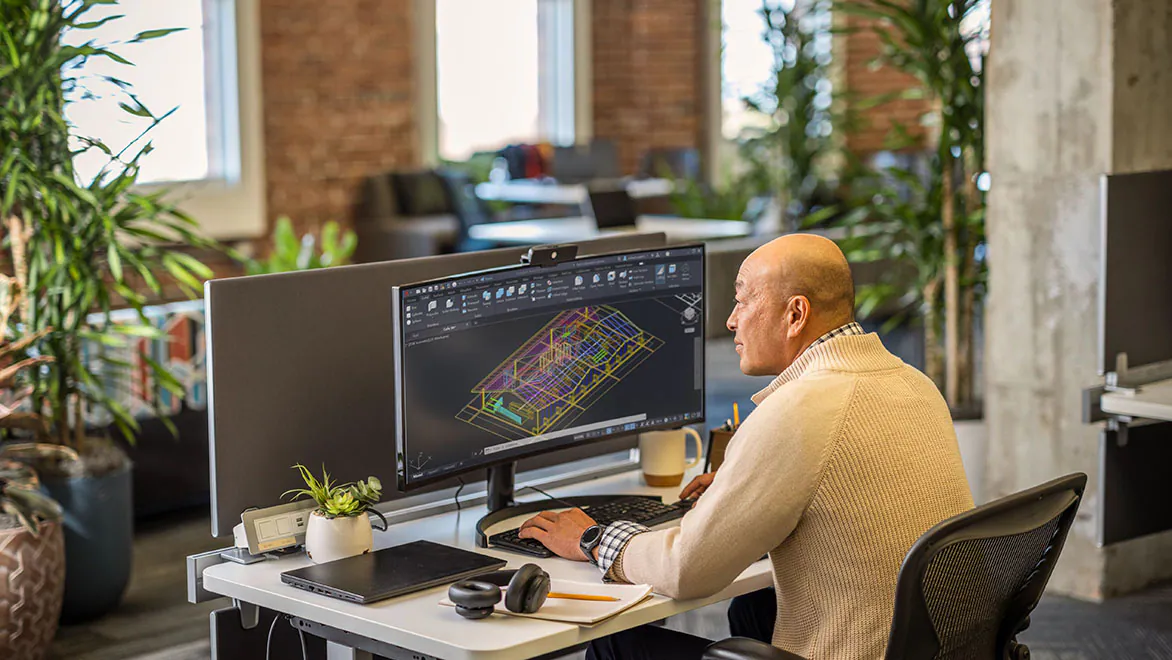
One Shared Fusion Model Across Every Stage
Autodesk Fusion keeps design geometry, machining programs, simulation studies and management records on one model. Concept sketches, solids, assemblies and drawings stay linked as a part moves toward a production-ready definition.
Toolpaths and analysis read that same geometry. When the design changes, programming and validation follow the updated model instead of separate files for each team.
Management systems then govern revisions, approvals and release. Design, machining and simulation all reference the current Fusion model, so finished parts match what was checked.
| Capability | Fusion Design | Machining | Simulation | Management Systems |
| Main purpose | Create designs | Program machines | Validate performance | Control product data |
| 3D modeling | ✓ | — | — | — |
| Drawings | ✓ | — | — | — |
| Assemblies | ✓ | — | — | — |
| CNC programming | — | ✓ | — | — |
| Toolpaths | — | ✓ | — | — |
| Stress checks | — | — | ✓ | — |
| Revisions and access | — | — | — | ✓ |
Challenges in Design-to-CNC Delivery
Late changes, toolpath risk and unclear release status slow confident manufacture.
Manufacturing teams often struggle to keep geometry, tolerances and machining intent aligned as designs change. Unclear ownership, incomplete simulation checks and inconsistent process records can delay CNC release and raise scrap risk. Autodesk Fusion brings design, machining, simulation and management into one environment so teams can review changes, validate performance and prepare production with a clearer record.
- Lost or Missing Files – Difficulty locating drawings, assemblies, and supporting documents across complex folder structures.
- Broken CAD References – Moving or renaming files can disrupt relationships between models, drawings, and assemblies.
- Duplicate and Outdated Files – Multiple copies make identifying the latest approved design difficult.
- Accidental Overwrites – Designers risk overwriting colleagues' changes without controlled file management.
- Manual Revision Tracking – Tracking changes through filenames, spreadsheets, or folder structures is inefficient.
- Limited Design Visibility – Teams struggle to identify file relationships, ownership, and project status.
- Repetitive Administrative Tasks – Manual file publishing, renaming, and documentation consume valuable engineering time.
- Disconnected Business Systems – Engineering data may require manual re-entry into ERP, manufacturing, and PLM systems.
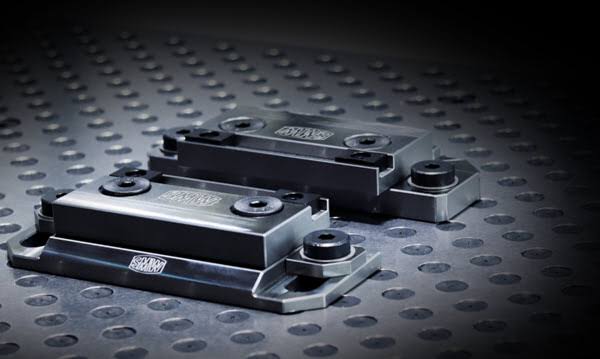
From Design Model to CNC Production
A Fusion design enters CNC machining once geometry, stock and fixtures are defined in the manufacturing workspace. Programmers set the work coordinate system, choose tools and build milling or turning toolpaths that follow the model.
Toolpath simulation checks clearance, remaining stock and machine motion before posting. The production-ready result is NC code plus the drawings or neutral files the shop needs to run the job.
When the design changes, toolpaths can be regenerated from the same setup so design intent and machine instructions stay aligned through to the floor.
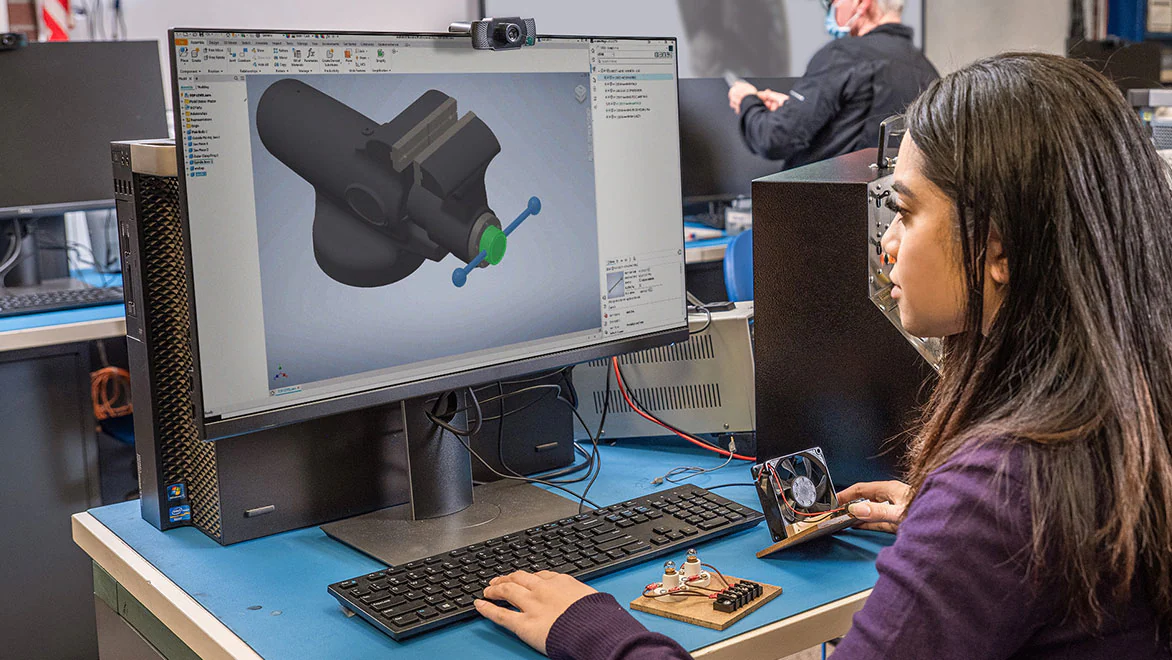
Management Systems for Design Data
Fusion management systems organize design data, control revisions and support collaboration without losing the history production relies on. Shared projects, named versions and permissions show which model is current, who may edit it and what changed since the last release.
Engineers review updates, comment in context and hand work across design, machining and simulation while the file record stays intact. Clear control reduces duplicate models and late rework, so decisions stay tied to the approved revision.
Compare Autodesk Vault Basic, Vault Professional PDM, and integrated ERP and PLM solutions across engineering data management, manufacturing, business operations and product lifecycle management.Data Management
Impacts and Flow-On Effects
Using one Fusion model across design, machining and review reduces rework when geometry, tooling or process notes change.
How one Fusion model changes engineering and production work
Shared revisions keep purchasing, programming and quality aligned to the current design rather than outdated files.
Enterprise Resource Planning (ERP)
Clearer handoffs shorten change cycles and protect shop decisions from version conflicts.
Product Lifecycle Management (PLM)
Integrated PDM, ERP and PLM
| Workflow capability | Design | Machining | Simulation | Management Systems |
| Product design | ✓ | — | — | — |
| Assemblies and drawings | ✓ | — | — | — |
| CNC manufacturing | — | ✓ | — | — |
| Toolpath workflows | — | ✓ | — | — |
| Engineering simulation | — | — | ✓ | — |
| Design validation | — | — | ✓ | — |
| Data and version control | — | — | — | ✓ |
| Change and release | — | — | — | ✓ |
| Cross-team handoff | ✓ | ✓ | ✓ | ✓ |
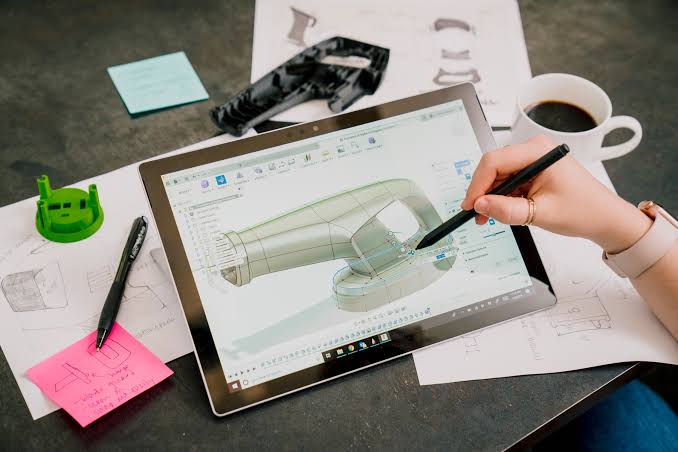
Cloud Collaboration on One Model
Autodesk Fusion keeps design, machining and simulation data in one cloud workspace so distributed teams review the same model instead of trading copies. Engineers comment on geometry, toolpaths and study results while partners open the latest revision.
Version history and controlled access keep concept, engineering and production aligned as work moves toward manufacture. People continue from the current revision without maintaining a local file server.
A design change can flow into machining and simulation before release, so sites stay aligned from sketch through to the finished part.
- IT and Vault Server Administration and Maintenance
- Premium Technical Support
- Authorised users can connect to Vault from anywhere with an internet connection
- 500GB Vault Storage
- 500GB Vault Back up
- Off-Site Back Up
Autodesk Fusion Training Courses
Autodesk Fusion training prepares design, machining, simulation and data-management users to work from one connected model. Courses cover parametric modeling, assemblies, drawings, CAM strategies, study setup and structured project data. Online and instructor-led options help teams practice live workflows and share designs with confidence.
Autodesk Fusion Training Courses
Select a Training Course to Learn More
Complimentary Software and Services for Autodesk Software
Design Consulting offers a complete ecosystem of complementary software, training, and professional services designed to extend the power of Autodesk solutions. Alongside our training courses for tools like Revit, AutoCAD, Inventor, and Vault, we deliver expert services for design automation, CAD/BIM setup, template development, and Vault deployments and migrations. We supply software tools to enhance Autodesk workflows through intelligent automation, batch variant rendering, and real-time visualisation systems. We also develop web-based configurators and custom plug-ins that streamline product design, quoting, and sales processes. From parametric modeling to programming services, Design Consulting helps engineering and design teams unlock efficiency, consistency, and scalability across their entire digital design environment.
With this ecosystem of software and services, Design Consulting provides End to End Solutions that connect data, models, applications, systems, employees, departments, customers and suppliers, enabling seamless collaboration, streamlined workflows, and accelerated decision-making across the entire product and project lifecycle. By integrating design, automation, and digital delivery, your business becomes more efficient, reduces manual effort, saves time, and ultimately increases profitability.
Why Choose Design Consulting | Autodesk Gold Partner | Autodesk Service Provider
Design Consulting is a trusted Autodesk Gold Partner and Autodesk Service Provider. Design Consulting empowers architects, engineers, manufacturers, and builders with smart software, systems, automation, and digital tools that provide Autodesk end-to-end solutions that are connected with systems and machines. As an Autodesk Gold Partner, we deliver tailored solutions that simplify workflows, reduce costs, and drive better project outcomes.
About DC Autodesk Courses Services Configurators CRM/ERP Batch Imagery
Ask about Autodesk Fusion
Tell us about your Fusion software, CNC products and training needs, and we will help you plan the next step.
Fill out the contact form below or contact us on 1800 490 514, info@designconsulting.com.au or by live chat