

Autodesk Fusion Eagle Training Course
- 8-Hours (4 x 2-hours) Training
- Delivered remotely over MS Teams - Contact Us for On-Site/Face to Face Training
- Sessions are recorded and download links are provided after each session for your future use and reference.
- Pricing is based on 1-3 people. Additional people are at an additional cost of $550 per person.
- Volume Discounts apply for 5+. Please contact us.
- Training is usually broken up into 2 or 4-hour sessions in the morning and flexible (i.e. consecutive or Monday, Wednesday, Friday, etc.)
- Training sessions can start within 14 days of booking
- Courses are private and topics can be customised to suit
- Includes Certificate of Completion

Autodesk Fusion EAGLE Training Course - Learn PCB and Electronics Design
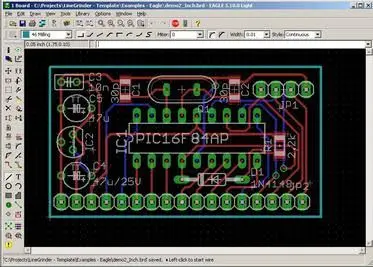
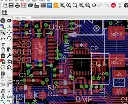
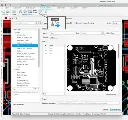
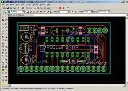
The Autodesk Fusion EAGLE Training Course introduces the essential workflows for electronic schematic design and printed circuit board (PCB) development using the Electronics workspace in Autodesk Fusion.
This instructor-led course provides practical training for electronics designers, engineers, product developers and manufacturers wanting to create schematics, design PCB layouts and prepare electronic designs for manufacture.
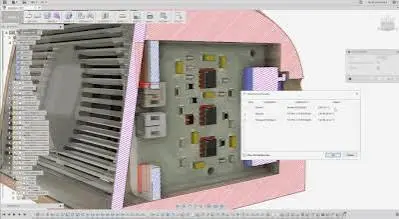
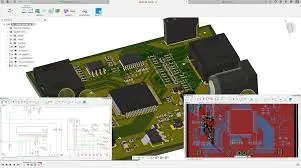
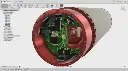
Participants will learn how to create electronics projects, work with component libraries, develop schematics, convert schematics into PCB layouts, place components, route boards and generate manufacturing outputs. The course also introduces the integrated ECAD and MCAD workflow available within Autodesk Fusion.
Training is delivered live online with an instructor, allowing participants to ask questions, work through practical examples and apply Fusion Electronics workflows to real-world PCB design projects.
Autodesk Fusion Electronics Course - Schematic and PCB Design
The Autodesk Fusion EAGLE Training Course develops practical electronics design skills using Autodesk Fusion, with structured training focused on schematic capture, PCB layout, component libraries, routing and manufacturing outputs.
Users familiar with Autodesk EAGLE will also gain an understanding of how familiar EAGLE electronics design concepts and workflows are incorporated into Autodesk Fusion.
What You'll Learn - Schematic Design, PCB Layout and Manufacturing Outputs
Our Autodesk Fusion EAGLE Training Course teaches participants how to:
- Navigate the Fusion Electronics workspace
- Create and manage electronics projects
- Create electronic schematics
- Find and place electronic components
- Connect components using nets and signals
- Understand electronic component libraries
- Create a PCB from a schematic
- Define PCB board geometry
- Place and organise PCB components
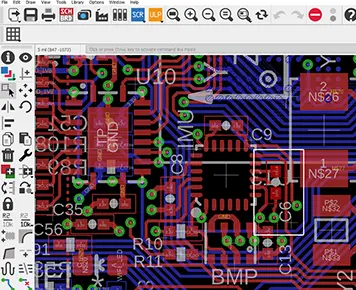
- Route PCB traces
- Work with vias, copper and PCB layers
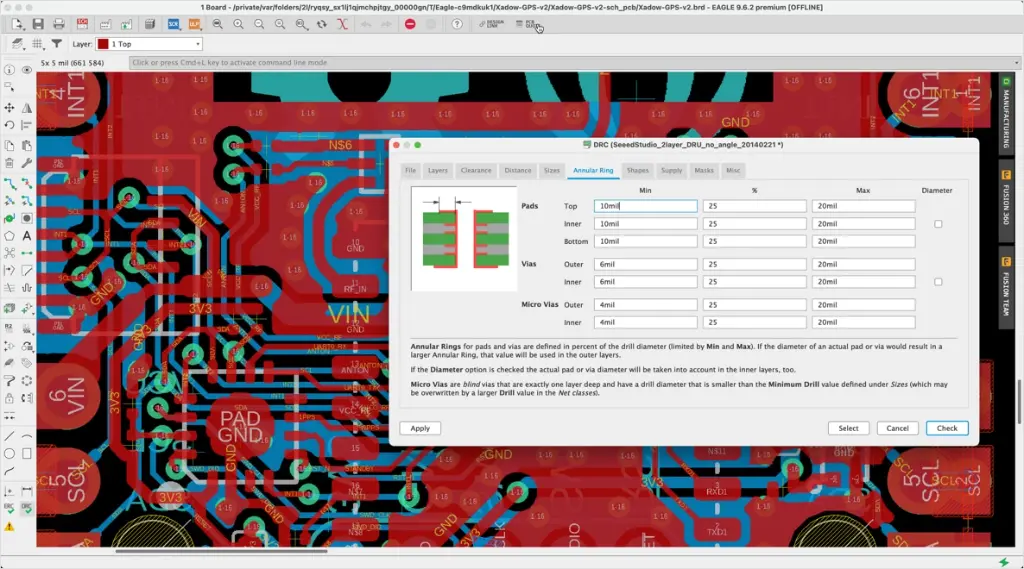
- Apply and check PCB design rules
- Validate schematic and PCB designs
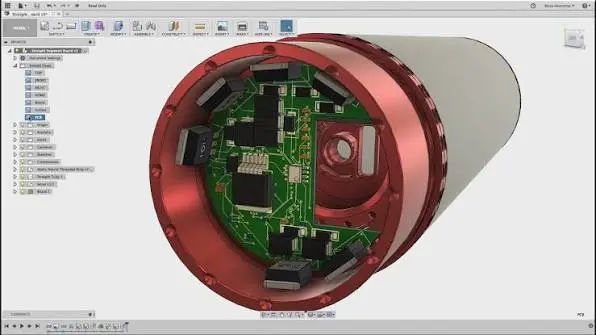
- View PCB designs in 3D
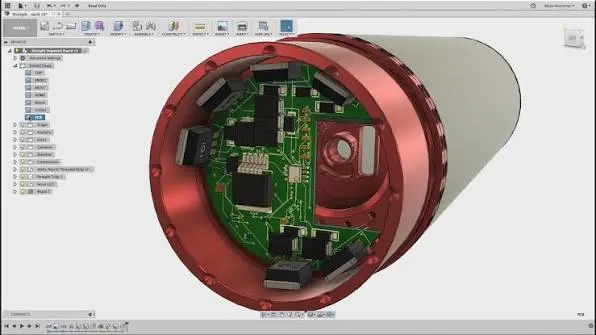
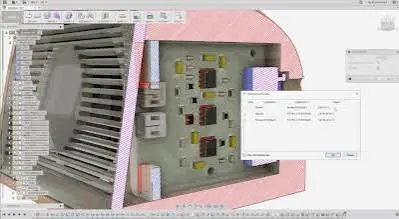
- Understand ECAD and MCAD integration
- Prepare PCB designs for manufacture
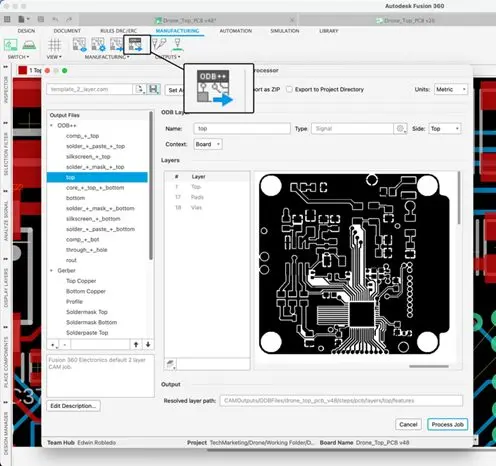
- Generate manufacturing outputs
Autodesk Fusion EAGLE Training Course Guide Contents
Chapter 1: Introduction to Fusion Electronics
- Introduction to Autodesk Fusion Electronics
- Understanding the Electronics workspace
- Electronics projects and design files
- Navigating schematic and PCB environments
- Overview of the schematic-to-PCB workflow
Chapter 2: Schematic Design
- Creating a new schematic
- Finding and placing electronic components
- Moving and organising components
- Creating electrical connections
- Working with nets and signals
- Component values and properties
- Editing and reviewing schematics
- Electrical rule checking
Chapter 3: Components and Libraries
- Understanding Fusion Electronics libraries
- Finding suitable components
- Symbols, footprints and 3D packages
- Working with existing library components
- Introduction to creating and editing components
- Managing electronics libraries
Chapter 4: Creating a PCB
- Creating a PCB from a schematic
- Understanding the PCB workspace
- Defining the board outline
- Understanding PCB layers
- Positioning and organising components
- Moving and rotating PCB components
- Schematic and PCB design relationships
Chapter 5: PCB Routing and Design Rules
- Introduction to PCB routing
- Manual routing
- Creating and editing copper traces
- Working with vias
- Copper polygons and planes
- PCB design rules
- Design Rule Checking (DRC)
- Identifying and resolving PCB design issues
Chapter 6: 3D PCB and Manufacturing
- Viewing the PCB in 3D
- Understanding ECAD and MCAD integration
- Reviewing component positioning and board geometry
- Preparing the PCB for manufacture
- Introduction to manufacturing outputs
- Generating Gerber and drill files
- Final design checks and workflow review
Who Should Attend the Autodesk Fusion EAGLE Training Course
This Autodesk Fusion EAGLE Course is suitable for:
- Electronics engineers
- Electrical engineers
- PCB designers
- Product designers
- Mechatronics engineers
- Product development professionals
- Existing Autodesk EAGLE users
- Autodesk Fusion users working with electronics and PCB design
This Autodesk Fusion EAGLE Remote Training course is ideal for professionals wanting practical schematic capture, PCB layout, routing and electronics design skills through structured, instructor-led training sessions.
Autodesk Fusion EAGLE Training Course Prerequisites
Participants attending this Autodesk Fusion EAGLE Training course should have a basic understanding of electronics and general PCB design concepts. Previous experience with Autodesk Fusion or Autodesk EAGLE is beneficial but not essential. Access to Autodesk Fusion with Electronics capabilities and a stable internet connection is required for participating in remote training sessions.
Enrol Now in the Autodesk Fusion EAGLE Training Course
Start your journey in digital electronics and PCB design. Contact Design Consulting today to book or learn more about our online and face-to-face training options.
Ready to Design with Precision and Speed?
Transform the way you create, visualise, simulate, and deliver designs, reports and drawings. Contact us today to explore training, services and subscription options or request a demo.
Fill out the contact form below or contact us on 1800 490 514, info@designconsulting.com.au or by live chat