Autodesk for Balustrades and Handrails
Design, drawings and bills of materials in one workflow
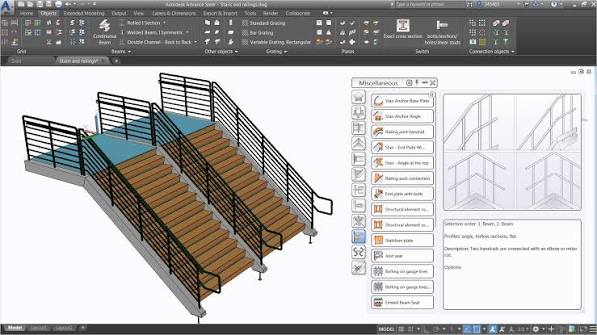
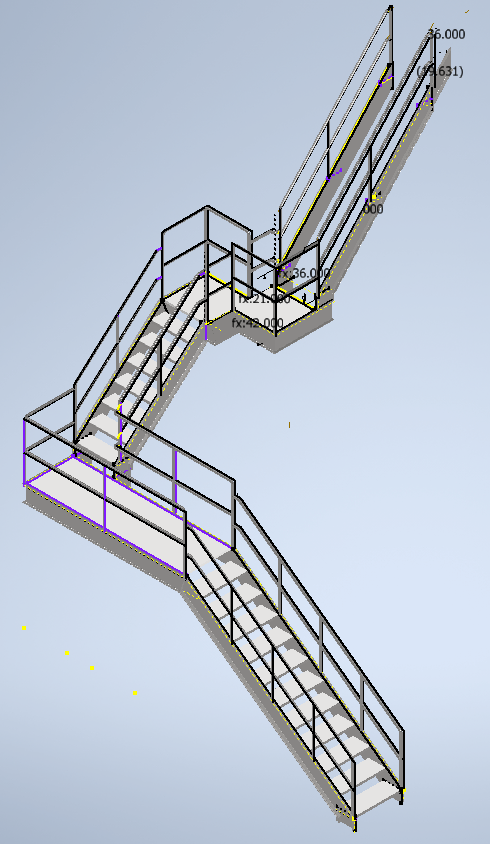
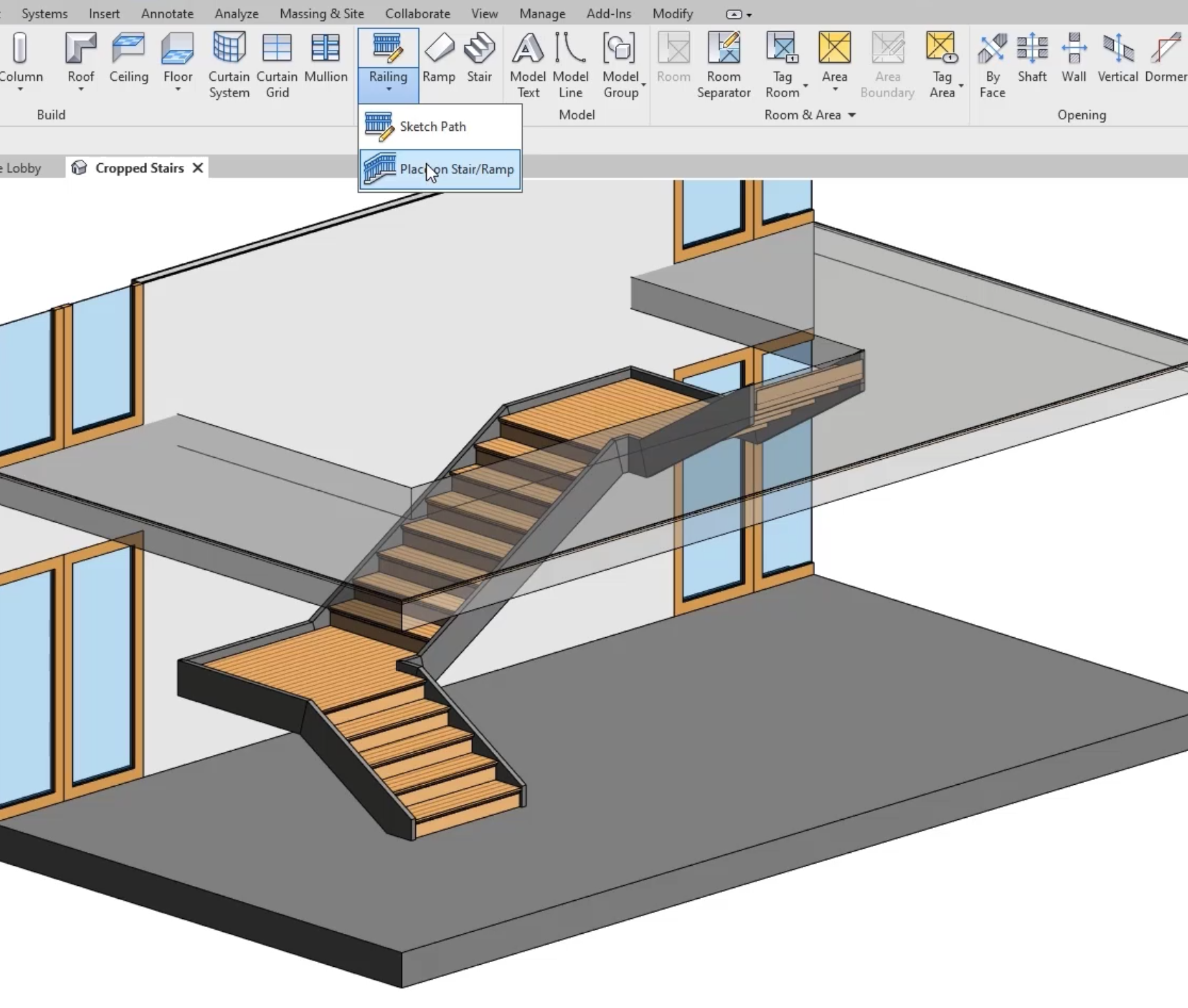
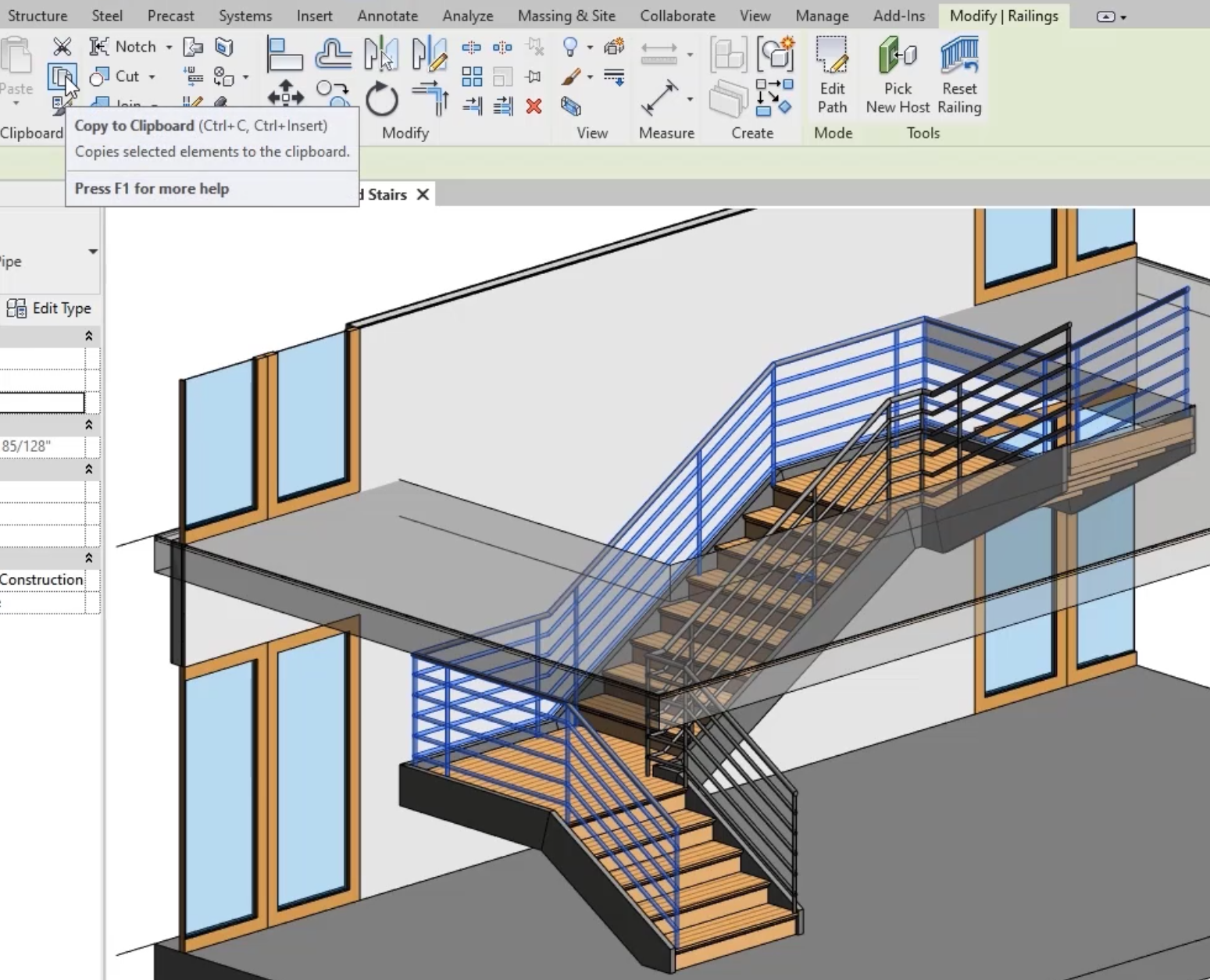
Model balustrades and handrails in Autodesk software, then produce coordinated drawings and bills of materials for fabrication and installation.
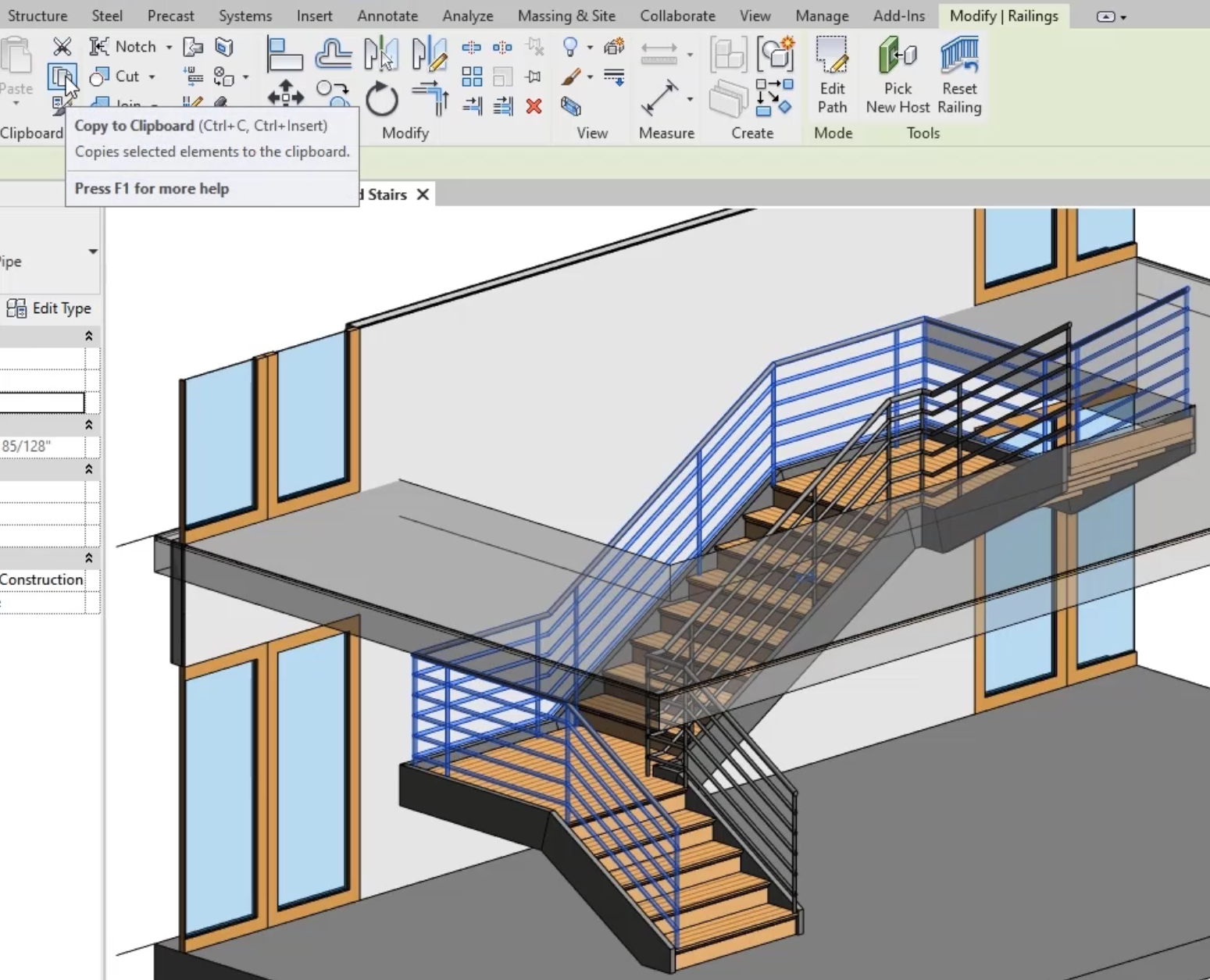
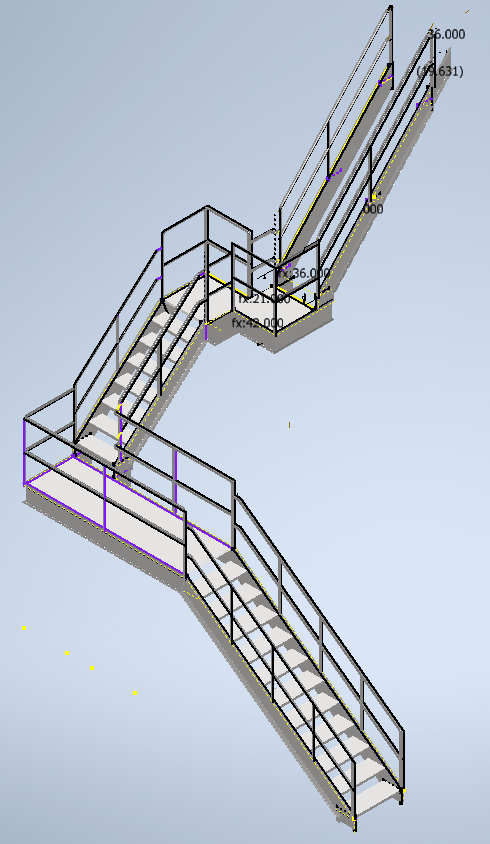
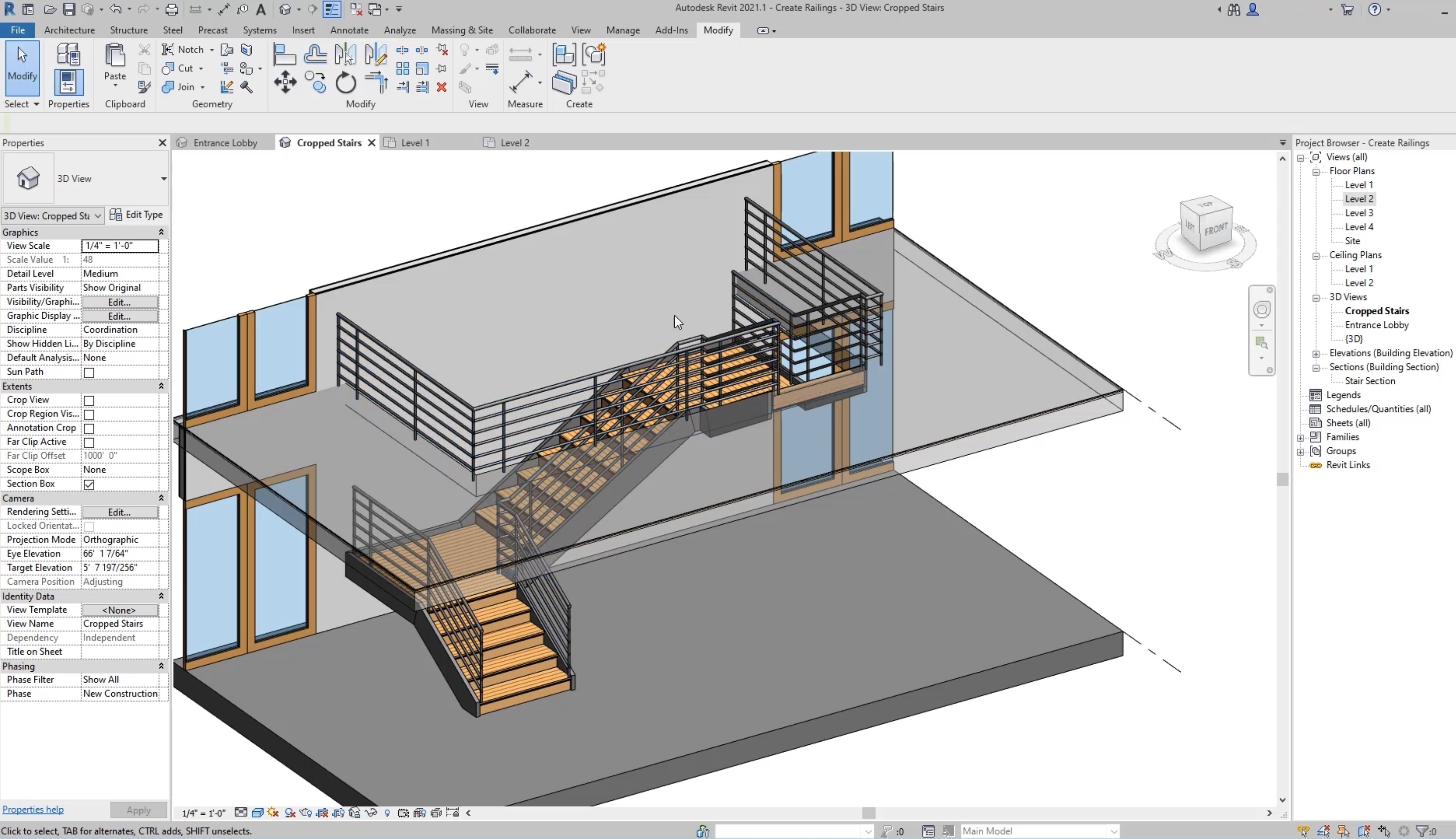
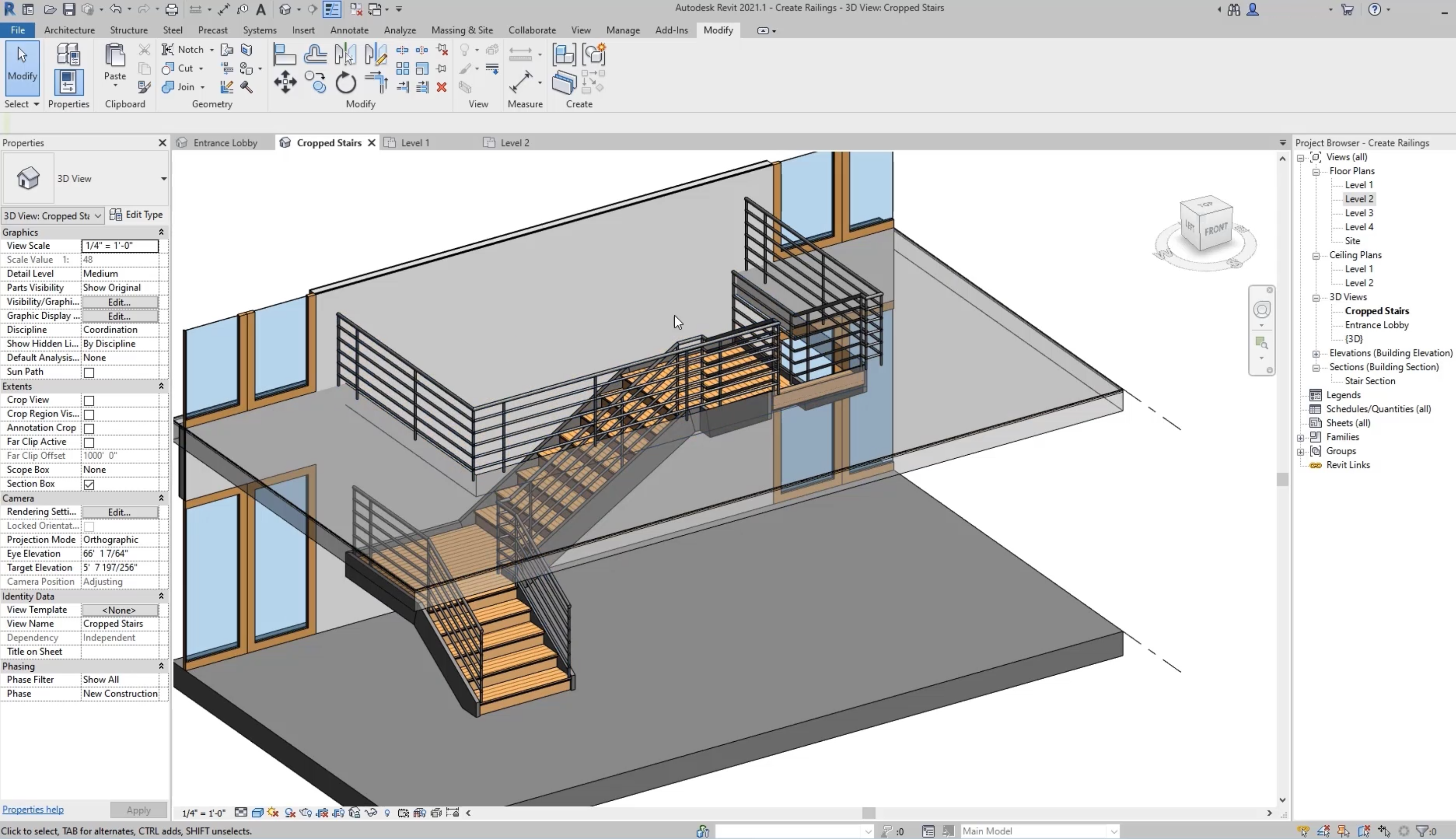
Parametric railing models
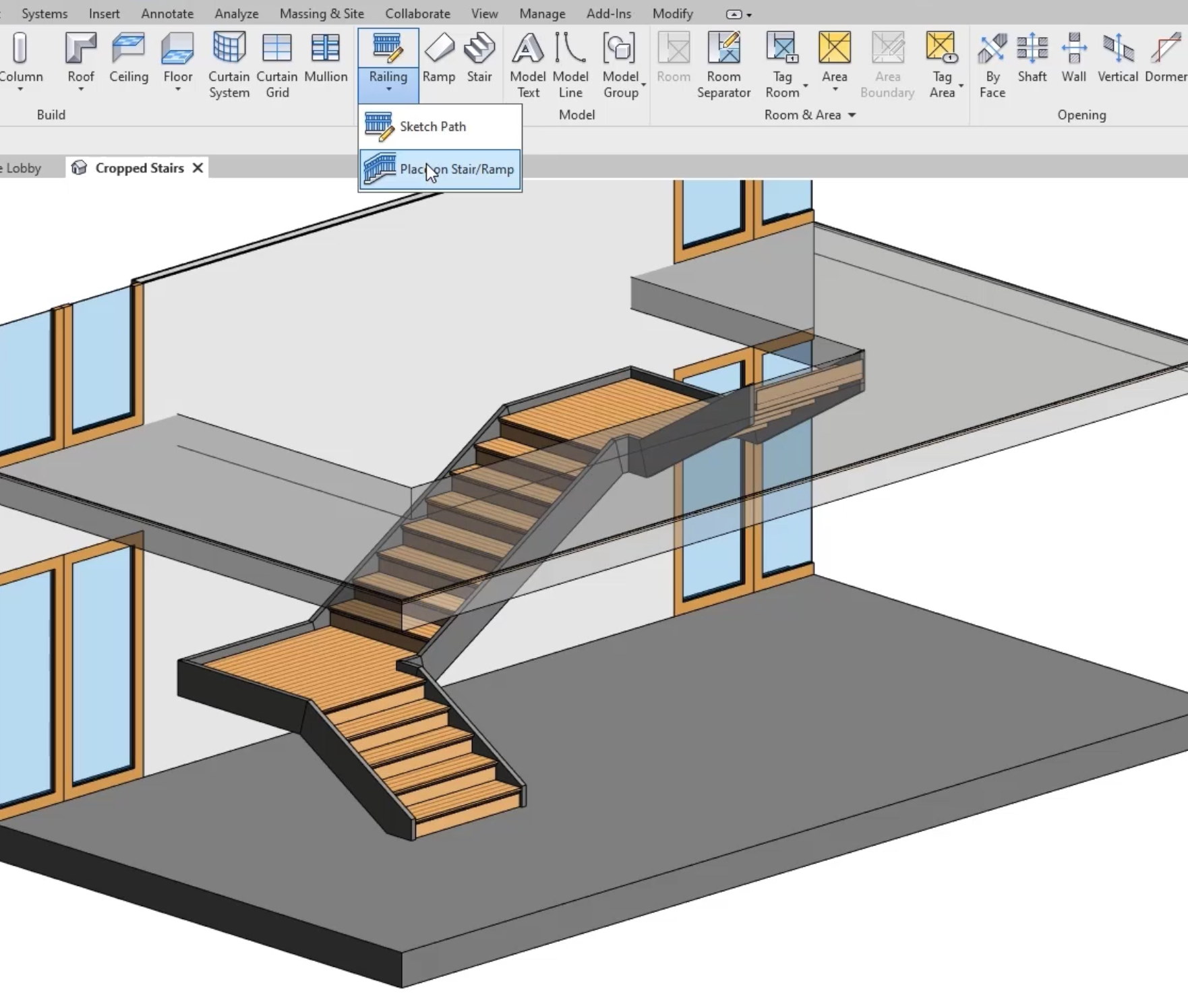
Define posts, rails and infill so a balustrade change updates the related geometry.
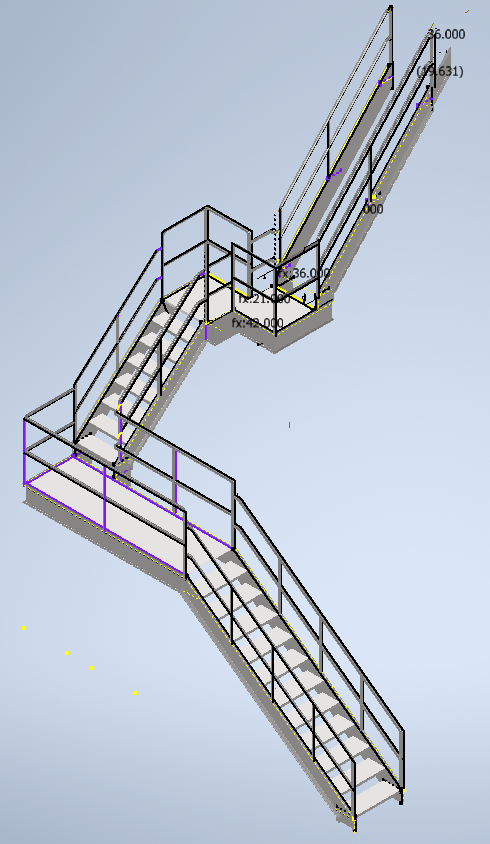
Coordinated drawings
Create plans, elevations and details from the handrail model for review and fabrication.
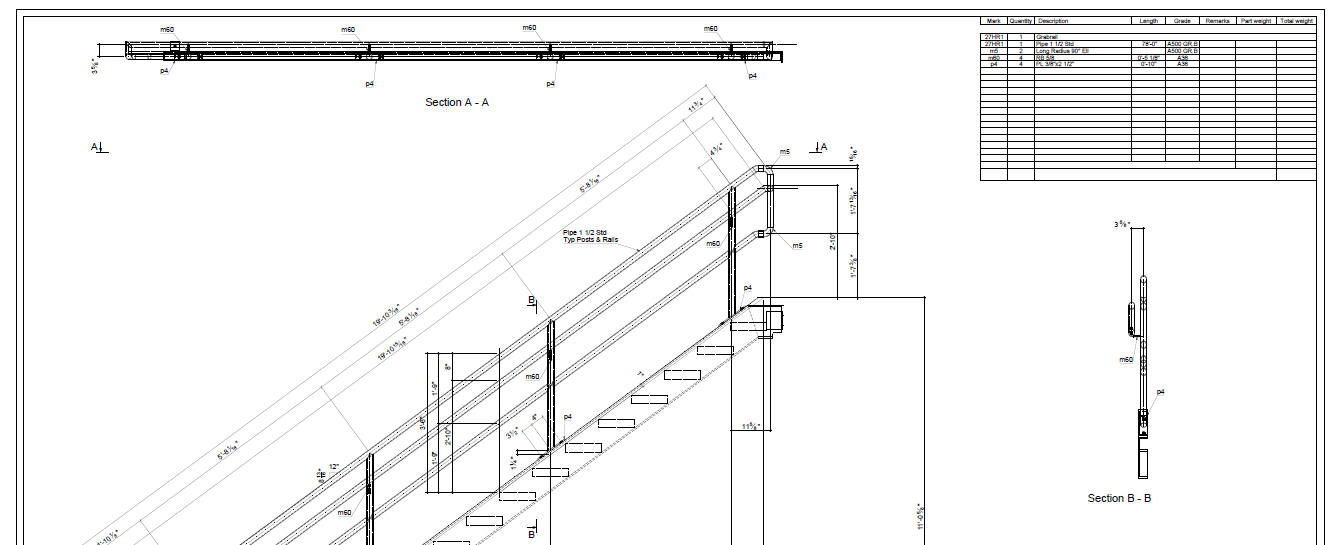
Bills of materials
Extract posts, rails, glass and fixings for quantities without a separate manual take-off.
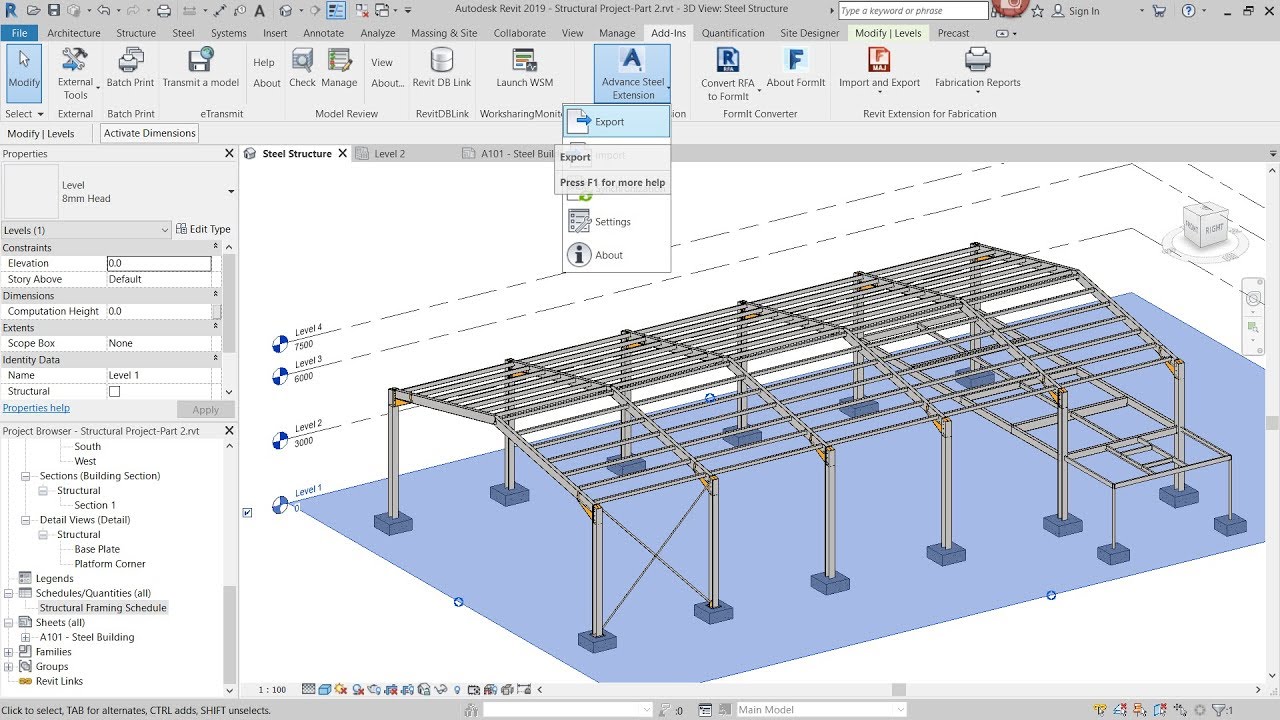
Clear connection details
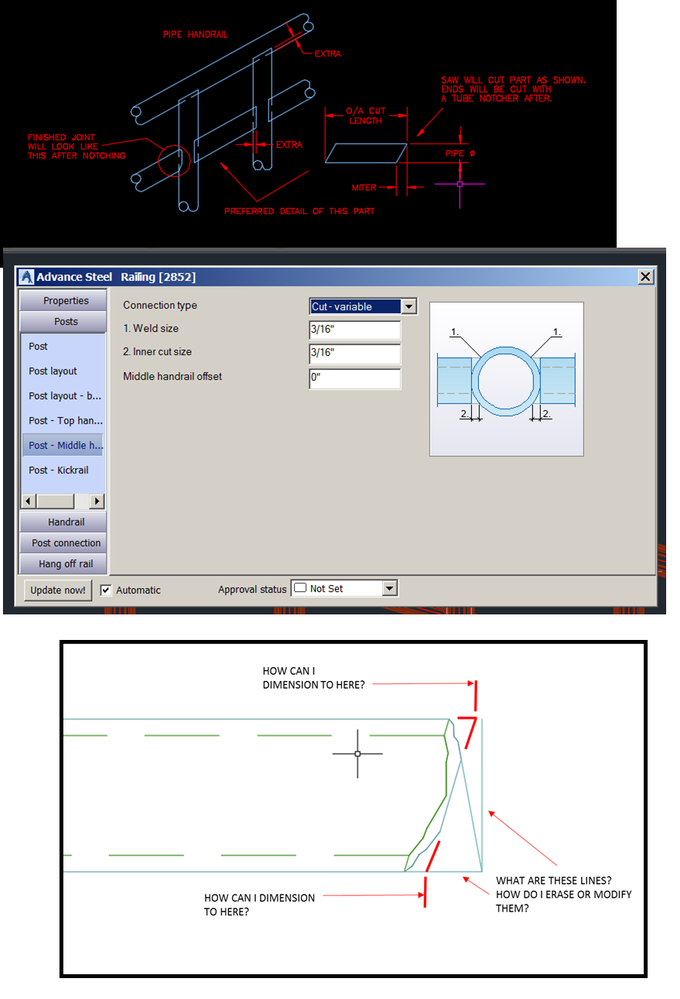
Document joints, brackets and finishes so fabricators can read the design intent.
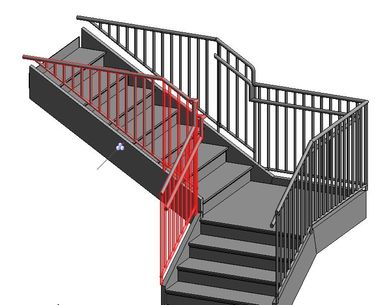
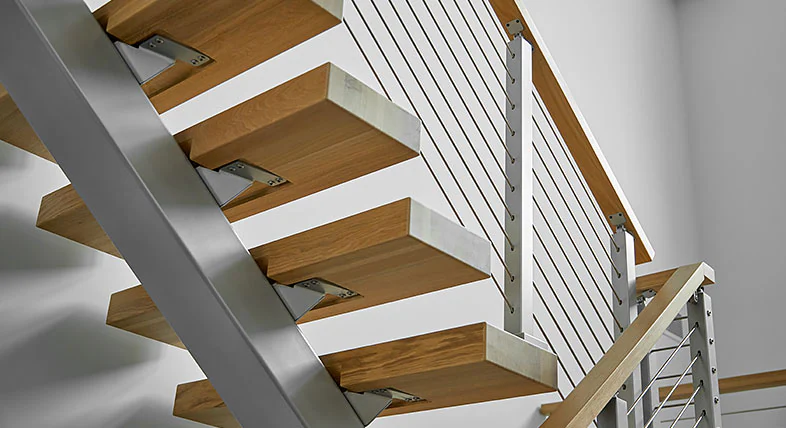
Fabrication handover
Share models, drawings and lists that installers and fabricators can use together.
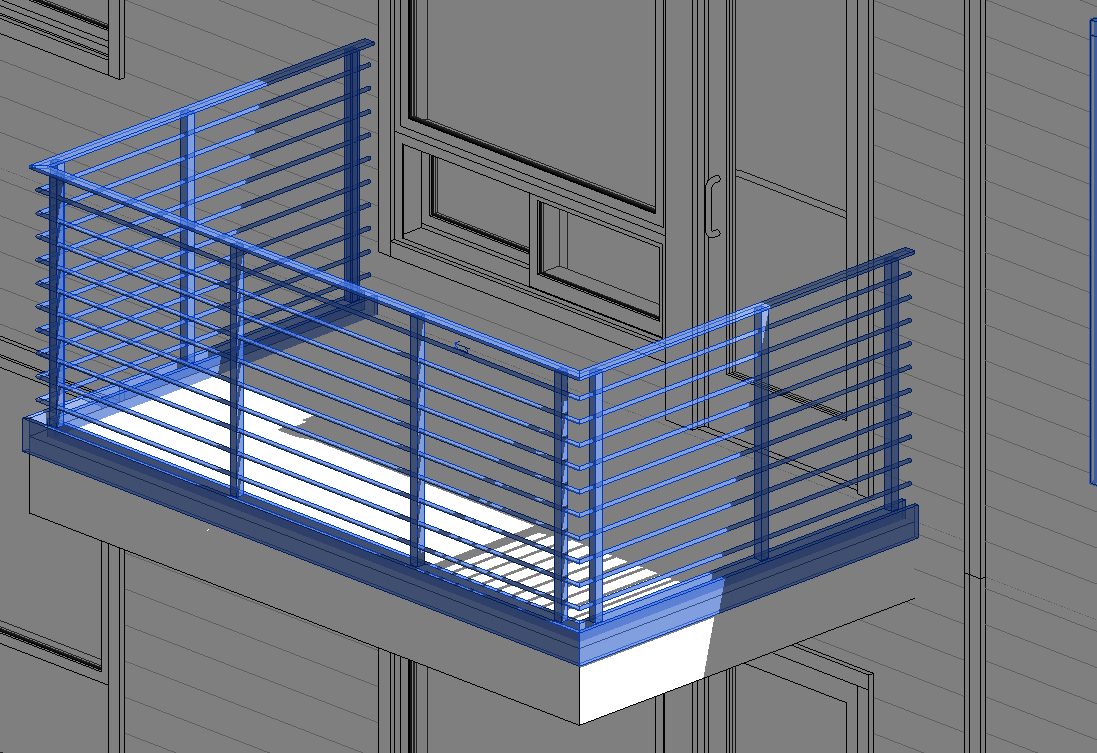
Inconsistent details
Copied railing details drift apart when each project file is edited separately.
Impacts of Weak Railing Control
How documentation gaps affect cost and programme
Wrong quantities and mismatched balustrade drawings cause rework, delayed orders and extra coordination before installation.
- Lost or Missing Files – Difficulty locating drawings, assemblies, and supporting documents across complex folder structures.
- Broken CAD References – Moving or renaming files can disrupt relationships between models, drawings, and assemblies.
- Duplicate and Outdated Files – Multiple copies make identifying the latest approved design difficult.
- Accidental Overwrites – Designers risk overwriting colleagues' changes without controlled file management.
- Manual Revision Tracking – Tracking changes through filenames, spreadsheets, or folder structures is inefficient.
- Limited Design Visibility – Teams struggle to identify file relationships, ownership, and project status.
- Repetitive Administrative Tasks – Manual file publishing, renaming, and documentation consume valuable engineering time.
- Disconnected Business Systems – Engineering data may require manual re-entry into ERP, manufacturing, and PLM systems.
Model and Document Railings
Autodesk features for geometry and drawings
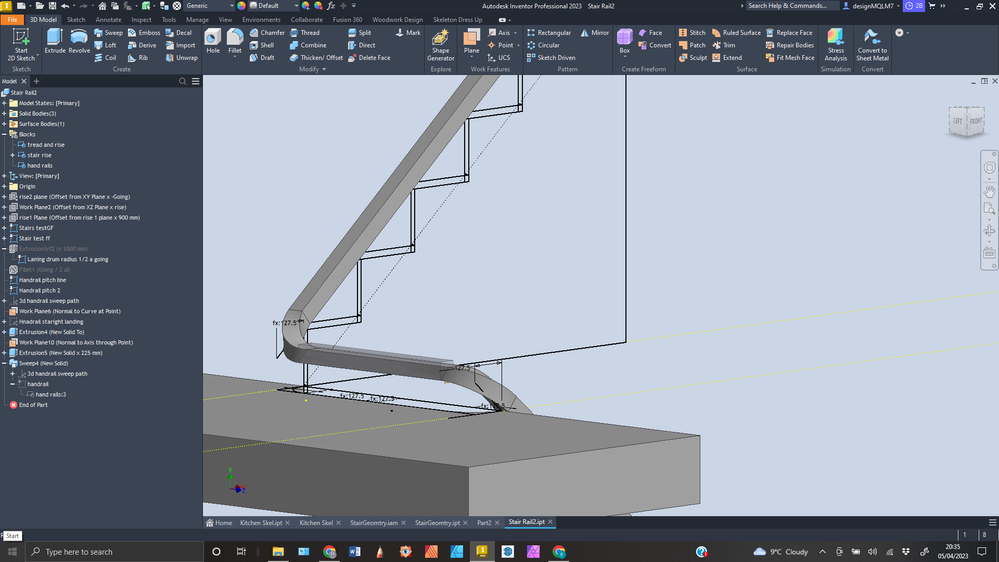
Model posts, rails and infill, then produce plans, elevations and fabrication drawings from the balustrade design.
- Centralised CAD Management – Securely organise and manage engineering files, drawings, assemblies, and documentation.
- Version Control – Track design changes, maintain file history, and retrieve previous versions.
- CAD Reference Management – Maintain relationships between parts, assemblies, drawings, and external references.
- Advanced Search – Quickly locate files using properties, metadata, and saved searches.
- Concurrent Engineering – Enable multiple designers to collaborate while controlling file modifications.
- Design Reuse – Copy existing designs and reuse components without manually rebuilding file relationships.
- Lifecycle and Revision Management – Control design approvals, releases, and revisions with Vault Professional.
- Job Processing and Automation – Automate publishing and background processing with Vault Professional and optional JP Pro enhancements.
- ERP and PLM Integration – Connect Vault Professional with manufacturing, business, and product lifecycle management systems.
Accurate Drawings and BOMs
Documentation that stays tied to the design
Linked models, drawings and bills of materials reduce missed parts and conflicting handrail revisions.
- Increased Productivity – Reduce time spent searching, copying, renaming, and managing CAD files.
- Reduced Design Errors – Minimise accidental overwrites, missing references, and outdated drawings.
- Improved Collaboration – Provide engineering teams with controlled access to shared design information.
- Greater Data Integrity – Maintain accurate file relationships, revision histories, and engineering records.
- Faster Design Reuse – Find and repurpose existing designs instead of recreating components.
- Standardised Processes – Establish consistent engineering workflows, file management, and approval procedures.
- Scalable Data Management – Grow from Vault Basic to Vault Professional, Cloud, ERP, and PLM solutions.
AutoCAD and Inventor Railing Workflows
Managed data keeps AutoCAD details and Inventor balustrade assemblies current, with shared revisions and references for the project team.
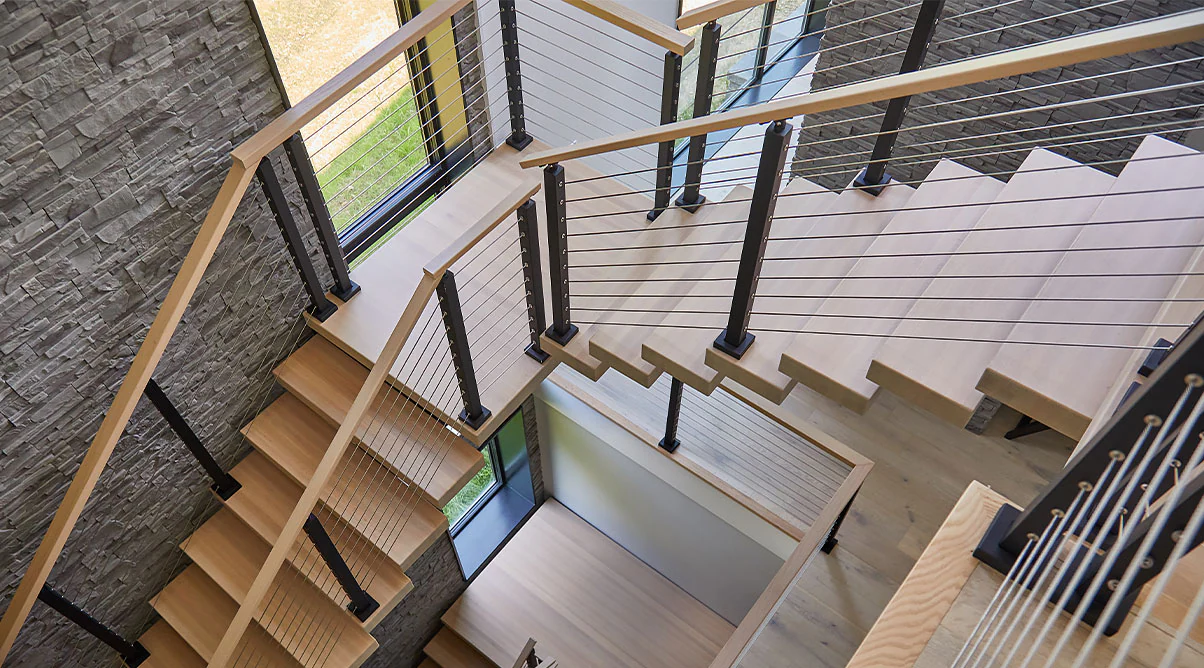
Compare Autodesk Options for Railings
Matrix Table
|
Capability |
Autodesk Advance Steel 2027 |
Autodesk AutoCAD 2027 |
Autodesk Fusion |
Autodesk Inventor 2027 |
Autodesk Product Design and Manufacturing Collection |
|
3D design modeling |
✓ |
✓ |
✓ |
✓ |
✓ |
|
Production drawings |
✓ |
✓ |
✓ |
✓ |
✓ |
|
Fabrication detailing |
✓ |
— |
— |
— |
— |
|
Bills of materials |
— |
— |
✓ |
— |
✓ |
|
Material schedules |
✓ |
— |
— |
— |
— |
|
Connection libraries |
✓ |
— |
— |
— |
— |
|
Assembly modeling |
— |
— |
✓ |
✓ |
✓ |
|
Cloud collaboration |
— |
✓ |
✓ |
— |
✓ |
|
Design simulation |
— |
— |
✓ |
✓ |
✓ |
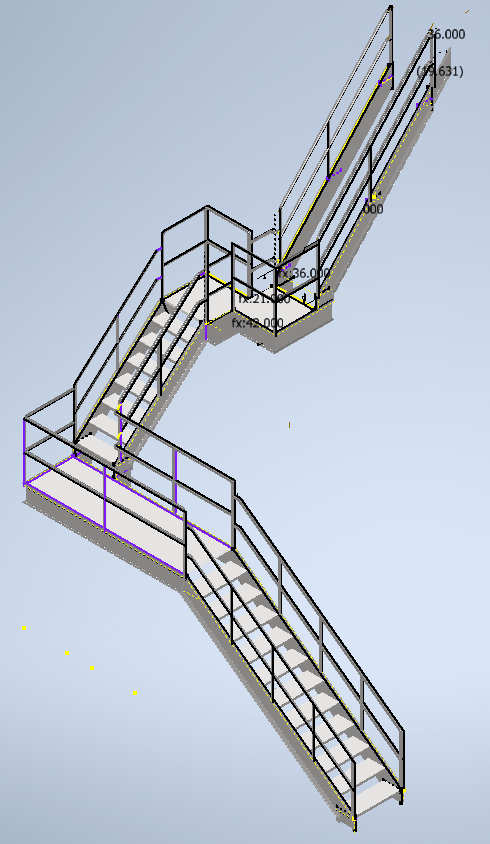
Central design store
Vault Basic stores balustrade and handrail models and drawings in one controlled location.
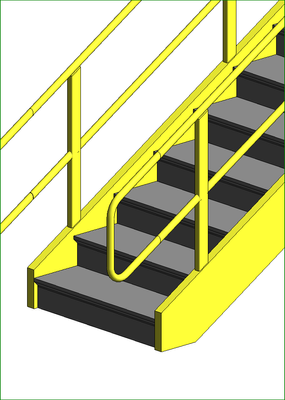
Version history
Track earlier railing files so teams can see what changed before an issue.
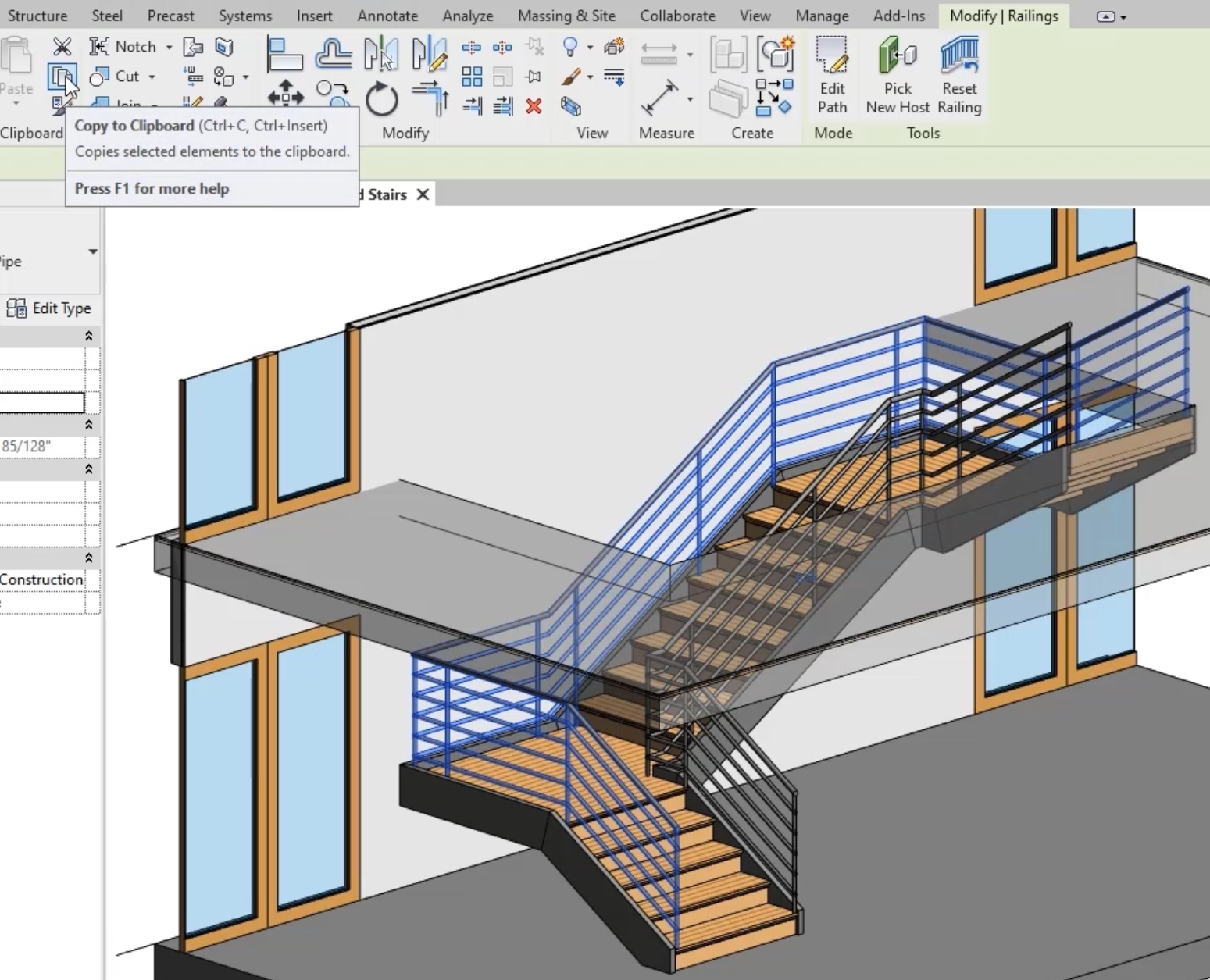
Reference integrity
Keep linked handrail drawings and models together when files are moved or reused.
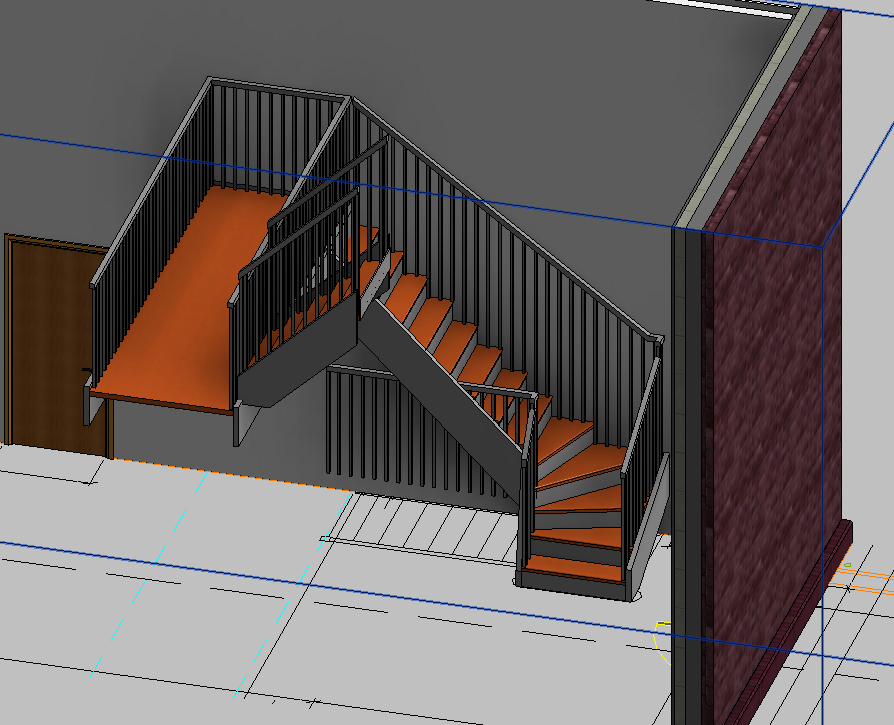
Checked-out editing
Reduce accidental overwrites while several people update the same railing project.
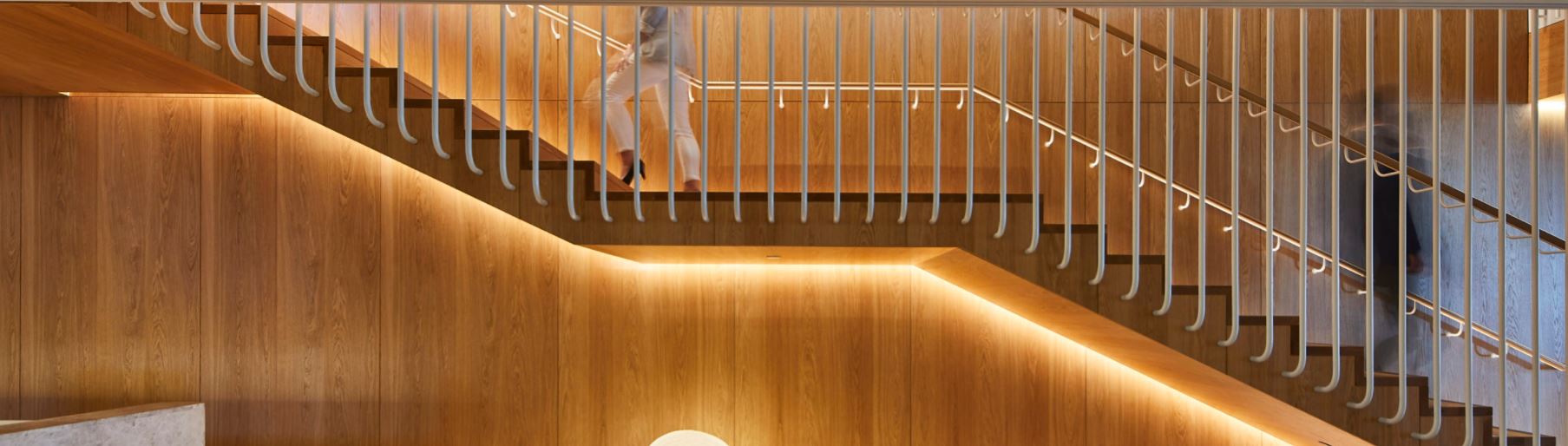
Search and reuse
Find previous balustrade details and standard files instead of rebuilding them.
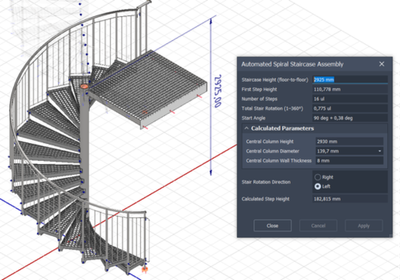
Shared team access
Give designers a common source for current handrail documentation.
Vault Basic Vs Vault Professional Vs Vault Professional with JP Pro
|
Capability |
Autodesk Advance Steel 2027 |
Autodesk AutoCAD 2027 |
Autodesk Fusion |
Autodesk Inventor 2027 |
Autodesk Product Design and Manufacturing Collection |
|
Drawing check-in and versions |
✓ |
✓ |
✓ |
— |
— |
|
Copy design and renaming |
✓ |
✓ |
✓ |
— |
— |
|
Team permissions |
— |
✓ |
✓ |
— |
— |
|
Revision and lifecycle control |
— |
✓ |
✓ |
— |
— |
|
BOM management |
— |
✓ |
✓ |
— |
— |
|
Engineering change orders |
— |
✓ |
✓ |
— |
— |
|
CAD and office file support |
— |
✓ |
✓ |
— |
— |
|
Automated publishing |
— |
— |
✓ |
— |
— |
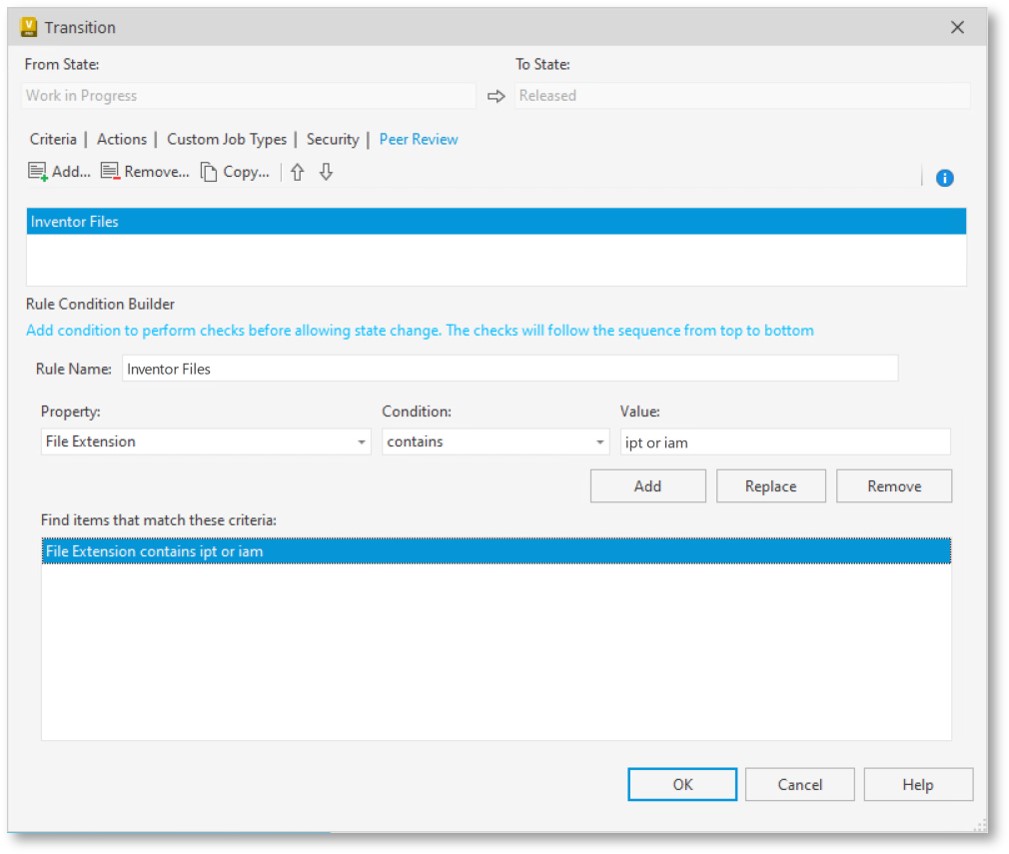
Vault Professional and JP Pro
Vault Professional controls revisions and items. JP Pro adds triggered or on-demand drawing and file outputs for balustrade deliverables.
| Documentation capability | Autodesk Advance Steel 2027 | Autodesk AutoCAD 2027 | Autodesk Fusion | Autodesk Inventor 2027 | Autodesk Product Design and Manufacturing Collection |
| 3D design models | ✓ | ✓ | ✓ | ✓ | ✓ |
| Fabrication drawings | ✓ | — | — | — | — |
| 2D drawings | ✓ | ✓ | ✓ | ✓ | ✓ |
| Drawing annotation | — | ✓ | ✓ | — | ✓ |
| Bills of materials | — | — | ✓ | — | ✓ |
| Parts schedules | ✓ | — | — | — | — |
| DWG documentation | — | ✓ | — | — | ✓ |
| Automated detailing | ✓ | ✓ | — | — | ✓ |
| Cloud collaboration | — | ✓ | ✓ | — | ✓ |
When Railing Files Are Uncontrolled
The cost of scattered balustrade data
Shared drives make revisions, references and handrail edits hard to track, increasing rework as projects grow.
- Lost or Missing Files – Difficulty locating drawings, assemblies, and supporting documents across complex folder structures.
- Broken CAD References – Moving or renaming files can disrupt relationships between models, drawings, and assemblies.
- Duplicate and Outdated Files – Multiple copies make identifying the latest approved design difficult.
- Accidental Overwrites – Designers risk overwriting colleagues' changes without controlled file management.
- Manual Revision Tracking – Tracking changes through filenames, spreadsheets, or folder structures is inefficient.
- Limited Design Visibility – Teams struggle to identify file relationships, ownership, and project status.
- Repetitive Administrative Tasks – Manual file publishing, renaming, and documentation consume valuable engineering time.
- Disconnected Business Systems – Engineering data may require manual re-entry into ERP, manufacturing, and PLM systems.
How Autodesk Vault Solves These Challenges
Take Control of Your Engineering Data
Autodesk Vault replaces fragmented file management with a structured, centralised environment designed specifically for engineering and CAD workflows. By combining intelligent searching, reference management, version control, and automation, Vault helps organisations eliminate common data management problems while improving design accuracy and operational efficiency.
Project need | Autodesk Advance Steel 2027 | Autodesk AutoCAD 2027 | Autodesk Fusion | Autodesk Inventor 2027 | Autodesk Product Design and Manufacturing Collection |
|---|---|---|---|---|---|
3D balustrade design | ✓ | 2D/3D | ✓ | ✓ | ✓ |
Fabrication drawings | ✓ | ✓ | ✓ | ✓ | ✓ |
Bills of materials | Schedules | — | ✓ | — | ✓ |
Revision history | — | — | Cloud versions | — | — |
Reference control | — | — | — | — | — |
File search | — | — | — | — | — |
Design libraries | ✓ | Toolsets | — | — | ✓ |
Remote collaboration | — | Web/mobile | ✓ | — | ✓ |
These capabilities allow engineering teams to establish reliable processes, reduce manual administration, and maintain better control over design information from concept through manufacturing.
Automate Railing Drawing Exports
JP Pro can batch-publish balustrade drawings and related CAD files, sequence jobs and notify the team when outputs are ready.
Server with clients
Run JP Pro centrally so several users automate balustrade exports and notifications.
Additional client access
Add users who need automated drawing publishing for handrail deliverables.
Local workstation option
Automate exports from a workstation when a dedicated processor is not required.
PDM, ERP and PLM for Rail Data
Vault PDM manages balustrade files and revisions. ERP and PLM carry items into purchasing, manufacturing and change control.
Compare Autodesk Vault Basic, Vault Professional PDM, and integrated ERP and PLM solutions across engineering data management, manufacturing, business operations and product lifecycle management.Contact Us
From Design Data to the BOM
PDM holds railing items. ERP and PLM reuse that structure for purchasing, changes and approvals without retyping the bill of materials.
How PDM, ERP and PLM connect
Enterprise Resource Planning (ERP)
Product Lifecycle Management (PLM)
Integrated PDM, ERP and PLM
| Capability | Autodesk Advance Steel 2027 | Autodesk AutoCAD 2027 | Autodesk Fusion | Autodesk Inventor 2027 | Autodesk Product Design and Manufacturing Collection |
| 3D product design | ✓ | ✓ | ✓ | ✓ | ✓ |
| Fabrication drawings | ✓ | ✓ | ✓ | ✓ | ✓ |
| Bills of materials | — | — | ✓ | — | — |
| Steel connection detailing | ✓ | — | — | — | — |
| Cloud data management | — | — | ✓ | — | — |
| Version tracking | — | — | ✓ | — | — |
| ERP data handoff | — | — | Excel export | — | — |
| Design simulation | — | — | ✓ | ✓ | ✓ |
Autodesk Vault vs Windows Explorer and Cloud Storage
Why CAD Files Need More Than Traditional File Storage
Windows Explorer, network drives, and cloud storage platforms such as OneDrive, Dropbox, and Google Drive provide convenient ways to store and share files. However, they are not purpose-built for managing complex CAD assemblies, engineering references, revision histories, and controlled design workflows.
Autodesk Vault goes beyond traditional file storage by understanding relationships between CAD files, tracking design changes, and providing specialised tools for engineering collaboration and data management.
Autodesk Vault vs Traditional File Storage
Capability | Autodesk Advance Steel 2027 | Autodesk AutoCAD 2027 | Autodesk Fusion | Autodesk Inventor 2027 | Autodesk Product Design and Manufacturing Collection |
|---|---|---|---|---|---|
Central file storage | ✓ | ✓ | ✓ | — | — |
CAD assembly references | ✓ | — | — | — | — |
Drawing version history | ✓ | Limited | ✓ | — | — |
Concurrent design | ✓ | — | — | — | — |
Check-in and check-out | ✓ | — | Limited | — | — |
Design reuse | ✓ | — | — | — | — |
Revision control | Pro | — | — | — | — |
Engineering BOM | Pro | — | — | — | — |
CAD publishing | Pro | — | — | — | — |
Approval workflows | Pro | — | Limited | — | — |
Cloud Access for Distributed Teams
Vault Cloud gives distributed balustrade teams secure access to managed files without relying on local servers.
- IT and Vault Server Administration and Maintenance
- Premium Technical Support
- Authorised users can connect to Vault from anywhere with an internet connection
- 500GB Vault Storage
- 500GB Vault Back up
- Off-Site Back Up
Basic cloud file control
Store and version AutoCAD and Inventor balustrade files with remote access.
Professional cloud revisions
Manage handrail revisions, items and approvals from a hosted environment.
Cloud job processing
Add background publishing for railing drawings while files stay centrally hosted.
Cloud advanced automation
Sequence exports and notifications for balustrade deliverables through cloud access.
On-Premise or Cloud Railing Data
On-premise Vault keeps balustrade data on your servers. Cloud hosting removes local hardware work and supports secure remote access.
|
Capability |
Autodesk Advance Steel 2027 |
Autodesk AutoCAD 2027 |
Autodesk Fusion |
Autodesk Inventor 2027 |
Autodesk Product Design and Manufacturing Collection |
|
Drawing management |
— |
— |
— |
— |
— |
|
Revision control |
— |
— |
— |
— |
— |
|
Bills of materials |
— |
— |
— |
— |
— |
|
Cloud access |
No |
Yes |
— |
— |
— |
|
Server and network |
Customer supplied |
Included |
— |
— |
— |
|
Operating system and SQL |
Customer installs |
Included |
— |
— |
— |
|
Server and Vault updates |
Customer manages |
Included |
— |
— |
— |
|
Backups and off-site copies |
Customer manages |
Included |
— |
— |
— |
|
Redundancy |
Customer setup |
Included |
— |
— |
— |
Training for Railing Documentation
Vault training helps balustrade teams control files, revisions and lifecycle states behind drawings and bills of materials.
Vault fundamentals
Learn file storage, versions and CAD links used to manage handrail project data.
Professional lifecycle control
Cover revisions, items and change control for balustrade documentation and release.
Software and Services Around Autodesk
Complementary Autodesk tools, setup and training support steel balustrade modelling, drawings, automation and delivery.
Your Autodesk Partner for This Work
Design Consulting helps teams apply Autodesk software to balustrade design, drawings and bills of materials.
Ask About Balustrade Workflows
Get in touch about Autodesk design, drawings and bills of materials.