




Autodesk Fusion Simulation Extension
Elevate Your Design with Autodesk Fusion Simulation Extension
Available in Annual Subscription or 3-Year Subscription
Discover the power of Autodesk Fusion Simulation Extension, designed to enhance your design process with advanced simulation capabilities. Seamlessly integrate simulation tools directly into your workflow to predict outcomes and optimise performance early in the design phase. Tailored for engineers and designers in Australia, this extension offers flexible subscription options and unmatched precision. Transform your projects with confidence and efficiency today.
Autodesk Fusion Simulation Extension – Advanced Simulation for Engineers
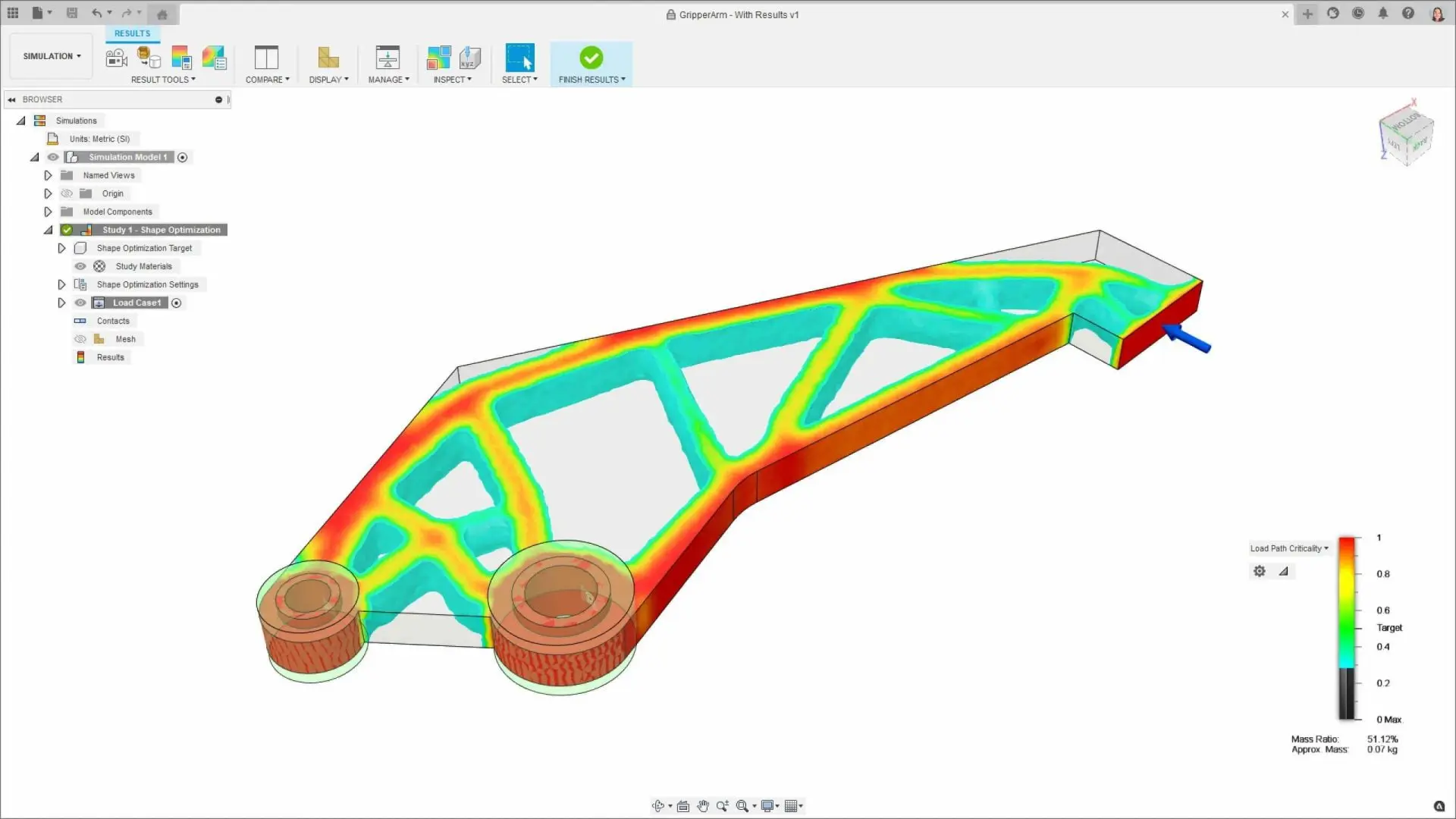
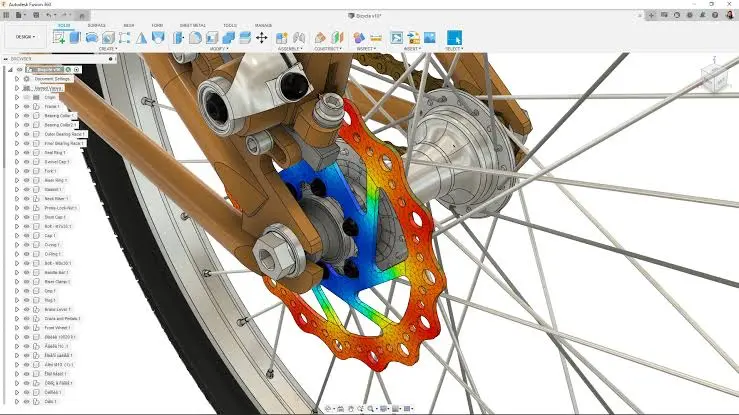
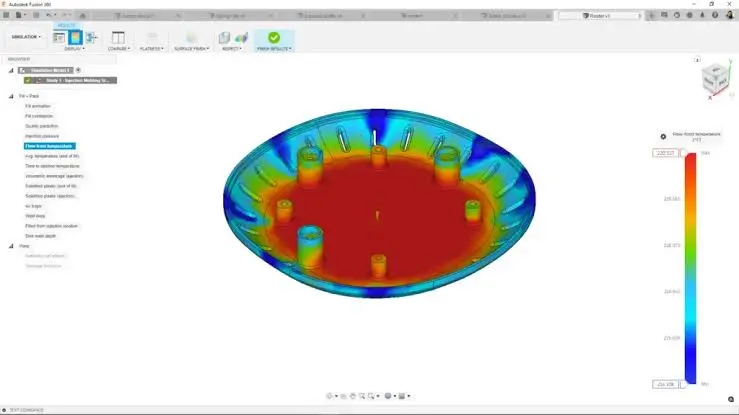
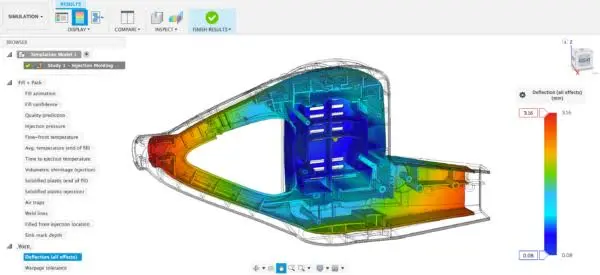
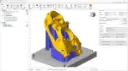
The Autodesk Fusion Simulation Extension empowers engineers and designers with robust simulation capabilities directly within the Fusion 360 environment. It allows for comprehensive analysis of product designs, facilitating better decision-making during the design phase. This powerful extension integrates seamlessly, offering advanced thermal, structural, and explicit simulation tools. Whether you're testing a new product's durability or assessing thermal performance, Fusion Simulation Extension provides the insights necessary to refine and perfect your designs.
Ideal for engineers, designers, and product developers, the Autodesk Fusion Simulation Extension simplifies complex analysis processes. It provides professionals with an invaluable tool to accurately validate and optimise designs before production. Harness the power of simulation to reduce costs and accelerate time to market, ensuring your products meet stringent quality standards without the need for extensive physical prototyping.
Discover the Autodesk Fusion Simulation Extension
At the core of this package is Discover the Autodesk Fusion Simulation Extension, At the core of this package is the Autodesk Fusion Simulation Extension, designed to integrate advanced simulation capabilities directly into your design workflow. This tool transforms the way professionals approach product validation and optimisation. It combines innovative simulation technologies with:
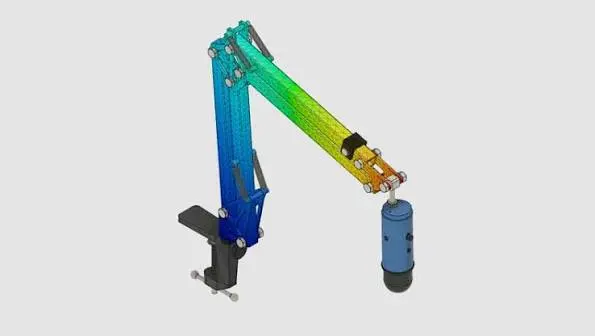
Powerful Thermal Simulation
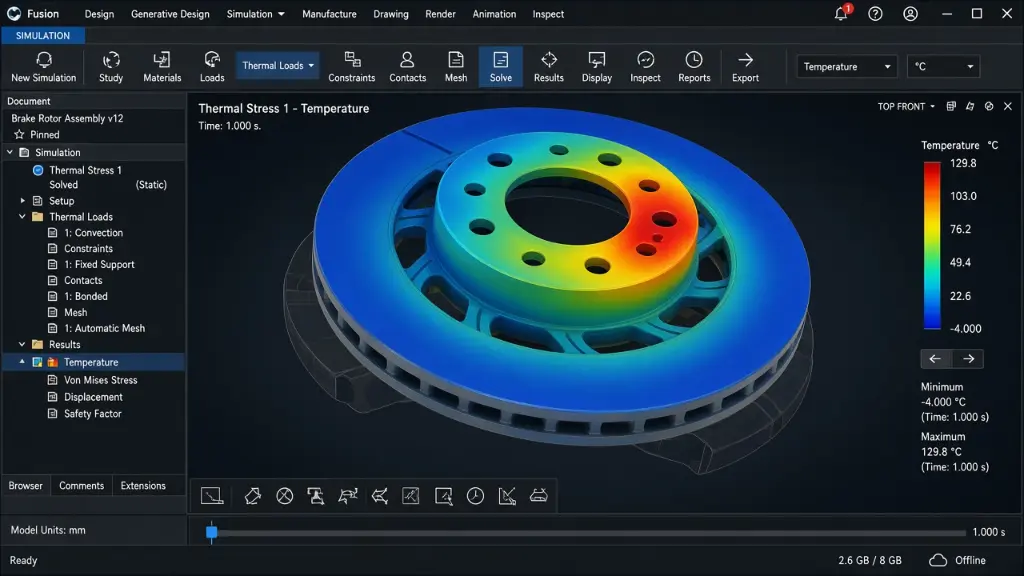
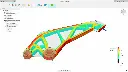
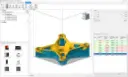
With the Autodesk Fusion Simulation Extension, you can accurately simulate thermal interactions within your designs. Whether you're dealing with electronics enclosures or heat exchangers, the thermal simulation tool helps you predict temperature distribution and heat flow. It empowers you to pinpoint potential thermal issues early in the design process, allowing for modifications that enhance product safety and performance.
Comprehensive Structural Analysis
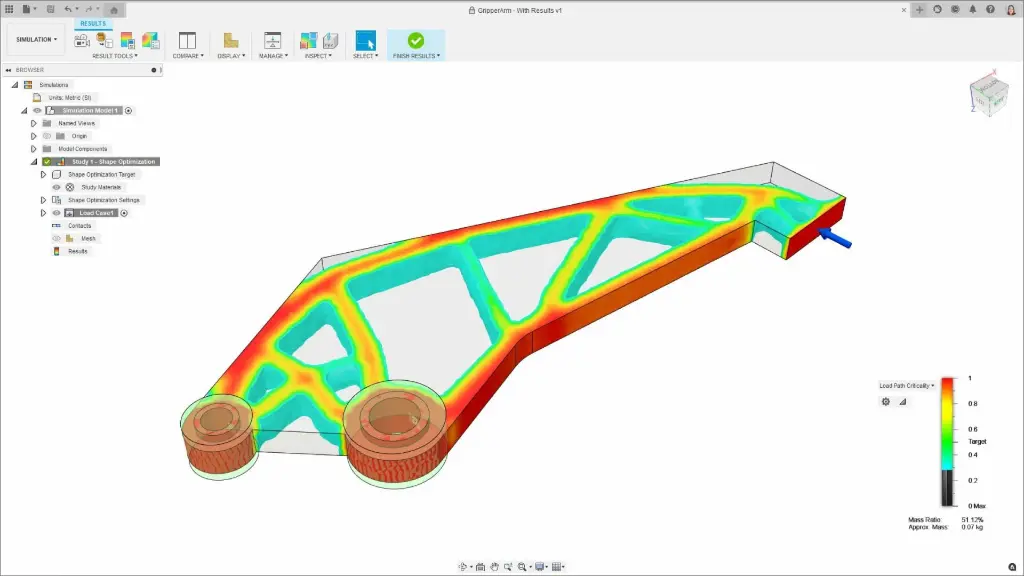
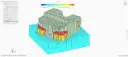
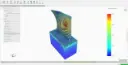
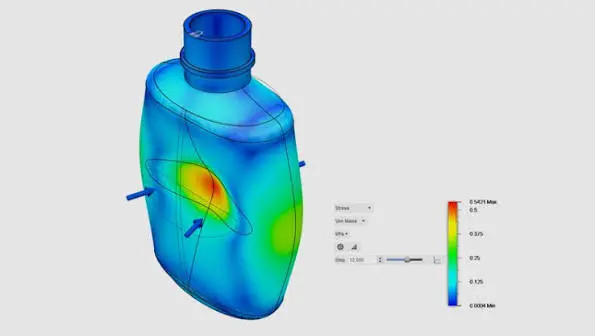
The extension offers robust structural analysis capabilities, enabling you to assess stresses, strains, and deflections in your designs. This feature supports both linear and nonlinear analysis, giving you a detailed understanding of how your product will perform under real-world conditions. Whether it's testing a bridge's load-bearing capacity or evaluating a component's structural integrity, these insights are crucial for ensuring reliability.
Dynamic Explicit Simulation
Dynamic explicit simulation is a key feature of the Fusion Simulation Extension, allowing you to analyse high-speed events and complex interactions. Ideal for simulating crashes, impacts, and other dynamic phenomena, this tool helps you understand product behaviour during brief, intense events. It’s critical for industries requiring precise safety and impact analysis, such as automotive and aerospace sectors.
Cloud-Based Simulation
Harness the power of cloud computing to perform simulations without taxing your local machine's resources. The cloud-based simulation capabilities of the Autodesk Fusion Simulation Extension offer scalability and speed, enabling extensive analyses with minimal time investments. It frees up your local resources, allowing you to continue working on other tasks while simulations are processed in the background.
Intuitive User Interface
The Fusion Simulation Extension prides itself on an intuitive and user-friendly interface, making it accessible to both seasoned engineers and newcomers. The straightforward navigation and easy-to-understand simulation setup reduce the learning curve, allowing you to focus more on design optimisation rather than complex software mechanics. Assistance and guidance are readily available, ensuring you can leverage the tool's full potential efficiently.
What's Included in Autodesk Fusion Simulation Extension?
When you subscribe, you get access to a comprehensive set of simulation tools designed to meet your industry's needs. This includes advanced thermal, structural, and dynamic explicit simulations, all within an intuitive interface. Additionally, you benefit from Autodesk's continuous updates and improvements, keeping you at the forefront of technology.
Thermal Management Tools
The thermal management tools enable precise analysis of heat transfer and thermal conditions in complex assemblies. Tools cater to both conduction and convection models, allowing detailed temperature profile visualisation. These capabilities are indispensable for optimising the thermal performance of electronics, engines, and complex machinery.
Structural Static and Dynamic Tools
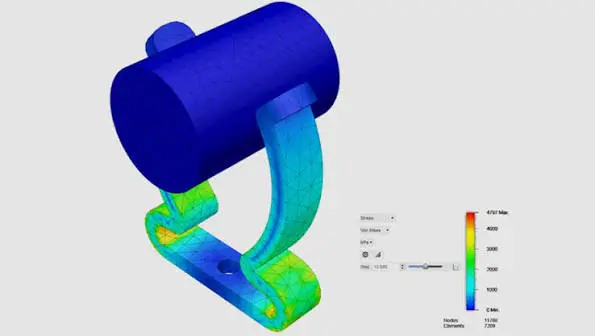
Analyse both static and dynamic loads with structural static and dynamic tools. Predict how components will bear stress under various loading conditions. This toolset supports multiple material types and complex loadings, vital for structural integrity checks in fields ranging from construction to consumer electronics.
Advanced Meshing Capabilities
Autodesk Fusion Simulation Extension offers advanced meshing capabilities to enhance simulation accuracy. The mesh refinement tools ensure that your model's finite element representation is optimal for precise results. You can tailor mesh density according to specific needs, balancing accuracy with computational efficiency.
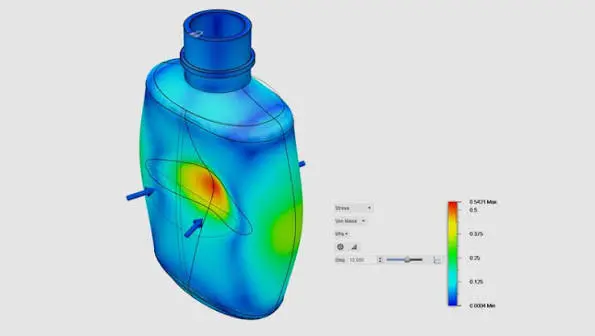
Impact Simulation Tools
The impact simulation tools provide detailed insights into the effects of collisions, drops, and other high-intensity events. These features allow you to assess damage potential and propose design reinforcements. It's particularly useful for safety testing, aiding in improving design resilience under stress and shock.
Cloud Processing
Utilise Autodesk's cloud processing to run large, complex simulations without impacting your local system's performance. This feature allows for efficient handling of extensive calculations and ensures you receive results faster. With scalable processing power, complex simulations become feasible within standard design timelines.
Material Library
Access an extensive material library to apply realistic material properties to your models. The library offers a broad range of materials, from metals to plastics, ensuring your simulations reflect real-world conditions. Customisable material parameters allow you to input specific data for niche applications.
Collaborative Tools
Collaborative tools within the Autodesk Fusion Simulation Extension enable seamless project sharing and collective problem solving. Team members can access and review simulation data in real-time, fostering a coordinated approach to design challenges. This feature is essential for projects that require input from multidisciplinary teams.
DC Products and Services
Bundle and Save when you get Accessory Products or Services
Training Courses
From fundamentals advanced to custom courses, covering all Autodesk products for design, visualisation, simulation, automation and collaboration.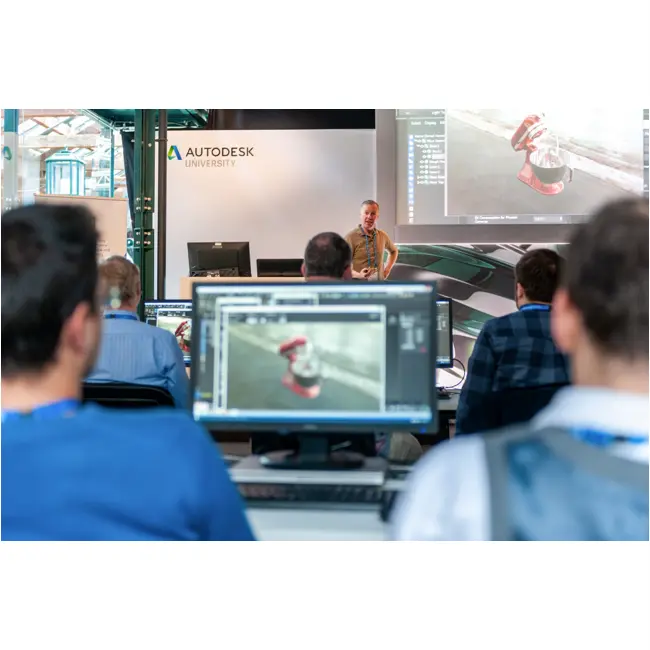
Services
DC has a range of services, including support, consulting, templates, libraries, design automation, system deployments, custom add-ins and more.

Bluebeam
PDF Collaboration software from Bluebeam enhances and captures communication across teams and projects.

Autodesk Fusion Simulation Extension Key Benefits
Enhanced Design Validation
Achieve a higher level of design confidence by testing and refining your products before they reach production. By simulating real-world conditions, you can foresee potential issues and rectify them early.
Cost Efficiency
Reduce the need for expensive physical prototypes by relying on precise simulation data. This allows you to save money on materials and manufacturing while accelerating development timelines.
Time Savings
With powerful simulations performed in the cloud, workflows are not interrupted. Designers can focus on creating while simulations run, leading to faster project completion.
Improved Product Quality
Optimise product designs to meet higher standards of quality and performance. Use simulation data to implement robust designs that excel in durability and efficiency.
Customisable Workflows
Tailor simulations to specific requirements with customisable features and materials. This flexibility ensures that the tool fits seamlessly into varied project demands.
Accessible Innovation
Unlock complex simulation capabilities without the steep learning curve. The user-friendly interface facilitates innovation by allowing for rapid experimentation and refinement.
Autodesk Fusion Simulation Extension
is Ideal For
- Mechanical Engineers
- Product Designers
- Aerospace Engineers
- Automotive Designers
- Manufacturing Specialists
- Industrial Designers
Licencing Options
Choose from flexible Autodesk subscription plans including:
- Annual Subscription
- 3-Year Subscription
All plans include automatic software updates, Autodesk support access, and secure cloud-based file storage.

Flexible Options
Choose from flexible Autodesk subscription plans including:
- Annual Subscription
- 3-Year Subscription
-
Flex Token Usage Based
All plans include automatic software updates, Autodesk support access, and secure cloud-based file storage.
Why Choose Design Consulting | Autodesk Gold Partner | Autodesk Service Provider
Design Consulting is a trusted Autodesk Gold Partner and Autodesk Service Provider. Design Consulting empowers architects, engineers, manufacturers, and builders with smart software, automation, and digital tools that provide Autodesk end-to-end solutions that are connected with systems and machines. As an Autodesk Gold Partner, we deliver tailored solutions that simplify workflows, reduce costs, and drive better project outcomes.
About DC Training Courses Services Configurators 2D/3D-CRM and ERP Batch Imagery
Get Autodesk Fusion Simulation Extension Today
Unlock the full potential of Autodesk Fusion Simulation Extension by integrating it into your design process. Enhance your product designs with precise simulation data and innovative tools. Contact Design Consulting to request a quote, schedule a demo, or speak with an Autodesk-certified expert.
Ready to Design with Precision and Speed?
Transform the way you create, visualise, simulate, and deliver designs, reports and drawings. Contact us today to explore training, services and subscription options or request a demo.
Fill out the contact form below or contact us on 1800 490 514, info@designconsulting.com.au or by live chat