Autodesk Fusion with Netfabb Training Course
- 16-Hours (8 x 2-Hour Sessions) Training
- Delivered remotely over MS Teams - Contact Us for On-Site/Face to Face Training
- Sessions are recorded and download links are provided after each session for your future use and reference.
- Pricing is based on 1-3 people. Additional people are at an additional cost of $1,100 per person.
- Volume Discounts apply for 5+ people.
- Training is usually broken up into 2 or 4-hour sessions in the morning and flexible (i.e. consecutive or Monday, Wednesday, Friday, etc.)
- Training sessions can start within 14 days of booking
- Courses are private and topics can be customised to suit
- Includes Certificate of Completion
- Training manuals are an additional $145 Ex. GST per digital manual
Autodesk Fusion with Netfabb Training Course – Additive Manufacturing and 3D Printing
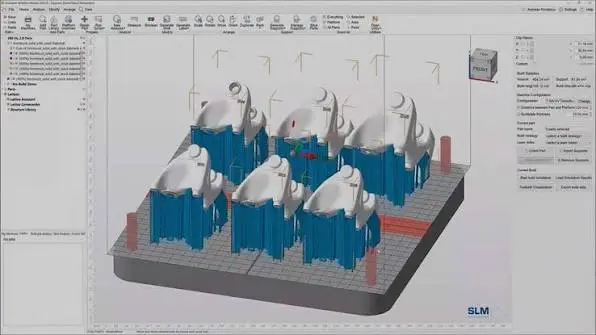
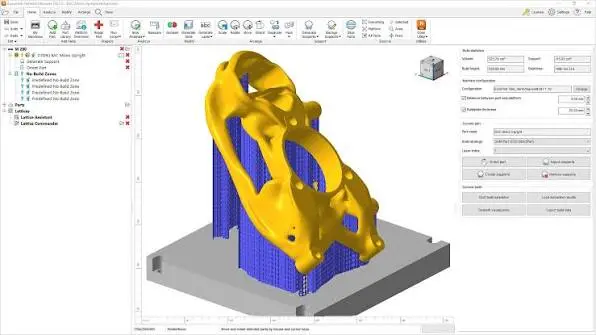
The Autodesk Fusion with Netfabb Training Course provides practical, instructor-led training in additive manufacturing workflows using Autodesk Fusion with Netfabb. Participants learn how to prepare, repair, position and optimise 3D models for additive manufacturing, create support structures, configure build platforms and prepare production-ready data for 3D printing. Training is delivered live with an instructor, providing practical guidance throughout the course.
Additive Manufacturing Training for Autodesk Fusion and Netfabb
The Autodesk Fusion with Netfabb Training Course is designed to develop practical skills for engineers, designers and manufacturing professionals working with industrial additive manufacturing. The course explores the workflow from importing and analysing models through build preparation, part orientation, support generation, packing, slicing and manufacturing preparation, helping participants develop more efficient and reliable additive manufacturing processes.
What You'll Learn - Netfabb Build Preparation, Supports and Additive Manufacturing
During the Autodesk Fusion with Netfabb Training Course, you'll learn how to:
- Navigate the Netfabb additive manufacturing environment
- Import and prepare 3D models for additive manufacturing
- Analyse models for potential manufacturing issues
- Repair and modify mesh geometry
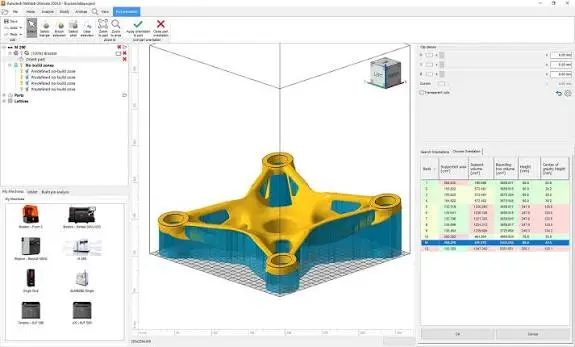
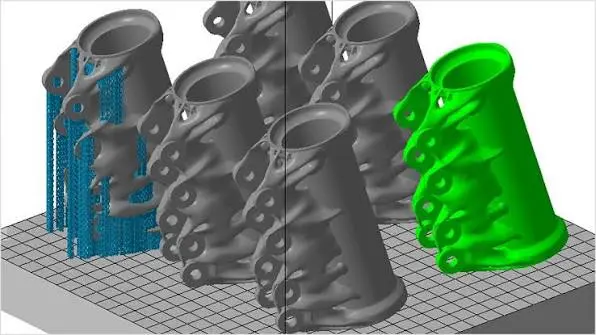
- Position and orient parts for 3D printing
- Configure additive manufacturing build platforms
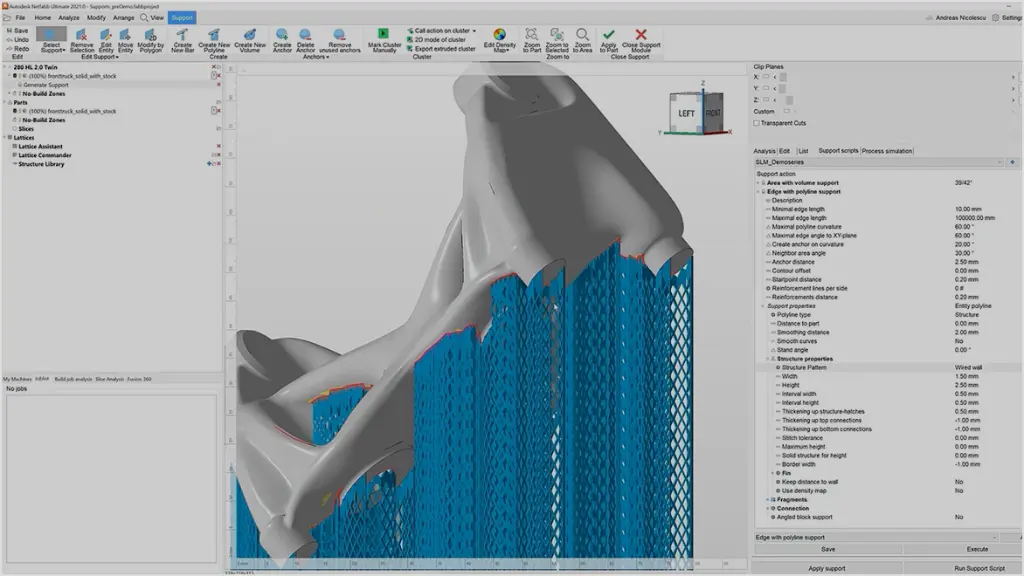
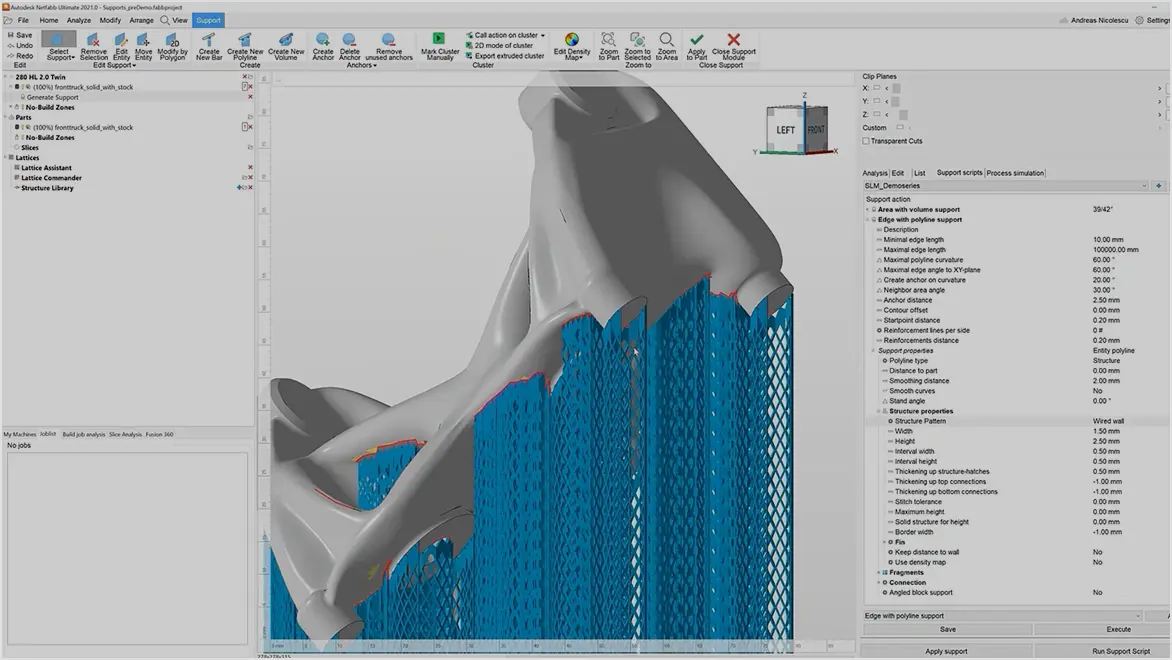
- Create and modify support structures
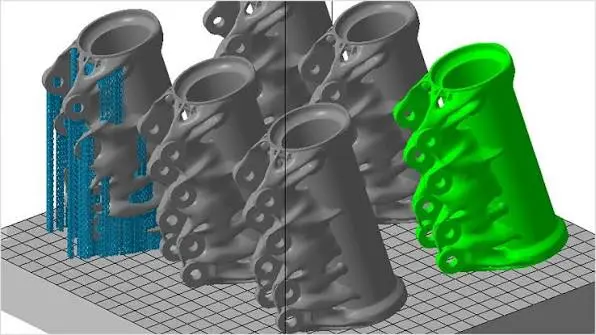
- Arrange and pack multiple components
- Work with additive manufacturing machines and process parameters
- Prepare models for slicing
- Generate additive manufacturing build data
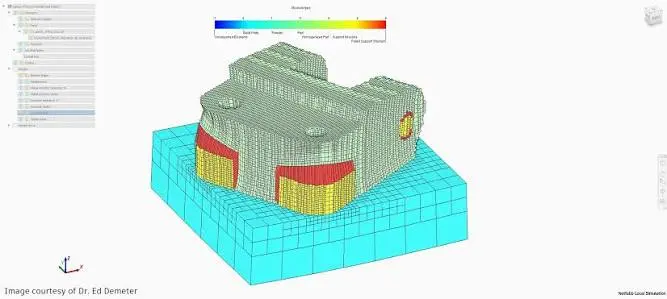
- Review builds before production
- Improve additive manufacturing preparation workflows
Autodesk Fusion with Netfabb Training Course Overview
The outline of our Autodesk Fusion with Netfabb Remote Course is the following:
- Introduction to Autodesk Fusion with Netfabb
- Additive manufacturing workflows
- Netfabb interface and workspace navigation
- Importing and managing 3D models
- Mesh analysis and model repair
- Mesh editing and geometry preparation
- Part orientation and positioning
- Additive manufacturing setup
- Build platform configuration
- Support structure creation and optimisation
- Part arrangement and build packing
- Additive toolpaths and slicing
- Build analysis and validation
- Additive manufacturing production preparation
- Netfabb workflow best practices
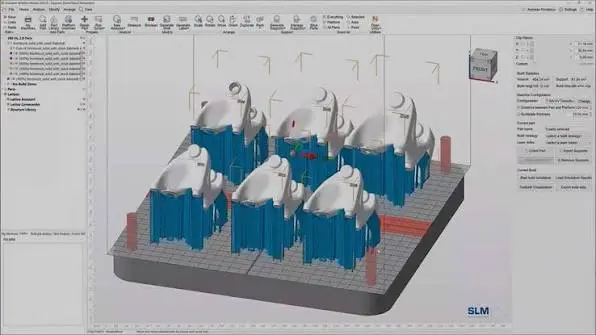
Autodesk Fusion with Netfabb Training Course Guide Contents
Chapter 1: Introduction to Fusion with Netfabb
- Introduction to additive manufacturing
- Fusion and Netfabb workflows
- User interface and navigation
- Understanding the additive manufacturing process
Chapter 2: Importing and Managing Models
- Importing 3D models
- Supported model formats
- Managing parts and projects
- Viewing and inspecting model geometry
Chapter 3: Mesh Analysis and Repair
- Analysing mesh geometry
- Identifying model errors
- Repairing problematic meshes
- Preparing watertight models for manufacturing
Chapter 4: Model Editing and Preparation
- Modifying mesh models
- Cutting and separating parts
- Scaling and transforming models
- Preparing geometry for production
Chapter 5: Part Orientation
- Understanding build orientation
- Positioning parts on the build platform
- Evaluating orientation options
- Optimising orientation for additive manufacturing
Chapter 6: Additive Manufacturing Setup
- Creating an additive setup
- Selecting additive manufacturing machines
- Configuring build platforms
- Understanding manufacturing parameters
Chapter 7: Support Structures
- Understanding support requirements
- Creating support structures
- Editing and optimising supports
- Reviewing supported geometry
Chapter 8: Build Platform Arrangement
- Arranging components
- Packing multiple parts
- Build volume considerations
- Optimising available build space
Chapter 9: Additive Toolpaths and Slicing
- Understanding additive toolpaths
- Preparing models for slicing
- Working with layers
- Reviewing sliced build data
Chapter 10: Additive Manufacturing Analysis
- Analysing prepared builds
- Identifying potential manufacturing problems
- Reviewing buildability
- Improving build preparation
Chapter 11: Production Preparation
- Preparing completed builds
- Generating production data
- Reviewing machine requirements
- Checking builds before manufacturing
Chapter 12: Netfabb Workflow and Best Practices
- Complete additive manufacturing workflow
- Build preparation best practices
- Improving efficiency and consistency
- Final project and workflow review
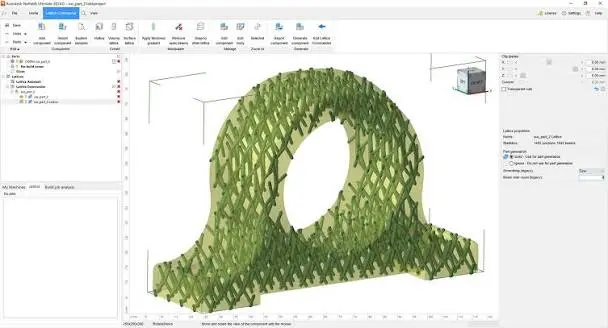
Who Should Attend the Autodesk Fusion with Netfabb Training Course
This Autodesk Fusion with Netfabb Training Course is suitable for mechanical engineers, manufacturing engineers, additive manufacturing specialists, product designers, 3D printing technicians, production engineers, CAD/CAM professionals and Autodesk Fusion users working with additive manufacturing technologies. It is ideal for professionals wanting practical skills in preparing and optimising components for industrial 3D printing through structured instructor-led training.
Autodesk Fusion with Netfabb Training Course Prerequisites
Participants attending this Autodesk Fusion with Netfabb Training Course should have basic CAD skills and a general understanding of manufacturing or 3D printing concepts. Previous experience with Autodesk Fusion is beneficial but not essential. Access to the appropriate Autodesk Fusion with Netfabb functionality and a stable internet connection is required when participating in remote training sessions.
Enrol Now in the Autodesk Fusion with Netfabb Training Course
Develop practical skills in additive manufacturing, model preparation, build configuration, support generation and production preparation with the Autodesk Fusion with Netfabb Training Course. Contact Design Consulting today to book or learn more about our online and face-to-face Autodesk training options.
Ready to Design with Precision and Speed?
Transform the way you create, visualise, simulate, and deliver designs, reports and drawings. Contact us today to explore training, services and subscription options or request a demo.
Fill out the contact form below or contact us on 1800 490 514, info@designconsulting.com.au or by live chat