Autodesk Automation Services
Custom tools and scripts that remove repetitive design, drafting and data tasks from your Autodesk workflows
Design Consulting, an Autodesk Gold Partner, builds custom tools and scripts that take repetitive work out of Autodesk software. Drawing setup, annotation, model generation and data exchange can all be automated. Your team spends less time on routine clicks and more time on engineering and design decisions.
We develop automation for AutoCAD, Revit, Inventor, Civil 3D, Advance Steel, Fusion, 3ds Max, Vault and Autodesk Platform Services. Each solution is tailored to your standards and workflows. The result is consistent drawings, cleaner project data and faster delivery across every discipline, with fewer manual errors along the way.
Design Consulting is an Autodesk Gold Partner and Service Provider, offering Autodesk Software with wide range of complimentary software, training courses and services for Autodesks Ecosystem.
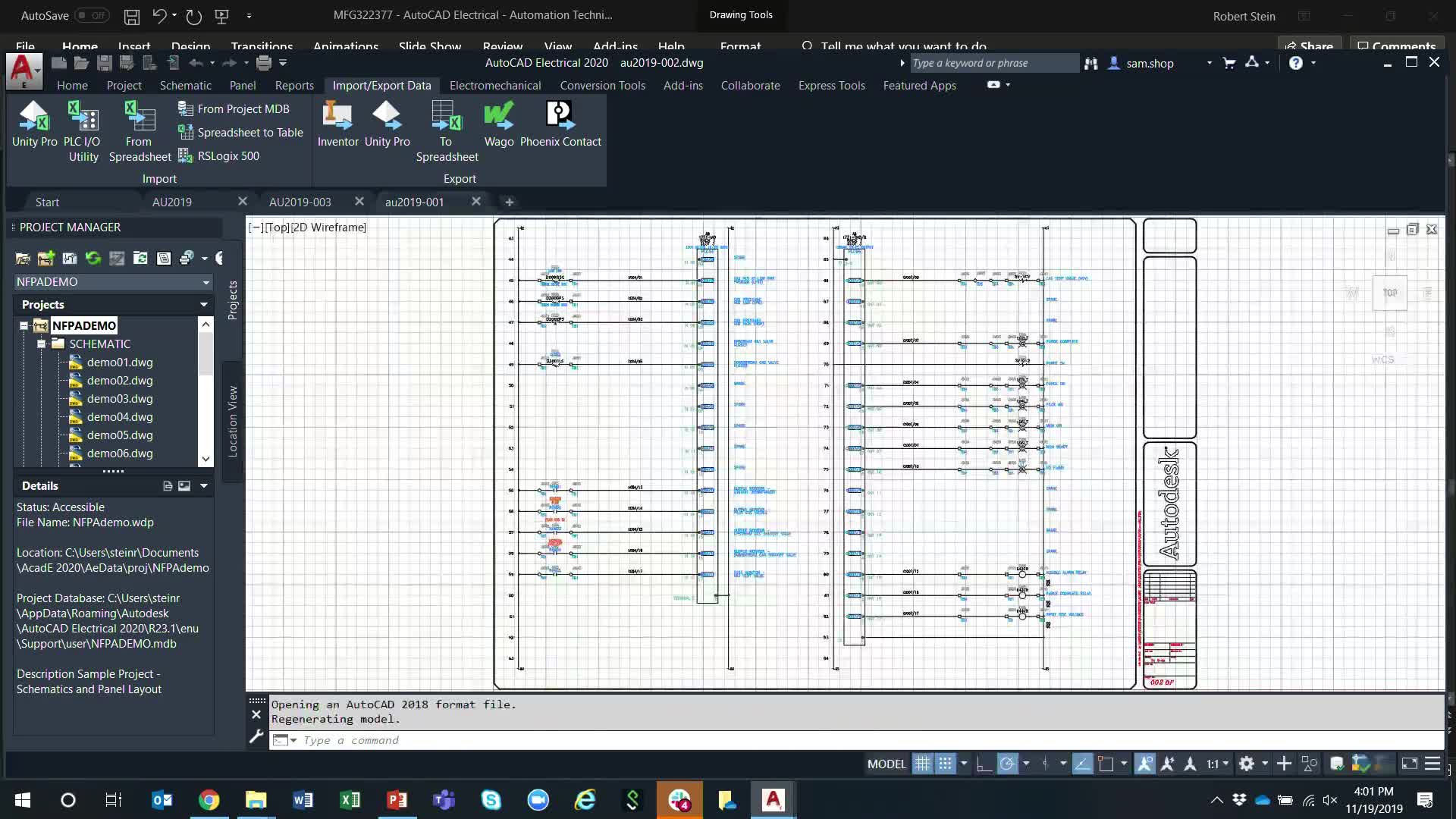
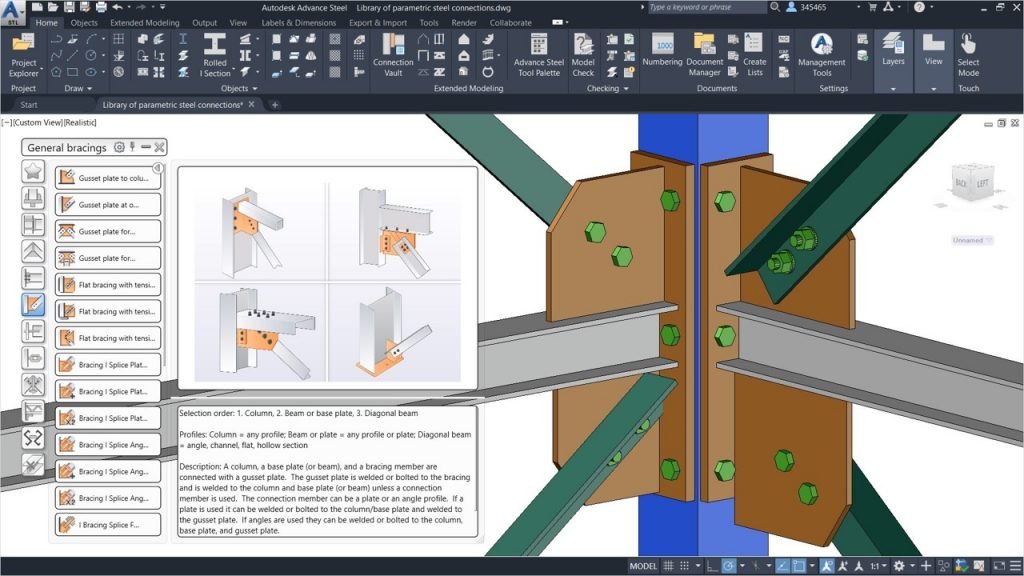
AutoLISP Automation for AutoCAD, Civil 3D and Advance Steel
Custom AutoLISP routines take the repetitive work out of AutoCAD. We write LISP tools that create and manage layers to your standards, insert and update blocks and attributes, apply consistent annotation and dimensions, and run batch tasks across whole drawing sets.
AutoLISP runs inside AutoCAD-based products, so the same approach extends to Civil 3D and Advance Steel. Civil designers and steel detailers can apply company standards without manual clean-up.
Each routine is built around your templates and workflows. We document it clearly and hand it over with guidance, so your team can load, run and adjust it with confidence.
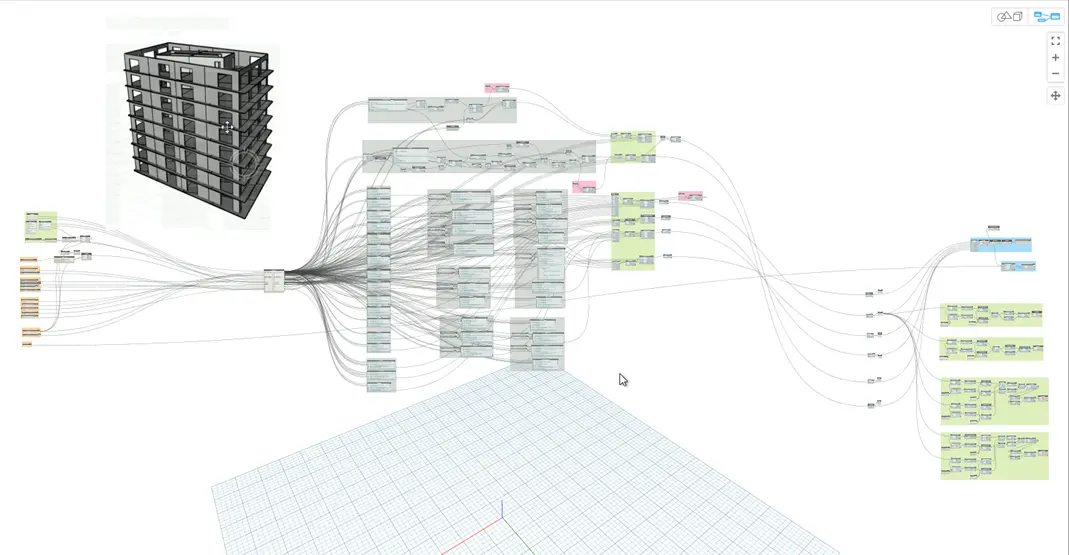
Dynamo Automation for Revit and Civil 3D
Dynamo gives Revit and Civil 3D users a visual programming environment for automating repetitive design work. Custom graphs can place and adjust families, generate corridor and alignment geometry, renumber elements and apply parameters based on rules. This builds models consistently in a fraction of the time.
Scripts also manage project data. They can push and pull information between models and Excel, validate parameters and check standards. For documentation, Dynamo can create sheets, place views, tag elements and update title blocks in bulk. Each script is built around your standards and packaged for Dynamo Player so the whole team can run it.
- Milling: match code to your controller and machine options.
- Turning: reliable programs for lathes and mill-turn centres.
- Documentation: set-up sheets aligned with posted code.
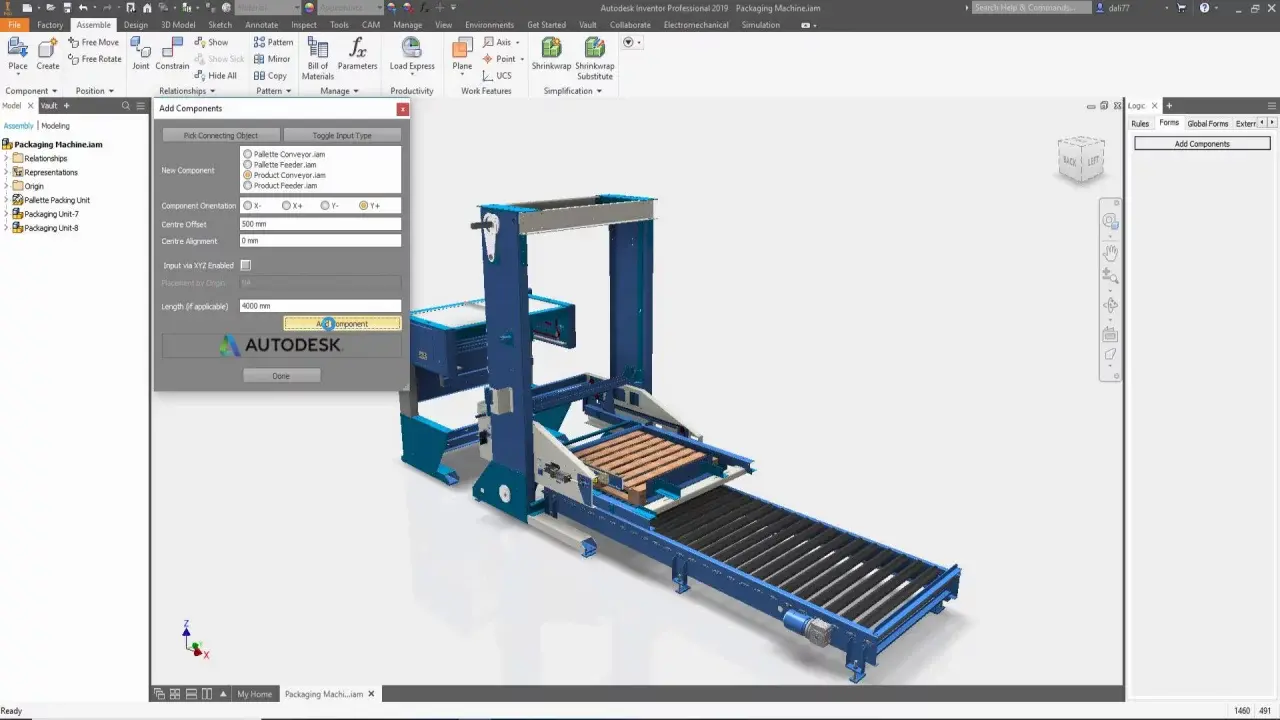
iLogic Automation for Autodesk Inventor
iLogic brings rules-based design automation into Autodesk Inventor. Rules capture your engineering knowledge, such as sizing logic, material choices and standard features. Configurable parts and assemblies then update from a few input parameters instead of being remodelled for every new order.
The same rules can drive drawings, iProperties and component suppression. This keeps models, documentation and bills of materials consistent across every variant. We build and maintain iLogic rules around your existing templates and standards, reducing repetitive engineering work and the errors that come with manual edits.
- Milling: support multi-axis moves, probing cycles and tool changes.
- Turning: output canned cycles and sub-spindle operations correctly.
- Verification: test posts against simulations before cutting metal.

C# and C++ Development for Autodesk Software
When scripts reach their limits, compiled add-ins built in C# and C++ on the Autodesk APIs deliver faster, more robust automation. We develop .NET add-ins for Revit, AutoCAD, Inventor, Civil 3D, Advance Steel and Vault, and use ObjectARX and the 3ds Max and Fusion C++ SDKs where performance or deeper access is needed.
Custom applications can add ribbon tools, dialogs and batch processing, enforce your standards, and connect Autodesk data with ERP systems, databases and Autodesk Platform Services. Each add-in is built, tested and documented for maintainable deployment across your team.
- Milling: support multi-axis moves, probing cycles and tool changes.
- Turning: output canned cycles and sub-spindle operations correctly.
- Verification: test posts against simulations before cutting metal.
AI-Powered Autodesk Automation
Artificial intelligence adds a new layer to Autodesk automation. Combined with LISP routines, Dynamo graphs, iLogic rules and custom C# or C++ add-ins, AI can help interpret design intent, classify drawings and model elements, and suggest parameters. Repetitive tasks across AutoCAD, Revit, Inventor and Civil 3D can run faster, with fewer manual steps.
AI also helps process the data your projects generate. It can extract information from drawings, schedules and documents, flag inconsistencies and feed clean data into Autodesk Platform Services or Vault workflows. The result is a smarter, more consistent process that supports your engineers' judgement instead of replacing it.
- Milling: support multi-axis moves, probing cycles and tool changes.
- Turning: output canned cycles and sub-spindle operations correctly.
- Verification: test posts against simulations before cutting metal.
Automation Across Your Autodesk Software
Every Autodesk product has its own repetitive tasks, standards and data. We build automation for the specific tools your teams use, so work runs faster, outputs stay consistent and staff spend less time on manual steps.
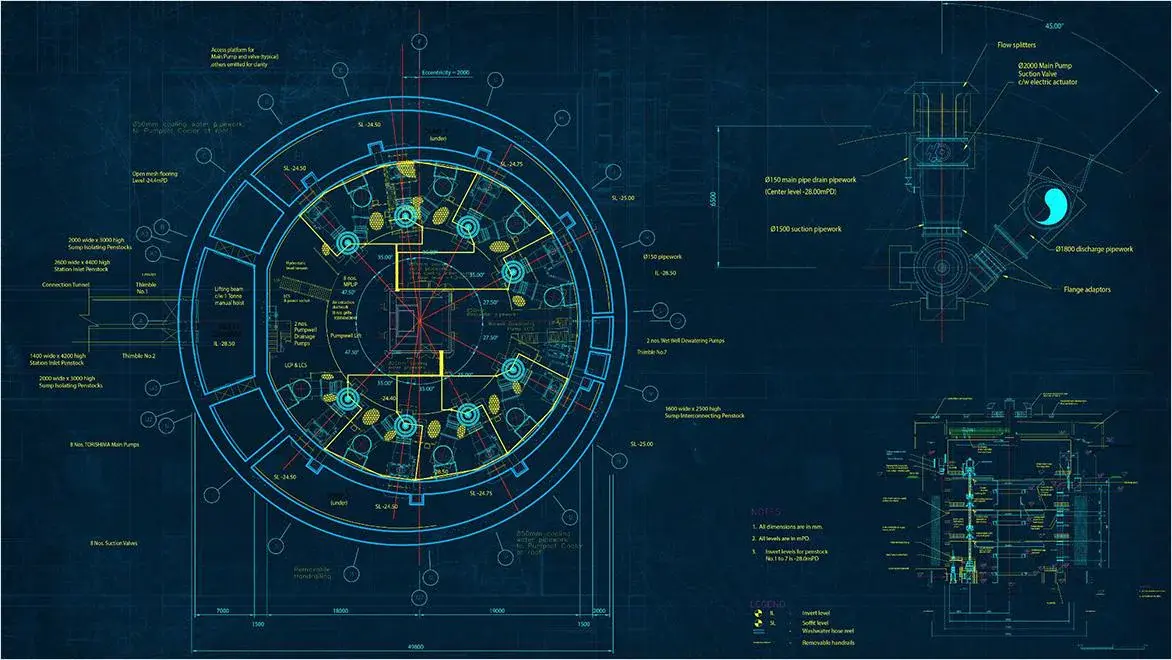
AutoCAD
Automate drawing setup, layer and block standards, title block updates, batch plotting, attribute extraction and repetitive drafting commands. This keeps every drawing consistent with your CAD standards.

Revit
Automate sheet and view creation, parameter management, family placement, model checking and schedule exports. This reduces manual modelling effort and keeps BIM data accurate across projects.
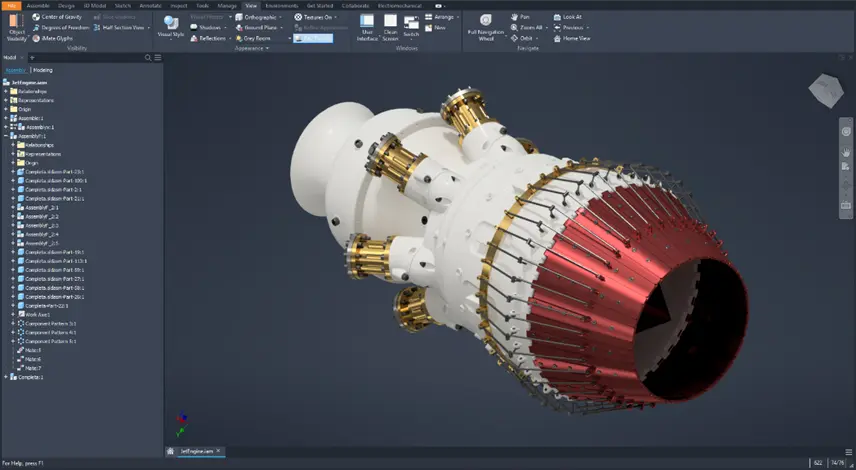
Inventor
Automate configurable parts and assemblies, design rules, drawing generation, iProperties and BOM output. Engineers can produce product variants quickly and with fewer errors.
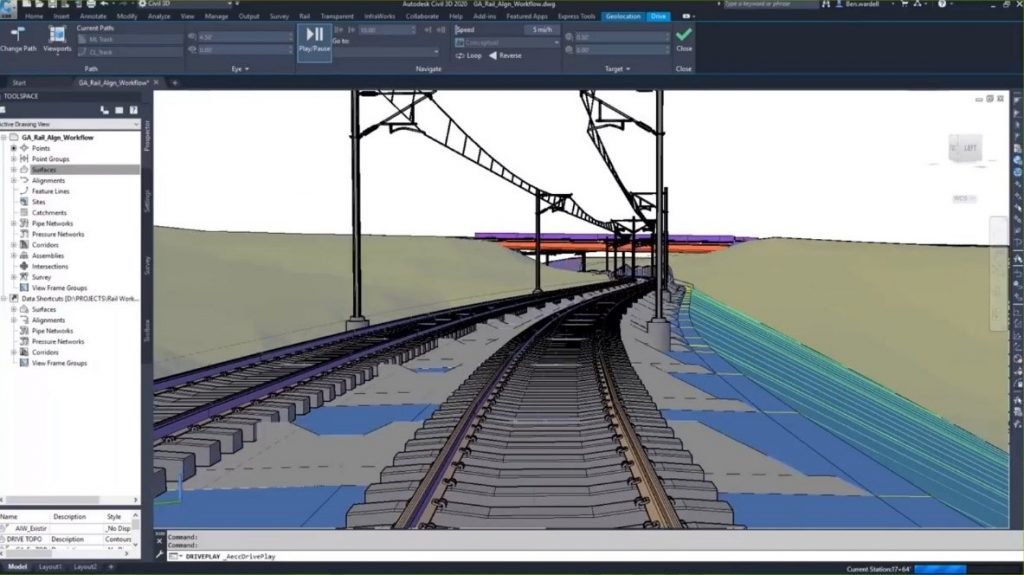
Civil 3D
Automate corridor and alignment tasks, label styles, sheet production, quantity takeoffs and data exchange. Infrastructure teams can deliver designs and documentation more efficiently.
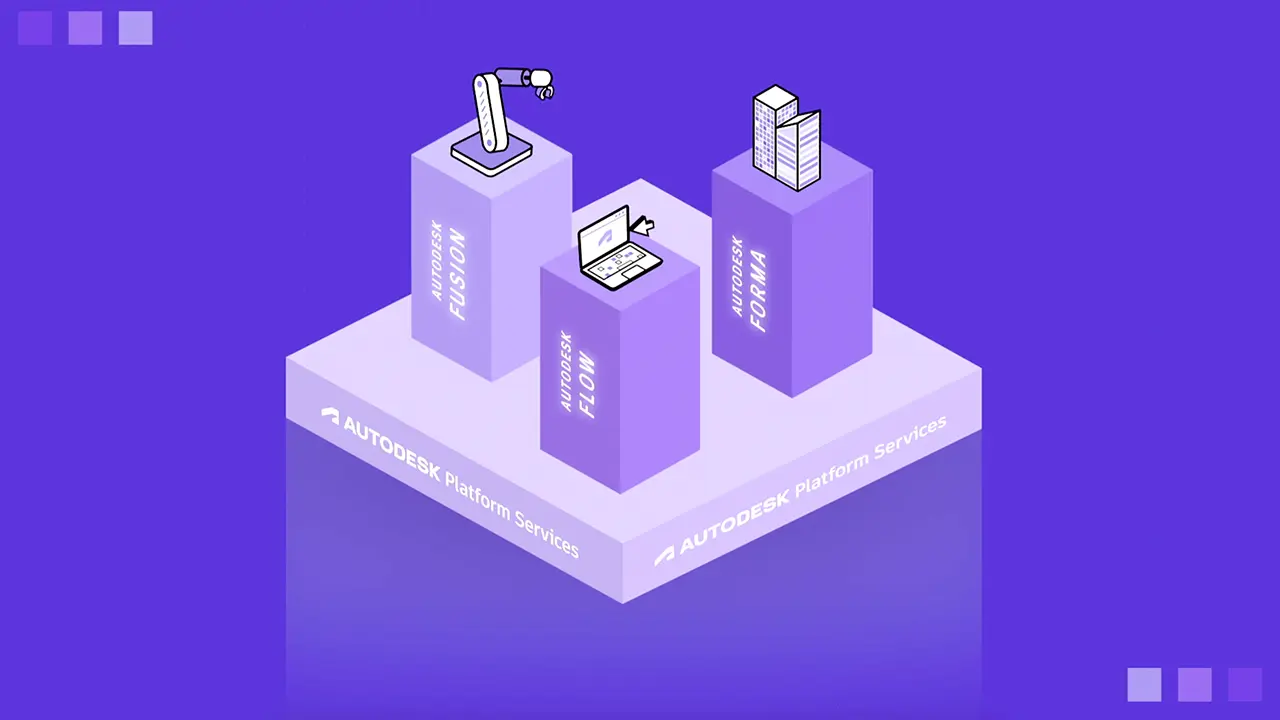
Autodesk Platform Services
Build cloud workflows that translate models, extract design data, connect Autodesk Construction Cloud and integrate CAD information with your business systems and web applications.
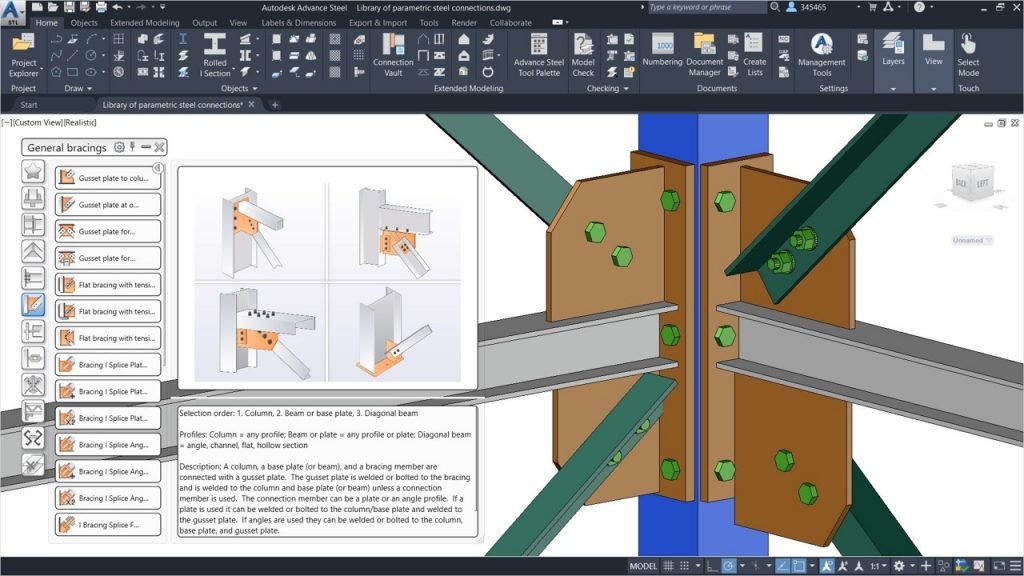
Advance Steel
Automate connection placement, numbering, drawing and BOM generation, and NC output. Steel detailers can move from model to fabrication documents with less manual work.
Fusion
Automate parametric design tasks, model generation, data exports and repetitive CAD and CAM steps with add-ins and scripts tailored to your product development process.
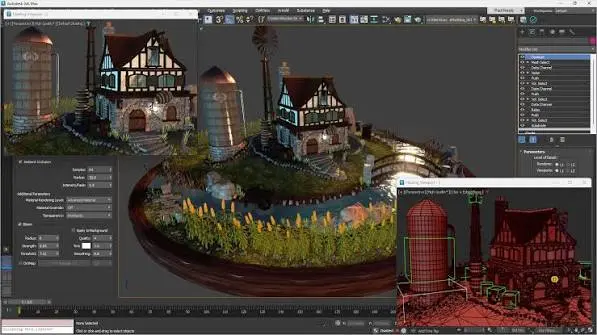
3ds Max
Automate scene setup, asset import, material assignment, batch rendering and file preparation. Visualisation teams can produce high-quality imagery faster and more consistently.
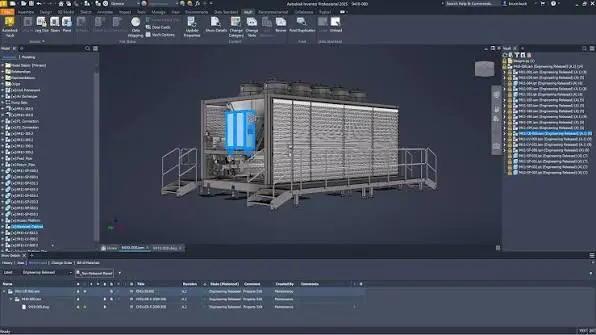
Vault
Automate file check-in rules, lifecycle transitions, property mapping, job processor tasks and PDF publishing. Engineering data stays controlled, searchable and connected to downstream systems.
Features & Benefits of Autodesk Automation
Automating repetitive design and documentation tasks in AutoCAD, Revit, Inventor, Civil 3D and other Autodesk products frees your team to focus on engineering and design decisions. Custom tools reduce manual effort and produce reliable, repeatable output.
Whether you need a small productivity script or a connected, multi-product workflow, automation delivers measurable gains in speed, quality and control as your business grows.

Significant Time Savings
Reduce hours of repetitive drafting, modelling and data entry to minutes, so projects move faster and designers spend their time on higher-value work.

Consistent Output
Automated routines produce the same result every time, giving you uniform drawings, models and schedules across projects, teams and offices.

Fewer Errors and Rework
Removing manual steps reduces typos, missed updates and coordination mistakes, which cuts costly rework and review cycles.

Enforced CAD and BIM Standards
Build your layers, families, title blocks, naming conventions and parameters into tools that apply company standards automatically.

Scalable Workflows
Start with a single task and expand into connected workflows that handle larger projects and more users without adding headcount.

Connected Data Across Products
Link Autodesk applications, Vault and external systems so design data flows between tools without manual export, import or re-entry.

Faster Onboarding
Guided tools and rule-based configurators help new staff produce compliant work sooner, reducing reliance on a few experienced users.

Better Use of Your Licences
Get more value from your existing Autodesk investment by extending software capabilities to match the way your business actually works.

Tailored to Your Processes
Each solution is designed around your projects, standards and deliverables, so automation fits your workflow rather than forcing change.
Common Challenges Autodesk Automation Solves
Design and engineering teams often lose time to work that software could handle for them. Manual steps, inconsistent standards and disconnected tools slow projects down and add to the risk of costly mistakes.
Custom automation built with LISP, Dynamo, iLogic, C#, C++ and AI tackles these problems directly in AutoCAD, Revit, Inventor, Civil 3D, Vault and other Autodesk products. Your team can then focus on design decisions instead of repetitive tasks.

Repetitive Manual Tasks
Scripts and add-ins handle routine work such as layer clean-up, sheet setup, renaming and batch plotting. Your designers get back hours each week.

Inconsistent CAD and BIM Standards
Automated checks and templates apply your layers, families, styles and title blocks the same way every time, across every project and every user.

Data Entry Errors
Rule-based tools fill in parameters, properties and annotations from one trusted source. This reduces typos, mismatched values and rework found late in a project.

Disconnected Software
Custom integrations and Autodesk Platform Services connect design data with spreadsheets, ERP and other business systems, so information moves without manual re-entry.

Limited Staff Capacity
Automation lets your existing team take on more projects without adding headcount. Experienced staff can spend their time on higher-value engineering work.

Slow Drawing Production
Drawings, schedules, views and documentation sets can be generated straight from models. Turnaround from design to issued deliverables gets faster.

Complex Product Configurations
iLogic and rules-based design produce accurate variants of parts, assemblies and layouts from simple inputs, so similar designs no longer have to be remodelled by hand.

Time-Consuming Data Management
Vault and file-handling automation streamlines check-in, lifecycle changes, exports and file conversions. Data stays organised and easy to find.

Lost Knowledge and Long Onboarding
Expert know-how is captured in reusable tools and rules. New staff can follow proven processes from day one, with less reliance on a few key people.
The Business Impact of Autodesk Automation
How automated workflows lift productivity, quality, delivery, staff satisfaction and competitiveness
Automating Autodesk workflows removes the repetitive tasks that slow design teams down. Scripts and tools built with LISP, Dynamo, iLogic or the Autodesk APIs apply your standards every time, cutting manual rework and drafting errors. The result is faster, more predictable output across AutoCAD, Revit, Inventor and Civil 3D, with quality that no longer depends on who did the work.
The
- Right first time: G-code that matches your controller, axis layout and tool changer, so programs run as expected with less manual editing at the machine.
- Consistent output: standard program headers, safe-start blocks, tool numbering and work offsets applied to every job, whoever creates the toolpaths.
- Machine-specific support: correct handling of multi-axis moves, probing cycles, canned cycles, coolant codes and sub-spindle operations across milling and turning centres.
- Reduced risk: fewer hand edits mean fewer mistakes on the shop floor, less scrap and a lower chance of damaged tooling or fixtures.
- Simpler maintenance: when a machine or process changes, one updated post keeps every programme aligned rather than requiring jobs to be corrected individually.
- Clearer documentation: set-up sheets that align with the posted code, giving operators accurate information before cutting begins.
Complimentary Software and Services for Autodesk Software
Design Consulting offers a complete ecosystem of complementary software, training, and professional services designed to extend the power of Autodesk solutions. Alongside our training courses for tools like Revit, AutoCAD, Inventor, and Vault, we deliver expert services for design automation, CAD/BIM setup, template development, and Vault deployments and migrations. We supply software tools to enhance Autodesk workflows through intelligent automation, batch variant rendering, and real-time visualisation systems. We also develop web-based configurators and custom plug-ins that streamline product design, quoting, and sales processes. From parametric modeling to programming services, Design Consulting helps engineering and design teams unlock efficiency, consistency, and scalability across their entire digital design environment.
With this ecosystem of software and services, Design Consulting provides End to End Solutions that connect data, models, applications, systems, employees, departments, customers and suppliers, enabling seamless collaboration, streamlined workflows, and accelerated decision-making across the entire product and project lifecycle. By integrating design, automation, and digital delivery, your business becomes more efficient, reduces manual effort, saves time, and ultimately increases profitability.
Why Choose Design Consulting | Autodesk Gold Partner | Autodesk Service Provider
Design Consulting is a trusted Autodesk Gold Partner and Autodesk Service Provider. Design Consulting empowers architects, engineers, manufacturers, and builders with smart software, systems, automation, and digital tools that provide Autodesk end-to-end solutions that are connected with systems and machines. As an Autodesk Gold Partner, we deliver tailored solutions that simplify workflows, reduce costs, and drive better project outcomes.
About DC Autodesk Courses Services Configurators CRM/ERP Batch Imagery
Automate Your Autodesk Workflows
Talk to our team about automating your Autodesk workflows, from LISP routines and Dynamo scripts to iLogic rules, custom C# and C++ add-ins and AI-assisted tools.
Fill out the contact form below or contact us on 1800 514 490, info@designconsulting.com.au or by live chat