







Autodesk Fusion Contributor
Enhance Your Workflow with Autodesk Fusion 360 Contributor
Available in Flex Tokens, Annual Subscription or 3-Year Subscription
Autodesk Fusion 360 Contributor offers seamless collaboration tools designed to enhance your design workflow. As a vital component for project teams, it allows stakeholders to participate in the collaborative review and decision-making processes. Choose from flexible payment options, including Flex Tokens, an annual subscription, or a 3-year subscription, to best suit your budgeting needs. Empower your team with the efficient capabilities of Fusion 360 Contributor today.
Autodesk Fusion Contributor – Empower Your Collaborative Design Processes
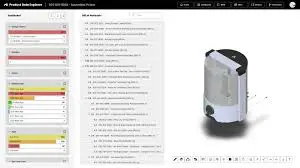
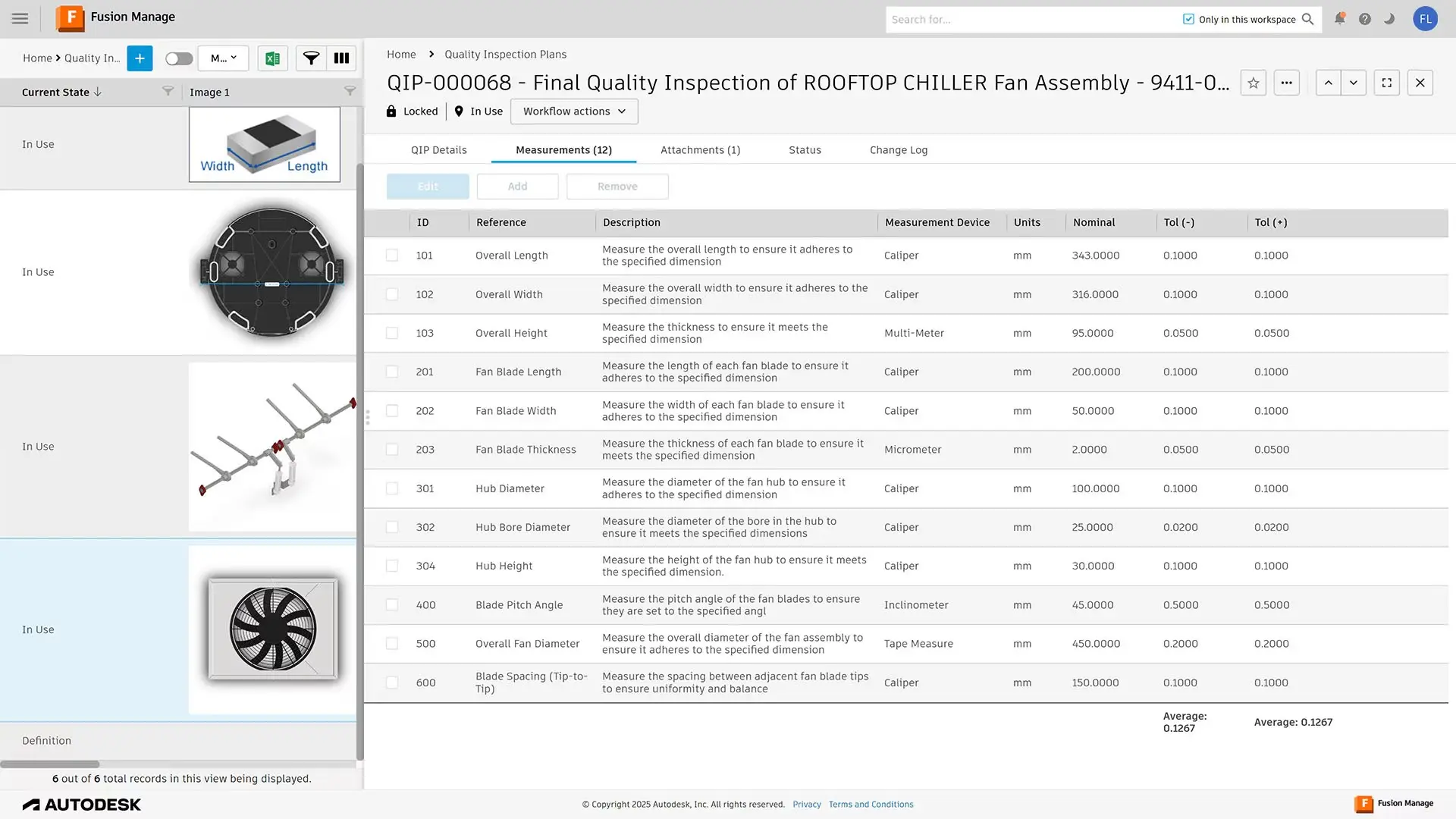
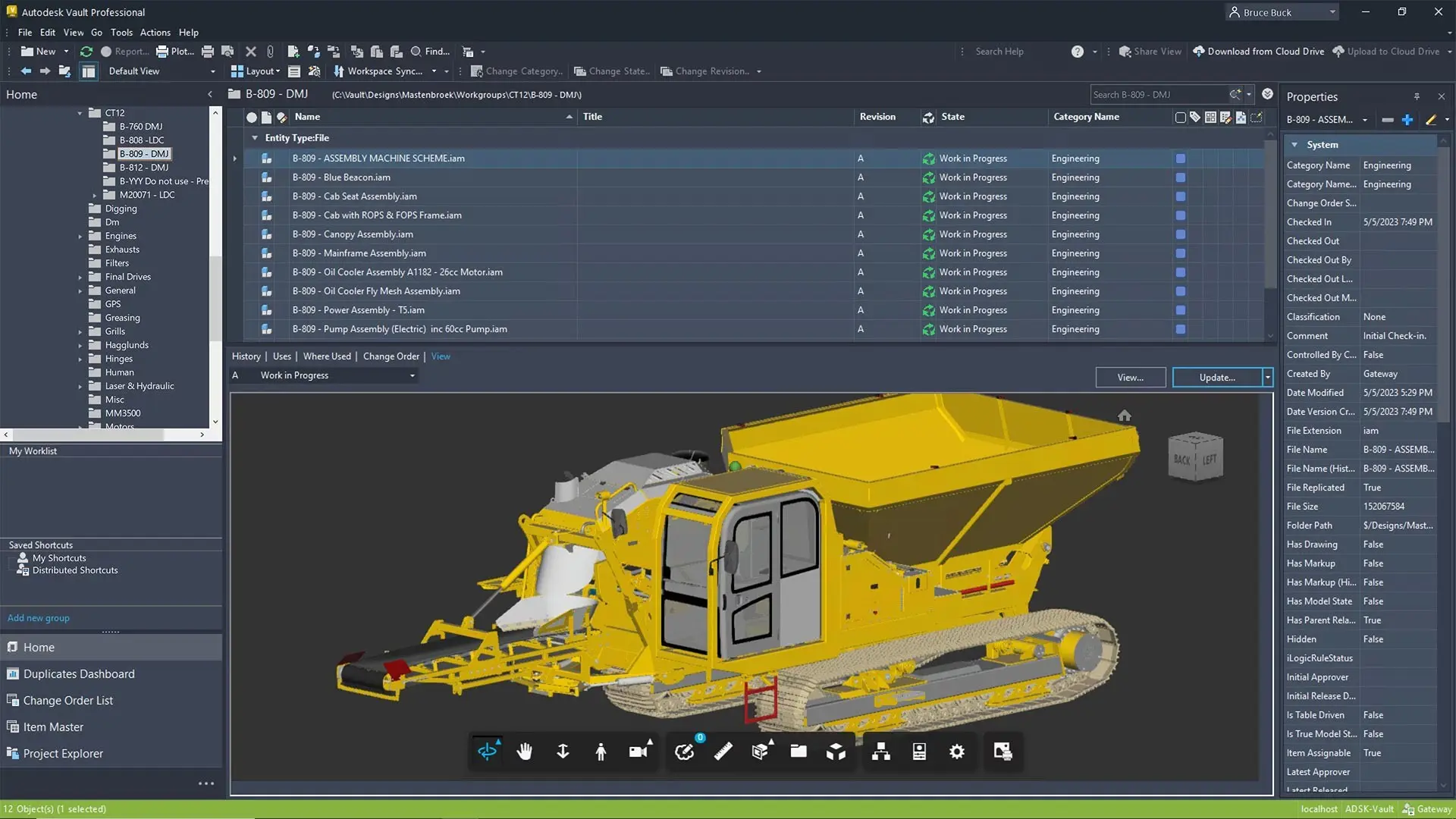
Autodesk Fusion 360 Contributor is a powerful tool designed to enhance collaborative workflows in design and engineering projects. By bridging the gap between team members, it provides efficient ways to manage designs and streamline communications. Its web-based access allows users to view and comment on projects from anywhere, ensuring seamless connectivity. This software is essential for teams looking to optimise their creative processes without compromising on precision.
Ideal for designers, engineers, and project managers, Fusion 360 Contributor boosts team productivity through intuitive collaboration features. It enables stakeholders to review designs and provide feedback in real-time, reducing the need for lengthy face-to-face meetings. The software guarantees secure data management, offering complete control over project permissions. Users reap substantial efficiency benefits, making it a strategic investment for dynamic teams.
Autodesk Fusion 360 Contributor Features
At the core of this package is Autodesk Fusion 360 Contributor Features, At the core of this package is Autodesk Fusion 360 Contributor, a versatile tool designed to enhance your team's collaborative efforts. It connects professionals with a shared platform, offering unparalleled interaction and project management capabilities. The tool simplifies tasks and accelerates decision-making processes with:
Real-Time Collaboration
Fusion 360 Contributor offers real-time collaboration, ensuring everyone on the team stays updated with the latest project developments. This feature allows users to share feedback instantaneously, making it easier to implement changes on the go. By eliminating delays, it promotes a more agile design process, greatly enhancing productivity.
Cloud-Based Accessibility
With its cloud-based platform, users can access Fusion 360 Contributor from any device with internet connectivity. This accessibility ensures that project progress is uninterrupted, even when team members are on the move. It supports a range of devices and operating systems, providing flexibility for diverse working environments.
Secure Data Management
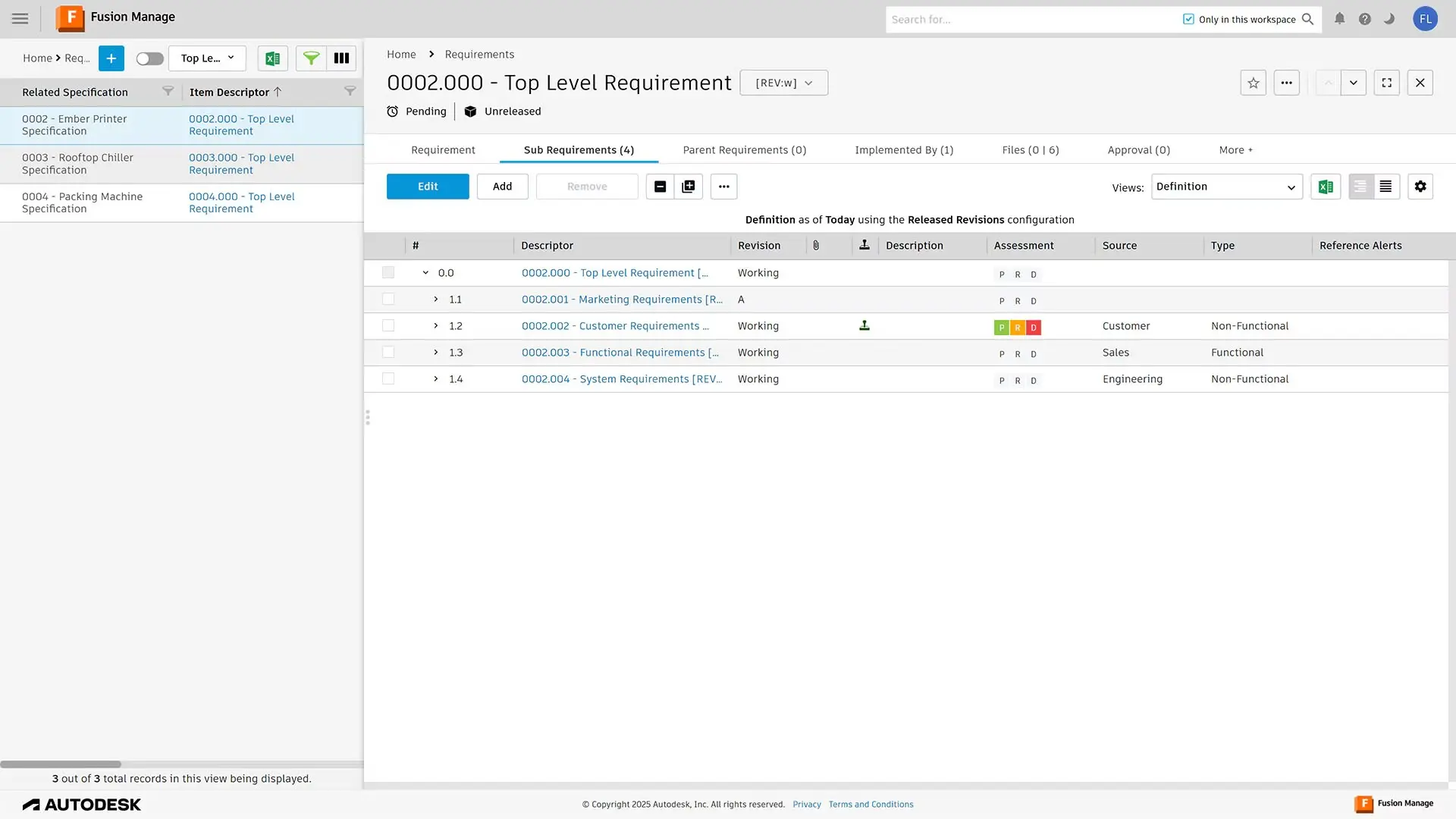
Fusion 360 Contributor prioritises secure data management, offering robust tools to control user access and permissions. It employs advanced security protocols to protect your projects from unauthorised access. This ensures that sensitive information is handled with utmost care, enabling peace of mind for all stakeholders.
Integrated Design Feedback
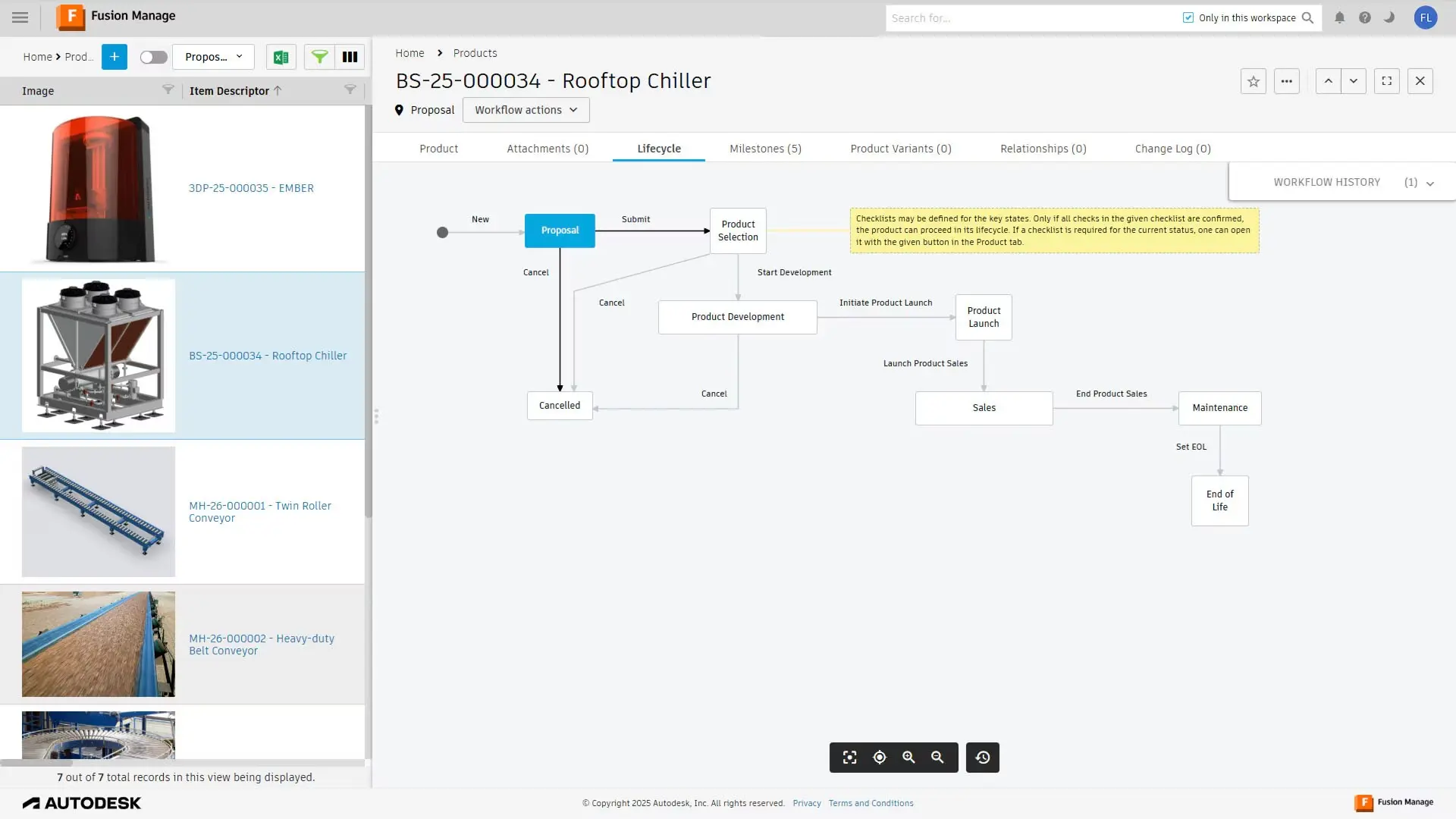
This feature enables integrated design feedback, allowing team members to annotate directly on the models. It simplifies the review process by capturing comments and suggestions in a centralised location. By maintaining a thread of all communication, it ensures clarity and mitigates misunderstandings.
Version Control
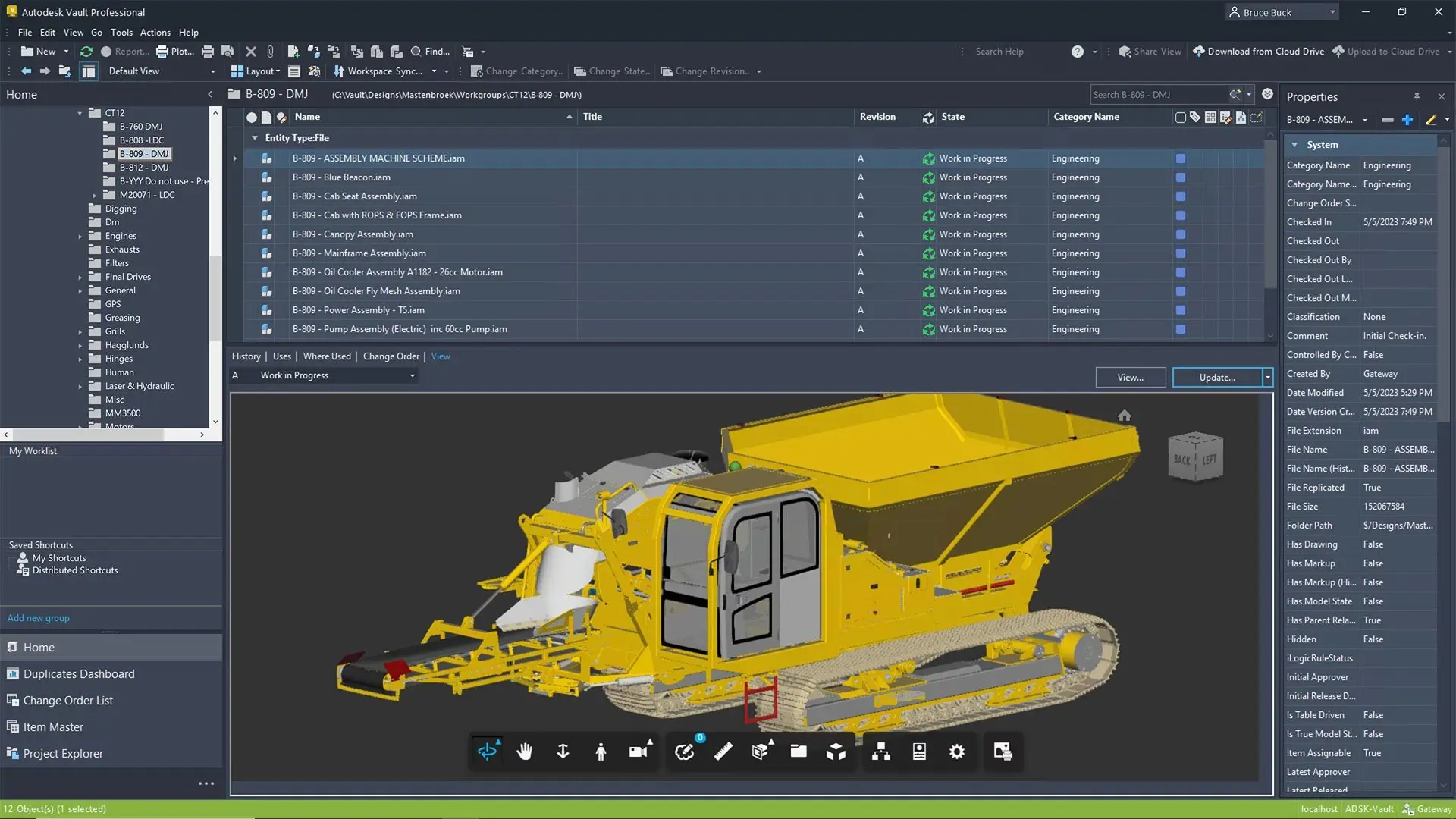
Version control in Fusion 360 Contributor allows teams to track modifications and easily revert to previous design stages if necessary. This feature provides a detailed history of changes, facilitating accountability and informed decision-making. It enhances project traceability, ensuring that updates are systematically documented.
.
Related Products
What's Included in Autodesk Fusion 360 Contributor?
When you subscribe to Autodesk Fusion 360 Contributor, you get access to a range of features designed to enhance your project workflows. The software delivers tools that foster collaboration, accelerate innovation, and promote secure data handling.
Project Dashboard
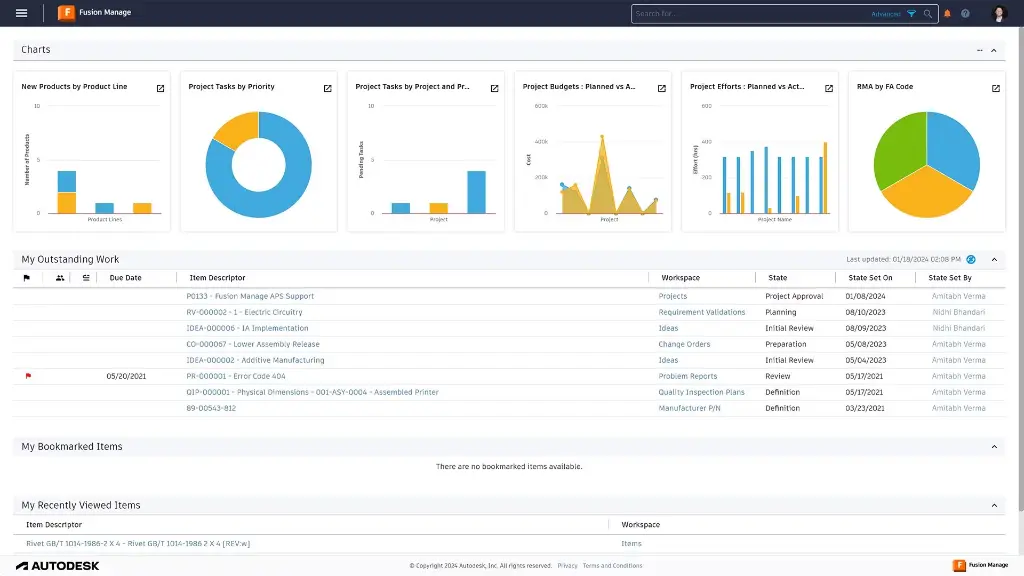
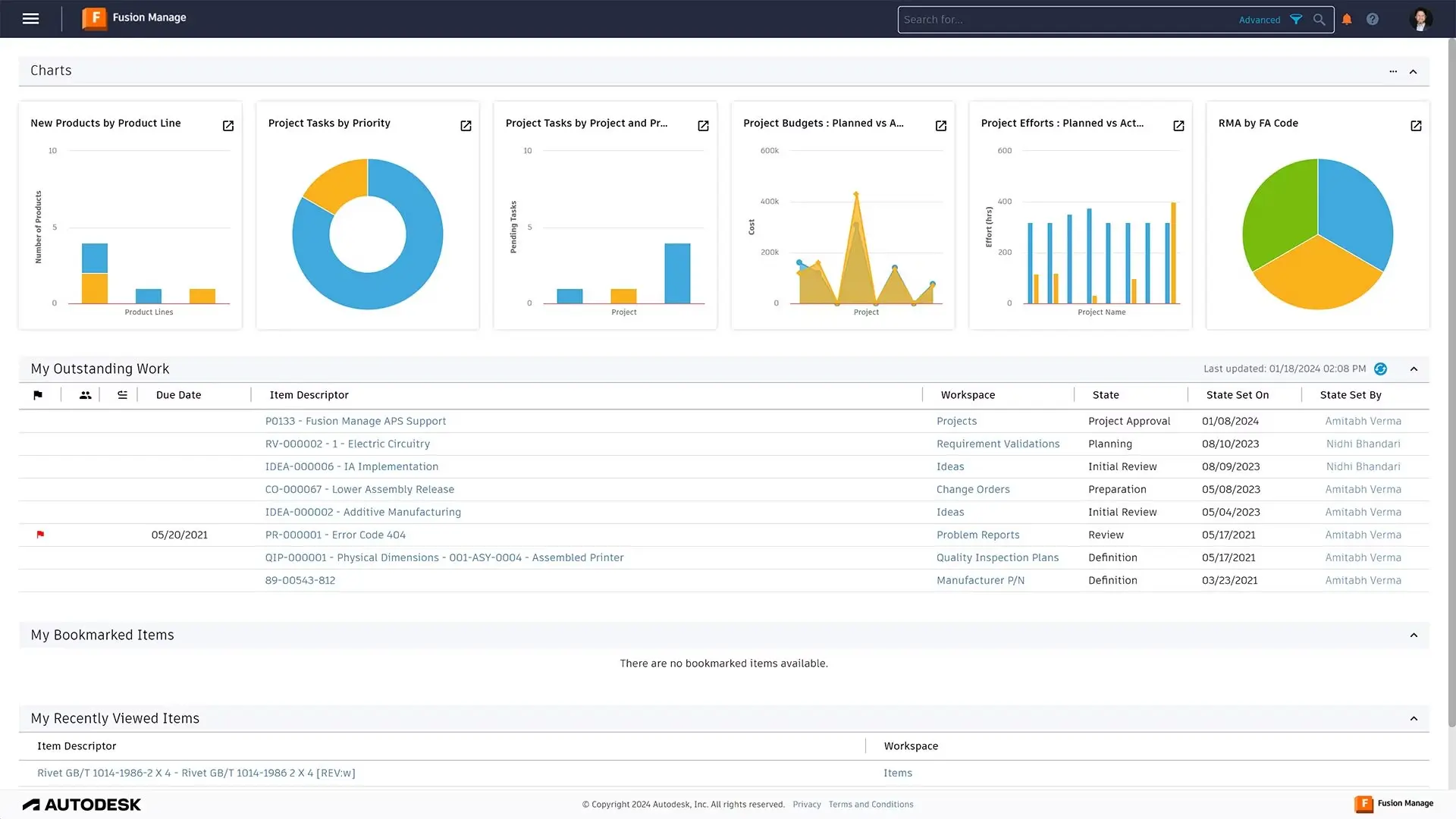
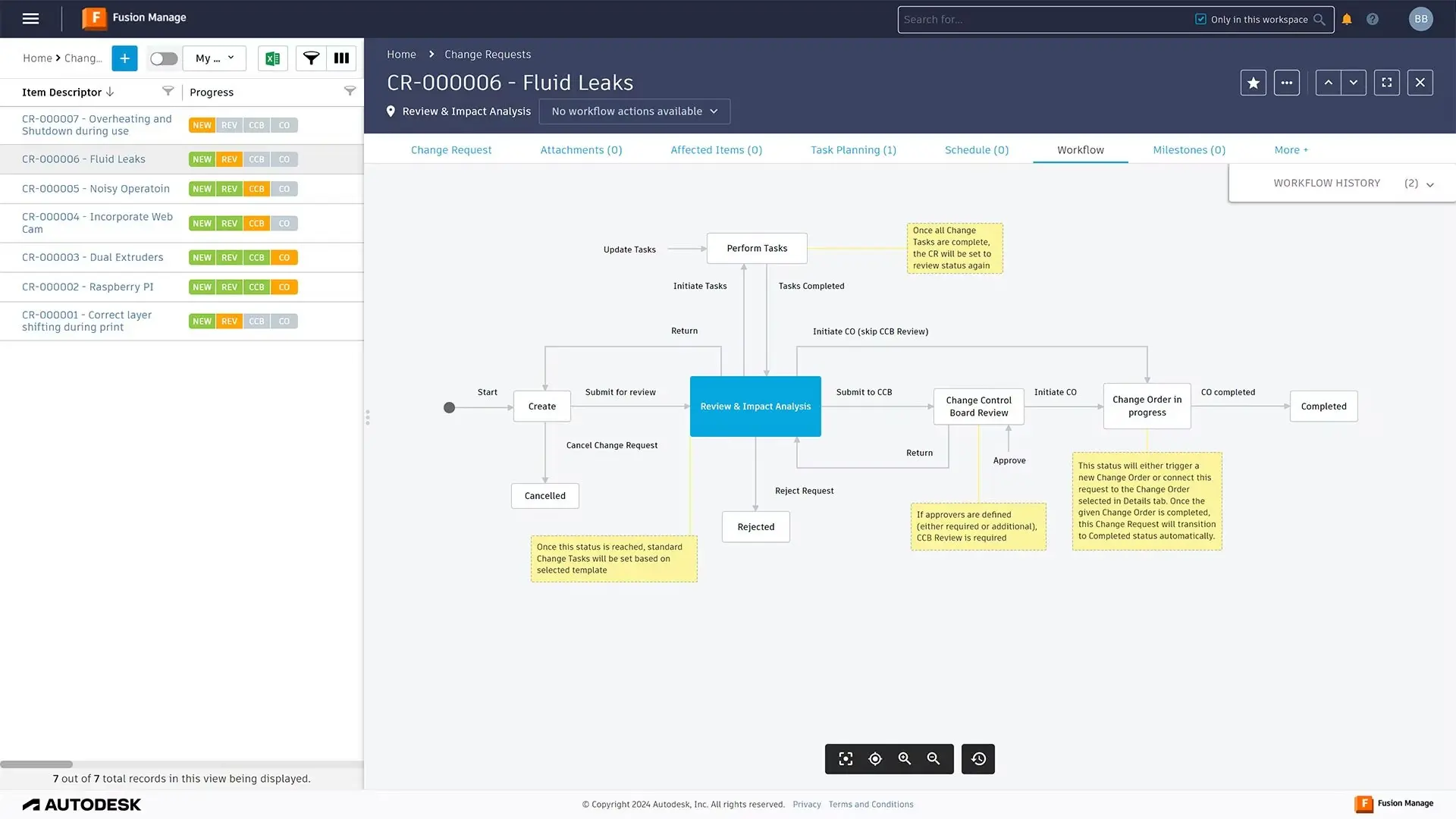
The project dashboard provides a comprehensive overview of current projects, allowing for easy navigation and management. It displays key metrics and progress indicators, enabling users to track project milestones and deadlines. This feature assists in maintaining focus and aligning team efforts towards common goals.
Commenting Tools
Commenting tools in Fusion 360 Contributor streamline the feedback loop, offering an efficient platform for communication. Users can leave detailed comments and suggestions directly on the design files. This interactivity helps maintain a consistent dialogue among team members, ensuring clarity and precision in design iterations.
User Permission Settings
User permission settings provide administrators with control over who can view, edit, and comment on projects. This tool is essential for managing collaborations across different teams and external partners. By customising access levels, teams ensure that sensitive information is only available to authorised individuals.
Design Viewing
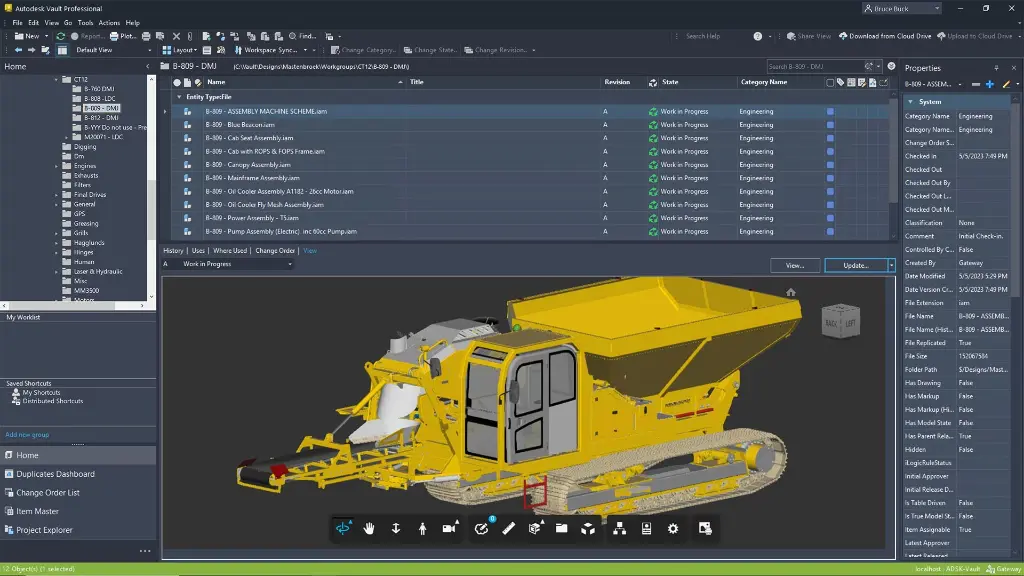
The design viewing tool allows users to interact with 3D models without needing extensive software knowledge. It supports interactive engagement with designs, enabling better understanding and facilitating detailed discussions. This feature is crucial for stakeholders looking to contribute meanings from a non-technical perspective.
File Management System
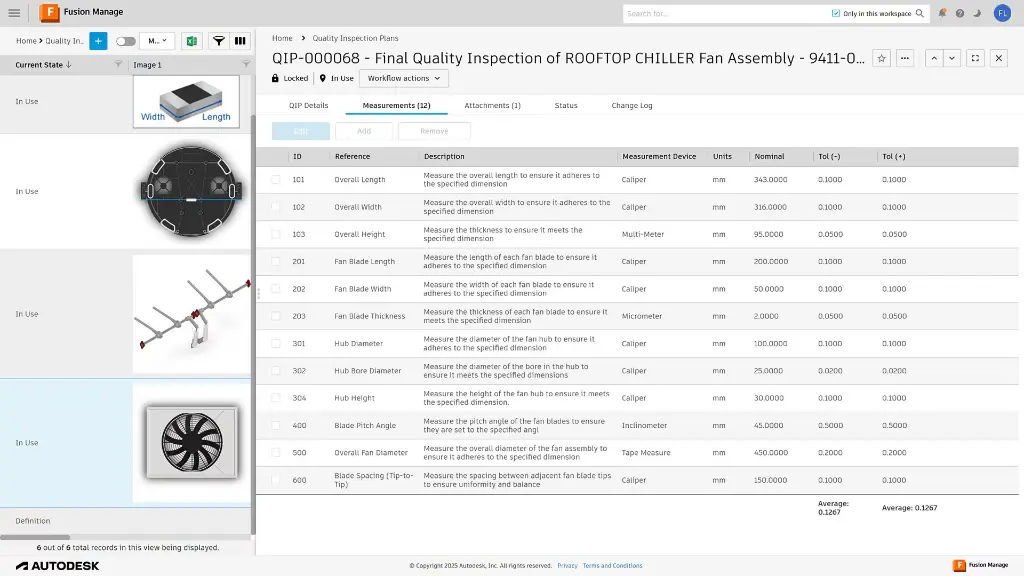
Fusion 360 Contributor includes a robust file management system that simplifies the organising and storing of design documents. Users can efficiently categorise files, ensuring that they are easy to locate and retrieve when needed. This system supports various file types, catering to comprehensive project requirements.
Annotation Tools
Annotation tools in Fusion 360 Contributor enable users to highlight specific design details directly on the model. This tool simplifies the process of conveying intricate feedback, reducing potential misinterpretations. Through straightforward visual markers, team members can easily point out areas of interest or concern.
DC Products and Services
Bundle and Save when you get Accessory Products or Services
Training Courses
From fundamentals advanced to custom courses, covering all Autodesk products for design, visualisation, simulation, automation and collaboration.
Services
DC has a range of services, including support, consulting, templates, libraries, design automation, system deployments, custom add-ins and more.

Bluebeam
PDF Collaboration software from Bluebeam enhances and captures communication across teams and projects.

Autodesk Fusion 360 Contributor Key Benefits
Enhanced Team Connectivity
Fusion 360 Contributor strengthens team connectivity by enabling seamless communication and collaboration. It helps in breaking down geographical barriers, bringing together diverse expertise.
Increased Productivity
By providing real-time updates and feedback options, the software enhances productivity across all stages of the design process. Decisions can be made swiftly, reducing project turnaround times.
Streamlined Project Management
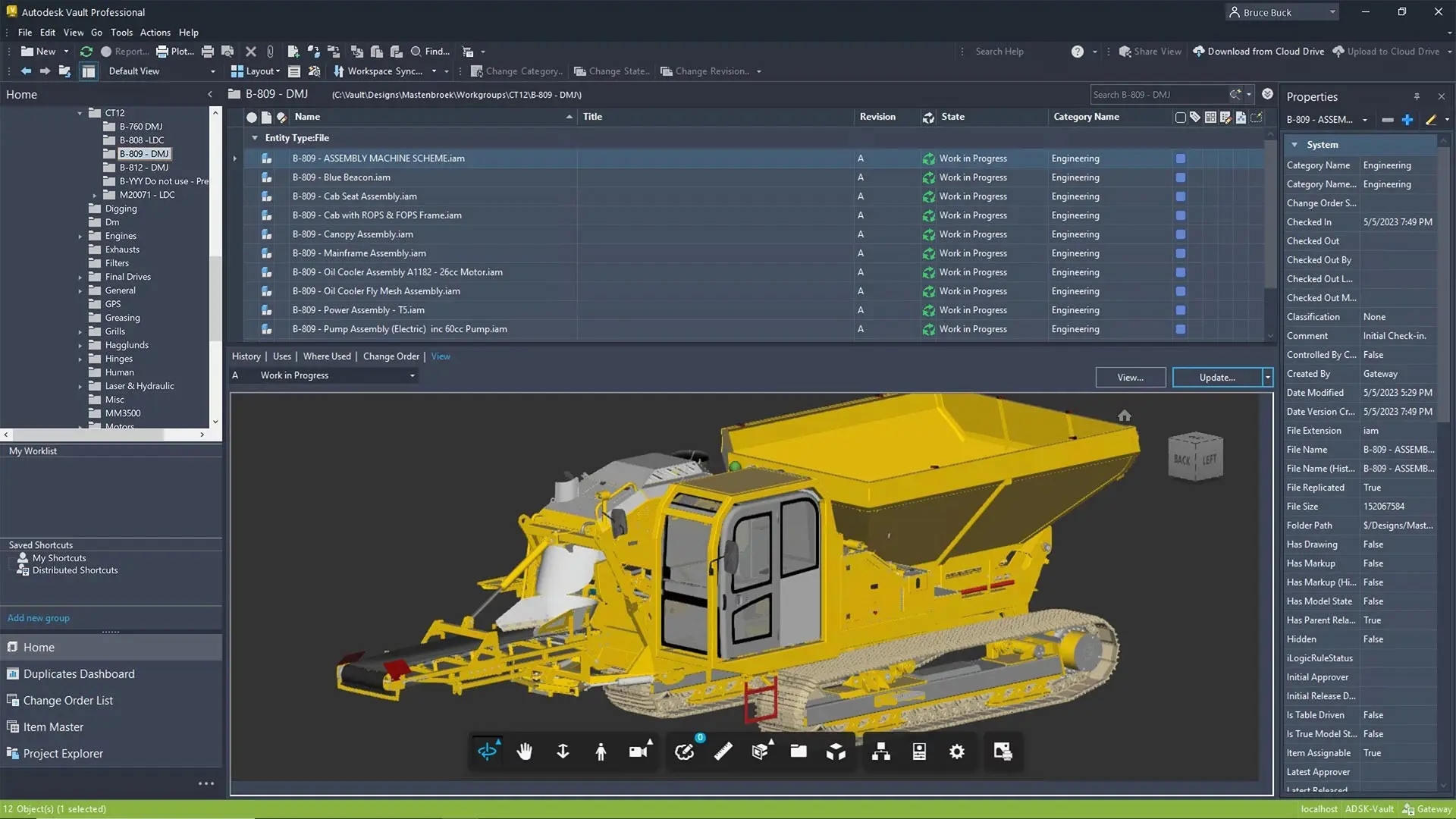
Efficient project management is facilitated through Fusion 360 Contributor's comprehensive dashboard and file management systems. It ensures projects are kept on track, aligned with objectives.
Secure Collaboration
With strong security protocols, Fusion 360 Contributor protects sensitive data during collaborative efforts. This builds trust among users, encouraging open information sharing.
Cost Effective Solution
The cost-effective nature of Fusion 360 Contributor makes it an attractive option for companies looking to optimise resource usage without overspending. It delivers value without compromising on quality.
Flexible Access
Its cloud-based platform allows users to access the software from anywhere, enhancing flexibility and work-life balance. This adaptability ensures continuity regardless of location.
Autodesk Fusion 360 Contributor
is Ideal For
- Design Engineers
- Project Managers
- Architectural Firms
- Manufacturing Teams
- Product Developers
- Educational Institutions
Licencing Options
Choose from flexible Autodesk subscription plans including:
- Annual Subscription
- 3-Year Subscription
-
Flex Token Usage Based
All plans include automatic software updates, Autodesk support access, and secure cloud-based file storage.

Flexible Options
Choose from flexible Autodesk subscription plans including:
- Annual Subscription
- 3-Year Subscription
-
Flex Token Usage Based
All plans include automatic software updates, Autodesk support access, and secure cloud-based file storage.
Why Choose Design Consulting | Autodesk Gold Partner | Autodesk Service Provider
Design Consulting is a trusted Autodesk Gold Partner and Autodesk Service Provider. Design Consulting empowers architects, engineers, manufacturers, and builders with smart software, automation, and digital tools that provide Autodesk end-to-end solutions that are connected with systems and machines. As an Autodesk Gold Partner, we deliver tailored solutions that simplify workflows, reduce costs, and drive better project outcomes.
About DC Training Courses Services Configurators 2D/3D-CRM and ERP Batch Imagery
Get Autodesk Fusion 360 Contributor Today
Unlock the full potential of Autodesk Fusion 360 Contributor to transform your design processes and enhance team collaboration. Equip your team with the tools they need to succeed in a fast-paced, competitive environment. Contact Design Consulting to request a quote, schedule a demo, or speak with an Autodesk-certified expert.
Ready to Design with Precision and Speed?
Transform the way you create, visualise, simulate, and deliver designs, reports and drawings. Contact us today to explore training, services and subscription options or request a demo.
Fill out the contact form below or contact us on 1800 514 490, info@designconsulting.com.au or by live chat