
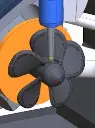
Autodesk Fusion with CAMplete TurnMill
Seamlessly Integrate With Autodesk Fusion CAMplete
Available in Flex Tokens, Annual Subscription or 3-Year Subscription
Autodesk Fusion with CAMplete offers a comprehensive solution for CNC post-processing and simulation, ensuring a seamless bridge between design and manufacturing. With its advanced verification and optimisation tools, it enhances your workflow efficiency by minimising errors and saving time. Designed for precision and reliability, it supports a wide range of machine simulations, making it an indispensable tool for engineers and manufacturers. Explore flexible purchasing options including flex tokens and subscription plans tailored to suit your needs.
Autodesk Fusion with CAMplete – CNC Post-Processing & Simulation




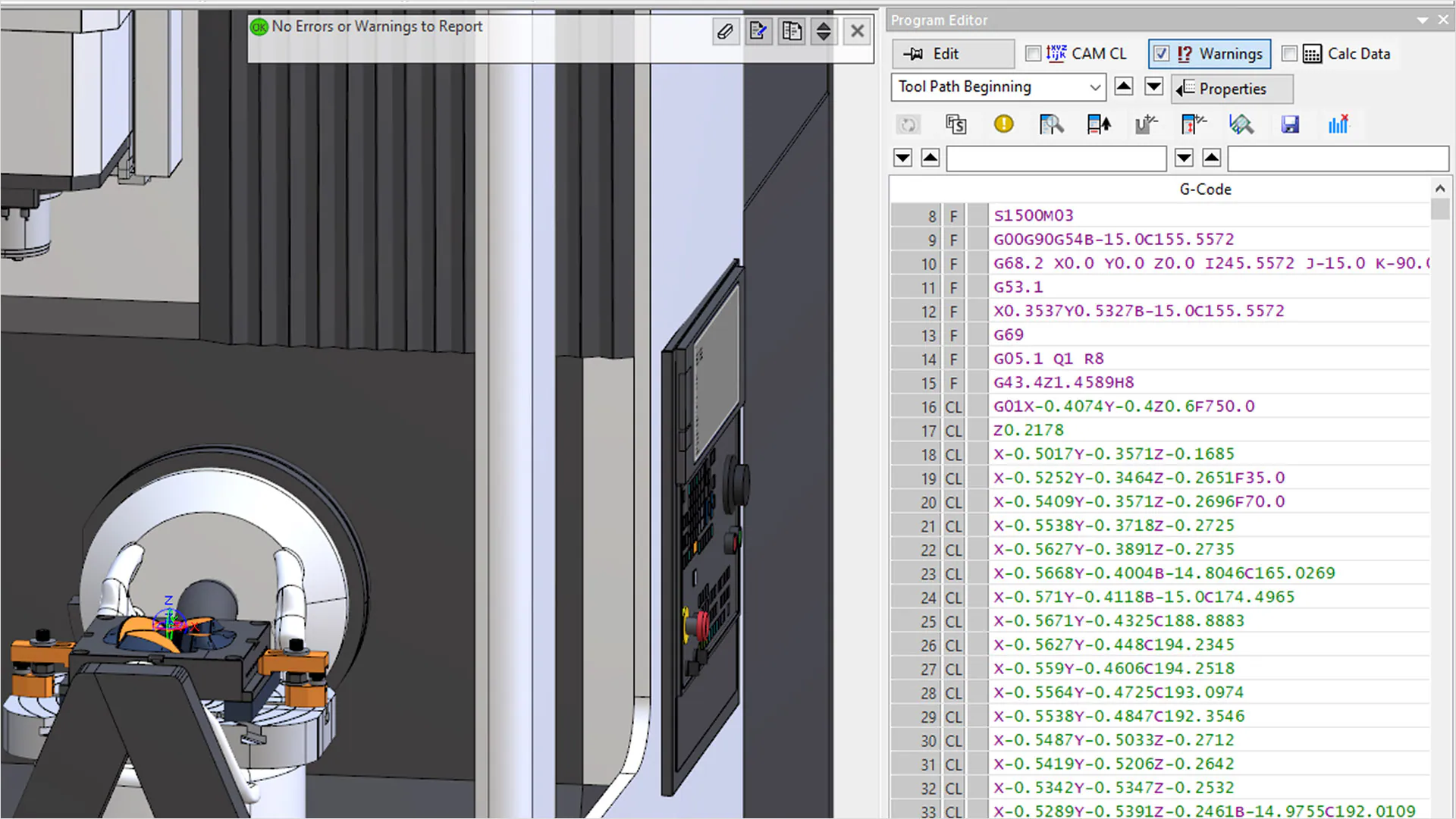
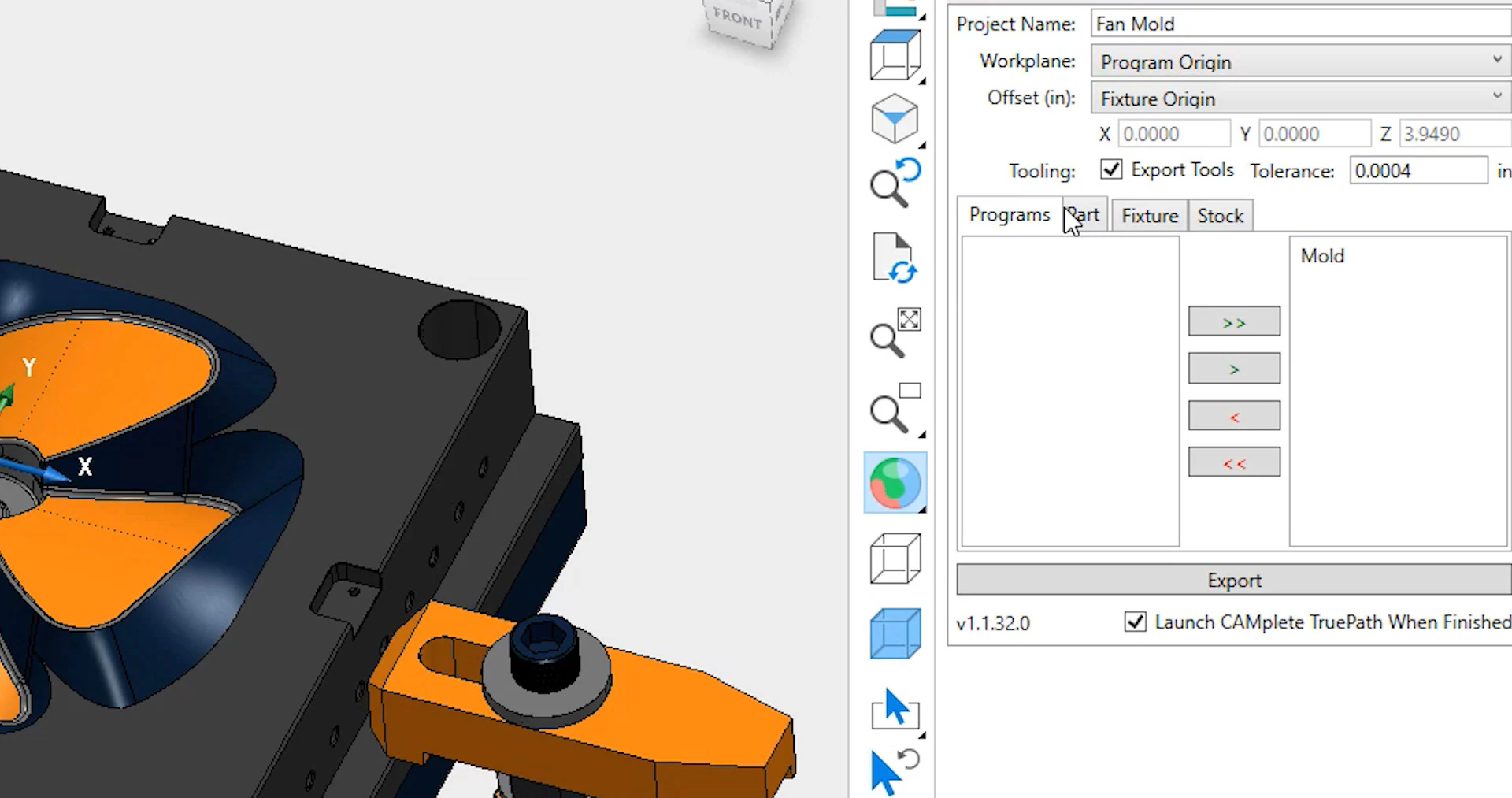
Autodesk Fusion with CAMplete is a sophisticated software solution designed to optimise CNC programming and post-processing tasks. It provides an integrated platform to streamline the workflow of CNC machine operations. By combining post-processing and G-code simulation into one platform, users can ensure the accuracy and efficiency of their machining processes. This eliminates the need for multiple software tools, reducing the potential for errors and enhancing productivity. With Fusion with CAMplete, you gain complete control over your machining sequences.
Fusion with CAMplete is ideal for manufacturers, machinists, and CNC programmers seeking to enhance precision in their operations. The software stands out with its ability to simulate and visualise processes completely, reducing the likelihood of costly errors. Offering support for a wide range of CNC machines, it effectively bridges the gap between digital designs and physical production. Whether you're engaged in complex 5-axis machining or standard 3-axis operations, Fusion with CAMplete can streamline your operations. The platform is renowned for its reliability and support in mission-critical operations.
Autodesk Fusion with CAMplete Software
At the core of this package is Autodesk Fusion CAMplete Software, At the core of this package is Autodesk Fusion CAMplete, offering unparalleled CNC simulation and post-processing capabilities. Designed to integrate seamlessly into production environments, it provides robust tools to validate G-code and optimise toolpaths. Users can confidently eliminate errors and reduce downtime with:
Integrated Post-Processing
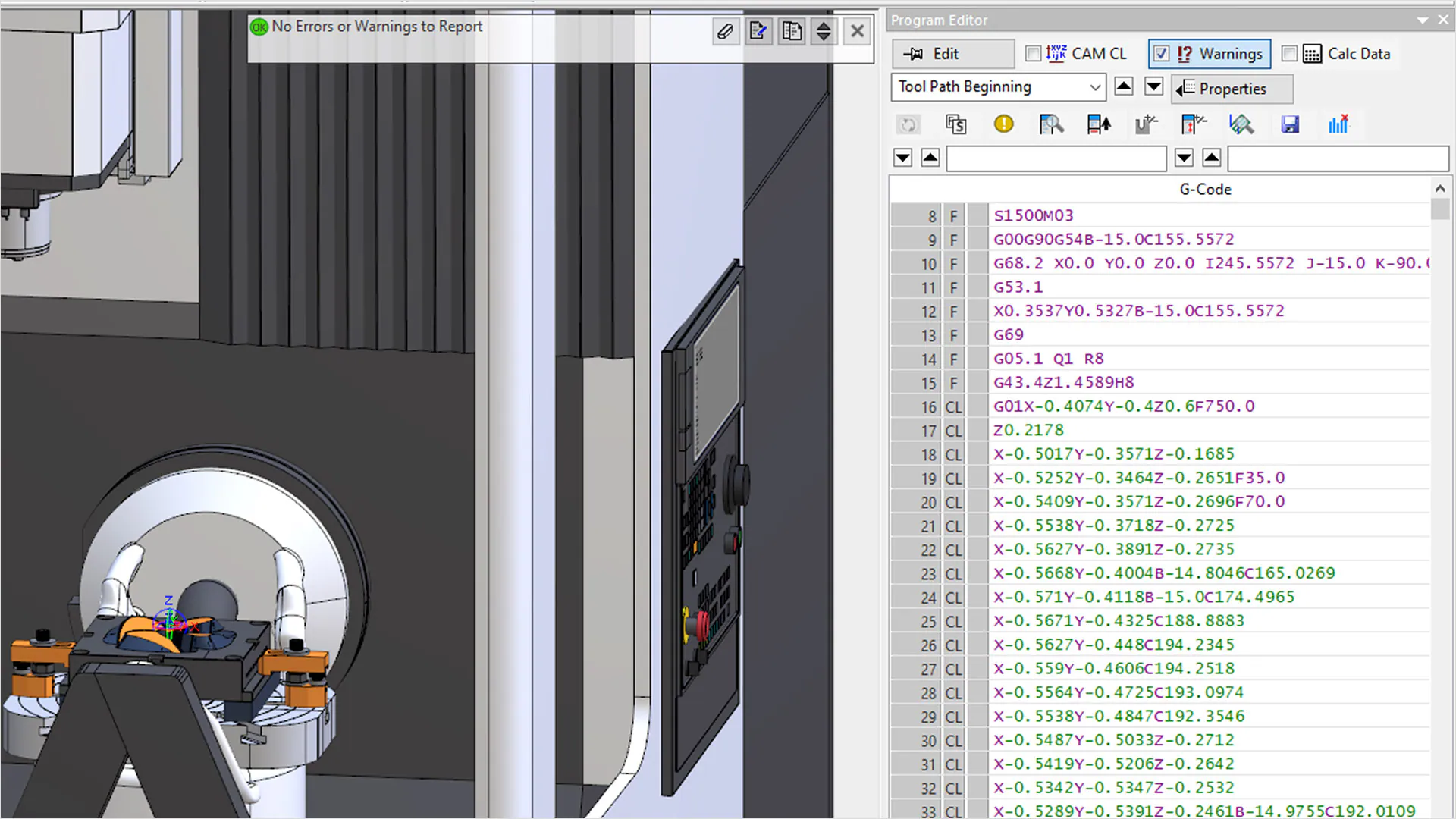
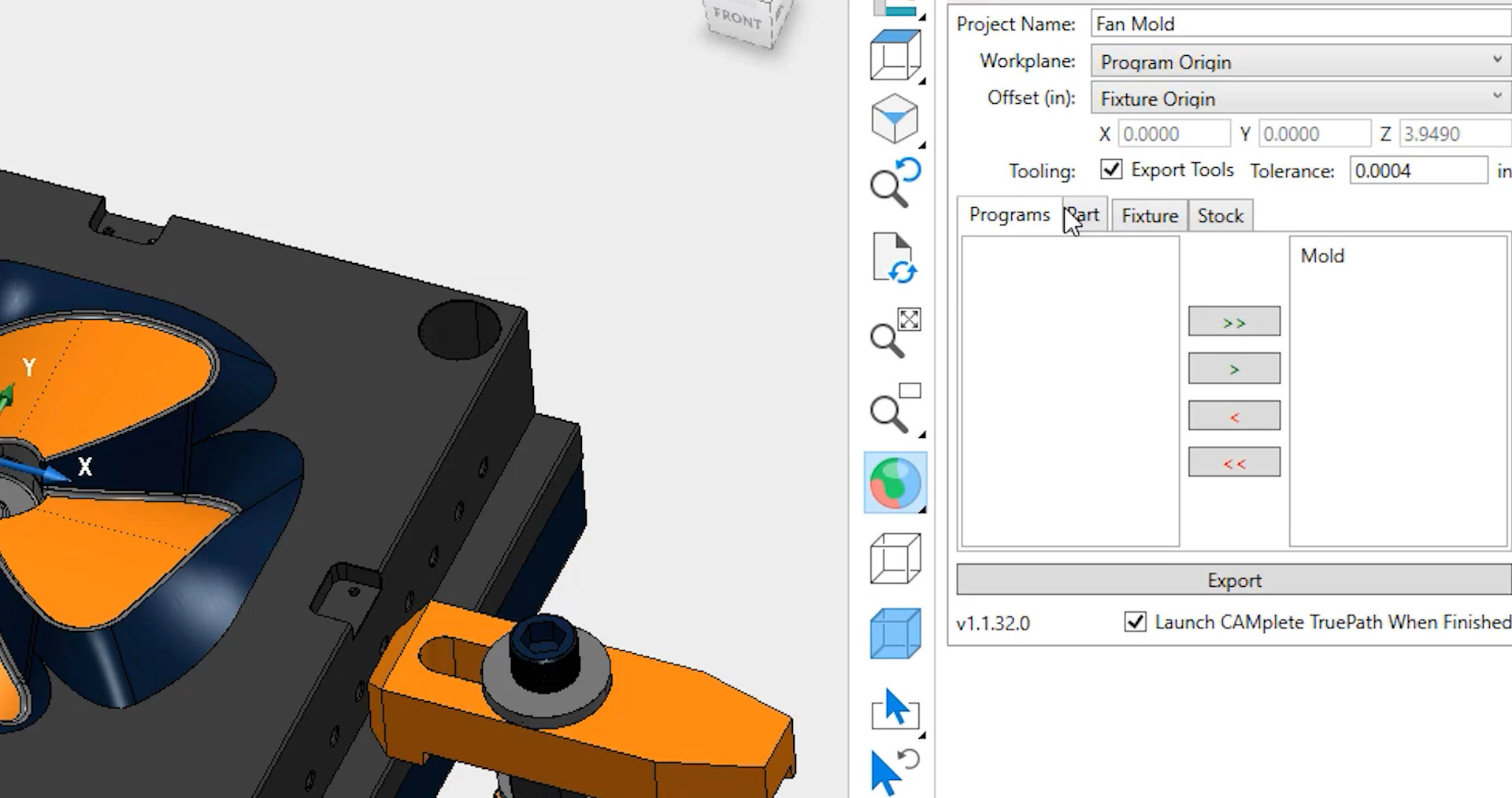
Autodesk Fusion CAMplete offers integrated post-processing functionalities that simplify the transition from design to production. It translates CAD/CAM data into machine-ready formats, supporting a wide range of CNC controllers. Users can customise post-processors to meet specific operational requirements, ensuring precision and adaptability. This integration reduces the need for additional third-party tools, streamlining the workflow. Importantly, it maintains consistency and accuracy across various machining tasks.
Real-Time G-Code Simulation
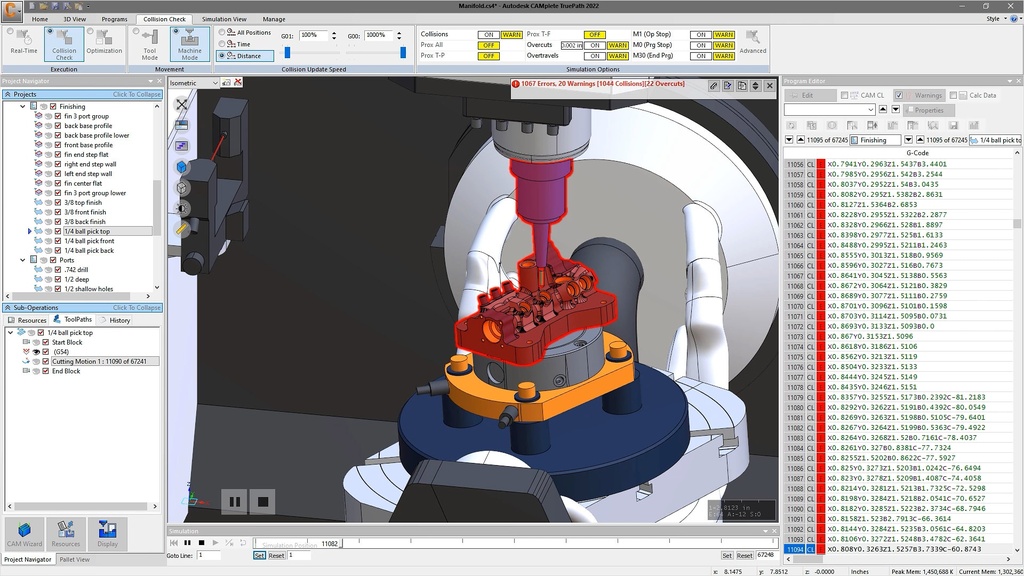
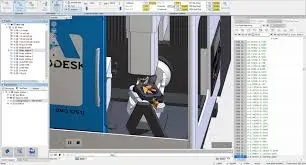
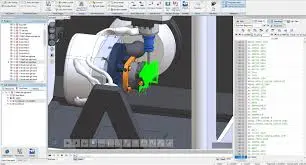
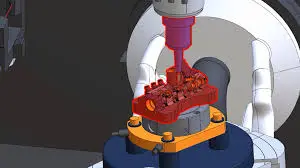
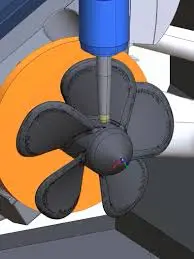
The real-time G-code simulation feature in Autodesk Fusion CAMplete enables users to preview and validate machining processes before execution. It creates a detailed 3D simulation environment that replicates actual machine movements and sequences. By visualising the entire machining process, users can identify and rectify potential errors or inefficiencies. This helps in avoiding costly mistakes on the production floor, saving time and resources. The realistic simulation also allows for training and improving operator proficiency.
Machine Optimisation Tools
Fusion CAMplete provides machine optimisation tools designed to enhance the performance and efficiency of CNC operations. These tools analyse and refine toolpaths to minimise machine wear and energy consumption. Users can access detailed reports and insights that inform decision-making and improve operational workflows. The optimisation feature ensures maximum output from existing machinery, extending their longevity. It is particularly beneficial for complex machining tasks that demand high precision and reliability.
Customisable User Interface
The user interface of Autodesk Fusion CAMplete is deliberately designed to be intuitive and customisable. Users can tailor the layout, functionalities, and tools to match their unique operational needs and preferences. This level of customisation enhances user experience and accelerates the learning curve for new users. The interface supports multilingual settings, catering to a global user base. Moreover, it integrates with other Autodesk solutions, enhancing its versatility and utility.
Comprehensive Machine Library
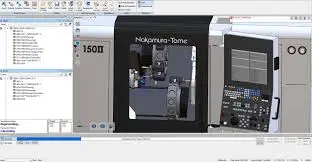
Fusion CAMplete includes a comprehensive machine library, accommodating a wide range of CNC machines and configurations. This extensive library provides users with the flexibility to choose the right machine settings for their projects. The software supports automated updates to ensure compatibility with the latest machine models and technologies. Users can easily manage machine parameters and configurations, expanding the software’s applicability across diverse manufacturing sectors. The library is continuously updated to incorporate the latest industry advancements.
Related Products
What's Included in Autodesk Fusion CAMplete?
When you subscribe to Autodesk Fusion CAMplete, you gain access to a wide array of advanced tools and features essential for CNC programming and simulation. These include powerful design-to-production capabilities, robust post-processing tools, and real-time simulations to eliminate errors before they occur. Subscribers also benefit from continuous software updates and access to Autodesk’s extensive support network.
Advanced Post-Processing Module
The Advanced Post-Processing Module in Fusion CAMplete allows users to customise and automate the conversion of design data to machine-readable formats. It supports various NC controllers and offers flexibility for complex machining operations. Users can create and edit post-processors, ensuring precise control over CNC machine functions. This enables seamless integration with different manufacturing processes, ensuring high-quality outputs. The module also features a scripting interface for further customisation and automation.
Dynamic Simulation Environment
The Dynamic Simulation Environment within Fusion CAMplete offers users a highly detailed, realistic simulation of CNC operations. This toolset enables users to test and visualise machining processes in a virtual environment before physical execution. It provides accurate representations of toolpaths and machine movements, allowing for thorough inspection and refinement. This environment helps identify potential issues early in the process, reducing rework and enhancing operational efficiency. The simulations are accessible with a user-friendly interface, requiring minimal setup time.

Toolpath Optimisation Tools
Fusion CAMplete’s Toolpath Optimisation Tools are crafted to enhance machining efficiency and precision. These tools offer advanced algorithms that adjust toolpaths to optimise cutting strategies and reduce cycle times. Users receive detailed analytics that help refine processes and improve material utilisation. The tools support multiple machining strategies, accommodating a range of materials and designs. This results in lower production costs and improved machine longevity due to reduced wear.

Extensive CNC Machine Library
An Extensive CNC Machine Library is available, offering configurations for numerous machines and controllers. The library is regularly updated to include the latest models, ensuring compatibility across various manufacturers. Users have the flexibility to select and modify machine parameters, tailoring operations to specific project requirements. This comprehensive library simplifies machine setup and reduces the time spent on configurations. Additionally, it supports scalability, adapting easily as manufacturing needs evolve.
Customisable Workflow Templates
Customisable Workflow Templates provide users with the ability to standardise and streamline their machining processes. Fusion CAMplete allows for the creation and modification of templates that suit specific operational requirements and designs. These templates facilitate consistency and reduce the time required for setup and execution of repetitive tasks. Users can leverage these templates to enhance collaboration and maintain consistent output quality across teams. The flexibility offered by these templates supports increased productivity and efficiency.
Multilingual Support & Documentation
Fusion CAMplete offers Multilingual Support & Documentation to cater to a diverse user base. The software includes detailed guides, tutorials, and documentation available in multiple languages. This ensures that users from different regions can effectively utilise the toolsets without language barriers. Autodesk provides comprehensive support and training resources to assist users in maximising the capabilities of the software. The availability of multilingual support enhances user accessibility and facilitates global implementation.

DC Products and Services
Bundle and Save when you get Accessory Products or Services
Training Courses
From fundamentals advanced to custom courses, covering all Autodesk products for design, visualisation, simulation, automation and collaboration.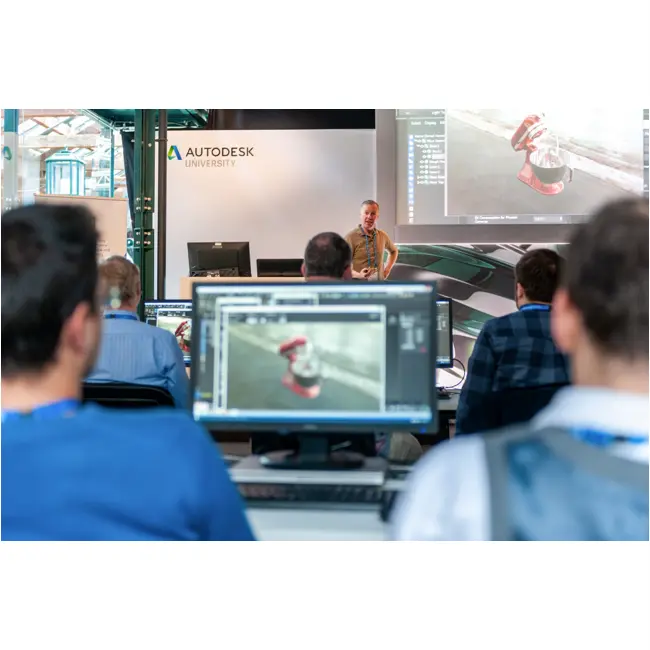
Services
DC has a range of services, including support, consulting, templates, libraries, design automation, system deployments, custom add-ins and more.
Bluebeam
PDF Collaboration software from Bluebeam enhances and captures communication across teams and projects.

Autodesk Fusion CAMplete Key Benefits
Increased Machining Accuracy
Autodesk Fusion CAMplete enhances machining accuracy by providing precise post-processing and real-time simulation capabilities. This ensures that designs are executed exactly as intended, reducing errors and rework.
Streamlined Workflows
The integration of post-processing and simulation in one platform streamlines workflows for CNC programmers and machinists. By reducing reliance on multiple software tools, it maximises efficiency and productivity.
Cost Savings
By minimising errors and optimising toolpaths, Fusion CAMplete reduces material wastage and machine wear. This leads to significant cost savings in both production and maintenance.
Enhanced Flexibility
Fusion CAMplete offers flexibly customisable tools and templates that adapt to various machining needs. This flexibility makes it suitable for a diverse range of industries and applications.
Improved Decision-Making
With access to detailed simulations and analytics, users can make informed decisions about machining strategies. These insights contribute to higher quality outputs and optimised production processes.
Global Compatibility
The multilingual support and extensive machine library ensure compatibility with global CNC machine standards. This makes Fusion CAMplete a versatile solution for international manufacturing operations.

Autodesk Fusion CAMplete
is Ideal For
- CNC Machinists
- Manufacturing Engineers
- Product Designers
- Mechanical Engineers
- Plant Managers
- Industrial Designers

Licencing Options
Choose from flexible Autodesk subscription plans including:
- Annual Subscription
- 3-Year Subscription
-
Flex Token Usage Based
All plans include automatic software updates, Autodesk support access, and secure cloud-based file storage.
Flexible Options
Choose from flexible Autodesk subscription plans including:
- Annual Subscription
- 3-Year Subscription
-
Flex Token Usage Based
All plans include automatic software updates, Autodesk support access, and secure cloud-based file storage.
Why Choose Design Consulting | Autodesk Gold Partner | Autodesk Service Provider
Design Consulting is a trusted Autodesk Gold Partner and Autodesk Service Provider. Design Consulting empowers architects, engineers, manufacturers, and builders with smart software, automation, and digital tools that provide Autodesk end-to-end solutions that are connected with systems and machines. As an Autodesk Gold Partner, we deliver tailored solutions that simplify workflows, reduce costs, and drive better project outcomes.
About DC Training Courses Services Configurators 2D/3D-CRM and ERP Batch Imagery
Get Autodesk Fusion with CAMplete Today
Unlock the full potential of Autodesk Fusion with CAMplete by integrating it into your CNC operations today. Enhance your manufacturing processes and innovation with powerful simulation and post-processing tools. Contact Design Consulting to request a quote, schedule a demo, or speak with an Autodesk-certified expert. Take the next step in precision machining and streamline your production workflow.
Ready to Design with Precision and Speed?
Transform the way you create, visualise, simulate, and deliver designs, reports and drawings. Contact us today to explore training, services and subscription options or request a demo.
Fill out the contact form below or contact us on 1800 514 490, info@designconsulting.com.au or by live chat