Autodesk Fusion with PowerMill
Discover Advanced CNC Machining with Autodesk Fusion with Powermill
Available in Flex Tokens, Annual Subscription or 3-Year Subscription
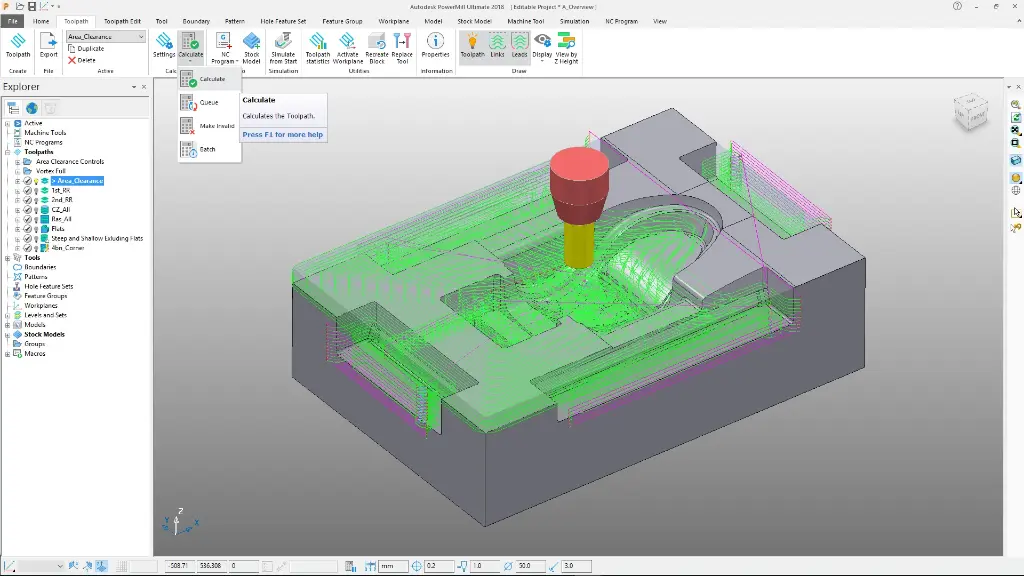
Autodesk Powermill offers cutting-edge solutions for high-speed and 5-axis machining, tailored to meet the needs of manufacturing professionals. This powerful tool provides exceptional control and precision, enabling you to achieve superior surface finish and efficiency in complex projects. With flexible purchasing options, including flex tokens and annual or 3-year subscriptions, Powermill ensures your business remains at the forefront of innovation and productivity.
Autodesk Powermill – Advanced CNC Programming for Complex Manufacturing


Autodesk Powermill is a powerful CNC programming software designed to deliver high-quality toolpaths for complex manufacturing. Catering primarily to professionals in the manufacturing and machining industries, it offers advanced strategies to tackle even the most intricate designs. With its ability to handle 5-axis and 3-axis machining seamlessly, Powermill is the ideal choice for precision, efficiency, and speed. The software provides an intuitive interface that makes complex programming tasks simpler, empowering users to achieve optimal results.
Powermill is ideal for manufacturers, engineers, and CNC operators looking to enhance their production capabilities. The software offers a suite of comprehensive features aimed at improving productivity and reducing machining time. One of the standout benefits is its unmatched precision, making it an excellent choice for industries where quality cannot be compromised. Powermill ensures that users can manage their workflows efficiently with its cutting-edge technology and user-friendly design.
Autodesk Powermill Software
At the core of this package is Autodesk Powermill Software, At the core of this package is Autodesk Powermill, a leading solution in CNC programming that provides powerful tools for manufacturing complex parts. Designed for professionals seeking high precision and efficiency, it offers unparalleled capabilities in creating intricate toolpaths. Whether you're in aerospace, automotive, or any other demanding industry, Powermill equips you with:
Advanced 5-Axis Machining
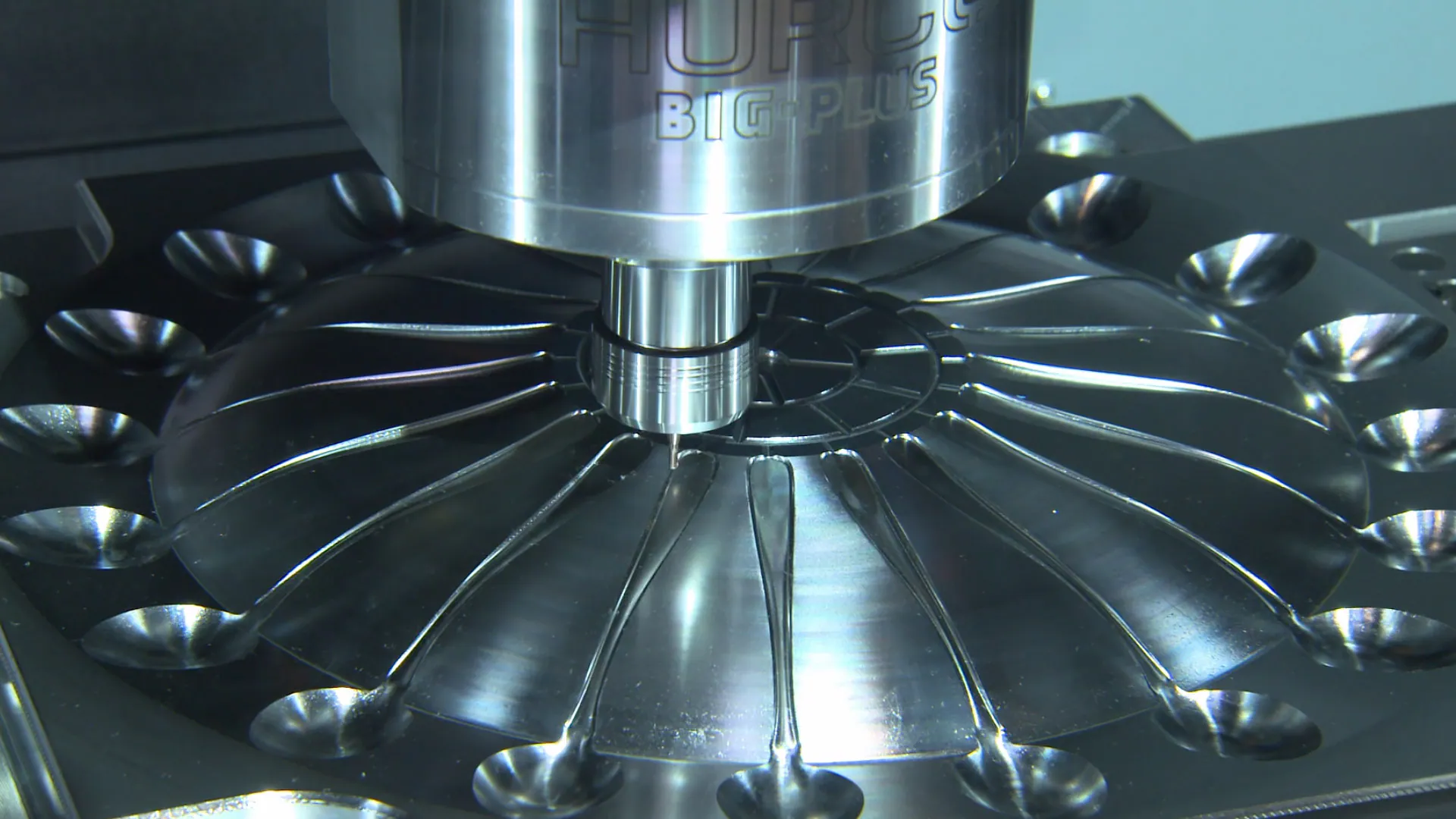
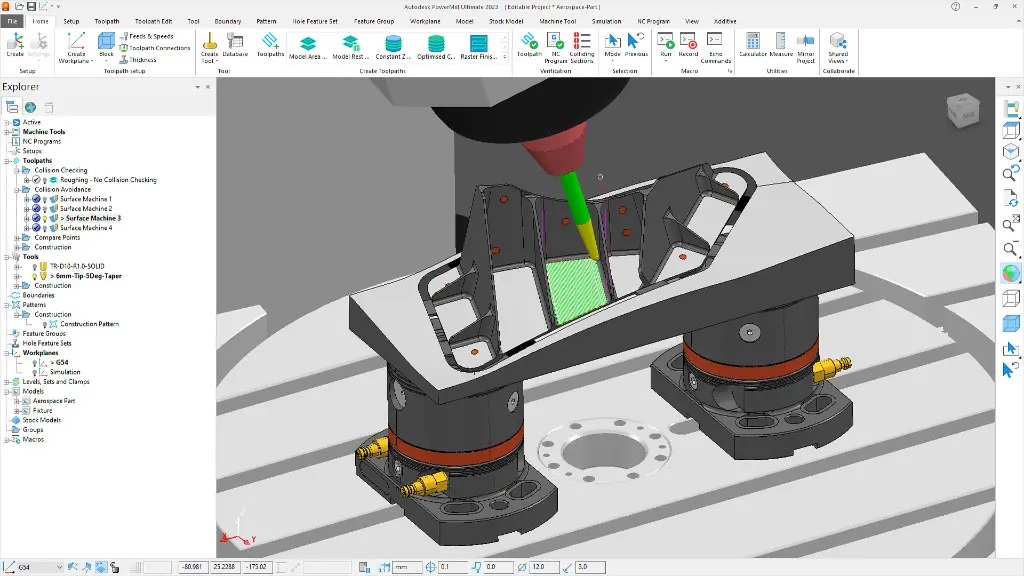
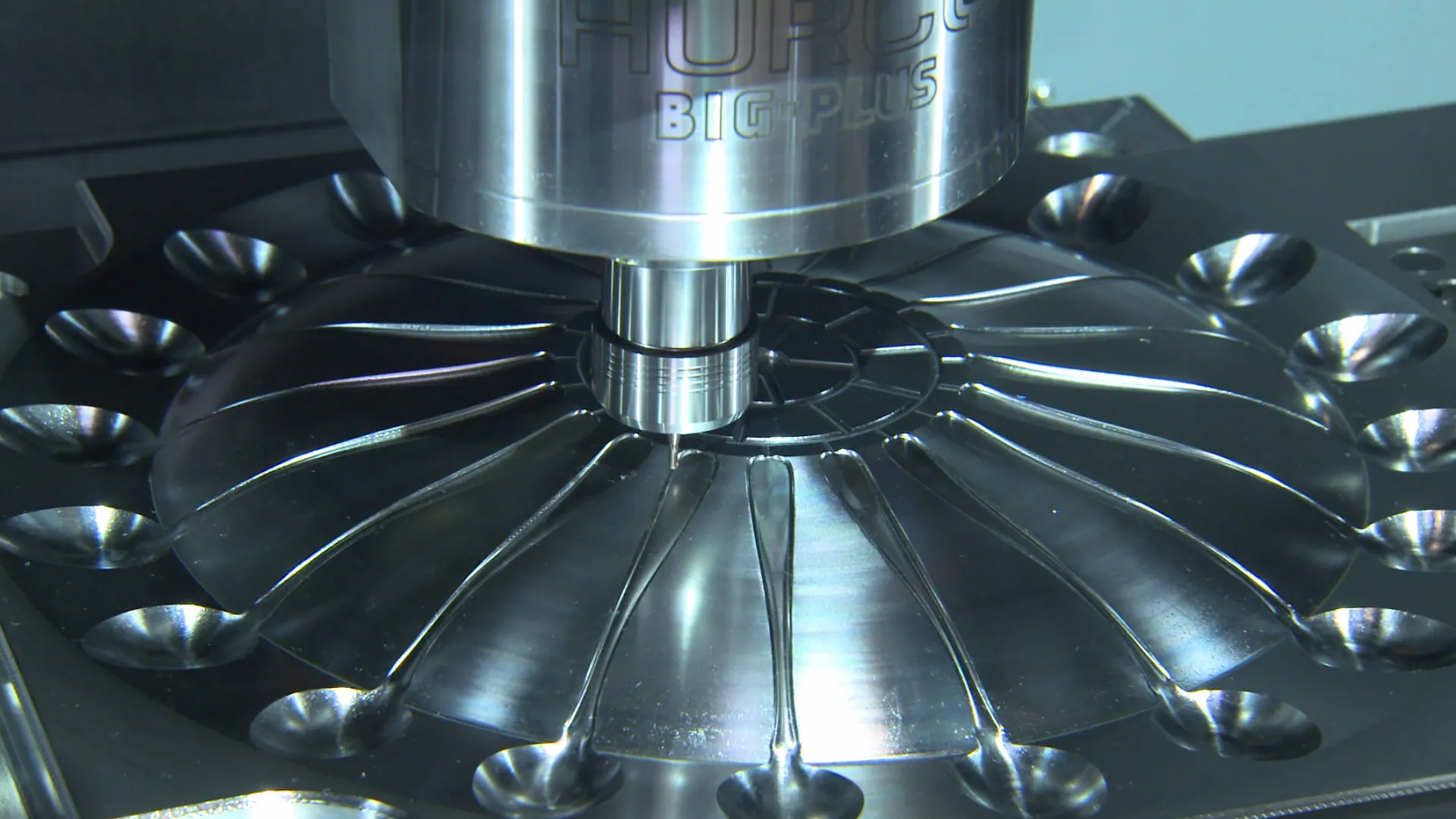
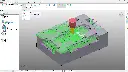
Autodesk Powermill excels in advanced 5-axis machining, allowing for the creation of complex components with ease. This feature ensures smooth and accurate toolpaths, minimising the likelihood of errors. Manufacturers can achieve intricate designs with reduced lead times, enhancing overall productivity. The software's intelligent toolpath strategies let users maximise machine movements, resulting in high-quality finishes on all surfaces.
Efficient Toolpath Simulation
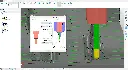
Powermill provides a comprehensive toolpath simulation environment, ensuring that each operation is perfected before actual machining begins. This simulation helps identify potential issues, such as collisions or gouging, reducing the risk of costly mistakes. Users can visualise the machining process in real-time, allowing for precise adjustments and optimisations. The result is a streamlined workflow that saves both time and resources.
Customisable Automation Tools
With Powermill, users can take advantage of customisable automation tools that streamline repetitive tasks. By automating common programming functions, users can focus on more critical aspects of machining. This feature not only reduces human error but also significantly increases overall workflow efficiency. Custom templates and macros can be created to further personalise the software experience to meet specific project needs.
High-Quality Surface Finishing
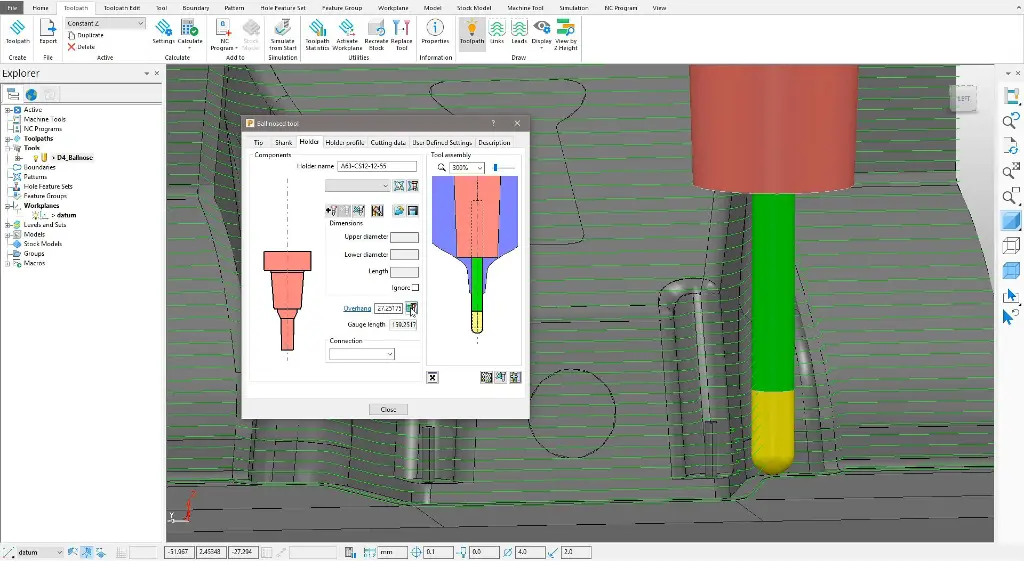
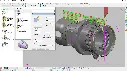
Surface finish quality is paramount in many industries, and Powermill's capabilities ensure top-tier results. The software offers advanced finishing strategies that can be adjusted to achieve desired surface textures. Whether dealing with intricate contours or flat surfaces, Powermill's precise control over tool movements results in superior finishes. This leads to reduced post-processing time and optimal part performance.
Comprehensive Material Library
Powermill includes a comprehensive material library that supports a wide range of substrates, from metals to composites. This library allows users to understand how different materials will react under machining conditions in advance. Detailed information and presets guide toolpath generation to optimise each cut for specific materials. It’s a vital resource for ensuring consistent, high-quality outcomes across diverse projects.
Related Products
What's Included in Autodesk Powermill?
When you subscribe, you get access to Autodesk Powermill's full suite of advanced CNC programming tools. From 5-axis machining and toolpath simulation to automation and detailed material libraries, ensure you're equipped for any manufacturing challenge.
3-Axis Machining
Powermill provides robust capabilities for 3-axis machining, delivering precise toolpath strategies for straightforward and complex geometries alike. It helps optimise machining efficiency with advanced roughing, finishing, and drilling operations. The 3-axis functionality is ideal for industries requiring detailed surface engraving and milling. Its flexibility allows users to switch easily between different types of operations based on project requirements.
5-Axis Simultaneous Machining
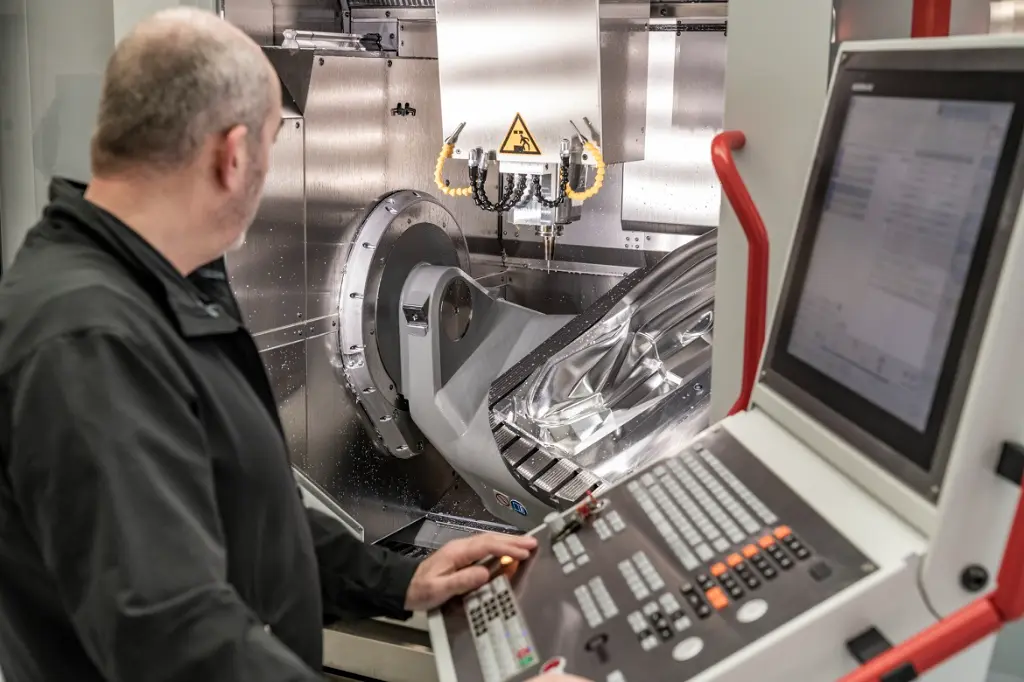
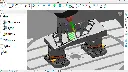
The software's ability for 5-axis simultaneous machining facilitates the creation of intricate parts with complex geometries. It extends capabilities beyond traditional limits, allowing more freedom and better surface detail. Enhanced collision avoidance technology ensures safe and precise toolpath execution, reducing the risk of damage to both tools and parts. This toolset is essential for sectors such as aerospace and automotive engineering, where precision is crucial.
Toolpath Editing
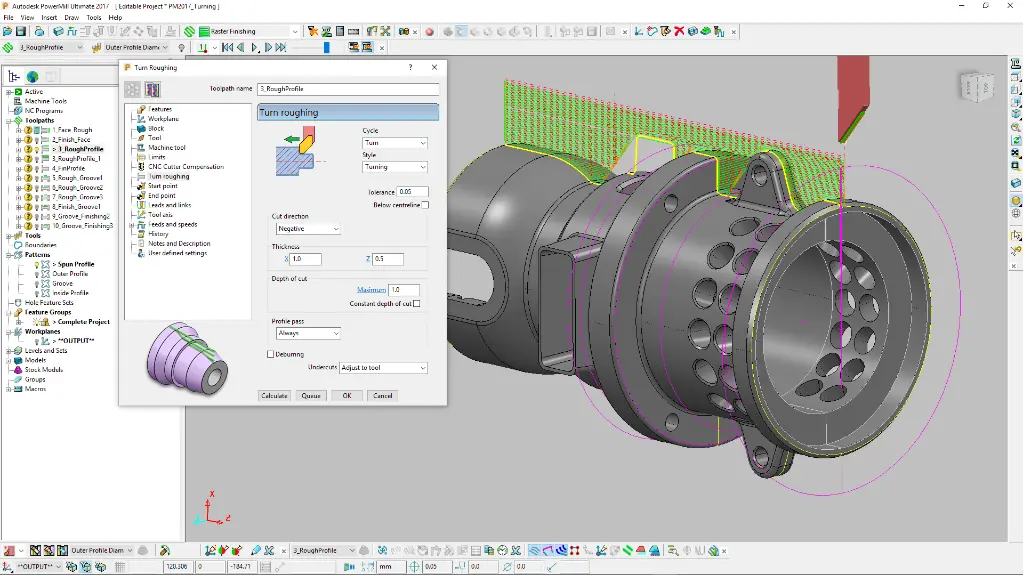
Powermill offers an intuitive toolpath editing interface, allowing for easy adjustments and refinements. Users have the freedom to modify specific sections or entire toolpaths to address any machining concerns. The interactive editing tools facilitate fine-tuning for optimal performance, enabling custom solutions for unique challenges. This flexibility is key in ensuring that every detail of the machining process is accounted for.
Collision Avoidance
Safety and precision are enhanced with Powermill's intelligent collision avoidance capabilities. The software simulates tool paths in detail, identifying and helping to eliminate potential collisions. By alerting operators to possible problems before actual machining, it minimises tool wear and damage to workpieces. This functionality supports a more reliable and productive machining environment.
High-Efficiency Roughing
Autodesk Powermill includes high-efficiency roughing techniques that reduce cycle times while preserving tool life. These advanced roughing strategies are designed to remove material quickly and safely, using optimised toolpath algorithms. This capability contributes to significant cost savings on tooling and machine wear. It is particularly valuable for operations handling large volumes of material swiftly.
NC Program Verification
With its NC program verification features, Powermill ensures accuracy and reliability in all CNC operations. Users can validate toolpaths and check for errors before any machining takes place. This verification also includes comprehensive reports that provide insights into tool usage, cutting performance, and overall efficiency. As a result, it is possible to make informed decisions that elevate the quality and precision of the final product.
Raster Design Toolset
Powermill supports a wide array of CAD formats, ensuring seamless integration into existing workflows. Users can import detailed CAD models from various sources, facilitating flexible project planning and execution. This broad compatibility enables the accommodation of diverse client needs and project specifications. The ease of importing and manipulating CAD data streamlines the CNC programming process.
DC Products and Services
Bundle and Save when you get Accessory Products or Services
Training Courses
From fundamentals advanced to custom courses, covering all Autodesk products for design, visualisation, simulation, automation and collaboration.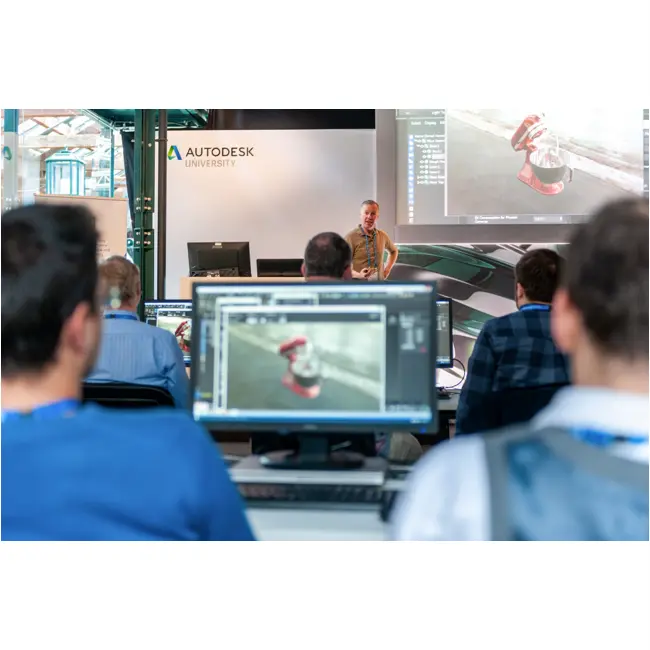
Services
DC has a range of services, including support, consulting, templates, libraries, design automation, system deployments, custom add-ins and more.
Bluebeam
PDF Collaboration software from Bluebeam enhances and captures communication across teams and projects.

Autodesk Powermill Key Benefits
Precision in Machining
Powermill ensures top-tier precision with its advanced toolpath strategies and comprehensive machining capabilities. The software's technology allows users to achieve high accuracy in each project, essential for manufacturing industries that demand minimal tolerances.
Reduced Production Time
The advanced features of Powermill contribute to significantly reduced production times. By automating processes and optimising toolpath strategies, manufacturers can meet tight deadlines without compromising on quality.
Optimised Material Use
Powermill's efficient machining strategies lead to optimal use of materials, thereby reducing waste. This ensures cost-effectiveness and contributes to sustainable manufacturing practices.
Enhanced Workflow Efficiency
Automation tools and intuitive interfaces in Powermill streamline workflows, making it seamless to manage complex projects. The overall efficiency gained allows teams to focus on creativity and innovation.
Versatile CNC Capabilities
The software supports a wide range of machining approaches, making it adaptable to different industry needs. Whether small-scale or large-scale projects, Powermill's versatility caters to diverse requirements.
Comprehensive Technical Support
Autodesk offers robust technical support and resources, ensuring users gain the most from Powermill. This ongoing support aids in continuous skill development and software utilisation, enhancing overall productivity.
Autodesk Powermill
is Ideal For
- Manufacturers in Precision Industries
- CNC Machine Operators
- Aerospace Engineers
- Automotive Industry Professionals
- Industrial Designers
- Toolpath Programmers
Licencing Options
Choose from flexible Autodesk subscription plans including:
- Annual Subscription
- 3-Year Subscription
- Flex Token Usage Based
All plans include automatic software updates, Autodesk support access, and secure cloud-based file storage.
Flexible Options
Choose from flexible Autodesk subscription plans including:
- Annual Subscription
- 3-Year Subscription
- Flex Token Usage Based
All plans include automatic software updates, Autodesk support access, and secure cloud-based file storage.
Why Choose Design Consulting | Autodesk Gold Partner | Autodesk Service Provider
Design Consulting is a trusted Autodesk Gold Partner and Autodesk Service Provider. Design Consulting empowers architects, engineers, manufacturers, and builders with smart software, automation, and digital tools that provide Autodesk end-to-end solutions that are connected with systems and machines. As an Autodesk Gold Partner, we deliver tailored solutions that simplify workflows, reduce costs, and drive better project outcomes.
About DC Training Courses Services Configurators 2D/3D-CRM and ERP Batch Imagery
Get Autodesk Powermill Today
Unlock the full potential of Autodesk Powermill to elevate your manufacturing processes. Contact Design Consulting to request a quote, schedule a demo, or speak with an Autodesk-certified expert. Discover how Powermill can transform your production, improve efficiency, and ensure the highest standards of quality in your projects.
Ready to Design with Precision and Speed?
Transform the way you create, visualise, simulate, and deliver designs, reports and drawings. Contact us today to explore training, services and subscription options or request a demo.
Fill out the contact form below or contact us on 1800 514 490, info@designconsulting.com.au or by live chat