

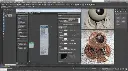
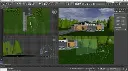
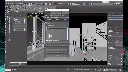
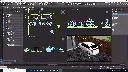


Autodesk 3ds Max Template Setup Training Course
- 16-Hours (8 x 2-Hour Sessions) Training*
- Delivered remotely over MS Teams
- Sessions are recorded and download links are provided after each session for your future use and reference.
- Pricing is based on 1-3 people. Additional people are at an additional cost of $1,100 per person.
- Volume Discounts apply for 5+ people.
- Training is usually broken up into 2 or 4-hour sessions in the morning and flexible (i.e. consecutive or Monday, Wednesday, Friday, etc.)
- Training sessions can start within 14 days of booking
- Courses are private and topics can be customised to suit
- Includes Certificate of Completion
Autodesk 3ds Max Template Setup Training Course – Setup Your Organisations Templates and Company Standards
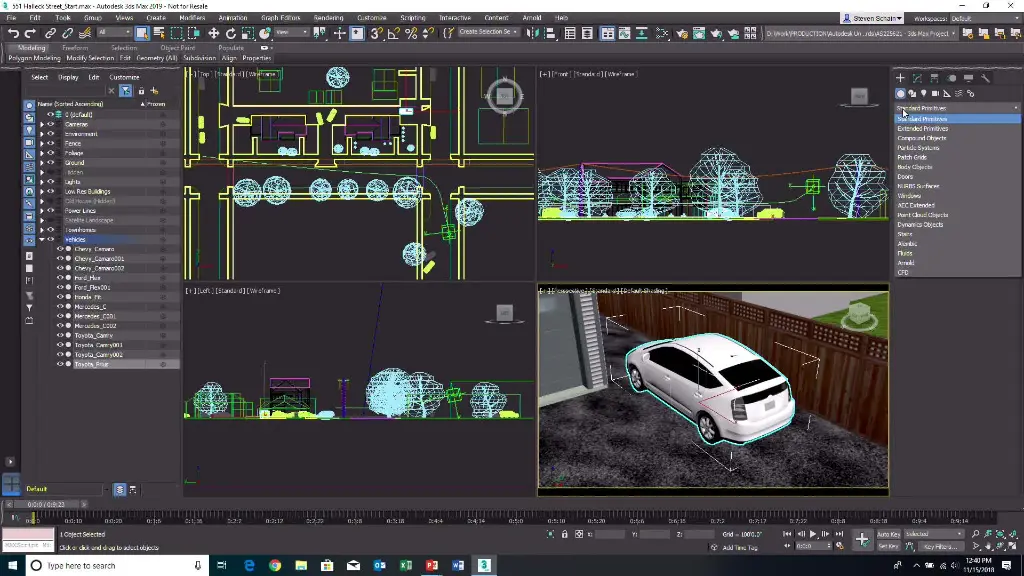
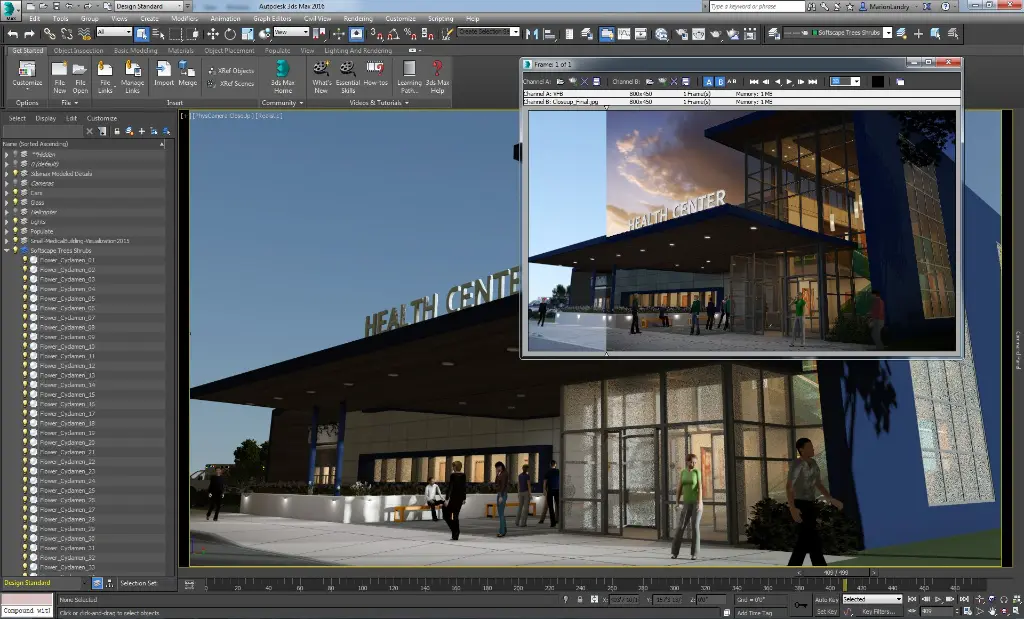
The Autodesk 3ds Max Template Setup Training Course is designed for organisations looking to standardise their visualisation workflows, improve project consistency, and implement company standards across architectural visualisation, product design, interior design, animation, and rendering projects.
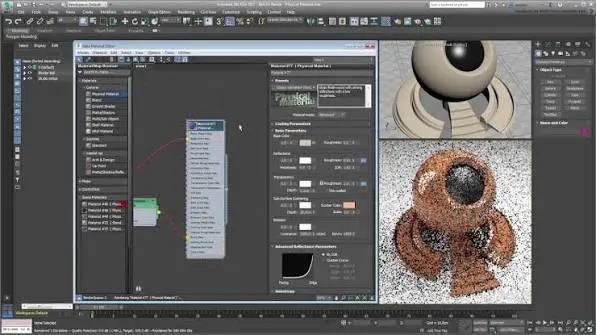
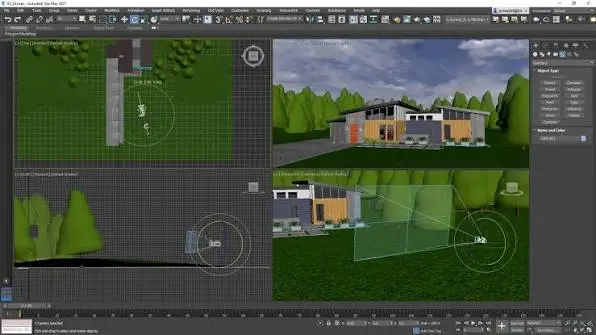
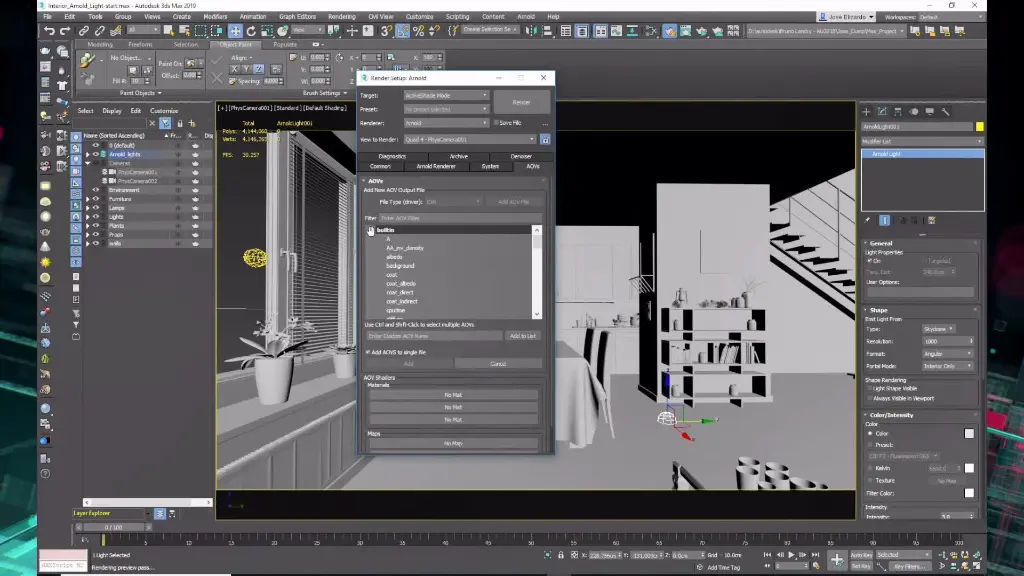
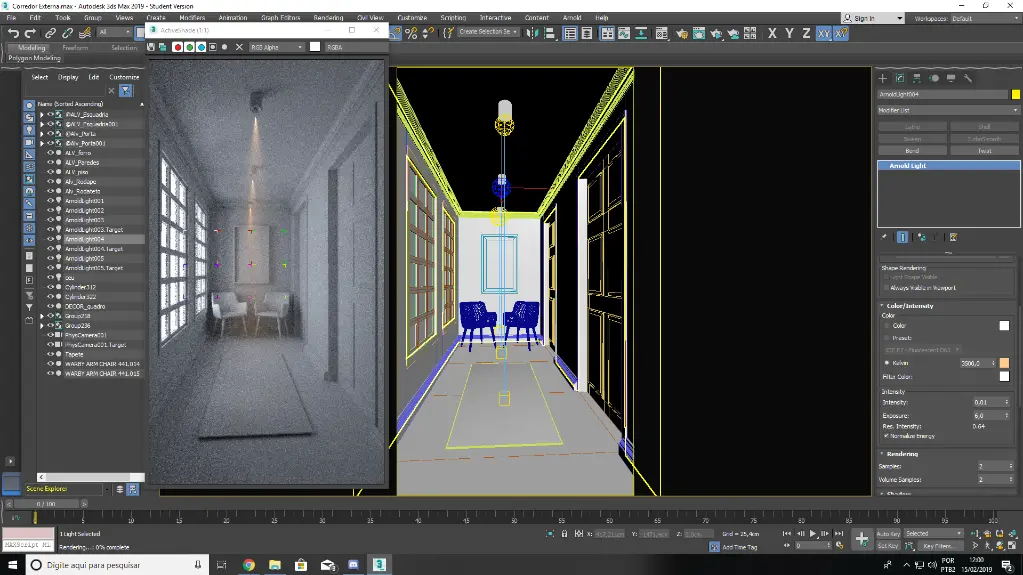
Participants work from a professionally developed 3ds Max base template which is customised throughout the training to suit organisational requirements, including scene templates, rendering presets, material libraries, asset libraries, lighting standards, layer structures, naming conventions, and workflow settings.
Rather than simply learning software administration, attendees leave with a customised 3ds Max environment that can be immediately deployed across projects and teams. The course delivers both training outcomes and practical commercial outcomes, helping organisations establish a consistent visualisation framework for future work.
3ds Max Template Setup – Scene Templates, Render Settings and Asset Library Standards
A well-structured 3ds Max template improves productivity, reduces setup time, and ensures consistency across visualisation and animation projects. Standardised materials, lighting setups, rendering presets, and asset libraries enable teams to produce professional outputs while maintaining company standards.
This course covers scene templates, render configurations, layer standards, naming conventions, asset management, material libraries, environment settings, and project structures. Training can be tailored for architecture, interiors, manufacturing, product design, gaming, and animation workflows.
What You'll Learn – 3ds Max Templates, Material Libraries, Rendering Standards and Workflow Management
- Configure and customise 3ds Max templates
- Create company visualisation standards
- Develop material and texture libraries
- Configure rendering presets and workflows
- Standardise lighting and environment settings
- Implement asset naming conventions
- Create reusable scene templates
- Manage project structures and file organisation
- Deploy standards across multiple teams
- Maintain and govern 3ds Max company standards
3ds Max Template Setup Topics Covered – Asset Libraries, Render Settings and Scene Management
- 3ds Max template management
- Scene templates
- Material libraries
- Texture libraries
- Rendering standards
- Lighting presets
- Environment settings
- Asset management
- Naming conventions
- Layer management
- Camera standards
- Animation workflows
- File structures
- Project organisation
- Visualisation standards
- Quality assurance processes
Customised 3ds Max Template Development During Training
The Autodesk 3ds Max Template Setup Training Course is delivered as a practical workshop where participants learn template administration while simultaneously developing their own company standards.
Using a professionally developed base environment, attendees customise scene templates, render settings, material libraries, asset libraries, lighting standards, naming conventions, and workflow settings to suit their organisation's requirements.
This project-based approach provides both training outcomes and commercial outcomes. Rather than leaving with theoretical knowledge alone, participants leave with a fully customised 3ds Max template environment that can be immediately implemented across future projects.
Training can be tailored for architectural visualisation, interior design, product design, manufacturing, animation, gaming, virtual reality, and marketing content production workflows.
Autodesk 3ds Max Template Setup Training Course Contents*
Chapter 1: 3ds Max Templates and Standards Fundamentals
- Understanding template structures
- Planning company standards
- Scene setup requirements
- Standards governance and maintenance
Chapter 2: Project Structures and File Management
- Project folders and paths
- Asset organisation
- Naming conventions
- Multi-user workflows
Chapter 3: Scene Templates and Default Configurations
- Default scene settings
- Units and scale standards
- Viewport configurations
- Startup templates
Chapter 4: Material and Texture Library Standards
- Material libraries
- Texture organisation
- Company material standards
- Asset consistency workflows
Chapter 5: Lighting and Environment Standards
- Lighting templates
- HDRI environments
- Daylight systems
- Rendering environments
Chapter 6: Render Settings and Output Standards
- Render presets
- Resolution standards
- Output workflows
- Quality assurance processes
Chapter 7: Layer Management and Object Standards
- Layer structures
- Object naming conventions
- Scene organisation
- Collaboration workflows
Chapter 8: Camera and Animation Standards
- Camera templates
- Animation settings
- Walkthrough standards
- Presentation workflows
Chapter 9: Asset Libraries and Reusable Content
- Asset libraries
- Proxy objects
- Company content management
- External references
Chapter 10: Deployment and Company Rollout
- Network deployment
- User adoption
- Standards governance
- Ongoing maintenance
*Training may go over 16-hours depending on requirements and can be determined prior to commencement
Who Should Attend the Autodesk 3ds Max Template Setup Training Course
- CAD Managers
- BIM Managers
- Visualisation Managers
- Design Managers
- 3D Artists
- Architectural Visualisers
- Interior Designers
- Product Designers
- Animation Teams
- Marketing Teams
- Technical Directors
- Digital Engineering Managers
- Media Production Teams
- Virtual Reality Specialists
- Rendering and Presentation Teams
This course is particularly valuable for organisations seeking to establish consistent visualisation standards, reusable assets, render settings, material libraries, and company workflows across multiple projects and teams. It is ideal for architecture, interior design, manufacturing, product development, gaming, animation, and digital content production environments.
Autodesk 3ds Max Template Setup Training Course Prerequisites
Participants should have a working knowledge of Autodesk 3ds Max and general modelling, rendering, or animation workflows.
Previous experience with materials, lighting, rendering, and scene management is recommended. No prior template administration experience is required.
Enrol Now in the Remote Autodesk 3ds Max Template Setup Training Course
Develop the skills required to create, customise, deploy, and maintain professional 3ds Max templates and company standards.
Delivered remotely by an experienced instructor, this practical training course combines standards management with real-world template development, enabling organisations to establish consistent workflows, improve productivity, and implement a customised 3ds Max environment ready for immediate project use.
Ready to Design with Precision and Speed?
Transform the way you create, visualise, simulate, and deliver designs, reports and drawings. Contact us today to explore training, services and subscription options or request a demo.
Fill out the contact form below or contact us on 1800 490 514, info@designconsulting.com.au or by live chat