

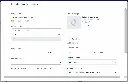
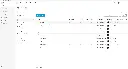
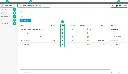
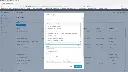
Autodesk Forma Template Setup Training Course
- 16-Hours (8 x 2-Hour Sessions) Training*
- Delivered remotely over MS Teams - Contact Us for On-Site/Face to Face Training
- Sessions are recorded and download links are provided after each session for your future use and reference.
- Pricing is based on 1-3 people. Additional people are at an additional cost of $1,100 per person.
- Volume Discounts apply for 5+. Please contact us.
- Training is usually broken up into 2 or 4-hour sessions in the morning and flexible (i.e. consecutive or Monday, Wednesday, Friday, etc.)
- Training sessions can start within 14 days of booking
- Courses are private and topics can be customised to suit
- Includes Certificate of Completion
Autodesk Forma Template Setup – Setup Your Organisations Templates, Project Structures and Company Standards
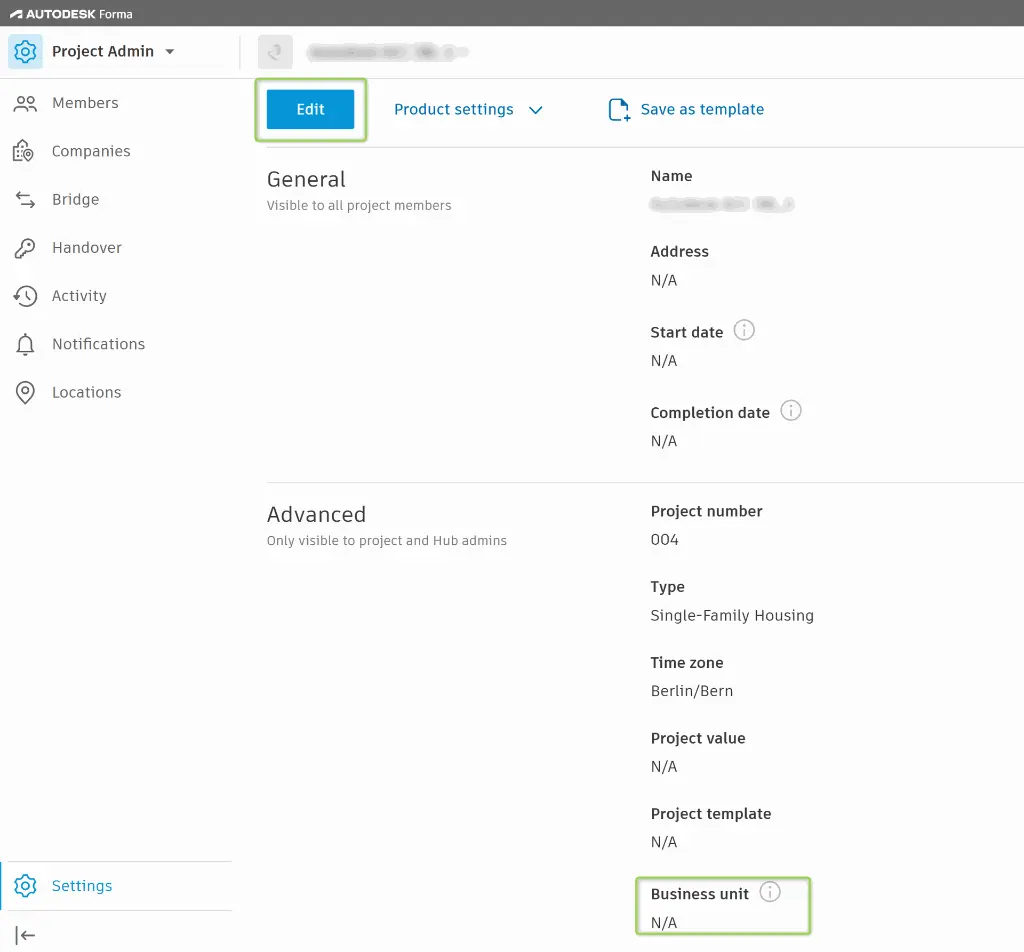
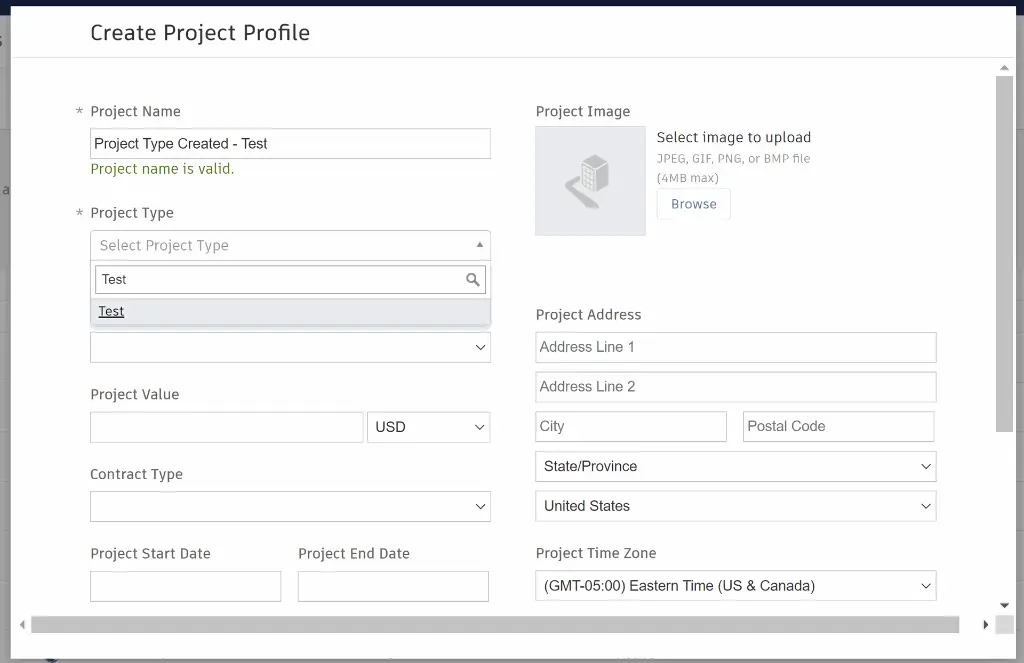
The Autodesk Forma Template Setup Training Course is designed for organisations looking to standardise their digital delivery environment, establish Autodesk Docs project templates, and implement company-wide standards for collaboration, information management, and construction workflows.
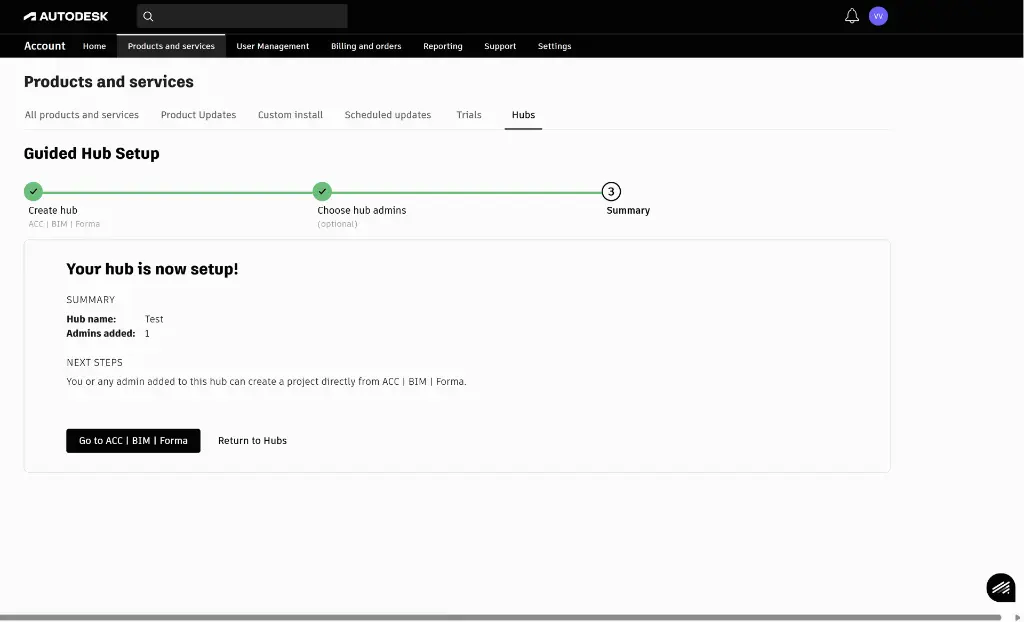
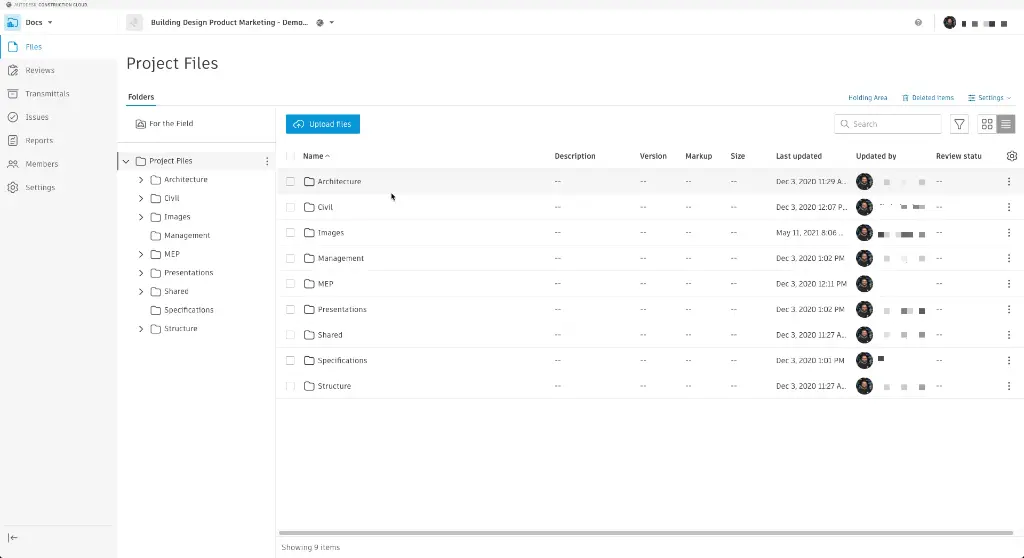
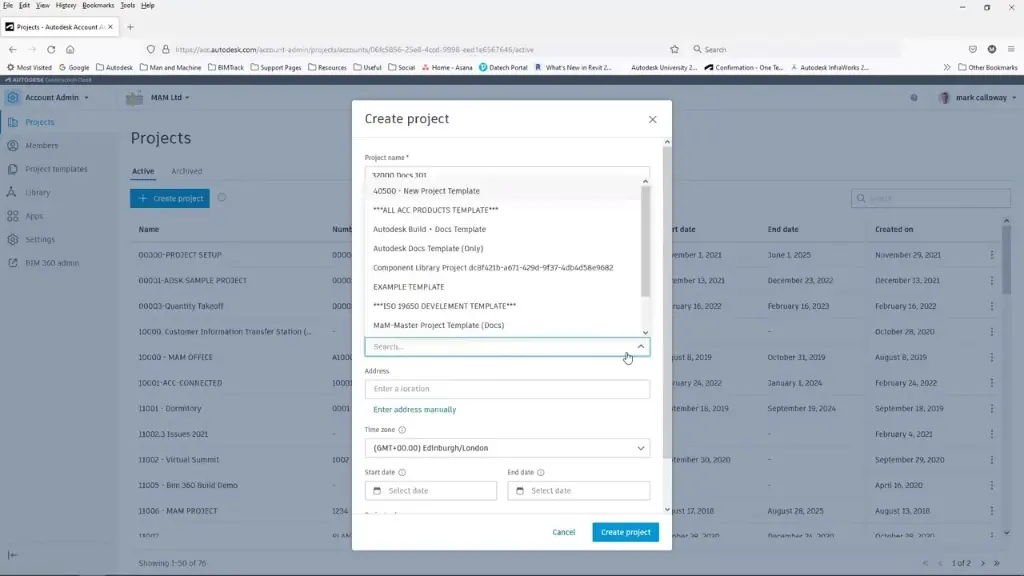
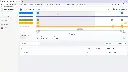
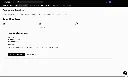
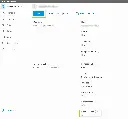
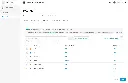
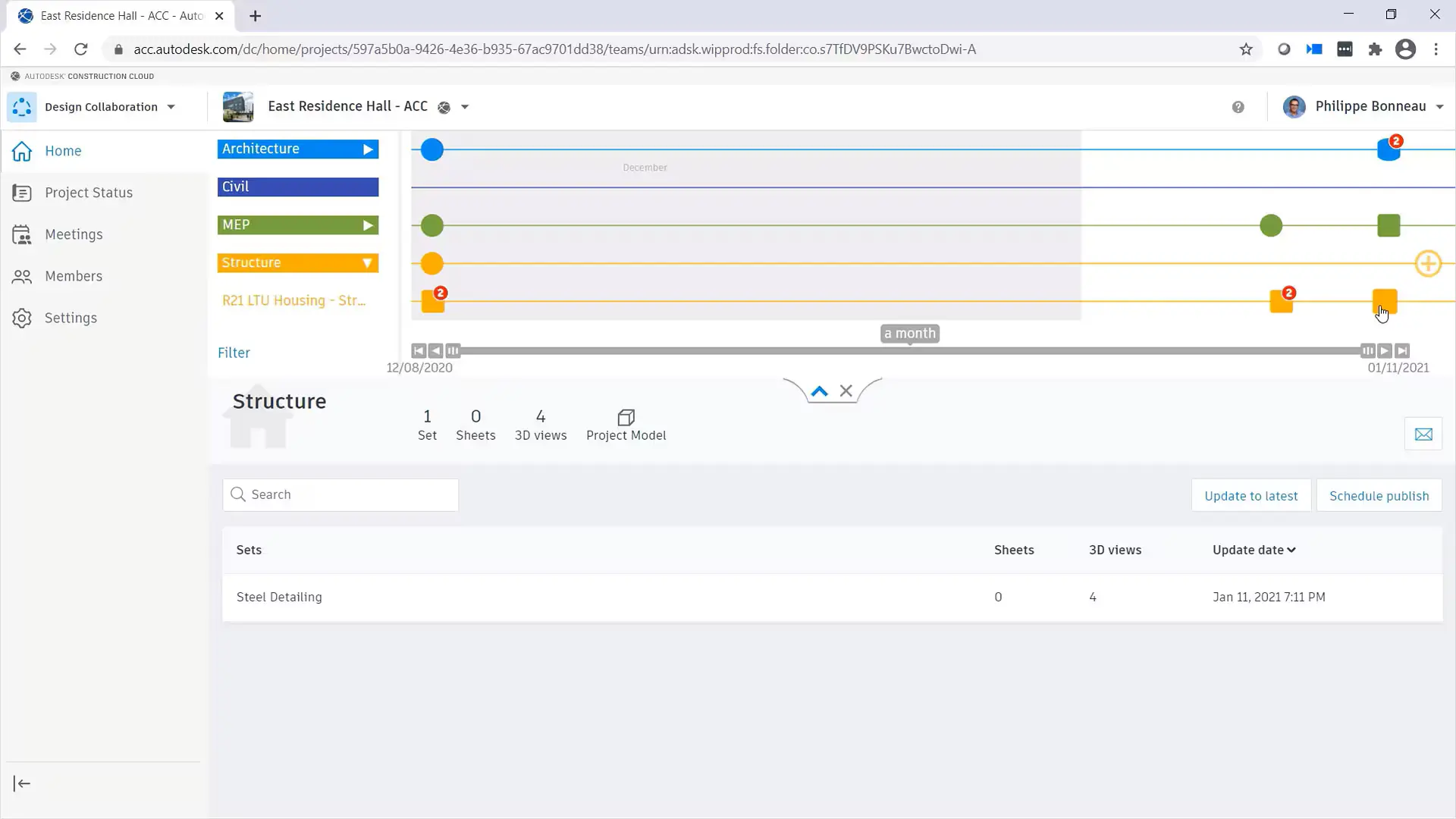
Participants work from a professionally developed Autodesk Forma and Autodesk Docs base environment which is customised throughout the training to suit organisational requirements, including folder structures, permissions, naming conventions, approval workflows, dashboards, reporting standards, and governance procedures.
Rather than simply learning administration, attendees leave with a customised Autodesk Forma environment that can be immediately deployed across projects and teams. The course combines training outcomes with practical commercial outcomes, helping organisations establish a single source of truth for digital engineering and construction information management.
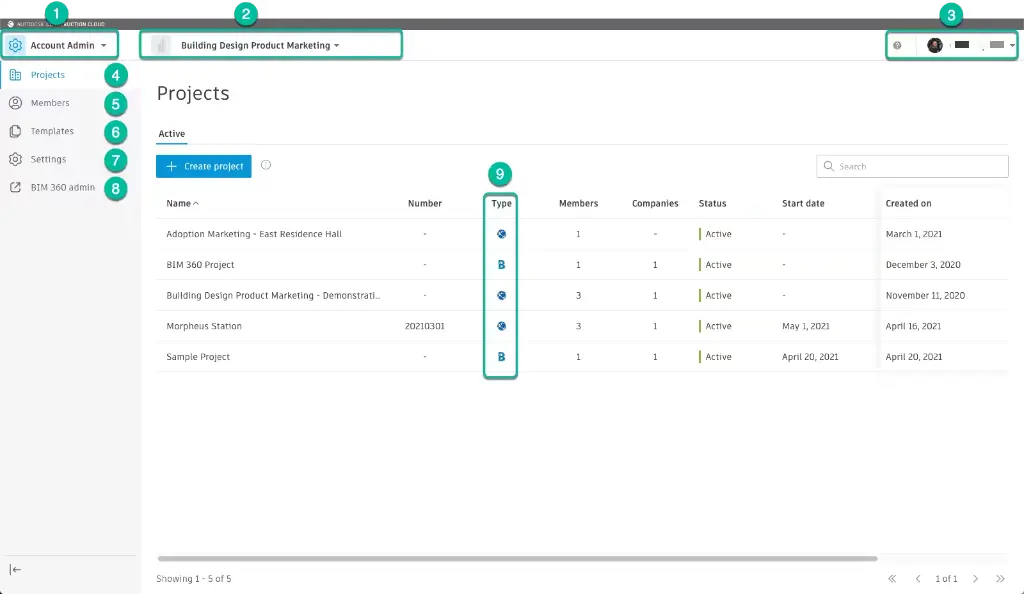
Autodesk Docs Template Setup – Project Templates, Folder Structures and Construction Cloud Standards
A well-configured Autodesk Forma and Autodesk Docs environment enables organisations to improve collaboration, reduce project risk, standardise workflows, and maintain consistent project delivery processes across multiple teams and offices.
This course covers Autodesk Docs templates, Autodesk Construction Cloud project setup, permissions, workflows, approvals, dashboards, reporting procedures, and enterprise governance. Training can be tailored for buildings, infrastructure, preconstruction, model management, field operations, and digital engineering teams.
What You'll Learn – Autodesk Docs Templates, Construction Cloud Setup and Information Management Standards
- Configure Autodesk Forma and Autodesk Docs templates
- Create standard project structures and folder hierarchies
- Develop company naming conventions and workflows
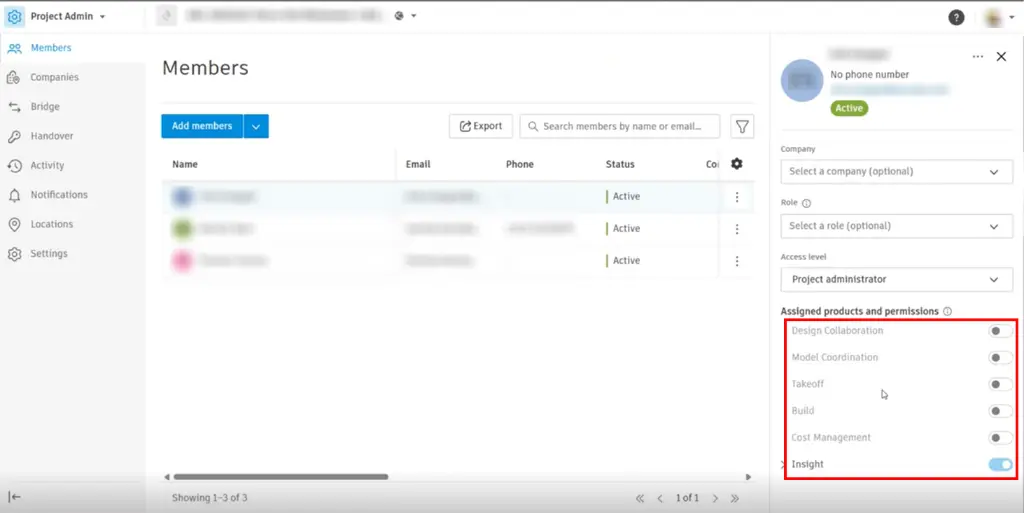
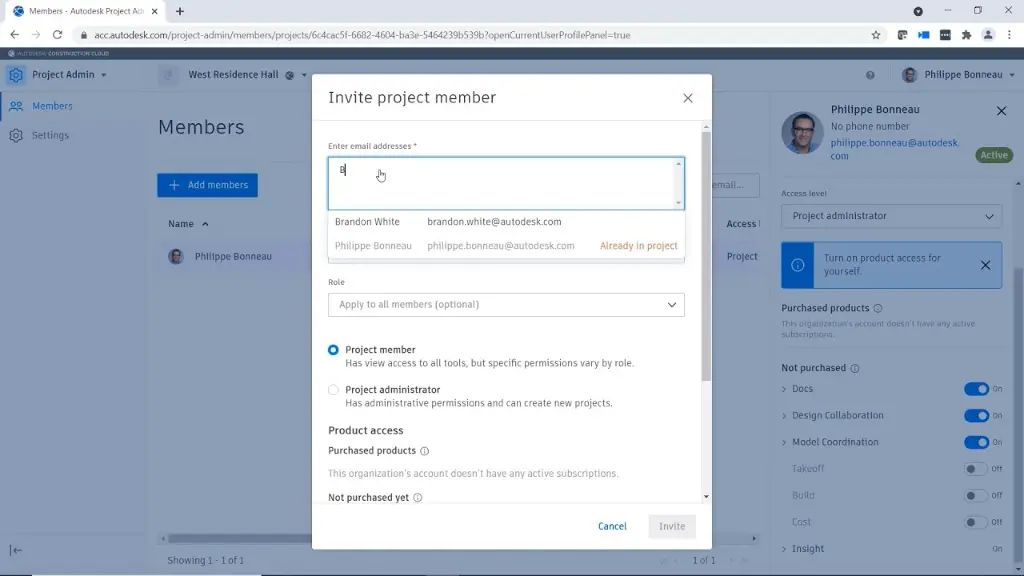
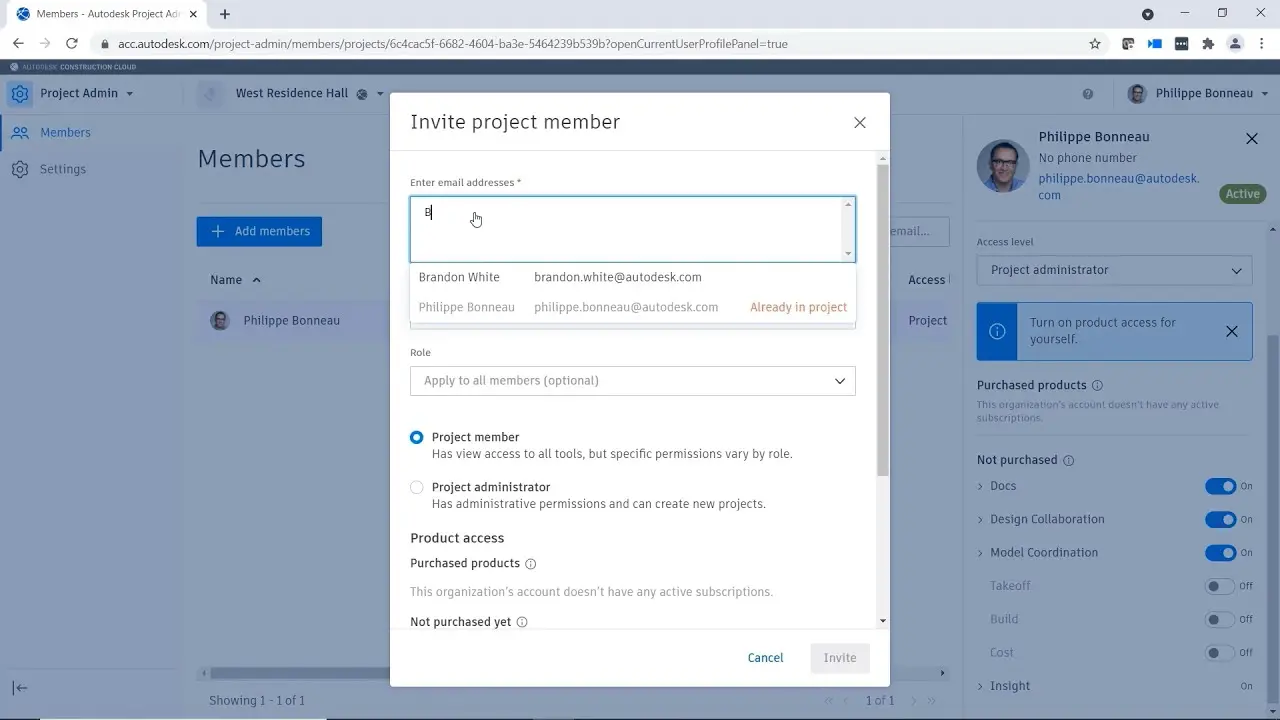
- Configure user permissions and security settings
- Implement approval and review processes
- Create reusable Autodesk Construction Cloud project templates
- Standardise dashboards and reporting environments
- Integrate BIM and digital engineering workflows
- Deploy standards across multiple teams and offices
- Maintain and govern enterprise information management procedures
Autodesk Docs Template Setup Topics Covered – Construction Cloud Workflows, Permissions and Project Standards
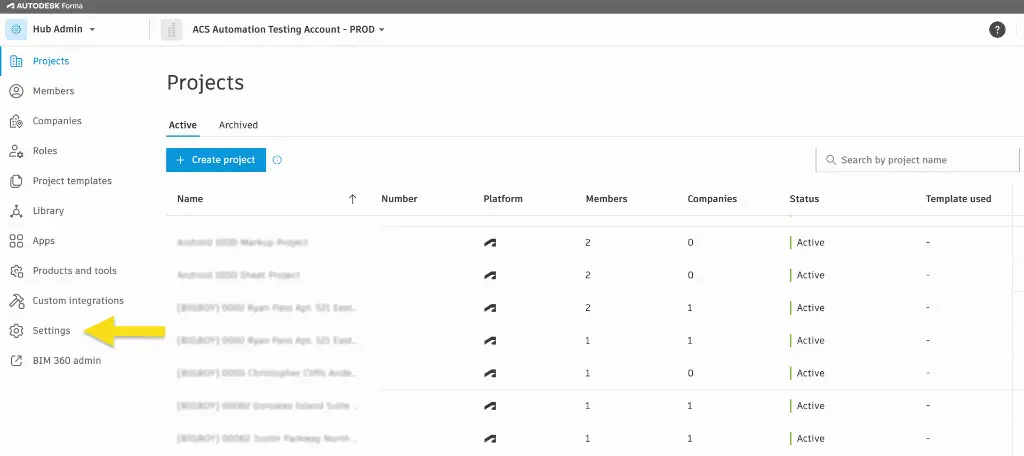
- Autodesk Forma administration
- Autodesk Docs templates
- Autodesk Docs project templates
- Autodesk Construction Cloud setup
- Autodesk Construction Cloud project configuration
- Folder structures and naming conventions
- User permissions and access management
- Approval workflows
- Information management procedures
- Digital engineering standards
- Dashboard reporting
- Enterprise governance
- BIM collaboration standards
- Multi-office deployment strategies
- Quality assurance processes
Customised Forma Template Development During Training
The Autodesk Forma Template Setup Training Course is delivered as a practical workshop where participants learn administration and configuration while simultaneously developing their own company standards.
Using a professionally developed base environment, attendees customise Autodesk Docs templates, folder structures, permissions, approval workflows, dashboards, naming conventions, and governance procedures to suit their organisation's requirements.
This project-based approach provides both training outcomes and commercial outcomes. Rather than leaving with theoretical knowledge alone, participants leave with a fully customised Autodesk Forma environment that can be immediately implemented across future projects.
Training can be tailored for architecture, engineering, construction, infrastructure, manufacturing, education, government, healthcare, and enterprise digital delivery environments.
Autodesk Forma Template Setup for Data Management, Collaboration and Construction Workflows
Many organisations require specialist configurations that extend beyond standard project templates. This course includes optional modules covering Autodesk Forma capabilities and Autodesk Construction Cloud workflows.
Forma Data Management (Formerly Autodesk Docs)
- Folder structures and permissions
- ISO 19650 workflows
- Naming conventions
- Approval procedures
- Information management standards
- Document control processes
Forma Design Collaboration (Formerly Autodesk BIM Collaborate Pro)
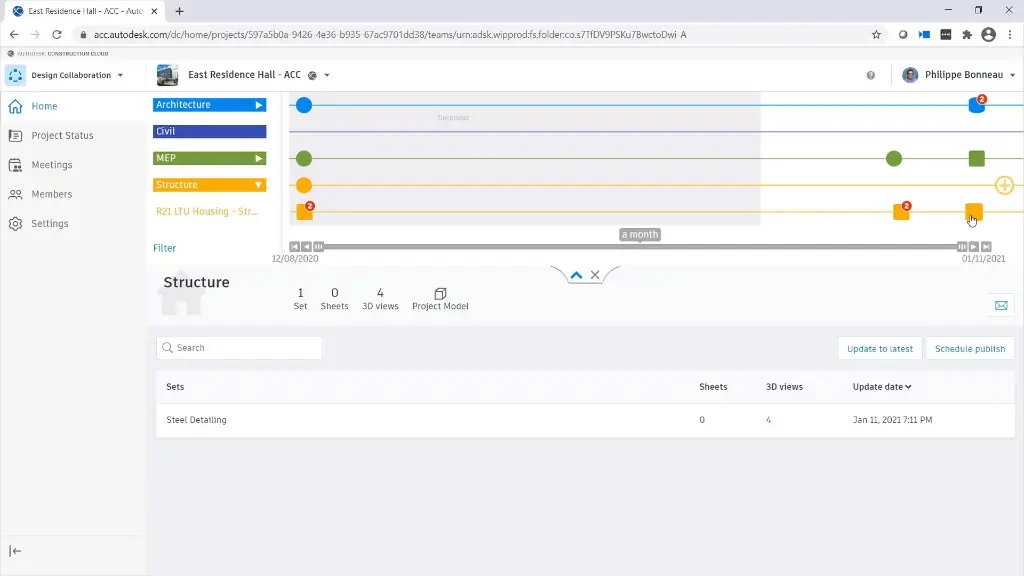
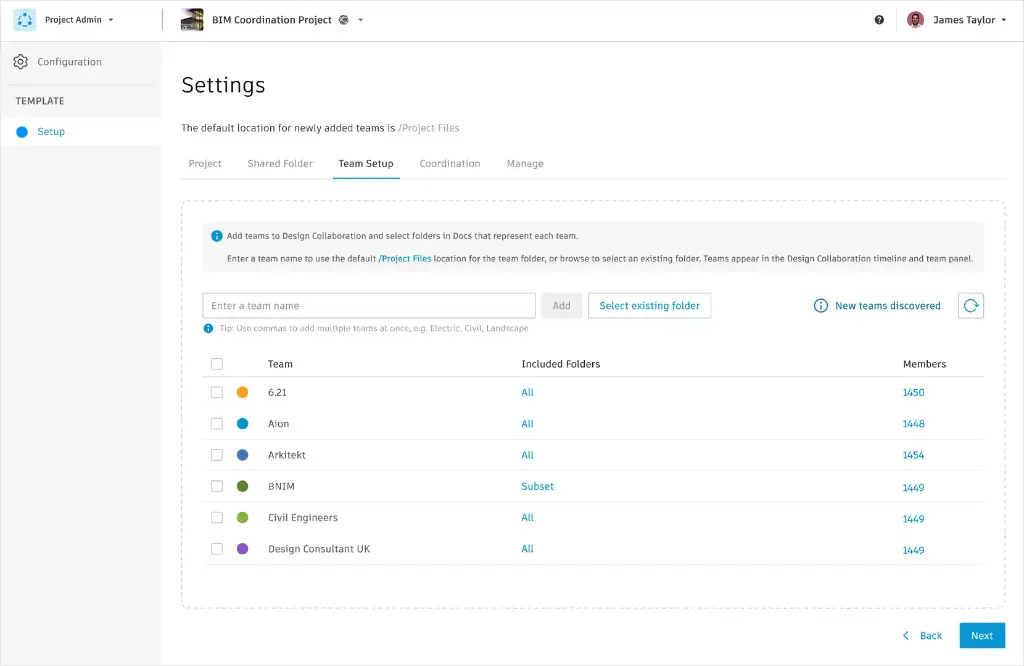
- Shared model environments
- Design collaboration workflows
- Package management
- Issue management
- Coordination procedures
- Team collaboration standards
Forma Build (Formerly Autodesk Build)
- Quality workflows
- Safety management
- RFIs and submittals
- Field reporting
- Construction administration standards
- Digital site processes
Forma Estimate (Formerly Autodesk Estimate)
- Cost structures
- Estimating templates
- Quantity workflows
- Budget reporting
- Cost management standards
- Commercial controls
Forma for Buildings
- Building project templates
- Sustainability workflows
- Urban analysis standards
- Design review procedures
- Building performance processes
- Collaboration frameworks
Forma Construction (Formerly Autodesk Construction Cloud)
- Enterprise project standards
- Construction workflows
- Digital delivery procedures
- Governance frameworks
- Reporting standards
- Multi-project administration
Forma for Model Management
- Model naming conventions
- Version control procedures
- Review workflows
- Coordination standards
- Approval processes
- Information governance
Forma for Preconstruction
- Tender management workflows
- Bid administration
- Cost planning procedures
- Design coordination standards
- Risk management processes
- Early project delivery frameworks
Forma Site Design
- Site planning workflows
- Context modelling
- Environmental analysis procedures
- Infrastructure coordination
- Urban design standards
- Land development processes
Forma Takeoff (Formerly Autodesk Takeoff)
- Quantity takeoff procedures
- Classification systems
- Measurement standards
- Estimating integration
- Reporting workflows
- Commercial collaboration processes
Autodesk Forma Template Setup for AutoCAD, Civil 3D, Plant 3D and Revit Collaboration Workflows
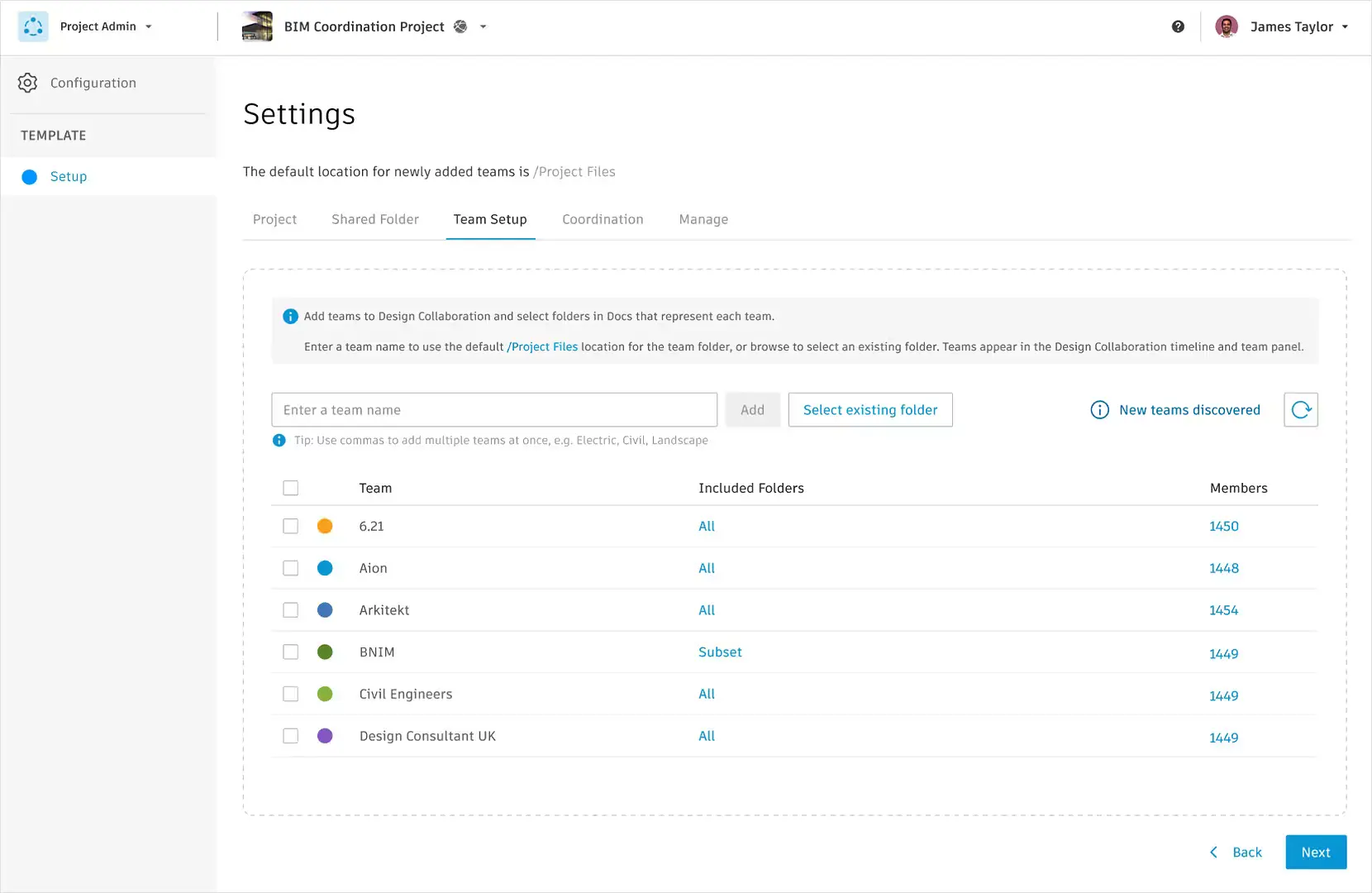
Many organisations implement Autodesk Forma and Autodesk Docs to improve collaboration between design teams, consultants, contractors, and project stakeholders. This course can be tailored to establish best-practice workflows for Autodesk design applications, ensuring consistent project delivery and information management across disciplines.
Autodesk AutoCAD Collaboration Setup
- Autodesk Docs integration with AutoCAD
- Cloud file structures and permissions
- Xref management strategies
- Shared drawing workflows
- Publishing and review processes
- Company drafting standards
Autodesk Civil 3D Collaboration Setup
- Data Shortcut strategies
- Shared project environments
- Reference management
- Survey data workflows
- Corridor and surface collaboration
- Civil project governance procedures
Autodesk Plant 3D Collaboration Setup
- Plant project structures
- Shared spec libraries
- Collaboration environments
- Vault and Docs workflows
- Isometric and orthographic publishing
- Multi-user project standards
Autodesk Revit Collaboration Setup
- Revit Cloud Worksharing
- Autodesk Docs project configuration
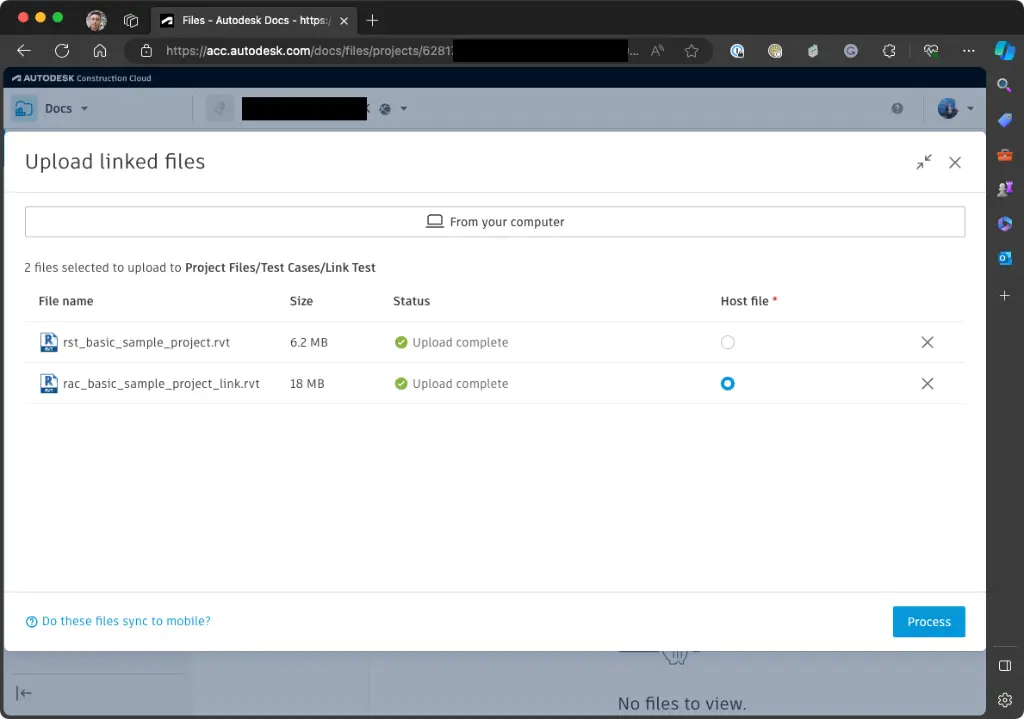
- Shared coordinates and linked models
- Model permissions and governance
- BIM collaboration procedures
- Issue and review workflows
Autodesk Navisworks and Coordination Setup
- Coordination models
- Clash detection workflows
- Issue management
- Review processes
- Model federation standards
- Construction coordination procedures
Autodesk Forma Template Setup Training Course Contents
Chapter 1: Autodesk Forma Standards and Administration Fundamentals
- Understanding Autodesk Forma and Autodesk Docs environments
- Company standards planning
- User roles and permissions
- Governance and administration principles
Chapter 2: Autodesk Docs Templates and Project Structures
- Autodesk Docs project templates
- Folder structures and naming conventions
- Information management procedures
- Company standards implementation
Chapter 3: User Permissions and Access Controls
- Team permissions
- Role assignments
- Security standards
- Multi-office collaboration workflows
Chapter 4: Workflow Automation and Approval Processes
- Approval procedures
- Notifications
- Review workflows
- Quality assurance processes
Chapter 5: Dashboard Reporting and Project Analytics
- Dashboard standards
- KPI tracking
- Reporting templates
- Executive reporting procedures
Chapter 6: BIM Standards and Digital Engineering Workflows
- ISO 19650 principles
- Information requirements
- BIM governance
- Collaboration frameworks
Chapter 7: Autodesk Ecosystem Integrations
- Revit integrations
- Civil 3D workflows
- Navisworks coordination
- Open standards and IFC procedures
Chapter 8: Information Management and Quality Assurance
- Data governance
- Document control
- Audit procedures
- Compliance frameworks
Chapter 9: Autodesk Construction Cloud Deployment
- Enterprise rollout procedures
- User onboarding
- Change management
- Standards maintenance
Chapter 10: Customised Company Environment Development
- Reviewing business requirements
- Configuring company standards
- Testing workflows
- Final deployment planning
Optional Chapter: Forma Data Management Setup
- Folder standards
- Approval workflows
- Information governance
- ISO 19650 compliance
Optional Chapter: Forma Design Collaboration Setup
- Shared environments
- Coordination workflows
- Issue management
- Team procedures
Optional Chapter: Forma Build Administration
- Field workflows
- RFIs and submittals
- Safety processes
- Quality procedures
Optional Chapter: Forma Estimate Configuration
- Cost structures
- Budget standards
- Estimating procedures
- Reporting frameworks
Optional Chapter: Forma Site Design Workflows
- Urban planning standards
- Environmental analysis
- Infrastructure coordination
- Site development procedures
Optional Chapter: Forma Takeoff Standards
- Quantity measurement
- Classification systems
- Reporting workflows
- Cost integration procedures
Optional Chapter: AutoCAD Collaboration Environment Setup
- Autodesk Docs integration
- Xref management
- Shared project standards
- Publishing workflows
Optional Chapter: Civil 3D Collaboration Environment Setup
- Data Shortcuts
- Shared references
- Survey workflows
- Multi-user project standards
Optional Chapter: Plant 3D Collaboration Environment Setup
- Project structures
- Spec management
- Shared environments
- Publishing workflows
Optional Chapter: Revit Cloud Collaboration Setup
- Revit Cloud Worksharing
- Linked model management
- Shared coordinates
- BIM governance procedures
Optional Chapter: Navisworks Model Coordination Setup
- Coordination models
- Clash workflows
- Issue management
- Construction reviews
*Training may go over 16-hours depending on requirements and can be determined prior to commencement
Who Should Attend the Autodesk Forma Template Setup Training Course
- BIM Managers
- Digital Engineering Managers
- Information Managers
- Construction Managers
- Project Managers
- Design Managers
- BIM Coordinators
- Autodesk Administrators
- Document Controllers
- Quality Managers
- Technical Directors
- Enterprise Digital Delivery Teams
This course is particularly valuable for organisations seeking to establish consistent digital delivery standards, project governance frameworks, information management procedures, and enterprise collaboration workflows across multiple projects and teams.
Autodesk Forma Template Setup Training Course Prerequisites
Participants should have a general understanding of BIM workflows, digital project delivery, or construction management processes.
Previous experience with Autodesk construction technologies, Revit, Civil 3D, or project collaboration environments is beneficial but not essential. No prior administration experience is required.
Enrol Now in the Remote Autodesk Forma Template Setup Training Course
Develop the skills required to create, customise, deploy, and maintain professional Autodesk Forma templates and company standards.
Delivered remotely by an experienced instructor, this practical training course combines standards management with real-world template development, enabling organisations to establish consistent digital delivery workflows, improve collaboration, and implement a customised Autodesk Forma environment ready for immediate project use.
Ready to Design with Precision and Speed?
Transform the way you create, visualise, simulate, and deliver designs, reports and drawings. Contact us today to explore training, services and subscription options or request a demo.
Fill out the contact form below or contact us on 1800 490 514, info@designconsulting.com.au or by live chat