

Autodesk Inventor Advanced Part Training Course
- 16-Hours (8 x 2-Hour Sessions) Training
- Delivered remotely over MS Teams - Contact Us for On-Site/Face to Face Training
- Sessions are recorded and download links are provided after each session for your future use and reference.
- Pricing is based on 1-3 people. Additional people are at an additional cost of $1,100 per person.
- Volume Discounts apply for 5+. Please contact us.
- Training is usually broken up into 2 or 4-hour sessions in the morning and flexible (i.e. consecutive or Monday, Wednesday, Friday, etc.)
- Training sessions can start within 14 days of booking
- Courses are private and topics can be customised to suit
- Includes Certificate of Completion
- Training manuals are an additional $145 Ex. GST per digital manual

Autodesk Inventor Advanced Part Modelling Training Course
The Autodesk Inventor Advanced Part Modelling Training Course is designed for engineers, designers, drafters, and manufacturing professionals who want to extend their Autodesk Inventor skills beyond basic modelling techniques and develop more efficient, intelligent, and complex part designs.
This Inventor Advanced Part Training Course focuses on advanced modelling workflows used in real-world engineering projects, helping users create highly configurable designs, improve model robustness, reduce design time, and increase productivity. Participants learn advanced feature creation techniques, multi-body modelling workflows, top-down design strategies, adaptive design methods, advanced parameter management, and specialised modelling tools available within Autodesk Inventor Professional.
Whether you are developing complex machinery, fabricated assemblies, production equipment, consumer products, or manufacturing components, this Inventor Advanced Part Course provides the skills required to build sophisticated models while maintaining design intent and flexibility throughout the product development
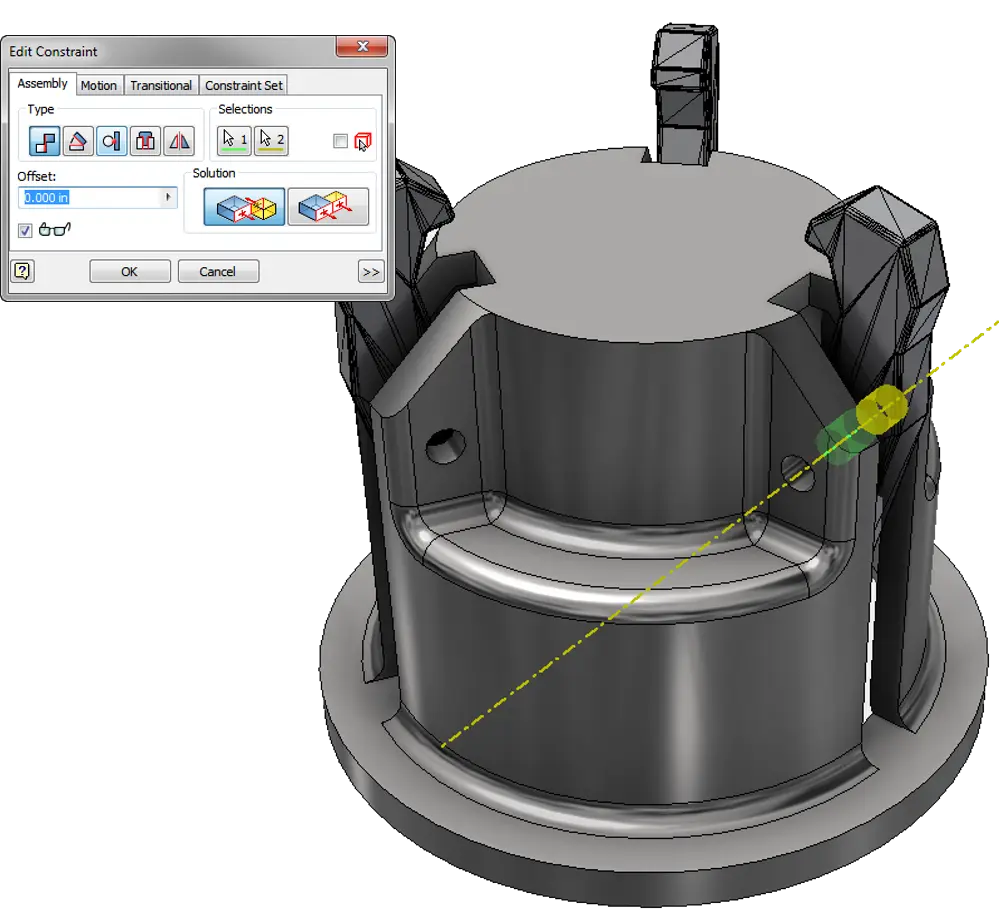
Inventor Advanced Part Course - Learn Part Feature Modelling Techniques
As product designs become more complex, designers require advanced modelling techniques that go beyond traditional sketch-and-feature workflows. This Inventor Advanced Part Course teaches best-practice modelling strategies that enable users to create intelligent models that are easier to modify, automate, and maintain throughout the design lifecycle.
Participants will learn how to leverage advanced Autodesk Inventor tools to create configurable designs, improve model performance, manage complex geometry, and streamline engineering changes.
What You'll Learn in the Inventor Advanced Part Modelling Course - Sweeps, Lofts, and Surfacing
- Advanced sketching and feature creation techniques
- Multi-body part modelling workflows
- Top-down design methodologies
- Advanced work feature creation
- Adaptive modelling techniques
- Parameters and equation-driven design
- Surface modelling fundamentals
- Advanced sweep, loft, and coil features
- Derived parts and shared geometry workflows
- Feature reuse and design acceleration techniques
- Design automation preparation workflows
- Advanced model troubleshooting and repair
Inventor Advanced Part Modelling Course Contents - Design, Analysis and Optimisation
Chapter 1: Tips & Tools
1.1 Design Philosophies
1.2 Sketching Tips
1.3 Display Options
1.4 Appearances
Chapter 2: Sketching Tools
2.1 Splines
2.2 3D Sketches
Chapter 3: Multi-Body Part Modelling
3.1 Multi-Body Part Modelling
Chapter 4: Advanced Work Features
4.1 Grounded Work Points
4.2 User Coordinate Systems
Chapter 5: Advanced Lofts, Sweeps, and Coils
5.1 Area Lofts
5.2 Advanced Sweeps
5.3 Coils
Chapter 6: Analysing a Model
6.1 Analysis Types
6.2 Analysis Procedures
Chapter 7: Generative Shape Design
7.1 Shape Generator
Chapter 8: Introduction to Surfacing
8.1 Introduction to Surfaces
8.2 Basic Surfaces
8.3 Patch Surfaces 8.4 Ruled Surfaces
8.5 Stitch Surfaces
8.6 Sculpting with Surfaces
8.7 Thickening & Offsetting a Surface
8.8 Surfaces in Drawing Views
Chapter 9: Additional Surfacing Options
9.1 Extend and Trim Surfaces
9.2 Replace Face with a Surface
9.3 Delete Faces
9.4 Copy Surfaces
Chapter 10: Copying Between Parts (iFeatures)
10.1 Creating iFeatures
10.2 Inserting iFeatures
10.3 iFeatures vs. Copy Feature
10.4 Table-Driven iFeatures
10.5 Editing iFeatures
Chapter 11: iParts
11.1 iPart Creation
11.2 iPart Placement
11.3 Editing an iPart Factory
11.4 Creating iFeatures from a Table-Driven iPart
11.5 Tables for Factory Members
Chapter 12: Importing & Editing CAD Data
12.1 Importing CAD Data (AnyCAD)
12.2 Exporting Geometry
12.3 Editing the Base Solid
12.4 Direct Edit
12.5 Attaching Point Cloud Data
Chapter 13: Working with Imported Surfaces
13.1 Importing Surfaces
13.2 Repairing Imported Surfaces
Chapter 14: Working with AutoCAD Data
14.1 Opening AutoCAD Files
14.2 DWG File Underlays
Chapter 15: Introduction to Freeform Modelling
15.1 Creating Freeform Geometry
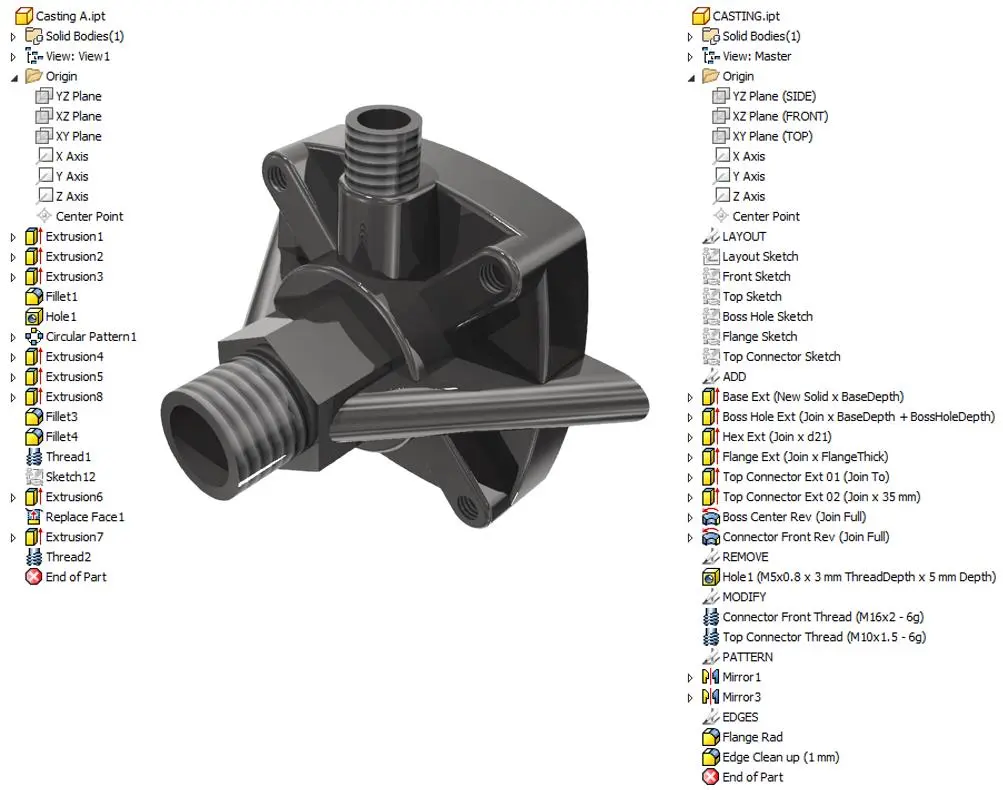
Who Should Attend the Autodesk Inventor Advanced Part Modelling Training Course
This Inventor Advanced Part Training Course is suitable for:
- Mechanical Engineers
- Product Designers
- Design Engineers
- Manufacturing Engineers
- CAD Managers
- Autodesk Inventor Users
- Drafting Professionals
- Industrial Designers
- Engineering Consultants
The course is ideal for users who have completed an Autodesk Inventor Essentials or Introduction to Solid Modelling course and are looking to further develop their advanced modelling capabilities.
Inventor Advanced Part Modelling Course Prerequisites
Participants should have a solid understanding of Autodesk Inventor fundamentals, including sketching, feature creation, assemblies, and basic drawing production.
Completion of an Autodesk Inventor Essentials course or equivalent industry experience is strongly recommended before attending this Inventor Advanced Part Course.
Enrol Now in the Autodesk Advanced Part Modelling Training Course
Start your journey in digital mechanical design with advanced part models, multi-bodies and features. Contact Design Consulting today to book or learn more about our online and face to face training options.
Ready to Design with Precision and Speed?
Transform the way you create, visualise, simulate, and deliver designs, reports and drawings. Contact us today to explore training, services and subscription options or request a demo.
Fill out the contact form below or contact us on 1800 490 514, info@designconsulting.com.au or by live chat