
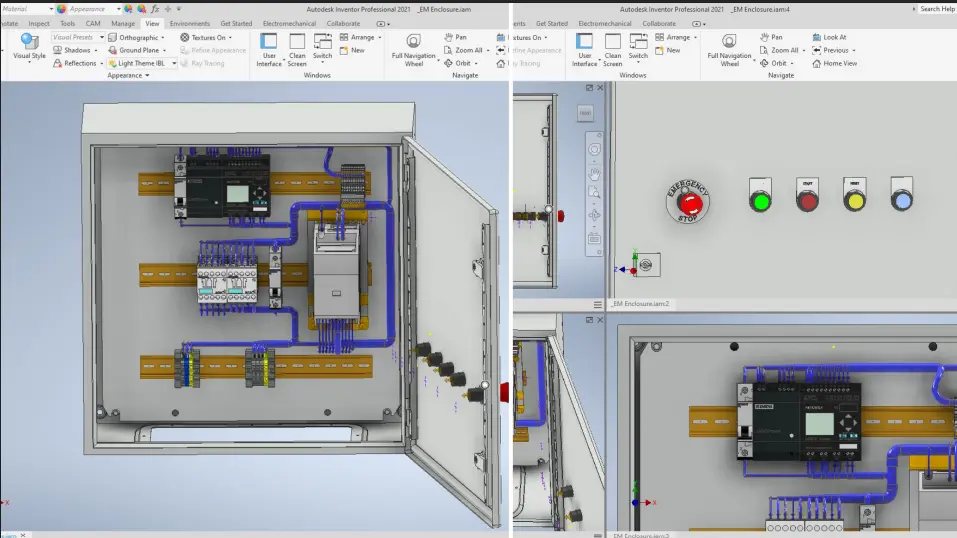
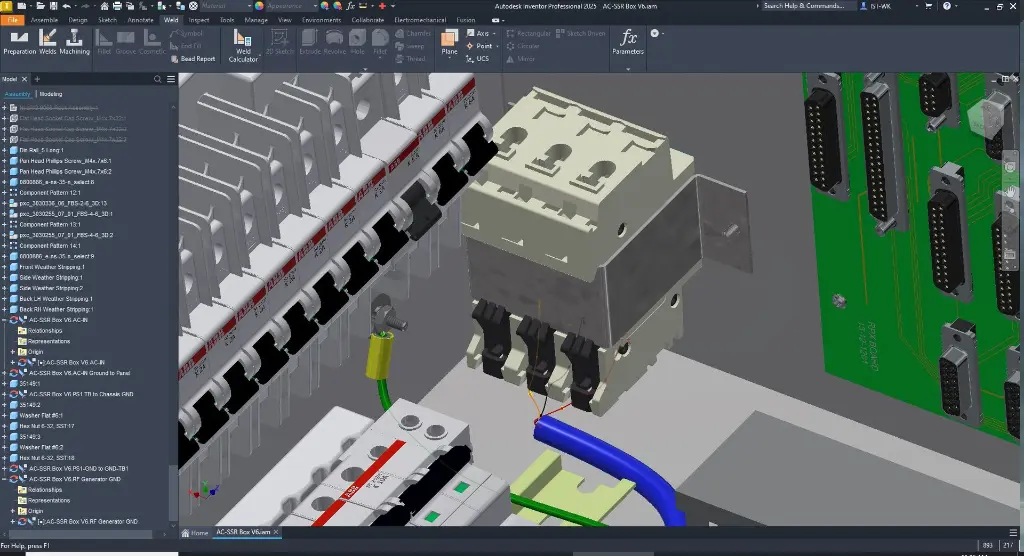
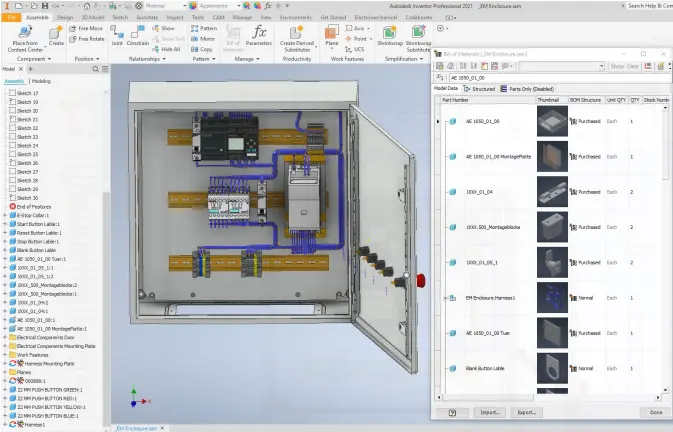
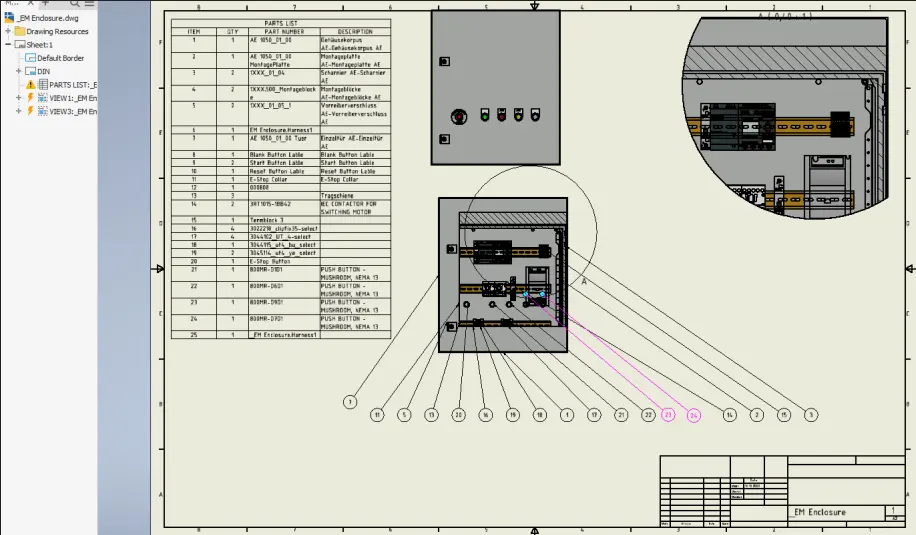

Autodesk Inventor Electrical Cable and Harness Training Course
- 8-Hours (4 x 2-Hour Sessions) Training
- Delivered remotely over MS Teams - Contact Us for On-Site/Face to Face Training
- Sessions are recorded and download links are provided after each session for your future use and reference.
- Pricing is based on 1-3 people. Additional people are at an additional cost of $550 per person.
- Volume Discounts apply for 5+. Please contact us.
- Training is usually broken up into 2 or 4-hour sessions in the morning and flexible (i.e. consecutive or Monday, Wednesday, Friday, etc.)
- Training sessions can start within 14 days of booking
- Courses are private and topics can be customised to suit
- Includes Certificate of Completion
- Training manuals are an additional $145 Ex. GST per digital manual

Autodesk Inventor Electrical Cable and Harness Training Course Introduction
The Autodesk Inventor Electrical Cable and Harness Training Course provides practical instructor-led training for mechanical engineers, electrical engineers, product designers, machine designers, and Autodesk Inventor users who need to create, manage, document, and manufacture electrical cable and harness systems within Autodesk Inventor Professional.
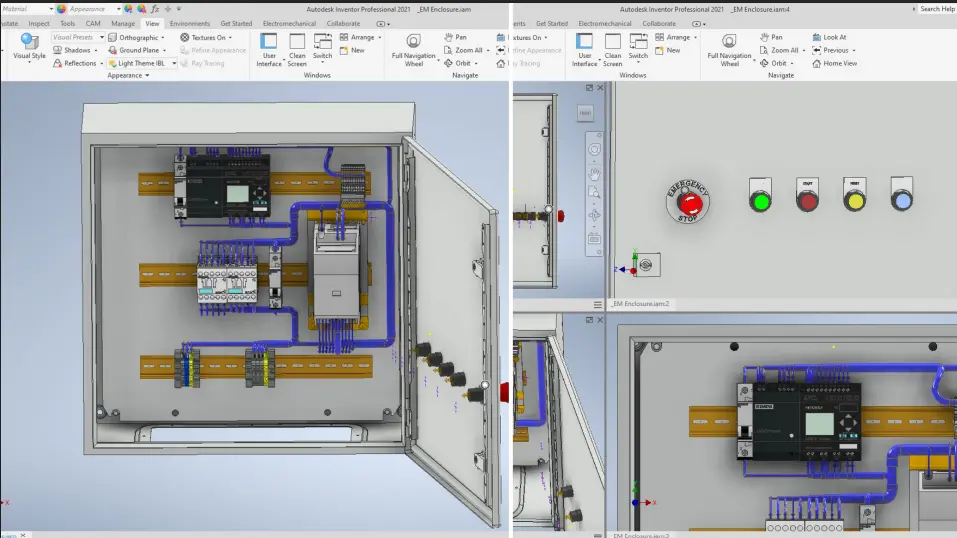
This Inventor Electrical Course teaches the specialised cable and harness design tools available within Autodesk Inventor, enabling users to efficiently create intelligent electrical routing systems, manage wire and cable data, develop harness assemblies, generate manufacturing documentation, and create reusable electrical content libraries.
Whether you are looking for an Inventor Harnessing Course, Inventor Cabling Course, Inventor Electrical Training, Inventor Harnessing Training, or Inventor Cabling Training, this course provides practical workflows used throughout the manufacturing, automation, machinery, transport, and industrial equipment industries.
Participants learn how to create cable and harness assemblies, route wires and cables, manage electrical content, generate reports, and produce manufacturing-ready documentation while following industry best practices for electrical design and product development.
Autodesk Inventor Electrical Cable and Harness Training Course - Wiring, Routing and Harness Assemblies
Electrical systems are an essential part of modern product design. Autodesk Inventor Professional provides powerful cable and harness design tools that allow engineers to integrate mechanical and electrical design workflows within a single digital prototype.
This Inventor Electrical Training course helps organisations improve design accuracy, reduce documentation errors, streamline manufacturing processes, and improve collaboration between mechanical and electrical engineering teams.
By mastering cable and harness workflows within Autodesk Inventor, organisations can accelerate product development while improving the quality and consistency of electrical system designs.
What You'll Learn - 3D Electrical Cable and Harnessing Design
Participants attending this Inventor Harnessing Training course will learn how to:
- Create intelligent cable and harness assemblies
- Add and manage wires and cables
- Route wires and cables through assemblies
- Import electrical wire and cable data
- Create and manage ribbon cables
- Modify electrical routing systems
- Work with splices and virtual parts
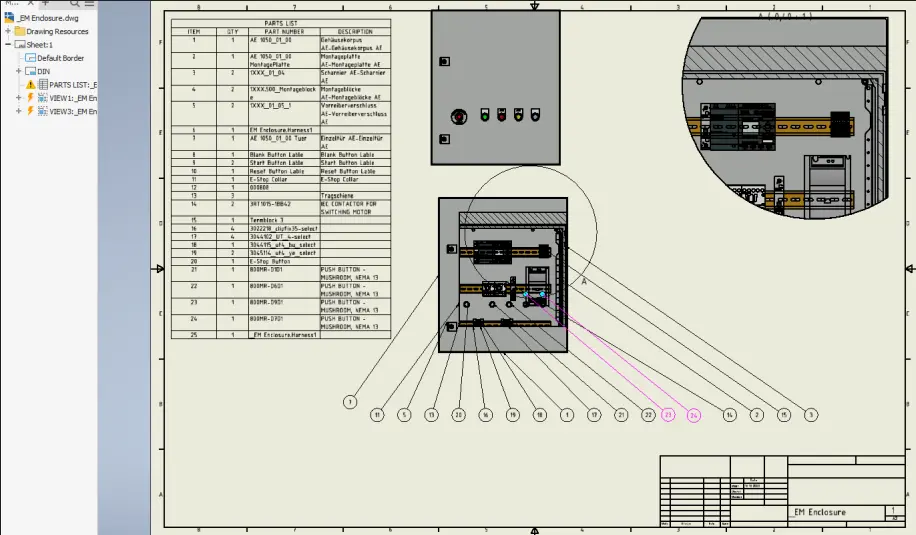
- Generate electrical documentation
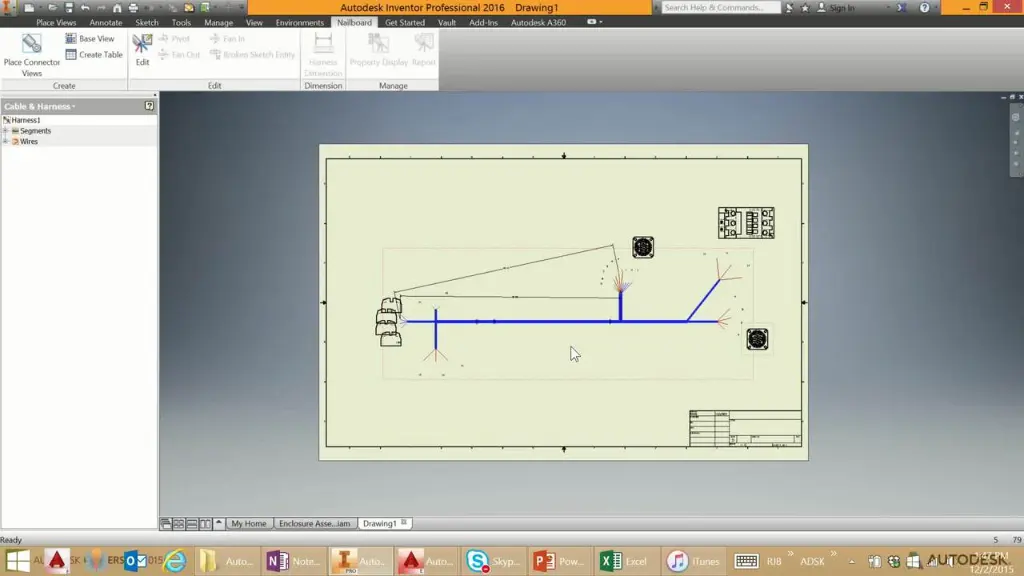
- Create nailboard drawings
- Export electrical design data
- Configure cable and harness libraries
- Create reusable electrical content
- Publish electrical components and connectors
- Manage library content and family tables
- Generate manufacturing-ready electrical documentation
Autodesk Inventor Electrical Cable and Harness Contents - Wires, Cables, Ribbons and Nailboards
Chapter 1: Getting Started Creating Cable and Harness Designs
1.1 Creating Cable and Harness Designs
Chapter 2: Wire a Harness Assembly
2.1 Adding Wires and Cables
2.2 Routing Wires and Cables
2.3 Importing Wire and Cable Data
2.4 Adding Ribbon Cables
Chapter 3: Refine a Cable and Harness Design
3.1 Modifying Wires, Cables, Segments, and Ribbon Cables
3.2 Working with Splices
3.3 Working with Virtual Parts
Chapter 4: Communicate the Design
4.1 Creating Drawing Views of Cable and Harness Designs
4.2 Annotating Nailboards
4.3 Exporting and Reporting Design Data
Chapter 5: Configure Library and Report Configuration Files
5.1 Library Definitions and Library Files
5.2 Configuration Files for Reports, Imports, and Exports
Chapter 6: Create, Author, and Publish Electrical Content
6.1 Defining Electrical Parts and Connectors
6.2 Managing Libraries
6.3 Creating Library Content
6.4 Managing Library Content
6.5 Document Settings for Published Parts
6.6 Editing Family Table Data in Excel
6.7 Creating New Families or Adding Members Using the Material Guide
Who Should Attend the Inventor Electrical Cable and Harness Course
This Inventor Electrical Course is suitable for:
- Mechanical Engineers
- Electrical Engineers
- Mechatronics Engineers
- Product Designers
- Machine Designers
- Industrial Designers
- CAD Managers
- Design Engineers
- Manufacturing Engineers
- Autodesk Inventor Professional Users
This Inventor Harnessing Course is ideal for professionals involved in electrical system design, machine design, automation equipment, industrial machinery, control systems, transportation equipment, and manufacturing projects.
Autodesk Inventor Electrical Cable and Harness Training Course Prerequisites
Participants should have a good working knowledge of Autodesk Inventor Professional and general assembly modelling workflows.
Completion of an Autodesk Inventor Essentials course or equivalent experience is recommended before attending this Inventor Cabling Course. Familiarity with electrical design terminology, connectors, wiring systems, and cable assemblies will be beneficial but is not mandatory.
Enrol Now in the Autodesk Inventor Electrical Cable and Harness Training Course
Develop the skills required to design, document, and manage intelligent electrical systems using Autodesk Inventor Professional. This Inventor Electrical Training course provides practical, real-world workflows that help engineers and designers create accurate cable and harness assemblies, improve manufacturing documentation, and streamline product development processes.
Enrol today to gain practical experience with Autodesk Inventor's cable and harness environment and learn how to create professional electrical designs that support modern engineering and manufacturing requirements.
Ready to Design with Precision and Speed?
Transform the way you create, visualise, simulate, and deliver designs, reports and drawings. Contact us today to explore training, services and subscription options or request a demo.
Fill out the contact form below or contact us on 1800 490 514, info@designconsulting.com.au or by live chat