


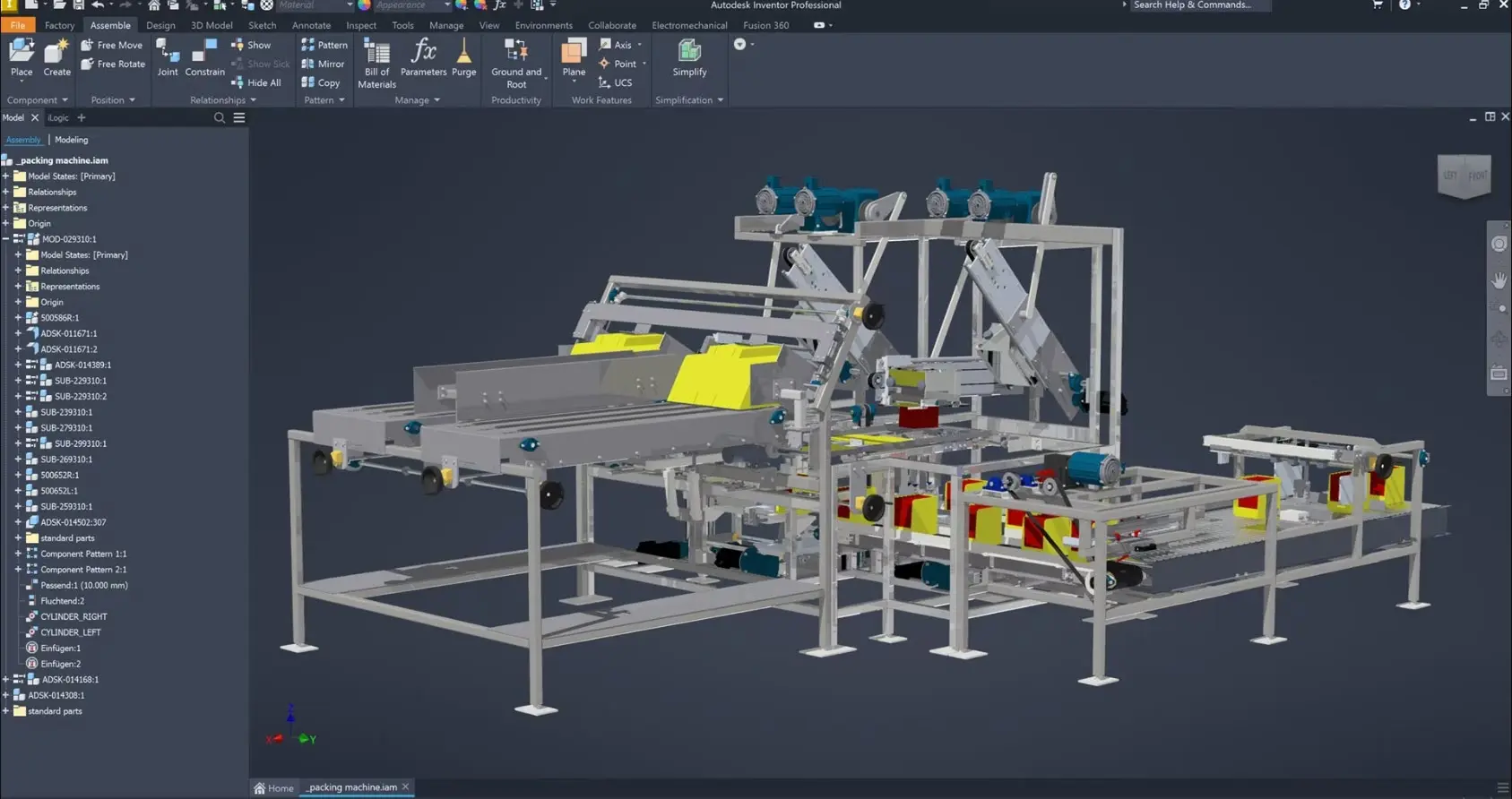
Autodesk Inventor Essentials Training Course
- 16-Hours (8 x 2-Hour Sessions) Training
- Delivered remotely over MS Teams - Contact Us for On-Site/Face to Face Training
- Sessions are recorded and download links are provided after each session for your future use and reference.
- Pricing is based on 1-3 people. Additional people are at an additional cost of $1,100 per person.
- Volume Discounts apply for 5+. Please contact us.
- Training is usually broken up into 2 or 4-hour sessions in the morning and flexible (i.e. consecutive or Monday, Wednesday, Friday, etc.)
- Training sessions can start within 14 days of booking
- Courses are private and topics can be customised to suit
- Includes Certificate of Completion
- Training manuals are an additional $145 Ex. GST per digital manual

Autodesk Inventor Essentials Training Course Introduction - 3D Mechanical CAD Basics
The Autodesk Inventor Essential Training Course provides practical instructor-led training for engineers, designers, drafters, manufacturing professionals, and new Autodesk Inventor users who want to develop a strong foundation in 3D mechanical design and product development.
This Inventor Essential Training course introduces the core workflows required to create parametric parts, assemblies, and engineering drawings using Autodesk Inventor Professional. Participants learn industry-standard modelling techniques that can be applied immediately to real-world engineering, manufacturing, fabrication, and product design projects.
Whether you are looking for Inventor Basic Training, an Inventor Essential Course, or Autodesk Inventor 2022 Essential Training, this course provides the essential skills required to confidently create, modify, document, and manage mechanical designs within Autodesk Inventor.
By completing this training, participants will gain practical experience working with sketches, features, assemblies, drawings, and bill of materials workflows while developing a solid understanding of Autodesk Inventor best practices.
Autodesk Inventor Essentials - Learn How to Use Inventor for 3D Design and 2D Drawings
Autodesk Inventor is one of the world's leading 3D mechanical design platforms used across manufacturing, engineering, industrial design, product development, mining, automation, and fabrication industries.
This Inventor Essential Course focuses on the core modelling and documentation workflows used by professional designers and engineers. Participants learn how to create intelligent parametric models, manage assemblies, generate engineering drawings, and produce manufacturing documentation.
The course is ideal for individuals looking to establish a strong foundation before progressing to advanced Inventor topics such as sheet metal, weldments, tube and pipe, iLogic, simulation, CAM, and automation.
What You'll Learn - Inventor Part, Assembly and Drawing Essentials
Participants attending this Inventor Essential Training course will learn how to:
- Navigate the Autodesk Inventor interface
- Create and manage sketches
- Apply dimensions and constraints
- Create parametric part models
- Use extrudes, revolves, holes, fillets, and chamfers
- Create and manage assemblies
- Apply assembly constraints and joints
- Modify and organise components
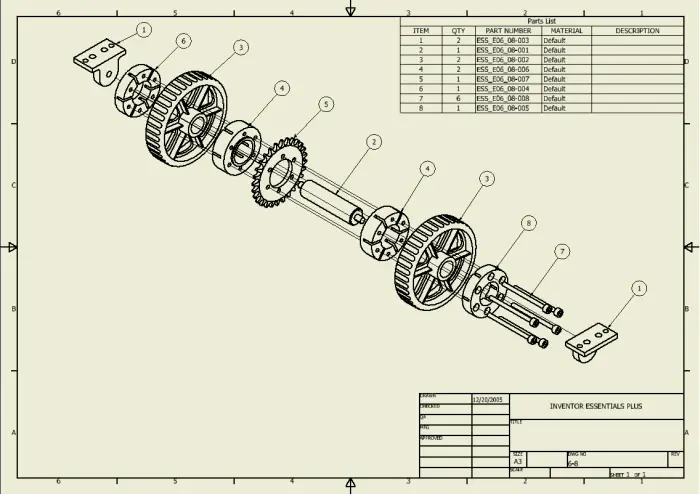
- Generate engineering drawings
- Create dimensions and annotations
- Manage bills of materials
- Create parts lists and balloons
- Follow Autodesk Inventor best practices
- Develop efficient design workflows
Autodesk Inventor Essential Training Course Topics Covered
- Autodesk Inventor interface
- Sketching fundamentals
- Parametric modelling
- Part creation and editing
- Reference geometry
- Parameters and design control
- Assembly modelling
- Assembly constraints and joints
- Engineering drawings
- Annotation and documentation
- Bill of materials management
- Parts lists and balloons
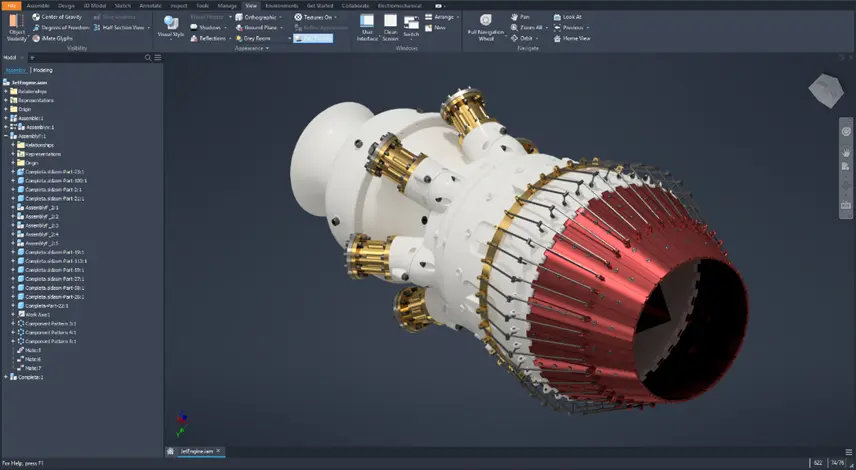
Autodesk Inventor Essential Training Course Outline - 3D Parametric Modelling and 2D Sketching and Detailing
Chapter 1: Introduction and User Interface
1.1 Course introduction and workflow overview
1.2 Autodesk Inventor interface and file types
1.3 Navigation, view control, and browser basics
1.4 Opening, saving, and managing basic project files
Chapter 2: Sketching Fundamentals
2.1 Starting a new part and creating sketches
2.2 Sketch geometry tools
2.3 Geometric constraints
2.4 Dimensions and fully defined sketches
2.5 Editing and reusing sketch geometry
Chapter 3: Part Modelling Essentials
3.1 Extrude and revolve features
3.2 Hole, fillet, and chamfer tools
3.3 Pattern and mirror features
3.4 Editing and organising model features
Chapter 4: Reference Geometry and Model Control
4.1 Work planes, work axes, and work points
4.2 Parameters and simple design changes
4.3 Measuring, inspecting, and updating models
Chapter 5: Assembly Modelling Basics
5.1 Creating assemblies and placing components
5.2 Applying assembly constraints
5.3 Using joints and component relationships
5.4 Browser structure and assembly organisation
Chapter 6: Assembly Tools and Simple Edits
6.1 Moving, rotating, and grounding components
6.2 Suppressing constraints and adjusting display
6.3 Replacing components and basic troubleshooting
Chapter 7: Drawing Creation and Annotation
7.1 Creating a drawing from a part or assembly
7.2 Base, projected, and section views
7.3 Dimensions, notes, and common annotations
7.4 Managing sheets and drawing updates
Chapter 8: Bill of Materials and Parts Lists
8.1 Understanding bill of materials structure
8.2 Editing item data and virtual components
8.3 Creating parts lists and balloons in drawings
8.4 Course wrap-up and next steps
Who Should Attend the Autodesk Inventor Essential Training Course
This Inventor Basic Training course is suitable for:
- Mechanical Engineers
- Product Designers
- Design Engineers
- Manufacturing Engineers
- Drafting Professionals
- CAD Managers
- Industrial Designers
- Engineering Students
- Technical Professionals
- New Autodesk Inventor Users
This Autodesk Inventor Essential Training course is ideal for individuals wanting to develop practical 3D modelling and engineering documentation skills using Autodesk Inventor Professional.
Autodesk Inventor Essential Training Course Prerequisites
No prior Autodesk Inventor experience is required.
Participants should have a basic understanding of engineering concepts and be comfortable using the Windows operating system. Previous CAD experience may be beneficial but is not essential.
Enrol Now in the Autodesk Inventor Essential Training Course
Develop the skills required to confidently create 3D mechanical designs, assemblies, and engineering drawings using Autodesk Inventor Professional.
This Inventor Essential Course provides the foundation required for professional mechanical design workflows and prepares participants for more advanced Autodesk Inventor training. Enrol today to gain practical hands-on experience and start creating intelligent parametric designs using Autodesk Inventor.
Ready to Design with Precision and Speed?
Transform the way you create, visualise, simulate, and deliver designs, reports and drawings. Contact us today to explore training, services and subscription options or request a demo.
Fill out the contact form below or contact us on 1800 490 514, info@designconsulting.com.au or by live chat