
Autodesk Inventor Nastran Training Course
- 16-Hours (8 x 2-Hour Sessions) Training
- Delivered remotely over MS Teams - Contact Us for On-Site/Face to Face Training
- Sessions are recorded and download links are provided after each session for your future use and reference.
- Pricing is based on 1-3 people. Additional people are at an additional cost of $1,100 per person.
- Volume Discounts apply for 5+. Please contact us.
- Training is usually broken up into 2 or 4-hour sessions in the morning and flexible (i.e. consecutive or Monday, Wednesday, Friday, etc.)
- Training sessions can start within 14 days of booking
- Courses are private and topics can be customised to suit
- Includes Certificate of Completion
- Training manuals are an additional $145 Ex. GST per digital manual
Autodesk Inventor Nastran Training Course Introduction
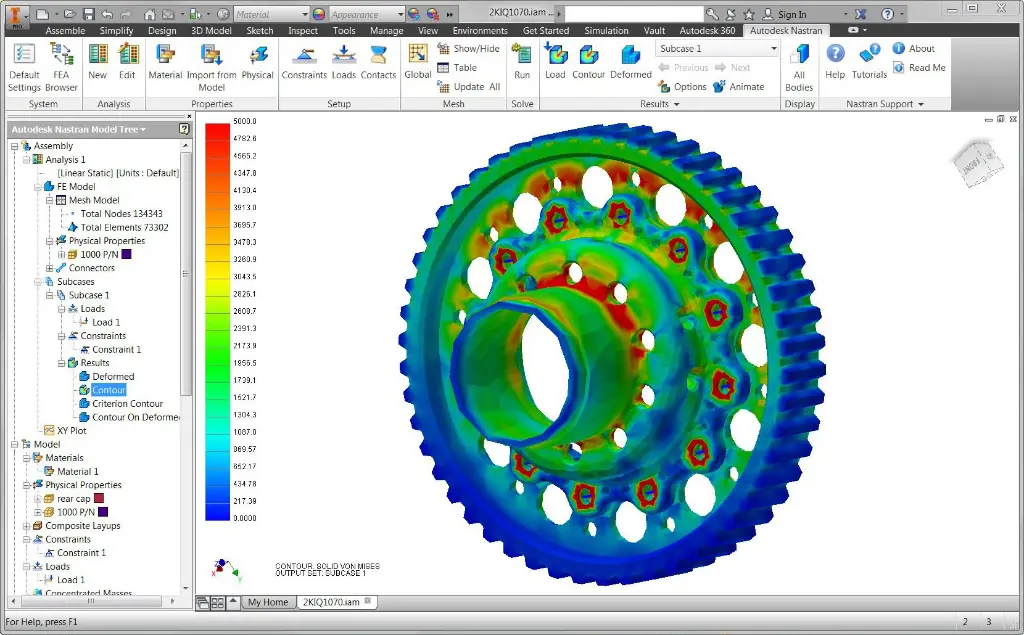
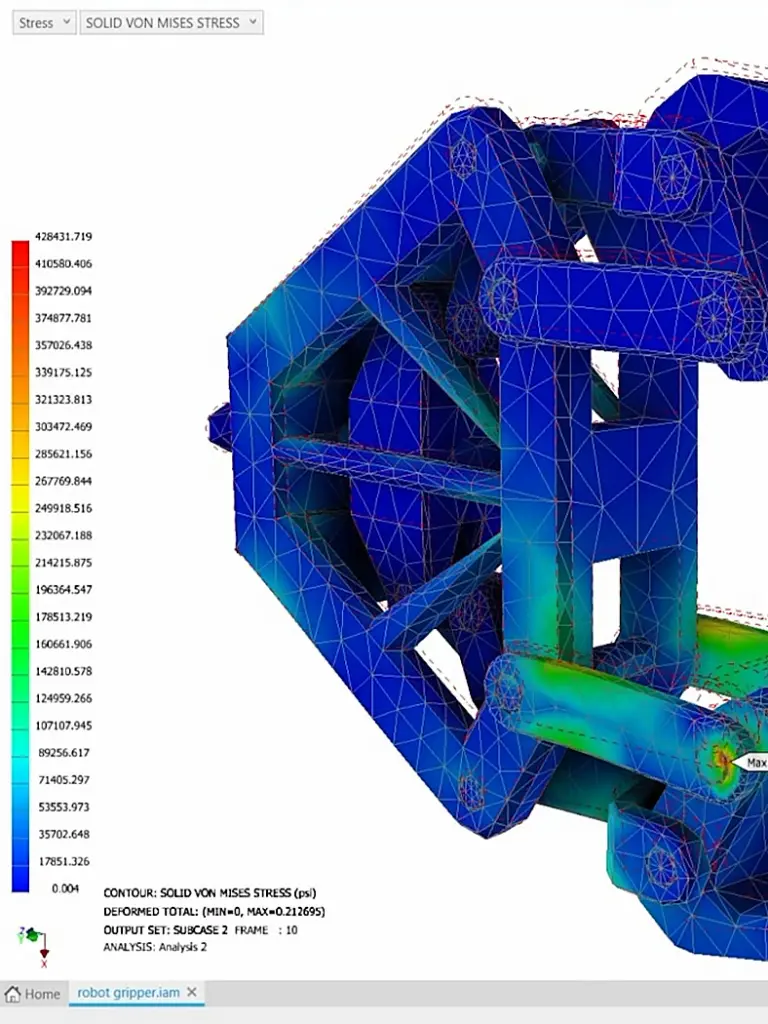
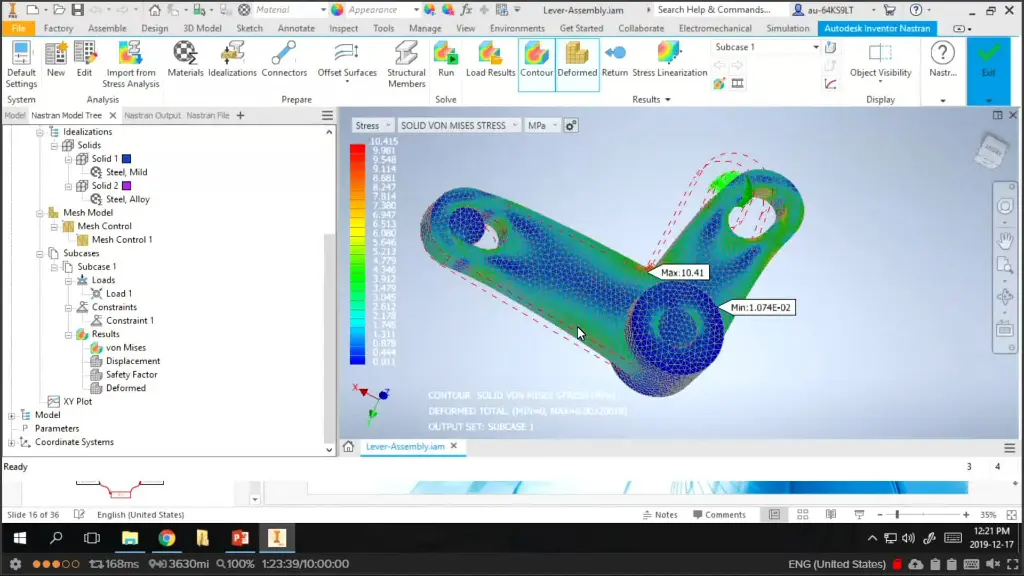
The Autodesk Inventor Nastran Training Course provides practical instructor led training for mechanical engineers, product designers, simulation specialists, and manufacturing professionals wanting to develop advanced finite element analysis (FEA) and engineering simulation skills using Autodesk Inventor Nastran. This Inventor Nastran Course focuses on structural analysis, stress validation, modal analysis, buckling studies, nonlinear analysis, and simulation driven design workflows used across engineering and manufacturing industries.
Delivered through live remote sessions over Microsoft Teams, this Nastran Simulation Course provides structured hands on learning through practical engineering exercises and instructor led demonstrations. Participants learn how to validate designs, optimise product performance, identify potential failures, and reduce physical prototyping costs using Autodesk Inventor Nastran simulation tools.
Whether you are searching for Inventor Nastran Training, an Inventor Nastran Course, or a Nastran Simulation Course aligned with real world engineering analysis workflows, this course provides practical learning focused on improving product reliability, engineering confidence, and simulation driven decision making.
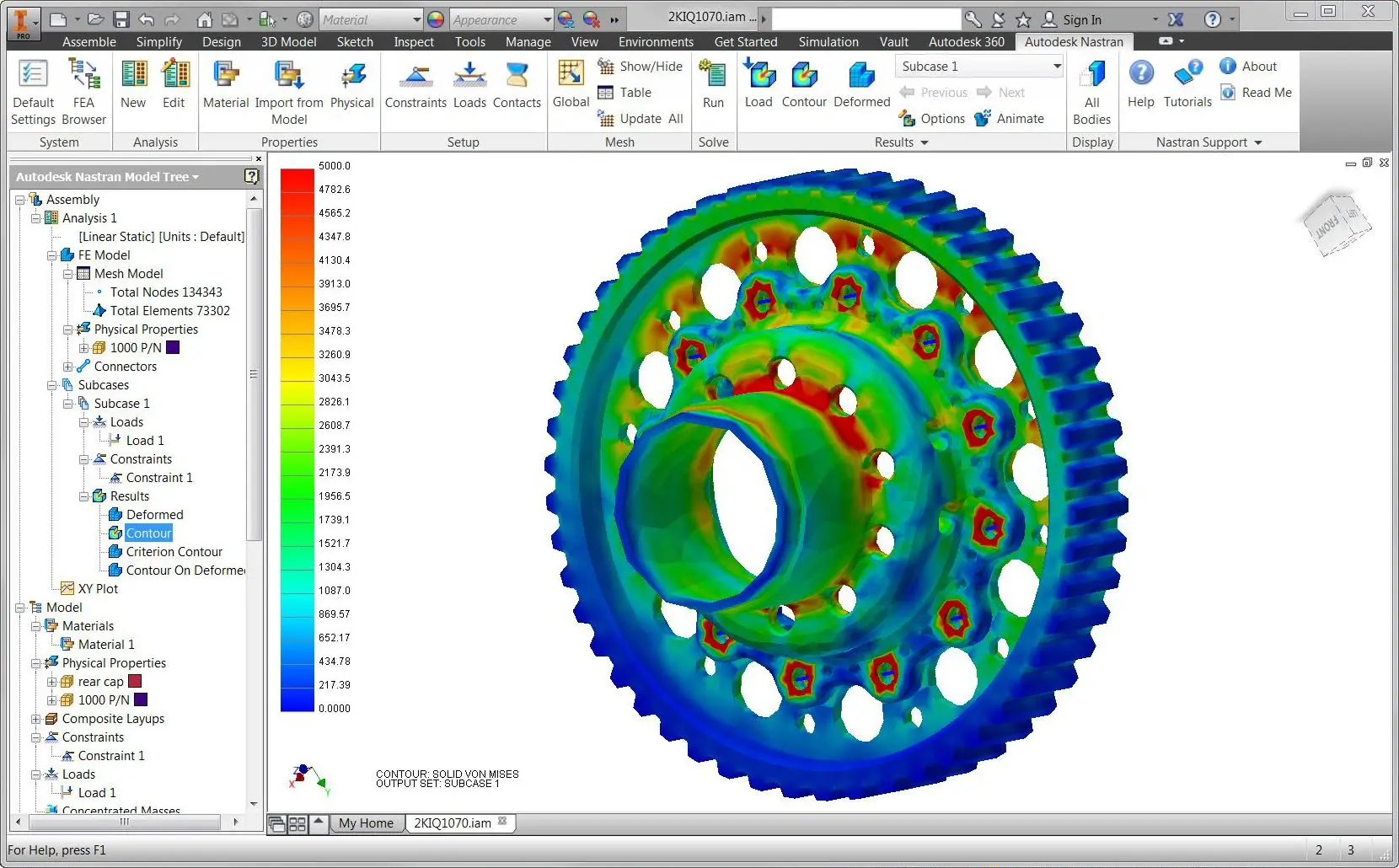
Autodesk Inventor Nastran Course - Advanced Linear and Non-Linear FEA Training
Develop practical finite element analysis and engineering simulation skills using Autodesk Inventor Nastran through structured training focused on structural performance, design validation, and advanced simulation workflows.
What You'll Learn - Prepare CAD Parts and Assembly Models for Simulation and Run Studies
- Understanding finite element analysis principles
- Preparing Inventor models for simulation
- Creating simulation studies and analysis setups
- Applying materials and engineering properties
- Defining constraints and boundary conditions
- Applying static and dynamic loads
- Creating mesh controls and mesh refinement strategies
- Performing linear stress analysis
- Conducting modal and frequency analysis
- Performing buckling analysis
- Working with nonlinear simulation workflows
- Reviewing displacement, stress, and strain results
- Validating engineering designs through simulation
- Improving product performance and reliability
Autodesk Inventor Nastran Training Course Contents
Chapter 1: Getting Started
• Lesson: Autodesk Digital Prototyping
• Lesson: Introduction to FEA
• Lesson: Introduction to Autodesk Nastran In-CAD
• Lesson: Working in Autodesk Nastran In-CAD
• Exercise: Cantilever Beam Exercise
Chapter 2: Working with the Default Analysis
• Lesson: Analysis & Subcases
• Lesson: Idealizations & Materials
• Lesson: Constraints & Loads
• Lesson: Connectors
• Exercise: Cast Lever Boundary Conditions I
• Exercise: Cast Lever Boundary Conditions II
Chapter 3: Working with the Mesh and Result Plots
• Lesson: Meshing Basics
• Lesson: Generating & Reviewing the Mesh
• Lesson: Customizing the Mesh
• Lesson: Loading Analysis Results
• Lesson: Visualizing Result Plots
• Lesson: Visualizing XY Plot Results
• Exercise: Refining the Mesh
• Exercise: Working with Line Elements
Chapter 4: Surface Contacts
• Lesson: Surface Contacts
• Exercise: Contacts & Symmetry in an Assembly Model
Chapter 5: Working with Composites
• Lesson: Working with Composites
• Exercise: Using Composite Materials in a Bike Frame
Chapter 6: Nonlinear Static Analysis
• Lesson: Basics of a Nonlinear Analysis
• Lesson: Creating a Nonlinear Static Analysis
• Exercise: Flat Walled Tank
Chapter 7: Nonlinear Materials
• Lesson: Working with Nonlinear Materials
• Exercise: Flexural Test Fixture
Chapter 8: Nonlinear Transient Response Analysis
• Lesson: Creating a Nonlinear Transient Response Analysis
• Exercise: Ball Impact
Chapter 9: Normal Modes Analysis
• Lesson: Basics of a Dynamic Analysis
• Lesson: Creating a Normal Modes Analysis
• Exercise: Muffler I - Determining Natural Frequencies
• Exercise: Muffler II - Modal Avoidance
Chapter 10: Frequency Response Analysis
• Lesson: Creating a Frequency Response Analysis
• Exercise: Muffler III - Frequency Response
Chapter 11: Transient Response Analysis
• Lesson: Creating Direct & Modal Transient Response Analysis
• Exercise: Wing
Chapter 12: Random Response Analysis
• Lesson: Creating a Random Response Analysis
• Exercise: Muffler IV - Random Response
Chapter 13: Shock/Response Spectrum Analysis
• Lesson: Creating a Shock/Response Spectrum Analysis
• Exercise: Multi-Story Building
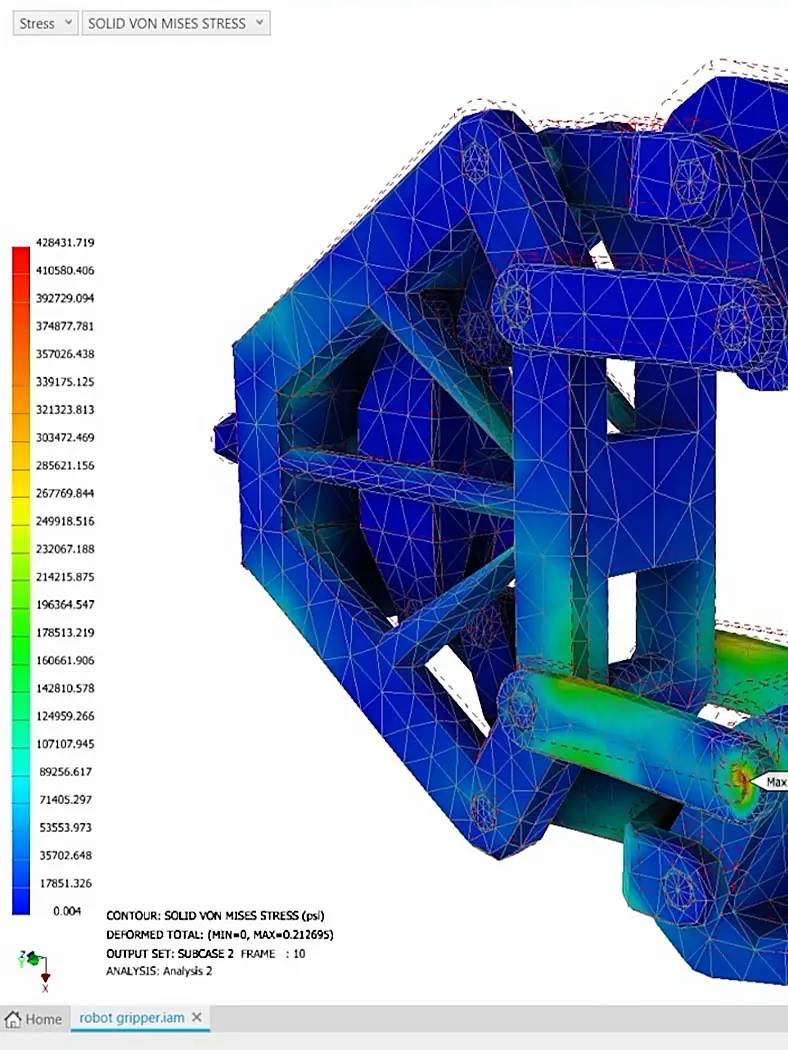
Who Should Attend the Autodesk Inventor Nastran Training Course
This Inventor Nastran Course is suitable for:
- Mechanical engineers
- Product designers
- Design engineers
- Manufacturing engineers
- Simulation specialists
- Research and development teams
- Autodesk Inventor users wanting advanced engineering analysis skills
This Nastran Simulation Course is ideal for professionals wanting practical FEA, structural analysis, and simulation driven design skills through structured remote training sessions.
Autodesk Inventor Nastran Training Course Prerequisites
Participants attending this Inventor Nastran Training course should have experience using Autodesk Inventor Professional and a basic understanding of engineering design principles. Familiarity with mechanical engineering concepts, materials, forces, and structural behaviour is recommended. Previous exposure to engineering analysis or simulation workflows is beneficial but not essential. Access to Autodesk Inventor Nastran software and a stable internet connection is required for participation in remote training sessions.
Enrol Now in Autodesk Nastran Remote Course
Start your journey in digital non-linear simulation with Autodesk Inventor Nastran. Contact Design Consulting today to book or learn more about our online and face to face training options.
Ready to Design with Precision and Speed?
Transform the way you create, visualise, simulate, and deliver designs, reports and drawings. Contact us today to explore training, services and subscription options or request a demo.
Fill out the contact form below or contact us on 1800 490 514, info@designconsulting.com.au or by live chat