
Autodesk NavPack Design Training Course
- 16-Hours (8 x 2-Hour Sessions) Training
- Delivered remotely over MS Teams
- Sessions are recorded and download links are provided after each session for your future use and reference.
- Pricing is based on 1-3 people. Additional people are at an additional cost — please contact us for rates.
- Volume Discounts apply for 5+ people.
- Training is usually broken up into 2-hour sessions in the morning and flexible (i.e. consecutive or Monday, Wednesday, Friday, etc.)
- Training sessions can start within 14 days of booking
- Courses are private and topics can be customised to suit
- Includes Certificate of Completion
Download Brochure
Autodesk NavPack Design Training Course Introduction - Physics AI for Designers
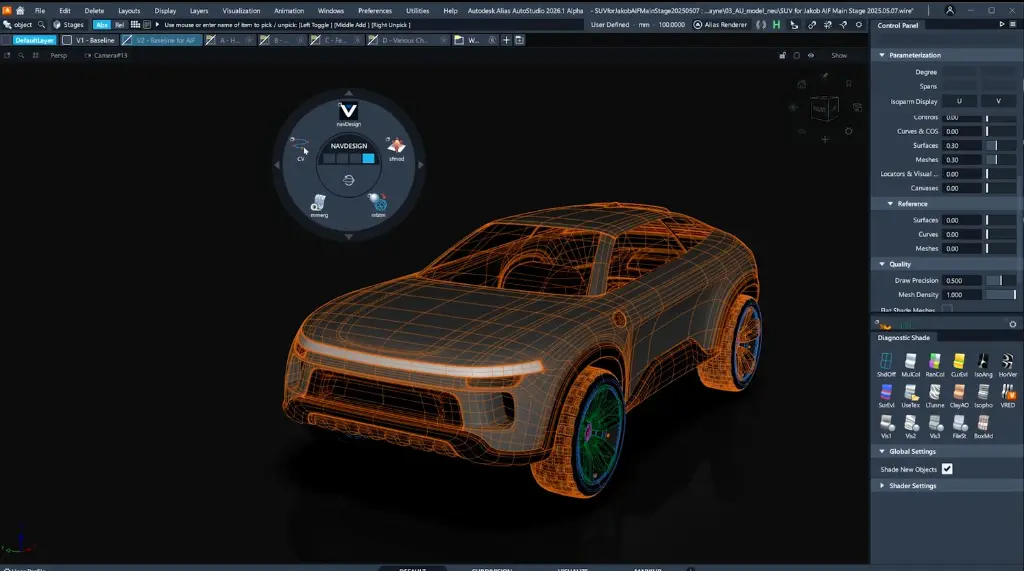
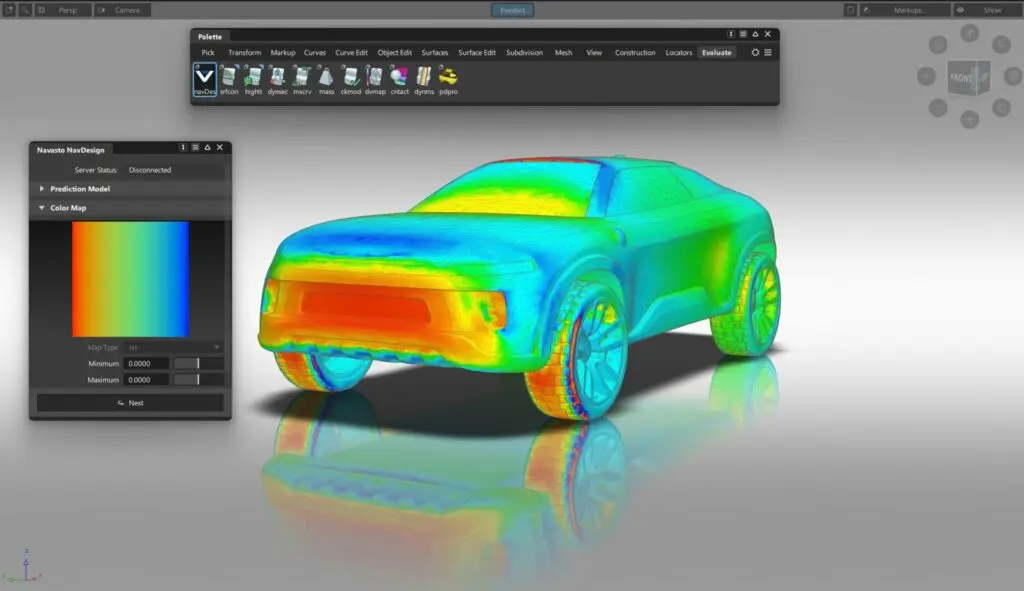
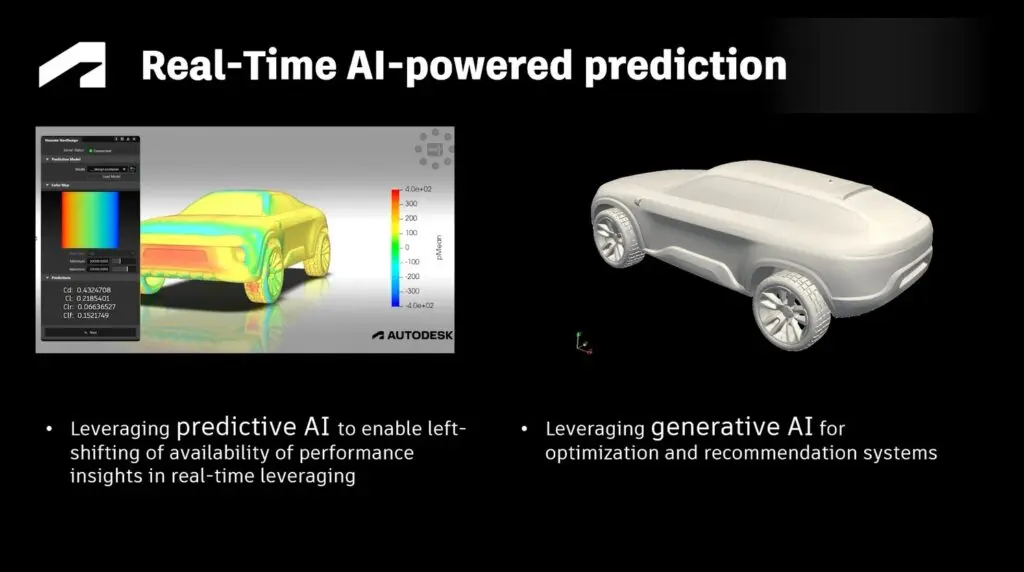
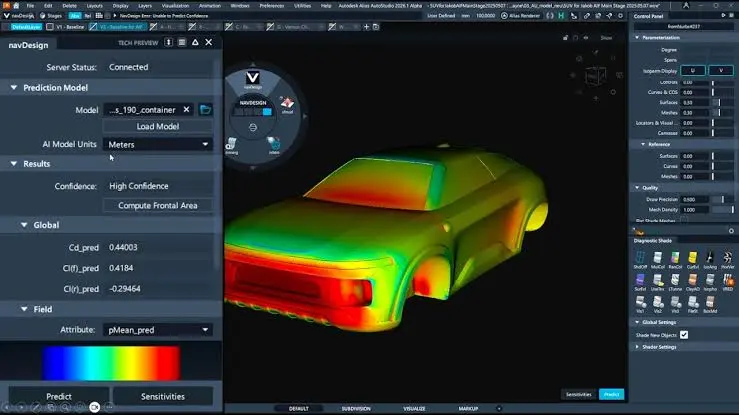
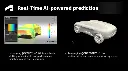
The Autodesk NavPack Design Training Course is a 6-hour hands-on program for designers who want to bring near-real-time Physics AI into their studio workflows. Delivered as an instructor-led course, this training introduces NavPack Design and Alias NavDesign so you can predict performance KPIs, interpret field overlays, and iterate form with confidence.
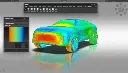
Through demos and lab exercises, participants learn how to load models, run first drag and lift predictions, read pressure and sensitivity maps, use uncertainty visualisations, generate brand-grounded design variants, and collaborate effectively with engineering teams.
Whether you are an Alias Class-A designer or a design–engineering liaison adopting left-shifted validation, this course builds the practical skills needed to apply Physics AI earlier in the creative process.
What You'll Learn in the Autodesk NavPack Design Training Course
Gain practical experience using Autodesk NavPack Design and Alias NavDesign to predict performance, visualise physics fields on surfaces, iterate geometry with near-real-time KPI feedback, and generate performance-aware design variants grounded in studio design language.
- Run near-real-time Physics AI predictions (drag, lift, and other KPIs) inside Alias via NavDesign
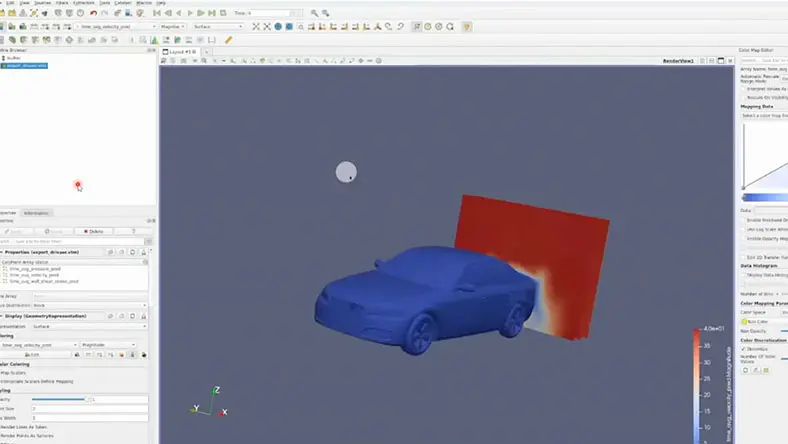
- Interpret pressure, flow, and sensitivity overlays on surface geometry
- Use uncertainty and confidence visualisations to know when to trust results vs escalate to engineering
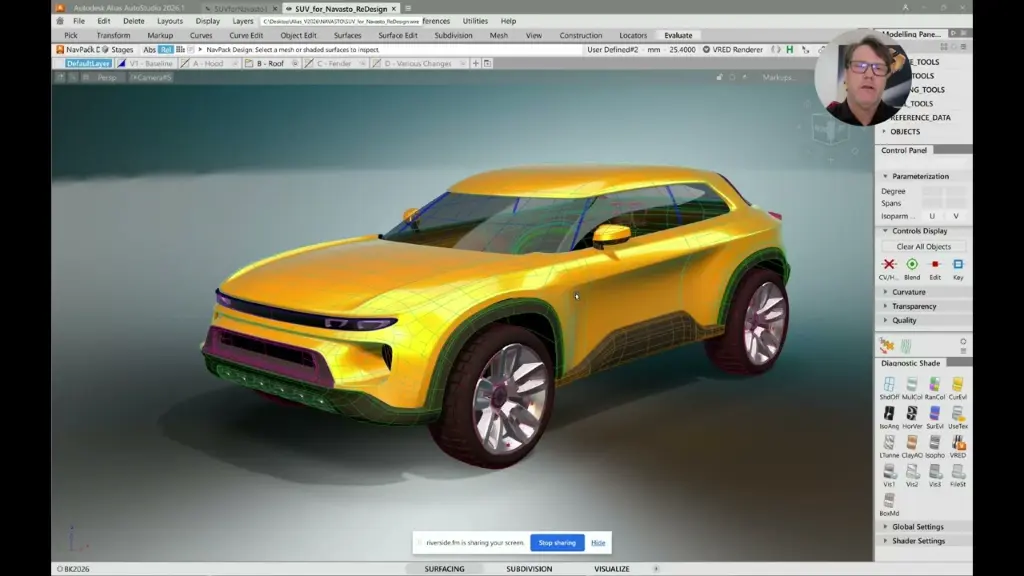
- Iterate Alias surfaces and compare KPI deltas across design states
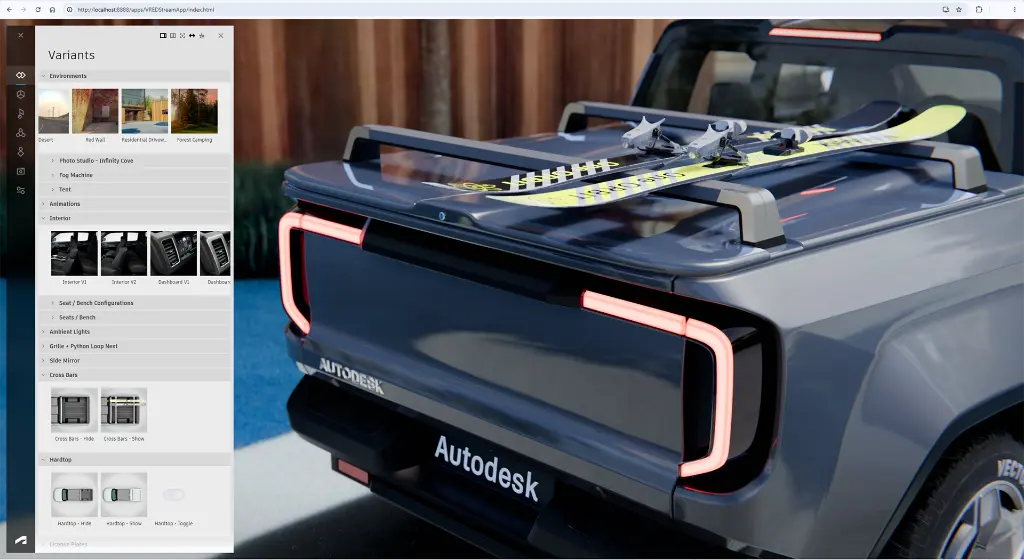
- Generate generative design variants that respect brand and surface quality constraints
- Apply design–engineering collaboration patterns for handoff and high-fidelity validation
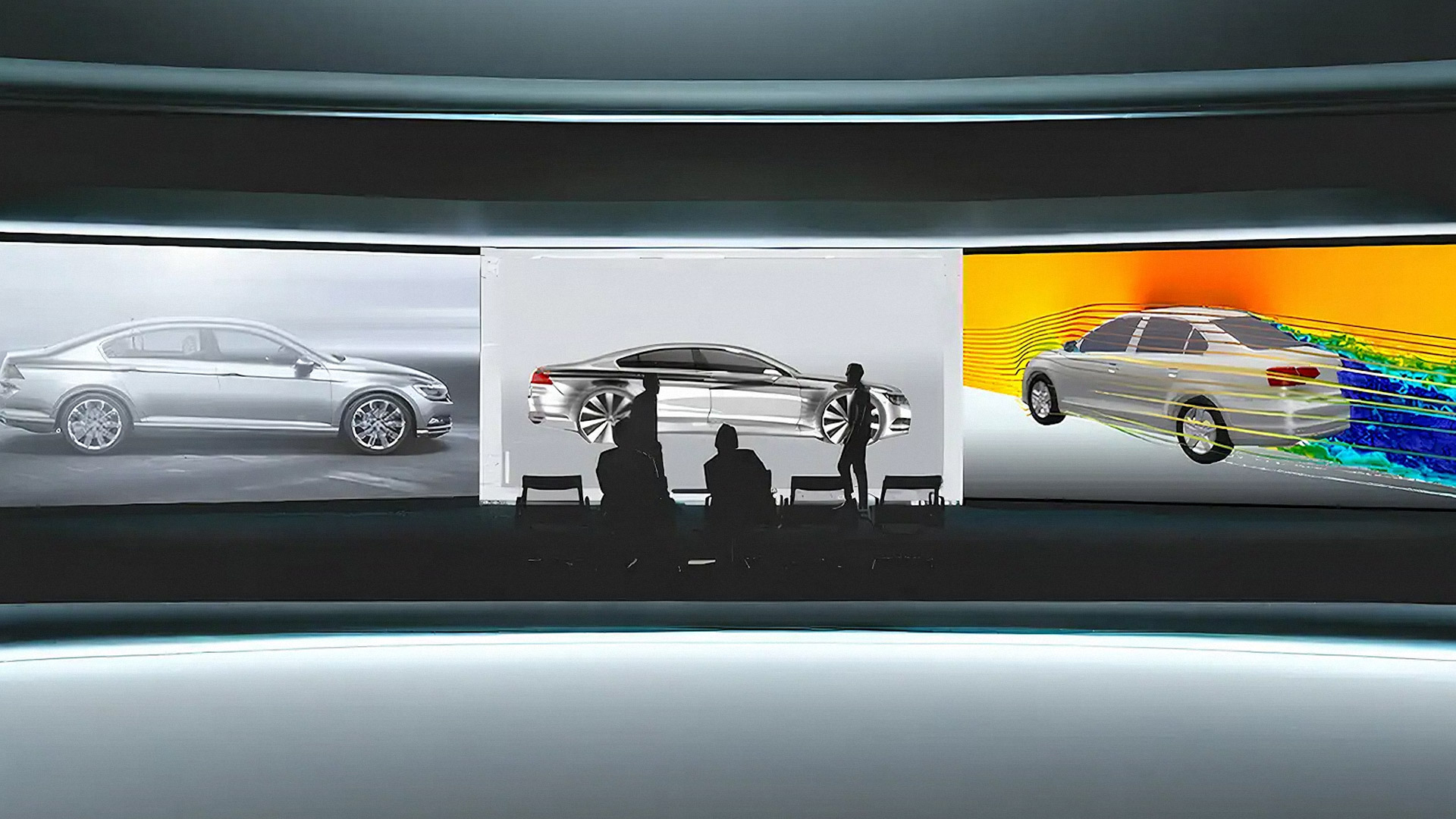
Autodesk NavPack Design Course Topics - Physics AI and Alias NavDesign
Chapter 1: NavPack Design Overview
- Physics AI concepts for design studios
- Where NavPack Design fits in the creative process
- Left-shifting performance insight earlier in form development
- Value of near-real-time KPIs versus late engineering loops
Chapter 2: Ecosystem and Related Tools
- NavPack Design versus NavPack Core roles
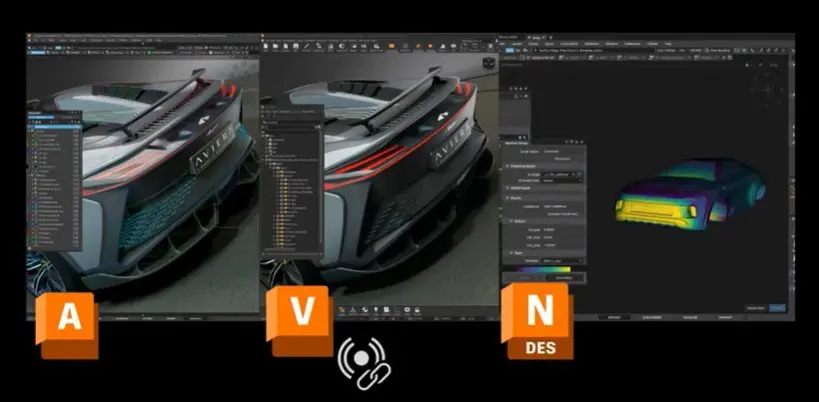
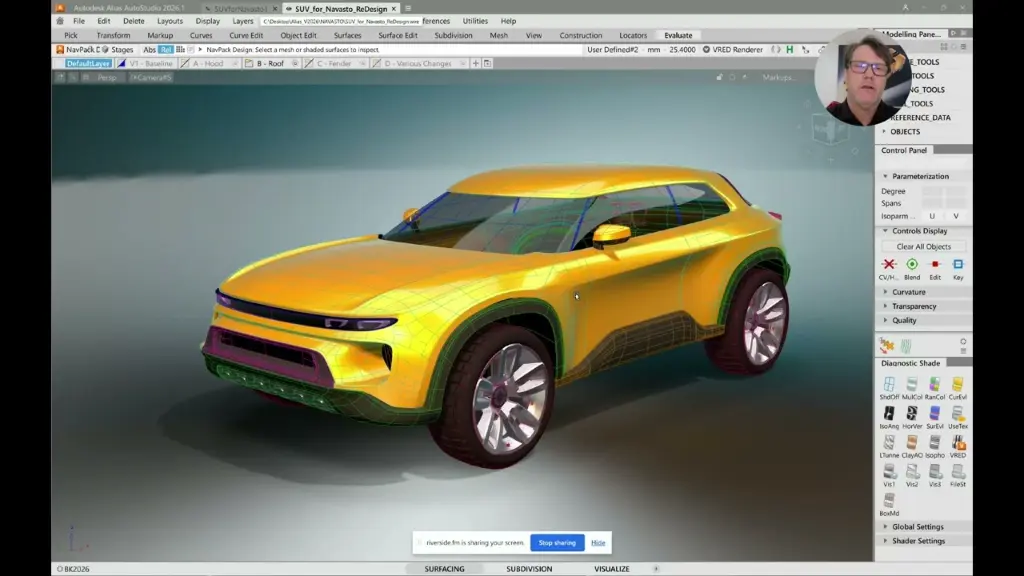
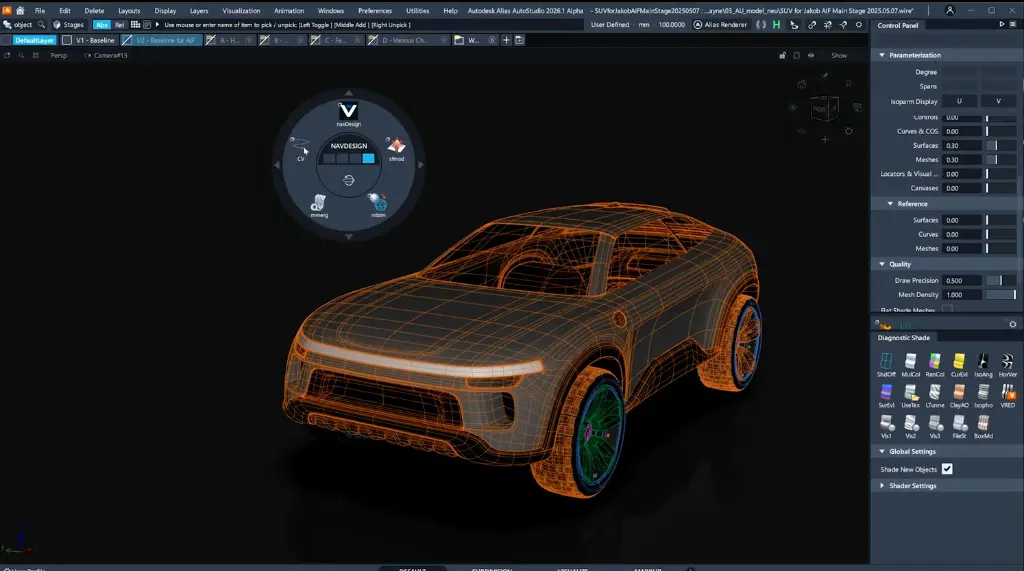
- Alias NavDesign as the primary studio host
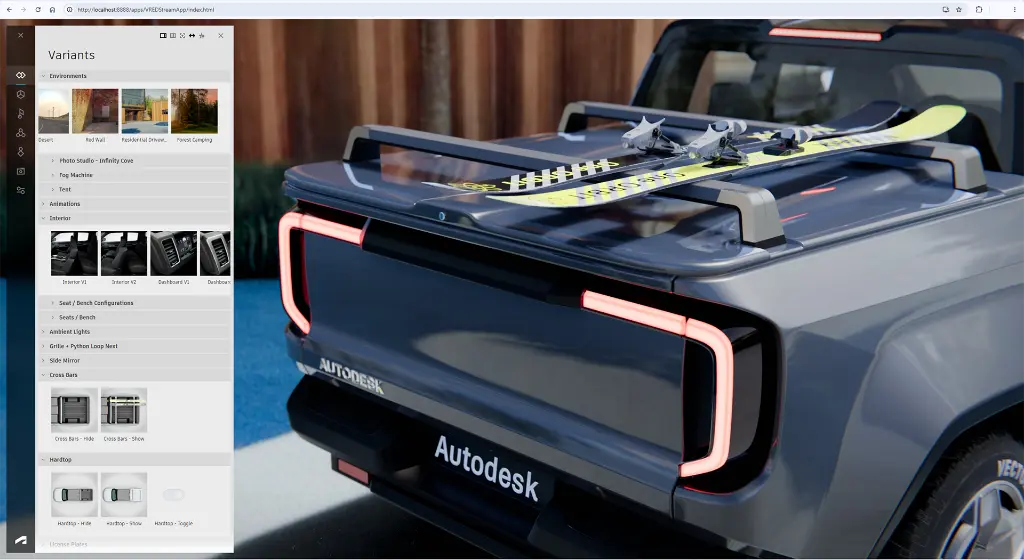
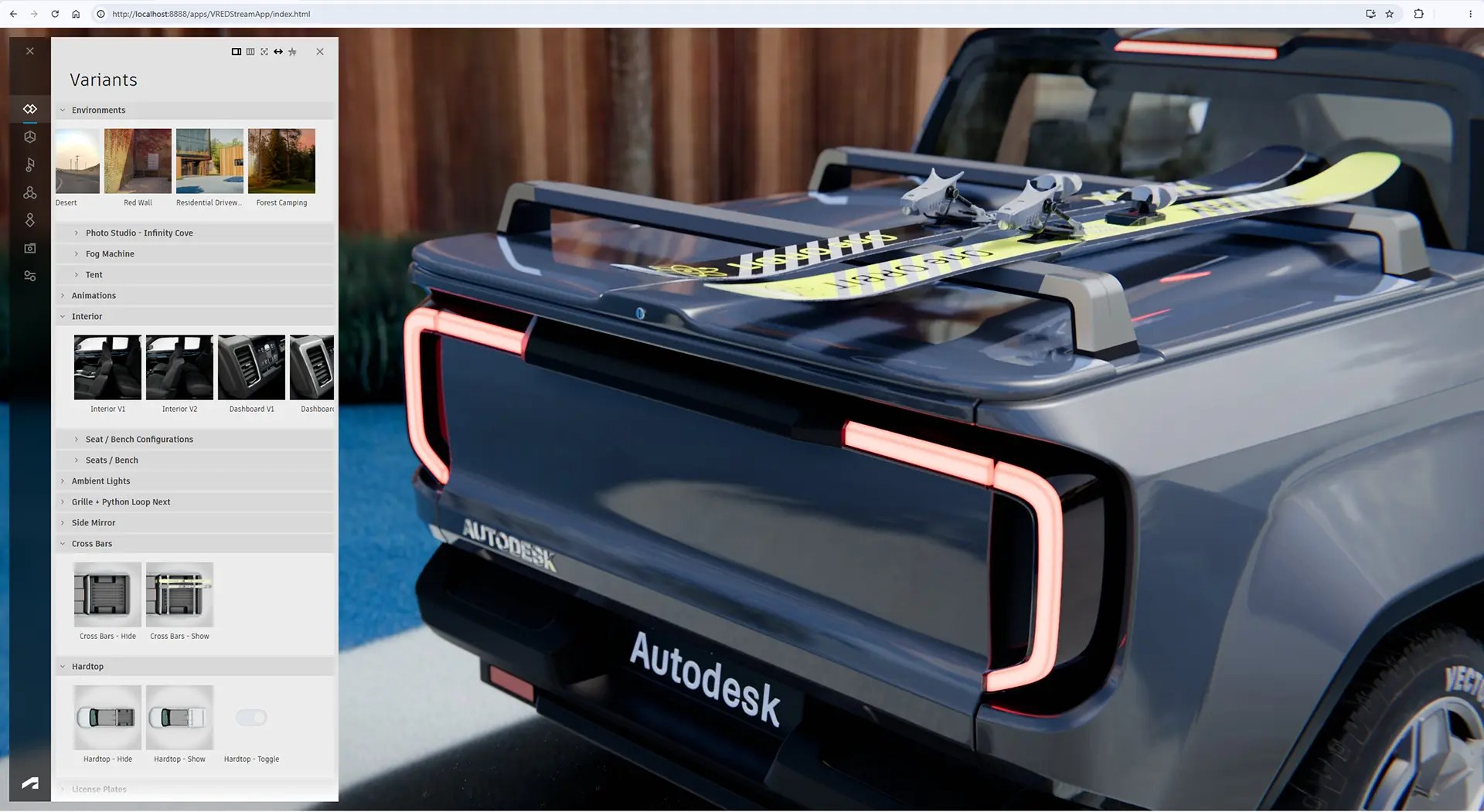
- VRED visualisation and shared design truth
- Optional Blender, ParaView, and Python access paths
Chapter 3: Setup and NavDesign in Alias
- Environment and licence readiness checks
- Opening NavDesign inside Autodesk Alias
- Connecting a design model for prediction
- Workspace layout and prediction session basics
Chapter 4: First KPIs on a Design
- Running near-real-time drag and lift predictions
- Selecting and reviewing key performance indicators
- Interpreting first results on a sample surface
- Comparing baseline KPI values across design states
Chapter 5: Field Overlays and Sensitivity
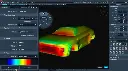
- Pressure and flow field overlays on surface geometry
- Reading sensitivity maps for design hotspots
- Linking overlay cues to candidate surface changes
- Using visual fields to prioritise iteration areas
Chapter 6: Uncertainty and Confidence
- Uncertainty visualisation concepts in Physics AI
- Confidence cues for trusting or questioning results
- Deciding when to escalate to engineering simulation
- Documenting confidence alongside KPI outcomes
Chapter 7: Iterate the Surface
- Controlled Alias surface edits for performance trials
- Re-predicting KPIs after geometry changes
- Tracking near-real-time KPI movement across iterations
- Preserving Class-A intent while exploring performance
Chapter 8: Generative Design Variants
- Generating performance-aware design variants
- Respecting studio design language and brand cues
- Maintaining surface quality constraints in variants
- Reviewing and selecting variants for further study
Chapter 9: Multi-Physics Awareness
- Structural KPI awareness alongside aerodynamics
- Thermal indicators where trained models support them
- Balancing multi-physics signals in early design choices
- Knowing model coverage limits for each physics domain
Chapter 10: Design–Engineering Collaboration
- Sharing findings with CFD and CAE stakeholders
- Hand-off patterns for high-fidelity validation
- Closing the loop with NavPack Core-trained models
- Collaboration practices that reduce late redesign cycles
Chapter 11: Capstone Project
- End-to-end predict, iterate, and variant workflow
- Documenting KPI deltas across design states
- Capturing uncertainty and confidence outcomes
- Presenting design–engineering ready findings
Chapter 12: Review and Best Practices
- Recapping the NavPack Design studio workflow
- Common pitfalls and misreads of Physics AI results
- When not to rely on Physics AI alone
- Next learning steps and continued practice guidance
Who Should Attend the Autodesk NavPack Design Course
The Autodesk NavPack Design Training Course is ideal for:
- Automotive, industrial, and aerospace designers using Autodesk Alias
- Design–engineering collaboration teams adopting Physics AI in the studio
- Class-A / surfacing CAD users seeking earlier performance insight
- R&D and OEM studio teams evaluating left-shifted validation workflows
- Professionals bridging creative design and CFD / CAE engineering processes
Autodesk NavPack Design Training Prerequisites
Working knowledge of Autodesk Alias (or equivalent Class-A / surfacing CAD) is recommended. Access to NavPack Design / NavDesign and a sample trained model is provided for labs. Optional familiarity with CFD concepts such as drag, pressure, and streamlines is helpful but not required.
Enrol Now in the Autodesk NavPack Design Remote Training
Ready to bring Physics AI into your Alias design studio? Contact Design Consulting today to book the Autodesk NavPack Design Training Course or learn more about our online and face-to-face training options. Use Book Now to enrol or request a private group session tailored to your team.
Why Choose Design Consulting | Autodesk Gold Partner | Autodesk Service Provider
Design Consulting is a trusted Autodesk Gold Partner and Autodesk Service Provider. Design Consulting empowers architects, engineers, manufacturers, and builders with smart software, systems, automation, and digital tools that provide Autodesk end-to-end solutions that are connected with systems and machines. As an Autodesk Gold Partner, we deliver tailored solutions that simplify workflows, reduce costs, and drive better project outcomes.
About DC Autodesk Courses Services Configurators CRM/ERP Batch Imagery
Ready to Design with Precision and Speed?
Transform the way you create, visualise, simulate, and deliver designs, reports and drawings. Contact us today to explore subscription options or request a demo.
Fill out the contact form below or contact us on 1800 490 514, info@designconsulting.com.au or by live chat