Custom Autodesk Job Processors for Automated Workflows
Automate single, batch and sequence tasks across AutoCAD, Revit, Inventor, Civil 3D, Advance Steel and Vault Professional
Autodesk Job Processor moves repetitive, time-consuming work from designers to a dedicated machine. Design Consulting builds custom job processors that automate tasks as single jobs, in batches or in defined sequences. Drawings, models and data are handled consistently without tying up design workstations.
Our team develops automation for AutoCAD, Revit, Inventor, Civil 3D, Advance Steel and Vault Professional. Typical tasks include publishing PDFs and DWFs, exporting neutral formats, updating properties and running checks on release. Each processor is configured around your standards and workflows, which reduces manual effort and errors across your Autodesk environment.
Design Consulting is an Autodesk Gold Partner and Service Provider, offering Autodesk Software with wide range of complimentary software, training courses and services for Autodesks Ecosystem.
Custom Autodesk Job Processors by Design Consulting
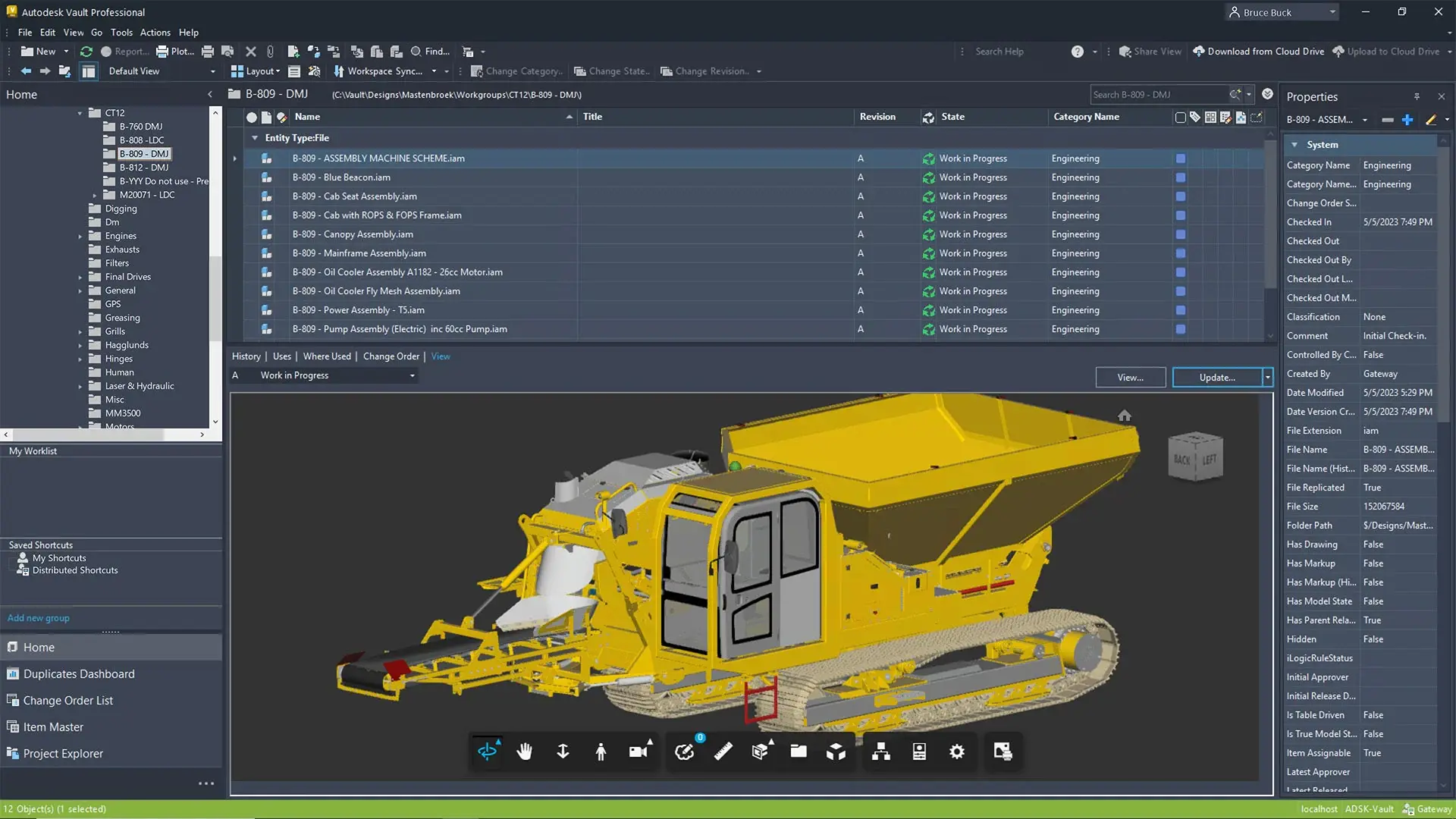
Autodesk Job Processors take repetitive, time-consuming work off your design team. Working alongside Vault Professional, a job processor runs tasks such as file conversions, property updates and publishing in the background. This lets engineers and drafters stay focused on design.
Design Consulting builds custom job processors around your workflows in AutoCAD, Revit, Inventor, Civil 3D, Advance Steel and Vault Professional. Jobs can run one at a time, in batches or as automated sequences, giving you consistent outputs with fewer manual steps and errors.
Talk to our team about the tasks you want to automate.

AI Job Processors for Autodesk Software
AI Job Processors take repetitive tasks off your design team and complete them automatically. They can run on a user's machine, on a dedicated local server or on cloud machines. Instead of opening each file to publish, convert or update it, the AI job processor queues the work and finishes it without interrupting design.
Design Consulting builds custom AI job processors around your workflows in AutoCAD, Revit, Inventor, Civil 3D, Advance Steel and Vault Professional. Tasks can run as a single job, in batches across many files, or as an ordered sequence, delivering consistent results on every project.
- Publishing: create PDFs and DWFs that follow your standards.
- Exports: generate neutral formats without manual handling.
- Data: update properties and run checks on release.
Custom Autodesk Job Processors Built Around Your Workflow
Autodesk job processors take repetitive design and data tasks off your team's desks. Design Consulting builds custom job processors that run tasks as single jobs, in batches or in defined sequences across AutoCAD, Revit, Inventor, Civil 3D, Advance Steel and Vault Professional.
Each processor is configured to match how your organisation already works, so tasks such as file conversions, publishing and data updates run the same way every time. Your designers spend less time on manual handling and more time on engineering and design work.
- Milling: support multi-axis moves, probing cycles and tool changes.
- Turning: output canned cycles and sub-spindle operations correctly.
- Verification: test posts against simulations before cutting metal.
Custom Job Processors for Every Autodesk Workflow
Design Consulting develops custom job processors that take repetitive work off your design team's desks. Tasks can run as a single job, as a batch across many files, or as a sequence of dependent steps. Each processor is configured around your Autodesk products, file standards and Vault Professional lifecycle, so routine outputs are produced consistently in the background.

Single Task Automation
Trigger one defined job on demand or on a lifecycle change, such as publishing a drawing or updating properties, without tying up a designer's workstation.

Batch Processing
Apply the same task to large groups of files in one run. This is useful for exports, conversions and standards updates across entire projects or libraries.

Sequenced Workflows
Chain dependent tasks so each step starts when the previous one finishes, from file updates to output generation, following your defined order.
AutoCAD
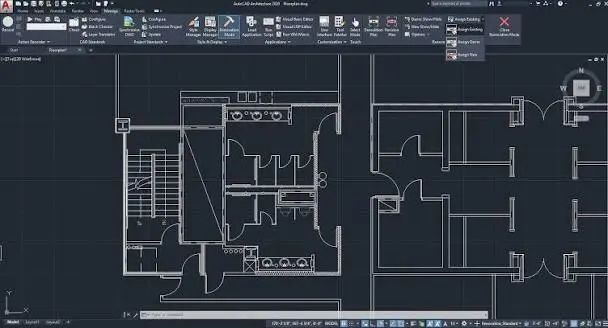
Automate routine AutoCAD drawing tasks such as plotting, PDF and DWF publishing, and title block updates so drawing sets are released consistently.
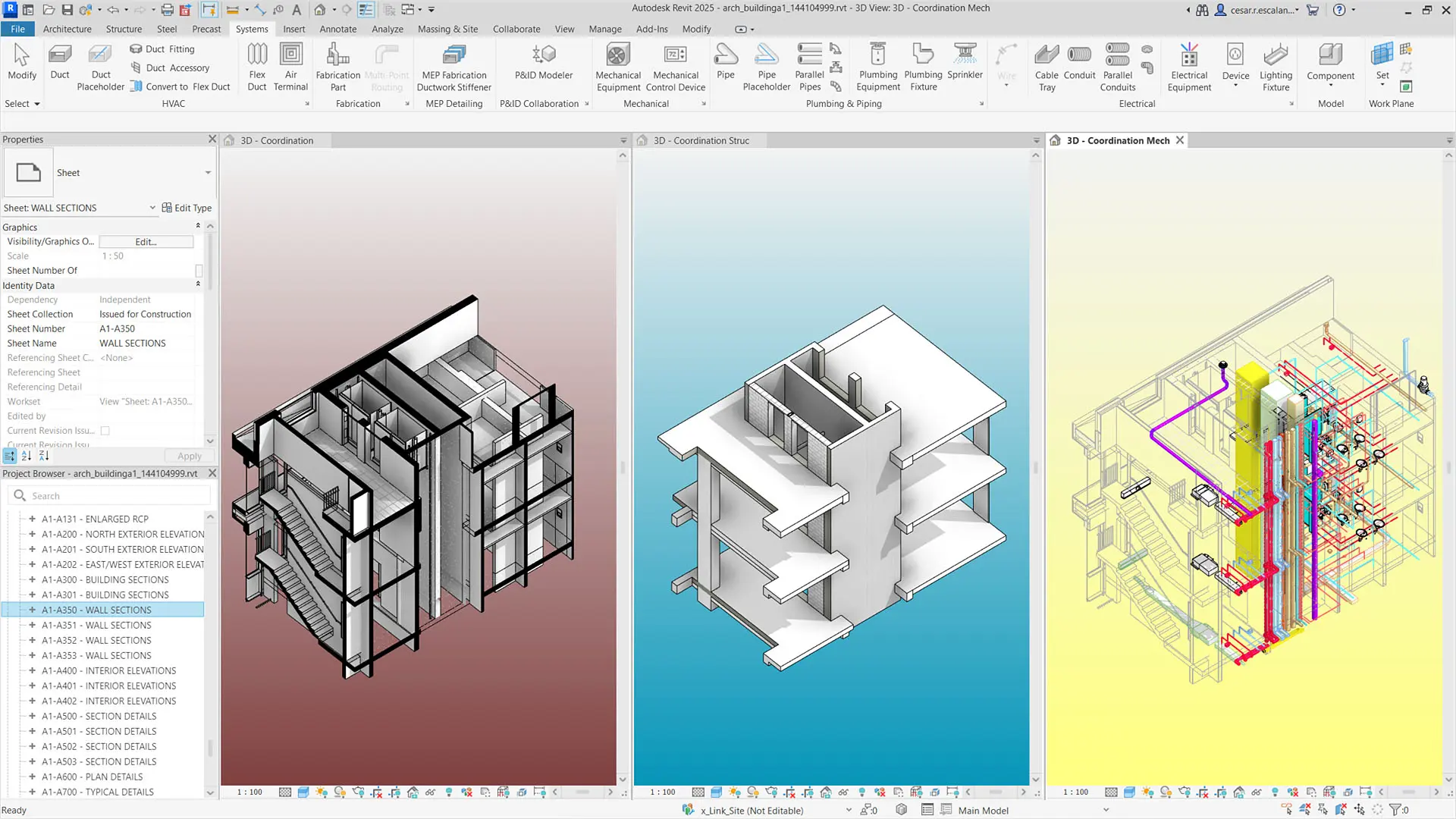
Revit
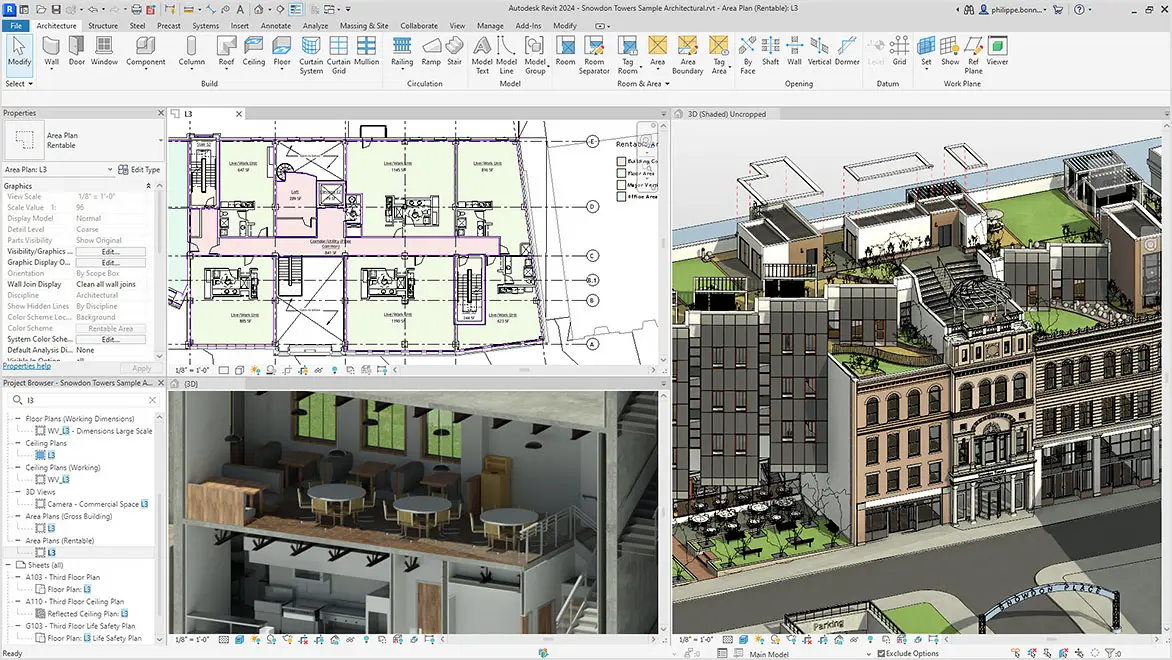
Run Revit tasks such as model upgrades, sheet exports and data extraction in the background, so project teams can stay focused on design and coordination.
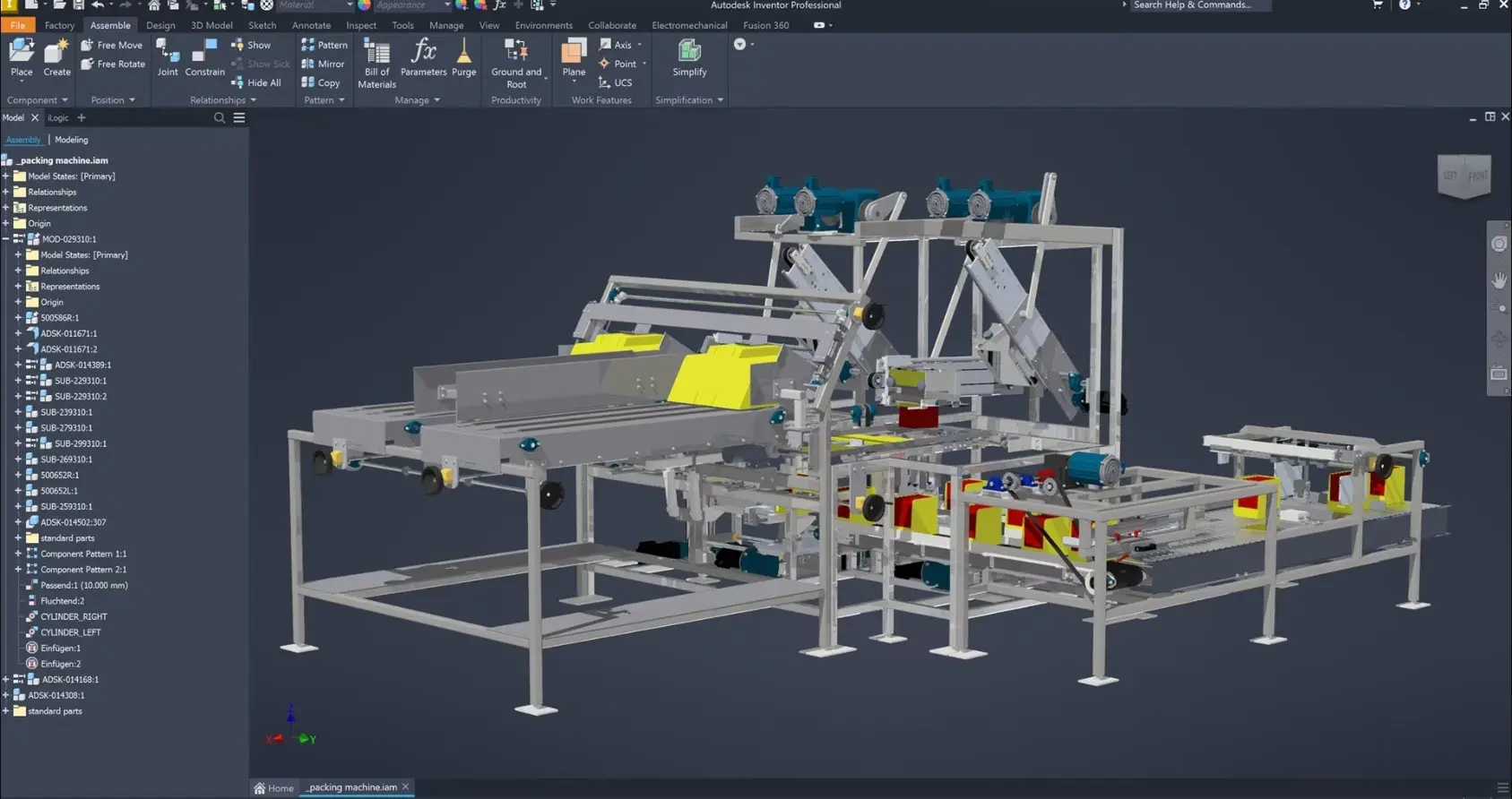
Inventor
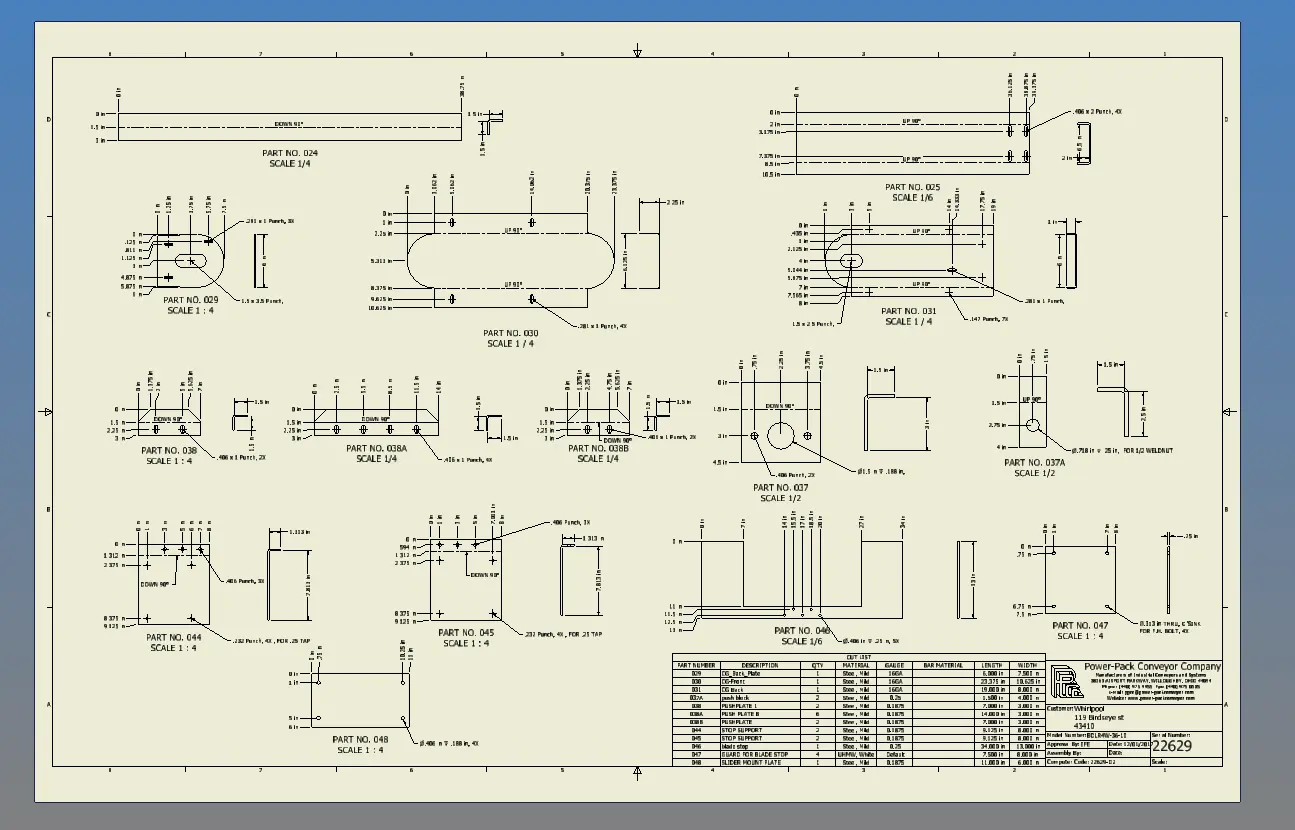
Automatically generate Inventor drawings, neutral formats such as STEP and DWG, and visualisation files whenever parts and assemblies move through release.
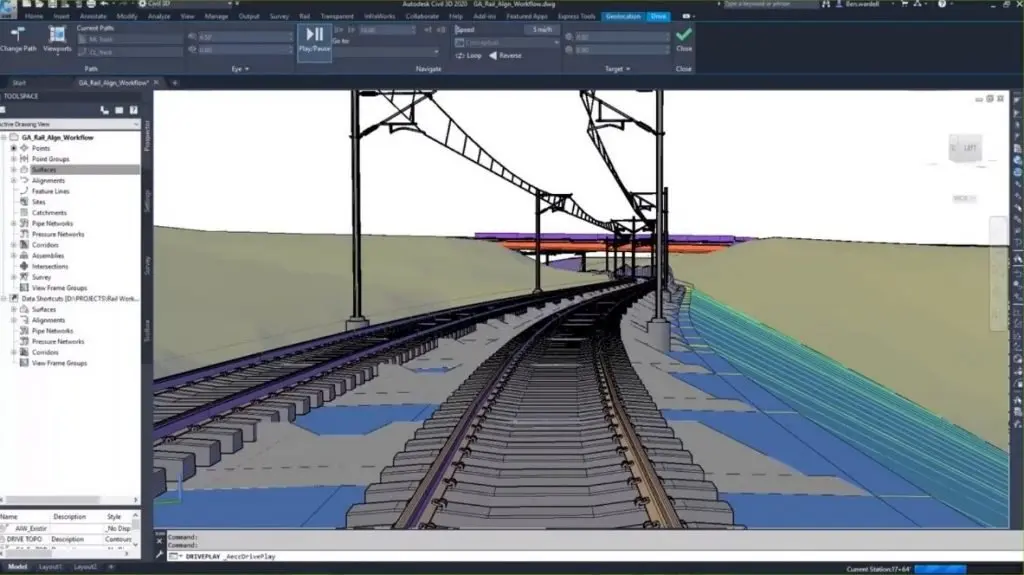
Civil 3D
Streamline Civil 3D deliverables by automating drawing outputs, data references and repetitive file processing across large infrastructure projects.
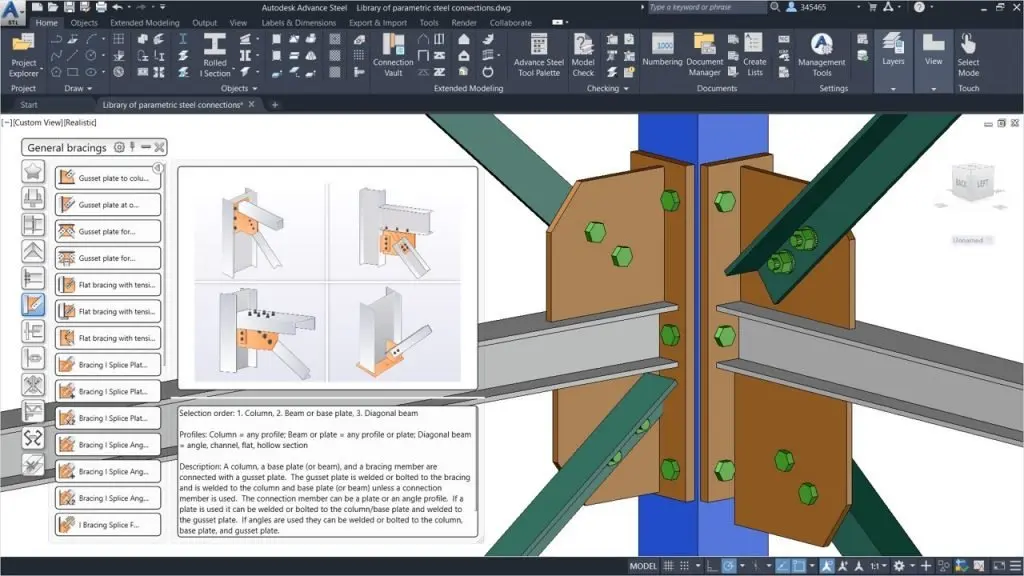
Advance Steel
Automate Advance Steel outputs such as fabrication drawings, reports and NC data so steel detailing teams receive consistent, up-to-date production information.
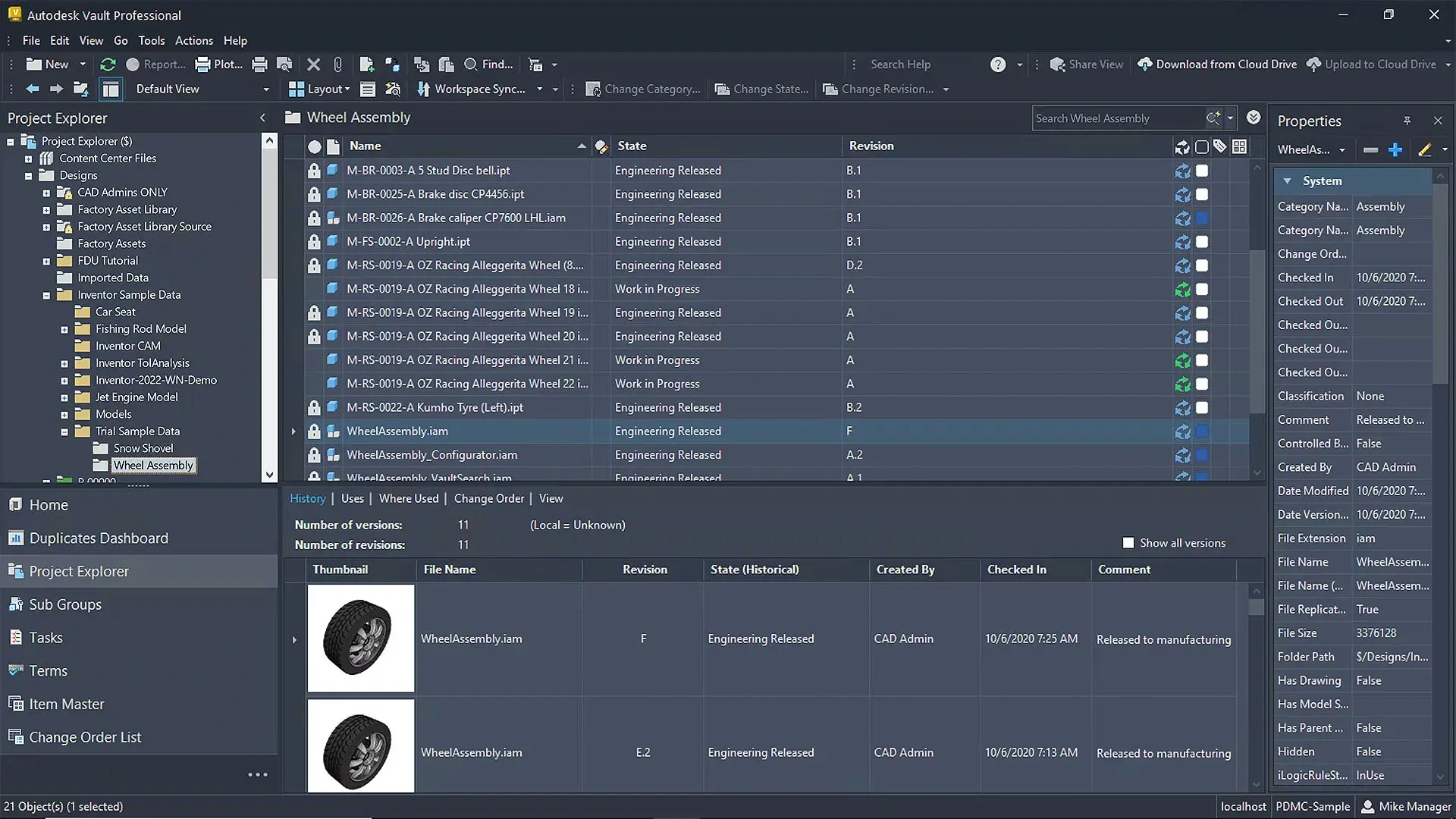
Vault Professional
Connect job processors to Vault Professional lifecycle states and events so releases, revisions and outputs are triggered and tracked automatically within your data management system.
Custom Job Processors Built for Your Workflows
Automate repetitive Autodesk tasks in single, batch and sequence modes
Every design team repeats the same tasks: publishing drawings, exporting files, updating properties and preparing deliverables. Design Consulting builds custom job processors around the way your team works, so these tasks run automatically in single, batch or sequence mode across AutoCAD, Revit, Inventor, Civil 3D, Advance Steel and Vault Professional.
The result is less manual effort, fewer errors and more consistent
- Right first time: G-code that matches your controller, axis layout and tool changer, so programs run as expected with less manual editing at the machine.
- Consistent output: standard program headers, safe-start blocks, tool numbering and work offsets applied to every job, whoever creates the toolpaths.
- Machine-specific support: correct handling of multi-axis moves, probing cycles, canned cycles, coolant codes and sub-spindle operations across milling and turning centres.
- Reduced risk: fewer hand edits mean fewer mistakes on the shop floor, less scrap and a lower chance of damaged tooling or fixtures.
- Simpler maintenance: when a machine or process changes, one updated post keeps every programme aligned rather than requiring jobs to be corrected individually.
- Clearer documentation: set-up sheets that align with the posted code, giving operators accurate information before cutting begins.
Complimentary Software and Services for Autodesk Software
Design Consulting offers a complete ecosystem of complementary software, training, and professional services designed to extend the power of Autodesk solutions. Alongside our training courses for tools like Revit, AutoCAD, Inventor, and Vault, we deliver expert services for design automation, CAD/BIM setup, template development, and Vault deployments and migrations. We supply software tools to enhance Autodesk workflows through intelligent automation, batch variant rendering, and real-time visualisation systems. We also develop web-based configurators and custom plug-ins that streamline product design, quoting, and sales processes. From parametric modeling to programming services, Design Consulting helps engineering and design teams unlock efficiency, consistency, and scalability across their entire digital design environment.
With this ecosystem of software and services, Design Consulting provides End to End Solutions that connect data, models, applications, systems, employees, departments, customers and suppliers, enabling seamless collaboration, streamlined workflows, and accelerated decision-making across the entire product and project lifecycle. By integrating design, automation, and digital delivery, your business becomes more efficient, reduces manual effort, saves time, and ultimately increases profitability.
Why Choose Design Consulting | Autodesk Gold Partner | Autodesk Service Provider
Design Consulting is a trusted Autodesk Gold Partner and Autodesk Service Provider. Design Consulting empowers architects, engineers, manufacturers, and builders with smart software, systems, automation, and digital tools that provide Autodesk end-to-end solutions that are connected with systems and machines. As an Autodesk Gold Partner, we deliver tailored solutions that simplify workflows, reduce costs, and drive better project outcomes.
About DC Autodesk Courses Services Configurators CRM/ERP Batch Imagery
Automate Your Autodesk Workflows with Job Processors
Talk to our team about a custom job processor that automates single, batch and sequence tasks across AutoCAD, Revit, Inventor, Civil 3D, Advance Steel and Vault Professional.
Fill out the contact form below or contact us on 1800 514 490, info@designconsulting.com.au or by live chat