CNC Posts for Autodesk Inventor and Fusion 360
Custom CAM Posts for Autodesk Fabrication and Manufacturing CAD Software
A well-configured post processor is what turns toolpaths created in Autodesk Inventor CAM or Fusion 360 into reliable G-code for your machines. Tailoring each post to the controller, axis layout, tool changer and preferred code structure means programs run as expected first time, with less manual editing at the machine and fewer mistakes on the shop floor.
Practical training then helps programmers get the most from those posts. It covers setting up machine definitions, choosing post properties, simulating output and managing libraries. With dependable posts and a confident team, organisations can shorten set-up times, reduce scrap, standardise output and move smoothly from CAM programming to finished parts.
Design Consulting is an Autodesk Gold Partner and Service Provider, offering Autodesk Software with wide range of complimentary software, training courses and services for Autodesks Ecosystem.
Services Autodesk Training Courses Contact Us
CAM Post Processors and CNC Posts by Design Consulting
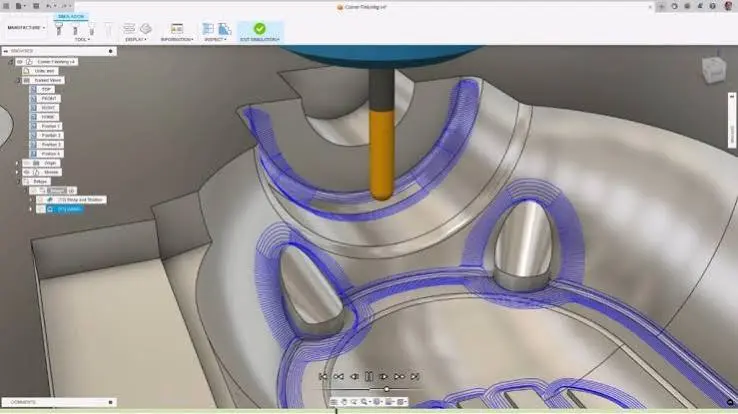
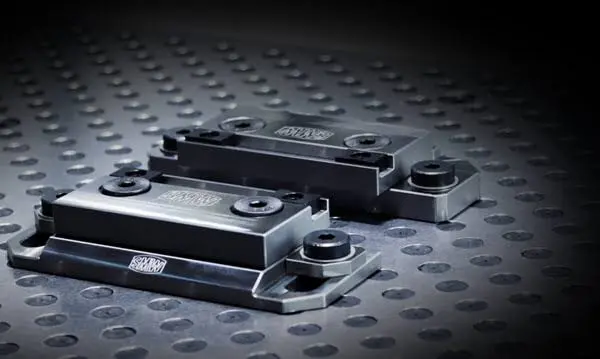
A well-built post processor turns CAM toolpaths into reliable G-code that suits your specific machine, controller and working practices. We develop and customise CNC posts so programs run safely first time, with less manual editing at the machine.
Every post starts with understanding how your shop floor actually operates, what machine and model you have, and training users on how to use the software, post and make modifications.
Autodesk Inventor CAM CNC Posts
Autodesk Inventor CNC posts can be configured to turn your machining rules into consistent NC code. Tailored post processors translate Inventor CAM toolpaths into the format each machine controller expects, so every program follows the same standards without manual editing.
Customisation builds on the conventions your workshop uses: tool numbering, work offsets, safe start blocks and program headers. When a machine or process changes, the post can be updated once for every job.
- Milling: match code to your controller and machine options.
- Turning: reliable programs for lathes and mill-turn centres.
- Documentation: set-up sheets aligned with posted code.
Autodesk Fusion CNC Posts
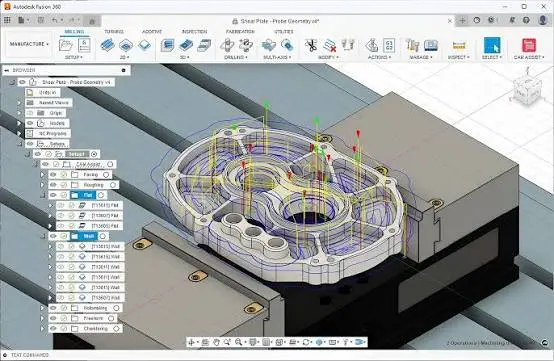
Autodesk Fusion post processors can be configured to turn your machining strategies into reliable, machine-ready NC code. Each post is tailored to the controller, kinematics and options on your CNC machines, so toolpaths output consistently without manual editing at the machine.
Customisation builds on how your workshop already runs: tool numbering, work offsets, coolant codes and safe-start blocks. When a machine or process changes, one updated post keeps every programme aligned.
- Milling: support multi-axis moves, probing cycles and tool changes.
- Turning: output canned cycles and sub-spindle operations correctly.
- Verification: test posts against simulations before cutting metal.
CNC Post Processors for Autodesk CAM Software
Autodesk CAM software, including Fusion, Inventor CAM, PowerMill and FeatureCAM, relies on post processors to translate toolpaths into reliable G-code for each machine and controller. A well-configured post reflects your machine's kinematics, tool changes, coolant options and safe start and end blocks, reducing manual editing at the control. Tailored posts help manufacturers cut set-up time, avoid costly errors and run jobs consistently as their machine shop develops.
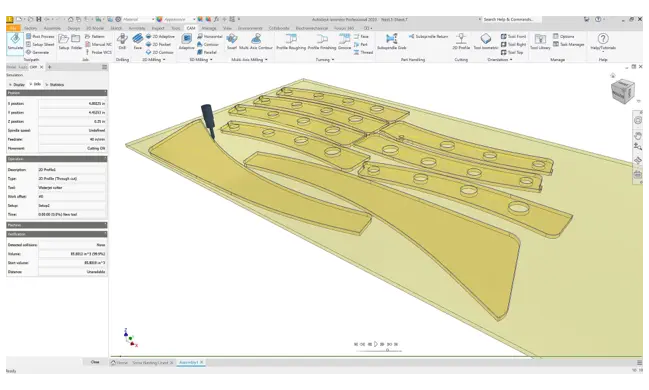
Inventor Nesting
Generate reliable, machine-ready NC code from Autodesk CAM software with post processors tailored to your CNC machines and controllers, helping programmers output accurate toolpaths, reduce manual editing at the machine and keep every program consistent with your shop-floor standards, from first set-up through to production.
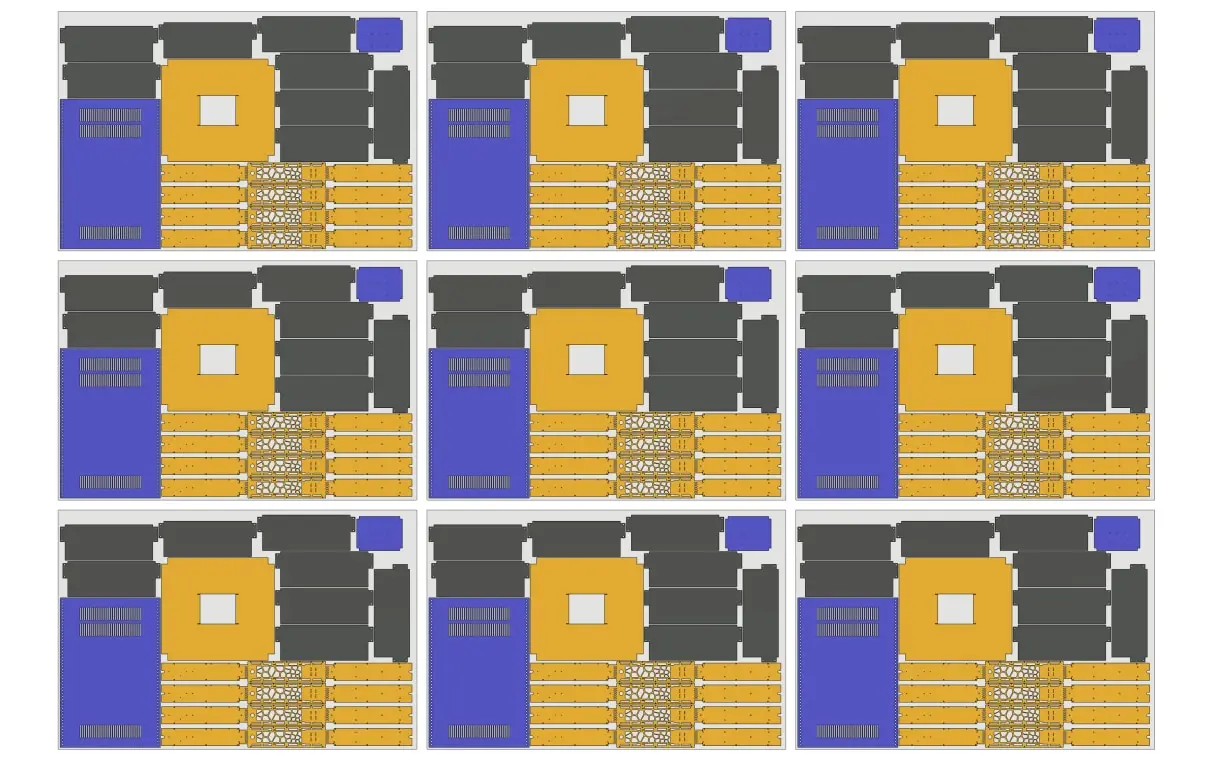
Fusion for Manufacturing
Autodesk Fusion for manufacturing relies on post processors to convert CAM toolpaths into machine-ready NC code. A tailored post matches each controller's syntax, tool changes, cycles and kinematics, helping programmers generate consistent, reliable output, reduce manual editing at the machine and optimise cycle times.
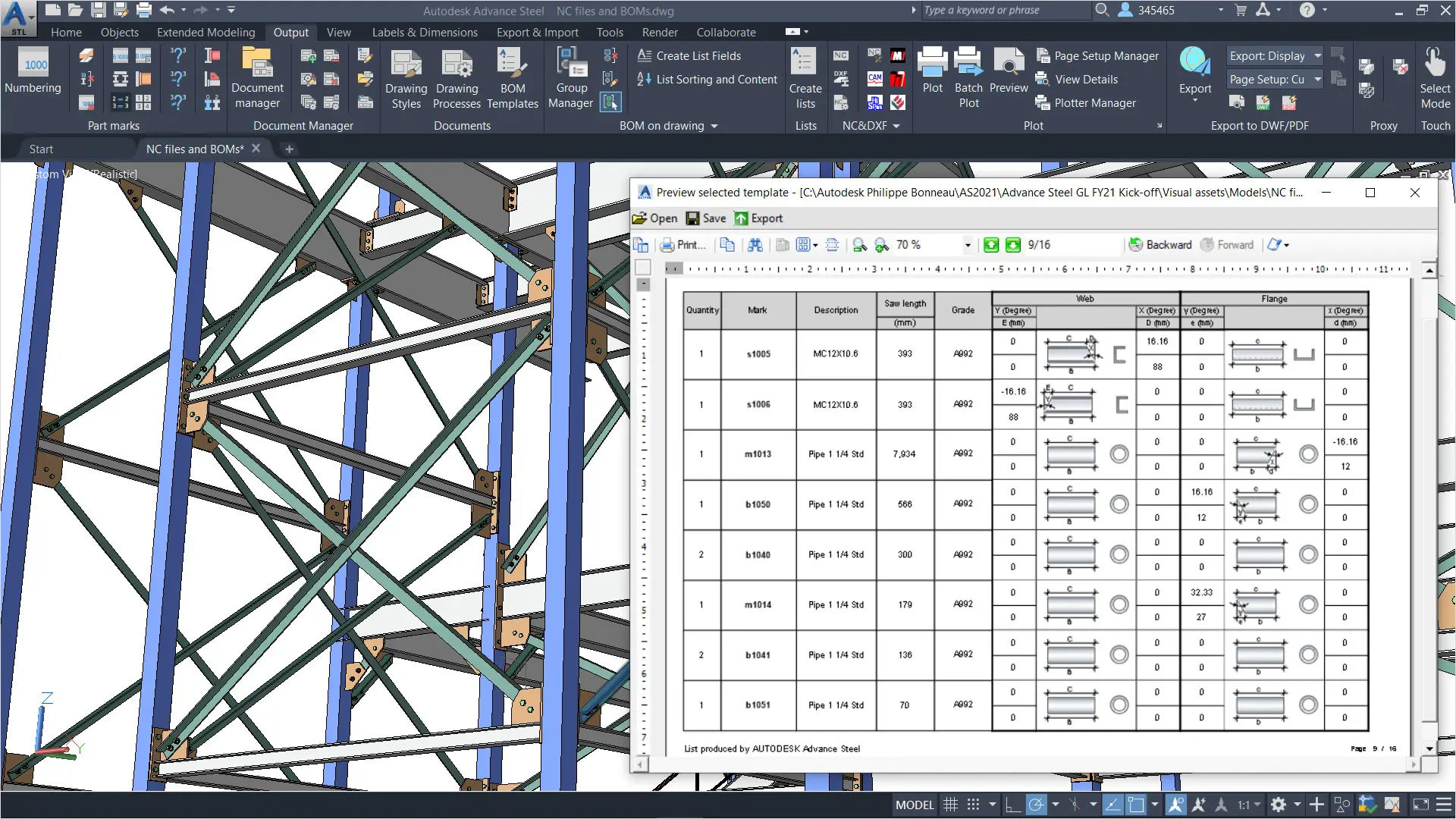
Advance Steel
Tailored CNC post processors for Advance Steel turn steel models into machine-ready output. Configured around your DSTV files, plate profiles and fabrication standards, they drive drilling, cutting and marking, reducing manual editing on the shop floor and keeping models, drawings and production data aligned..
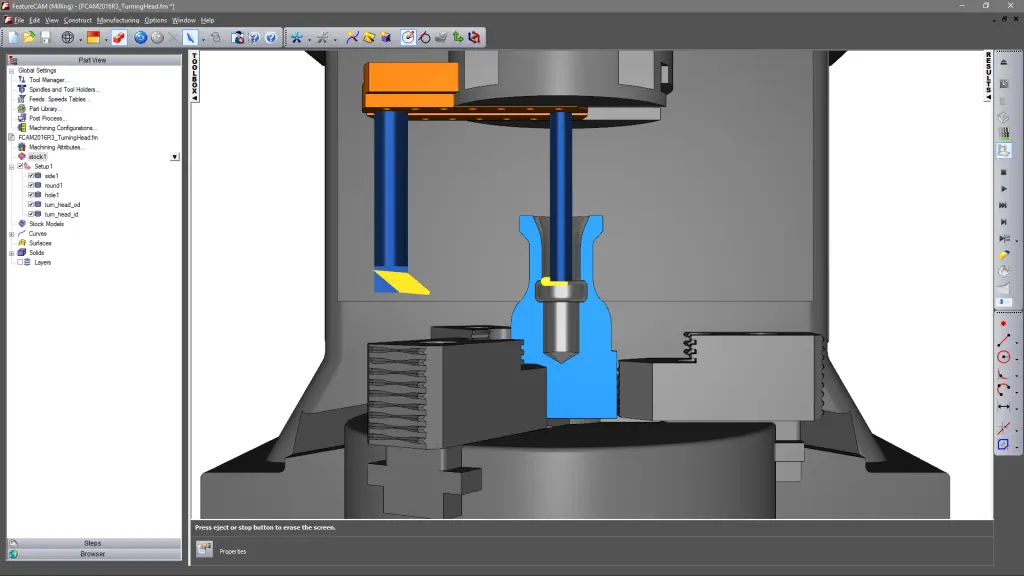
Fusion with FeatureCAM
We develop and customise CNC post processors for Autodesk Fusion and FeatureCAM, matched to your machine tools and controllers. Reliable, tailored posts produce clean, verified G-code, reduce manual editing at the machine and help organisations move from toolpath to finished part with greater confidence.
Fusion with PowerMill
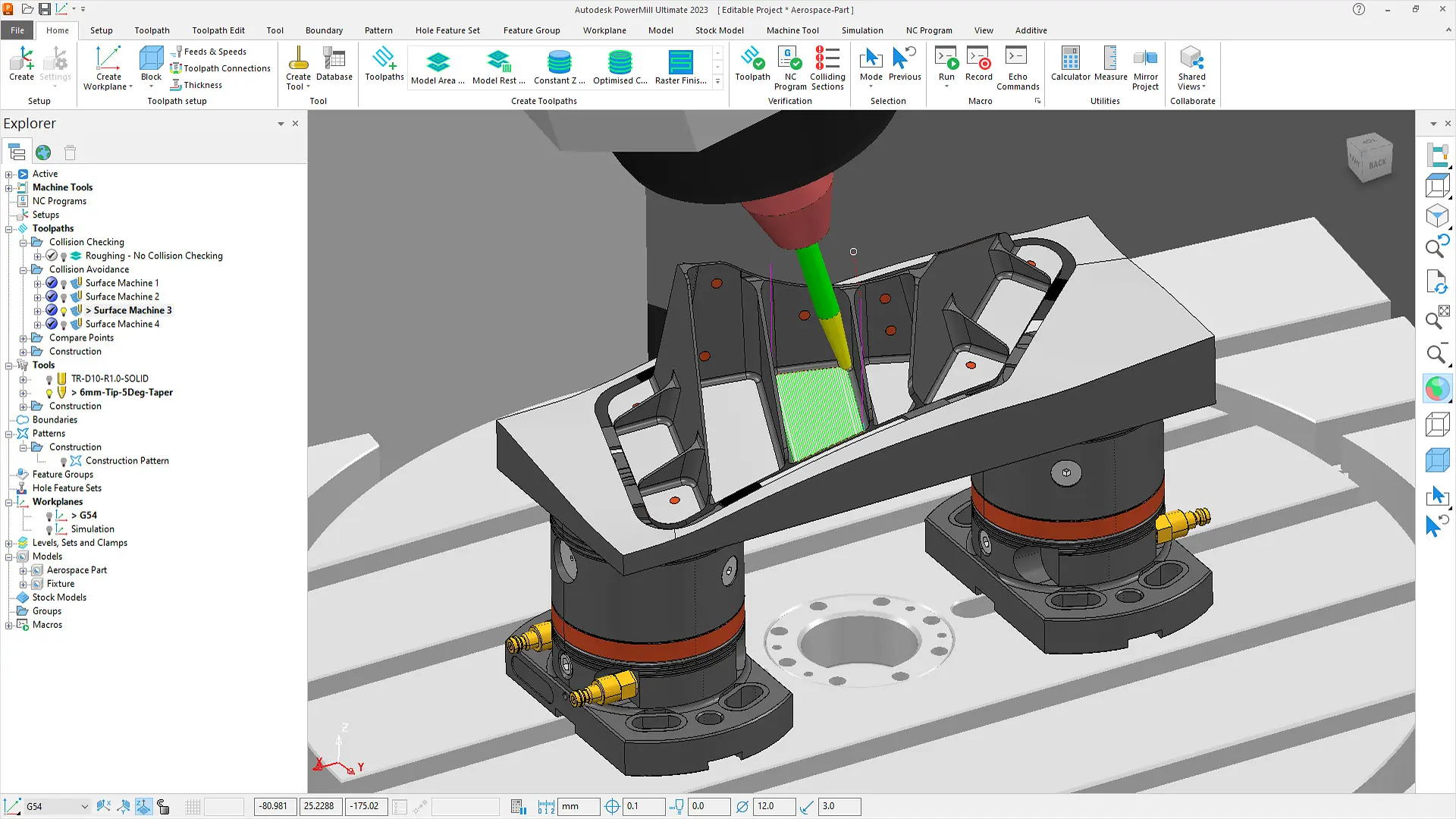
We develop and customise CNC post processors for Autodesk Fusion and PowerMill. Each post is tailored to your controller, kinematics and shop-floor standards, turning toolpaths into reliable, machine-ready code. Programmers spend less time editing output, while consistent posts across both platforms simplify verification.
Fusion with PowerShape
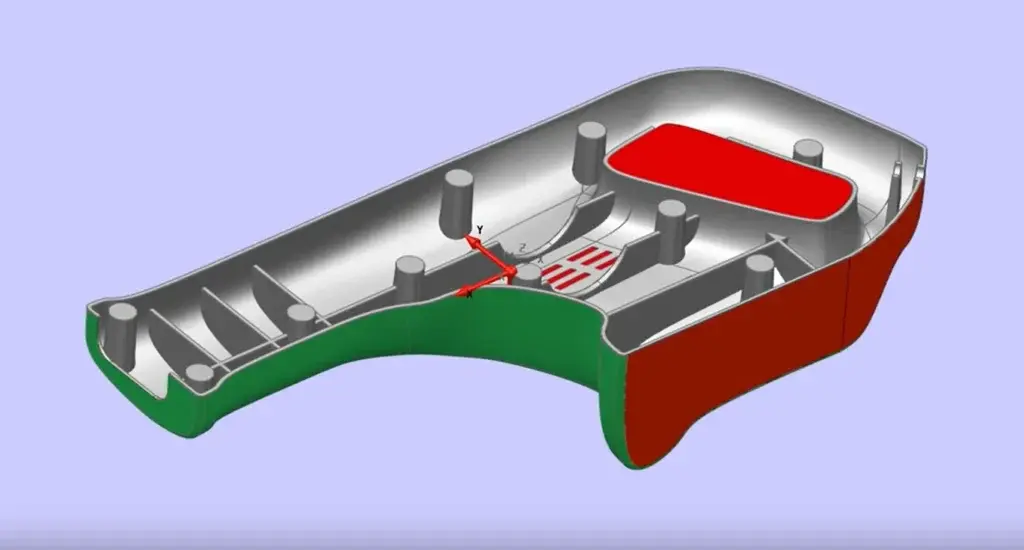
Reliable CNC post processors turn toolpaths created in Autodesk Fusion alongside PowerShape models into accurate, machine-ready code. We develop and customise posts to suit your controllers, machine kinematics and workshop standards, so NC programs run safely, need less manual editing and stay consistent.
Fusion with CAMplete
Tailored CNC post processors for Autodesk Fusion turn toolpaths into reliable, machine-ready code for your controllers. Working alongside CAMplete, programs can be simulated, verified and optimised against an accurate machine model, helping organisations reduce prove-out time, avoid collisions and run complex multi-axis parts with confidence.
Fusion with PowerInspect
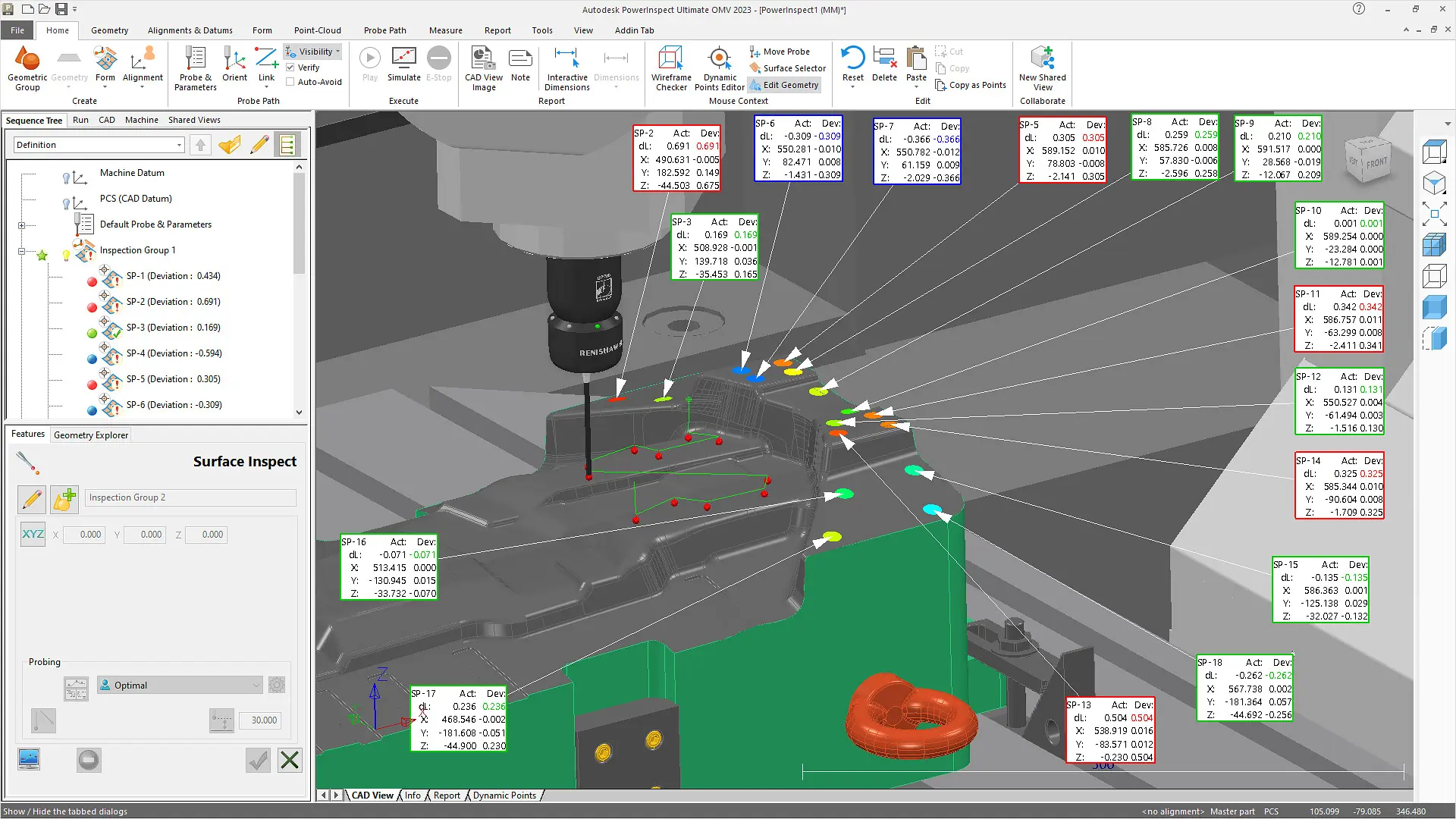
Our Fusion and PowerInspect post processors convert proven toolpaths into dependable machine code. Each is customised to your machine, controller and inspection process, giving consistent runs, accurate probing feedback and less manual editing. Linked to shared CAM data, they support coordinated digital manufacturing workflows.
HSMWorks
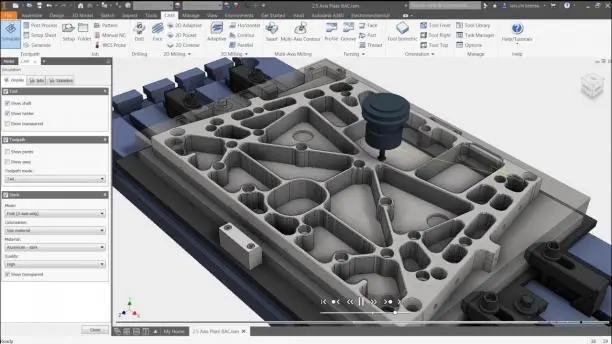
HSMWorks brings Autodesk CAM toolpaths directly into SOLIDWORKS, but reliable machining depends on a well-configured post processor. We tailor CNC posts to your machines, controllers and shop-floor standards, so G-code output is consistent, safe and ready to run, reducing manual editing and prove-out time.
CNC Post Services
Benefits of a CNC Post Processor
Integrated CAD/CAM Workflows
Reliable NC code starts long before the first program is sent to the machine. A carefully configured CNC post processor reflects the way your workshop really programmes, proves out and runs parts, instead of relying on the generic defaults supplied with Autodesk Inventor CAM or Fusion. By working with your programmers and machinists, we build posts that are consistent, easy to maintain and ready for production work.
The key benefits usually include:
- Right first time: G-code that matches your controller, axis layout and tool changer, so programs run as expected with less manual editing at the machine.
- Consistent output: standard program headers, safe-start blocks, tool numbering and work offsets applied to every job, whoever creates the toolpaths.
- Machine-specific support: correct handling of multi-axis moves, probing cycles, canned cycles, coolant codes and sub-spindle operations across milling and turning centres.
- Reduced risk: fewer hand edits mean fewer mistakes on the shop floor, less scrap and a lower chance of damaged tooling or fixtures.
- Simpler maintenance: when a machine or process changes, one updated post keeps every programme aligned rather than requiring jobs to be corrected individually.
- Clearer documentation: set-up sheets that align with the posted code, giving operators accurate information before cutting begins.
A well-built post only delivers its full value when people understand how to use and look after it, which is why separate training paths are available. Administrator training concentrates on managing machine definitions, maintaining post libraries, controlling standards and resolving common output issues, so your team can keep posts in good order without depending on outside support. User training is aimed at CAM programmers, covering post properties, simulating output, verifying code and getting the most from each configured machine.
Training can be built around your own posts and machines rather than generic examples, so users learn with the exact set-ups they rely on every day. This shortens the learning curve and helps new standards become established habits quickly. Refresher sessions can also be delivered as your equipment changes or new team members join.
Whether you are introducing CAM for the first time, moving from another system or tidying up posts that have become inconsistent over time, our consultants can review your current position, recommend practical improvements and support you through implementation. The result is dependable G-code, a confident team and finished parts that stay consistent from the first toolpath to the final component.
Complimentary Software and Services for Autodesk Software
Design Consulting offers a complete ecosystem of complementary software, training, and professional services designed to extend the power of Autodesk solutions. Alongside our training courses for tools like Revit, AutoCAD, Inventor, and Vault, we deliver expert services for design automation, CAD/BIM setup, template development, and Vault deployments and migrations. We supply software tools to enhance Autodesk workflows through intelligent automation, batch variant rendering, and real-time visualisation systems. We also develop web-based configurators and custom plug-ins that streamline product design, quoting, and sales processes. From parametric modeling to programming services, Design Consulting helps engineering and design teams unlock efficiency, consistency, and scalability across their entire digital design environment.
With this ecosystem of software and services, Design Consulting provides End to End Solutions that connect data, models, applications, systems, employees, departments, customers and suppliers, enabling seamless collaboration, streamlined workflows, and accelerated decision-making across the entire product and project lifecycle. By integrating design, automation, and digital delivery, your business becomes more efficient, reduces manual effort, saves time, and ultimately increases profitability.
Services Software Training Cloud End to End Solutions
Why Choose Design Consulting | Autodesk Gold Partner | Autodesk Service Provider
Design Consulting is a trusted Autodesk Gold Partner and Autodesk Service Provider. Design Consulting empowers architects, engineers, manufacturers, and builders with smart software, systems, automation, and digital tools that provide Autodesk end-to-end solutions that are connected with systems and machines. As an Autodesk Gold Partner, we deliver tailored solutions that simplify workflows, reduce costs, and drive better project outcomes.
About DC Autodesk Courses Services Configurators CRM/ERP Batch Imagery
Setup CAD/CAM for Your Business
Get in touch to explore how a tailored CAD/CAM setup, with customised CNC posts, machine configurations and training, can transform your business.
Fill out the contact form below or contact us on 1800 490 514, info@designconsulting.com.au or by live chat